
5 days
Every tool, every module
The trial opens the whole studio and every construction module. Nothing is charged until you choose.
Product
ModelingAssemblies & motionDrawingsSimulationCAMMaterials & renderingAI agentsDevelopersModules
TimberTimber frameCLTStructural steelLight-gauge steelStairsRoofingUse cases
Mechanical designMakers & 3D printingWoodworking & furnitureArchitecture & housingKozorosa
HelpPricingDownloadFoundryDownload
The whole studio on your own machine — the geometry kernel, the database and the server inside one application. Your models stay on your disk; nothing you model leaves your Mac.
Kozorosa for Mac is opening to its first users: ask for the trial and we send you the download.
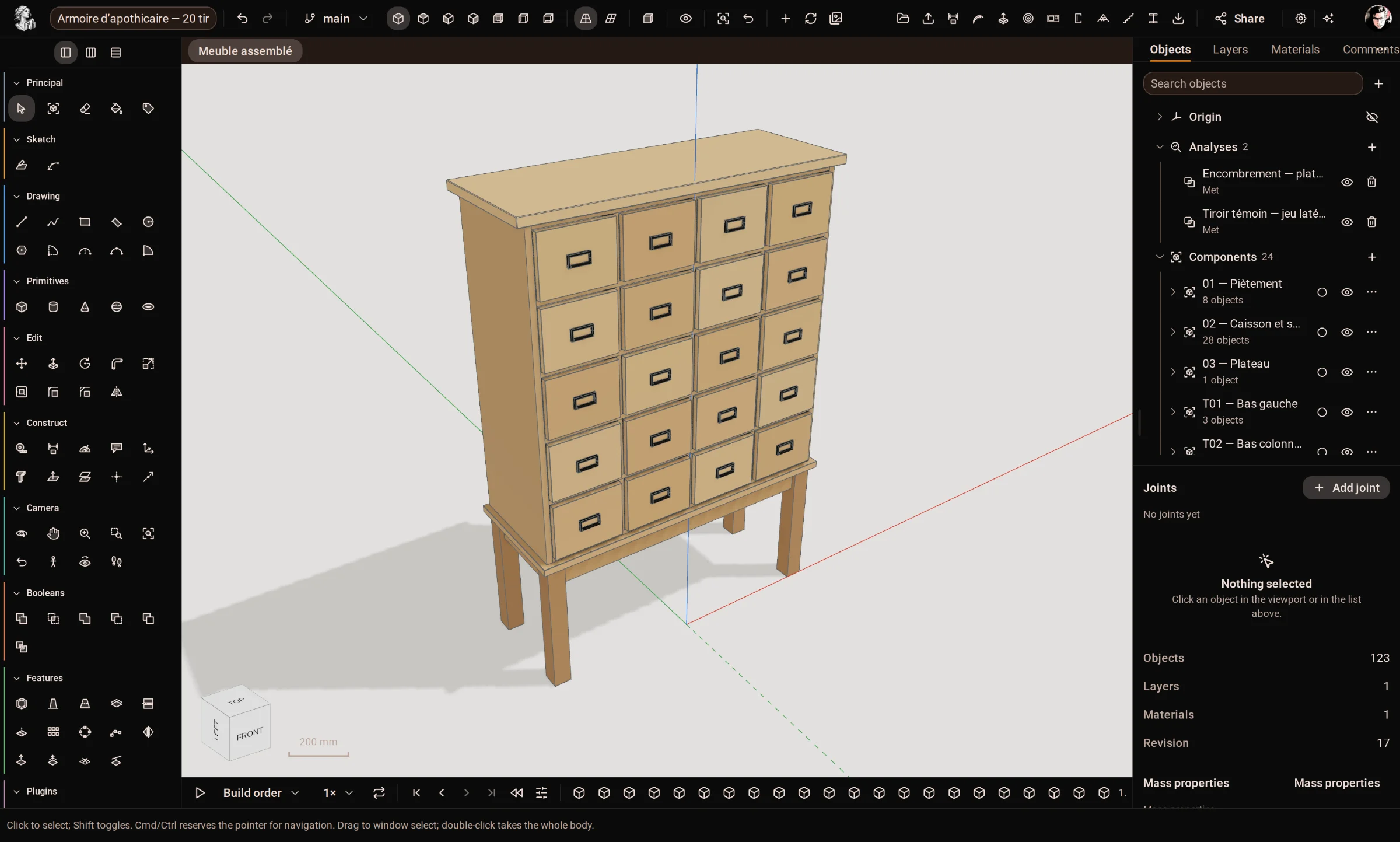
Apple silicon (M1 and later). One application, about 340 MB to download.
Start the trialThe same application for Windows 10 and 11. A desktop licence carries over.
Tell me whenThe same application for the major distributions. A desktop licence carries over.
Tell me when5 days
The trial opens the whole studio and every construction module. Nothing is charged until you choose.
Your files
Kozorosa documents (.k3d) keep the whole history; STEP and the other formats go wherever you need them.
Your agent
Help → Connect an AI Agent gives Claude Code, Cursor or Codex the MCP setup for the app on your Mac.
Teams
Foundry runs Kozorosa in the browser on your own servers, with accounts, organisations, live collaboration and the API.
About FoundryFirst steps
Short step-by-step articles for every tool, each with a picture of the application at every step.
Help centre