
Help centre
How to do it in Kozorosa.
Short articles, one per tool and task. Every picture was taken in the application by the help recorder, which runs each article in a browser and checks that it worked — so what you see is what the current version does.
Workspace
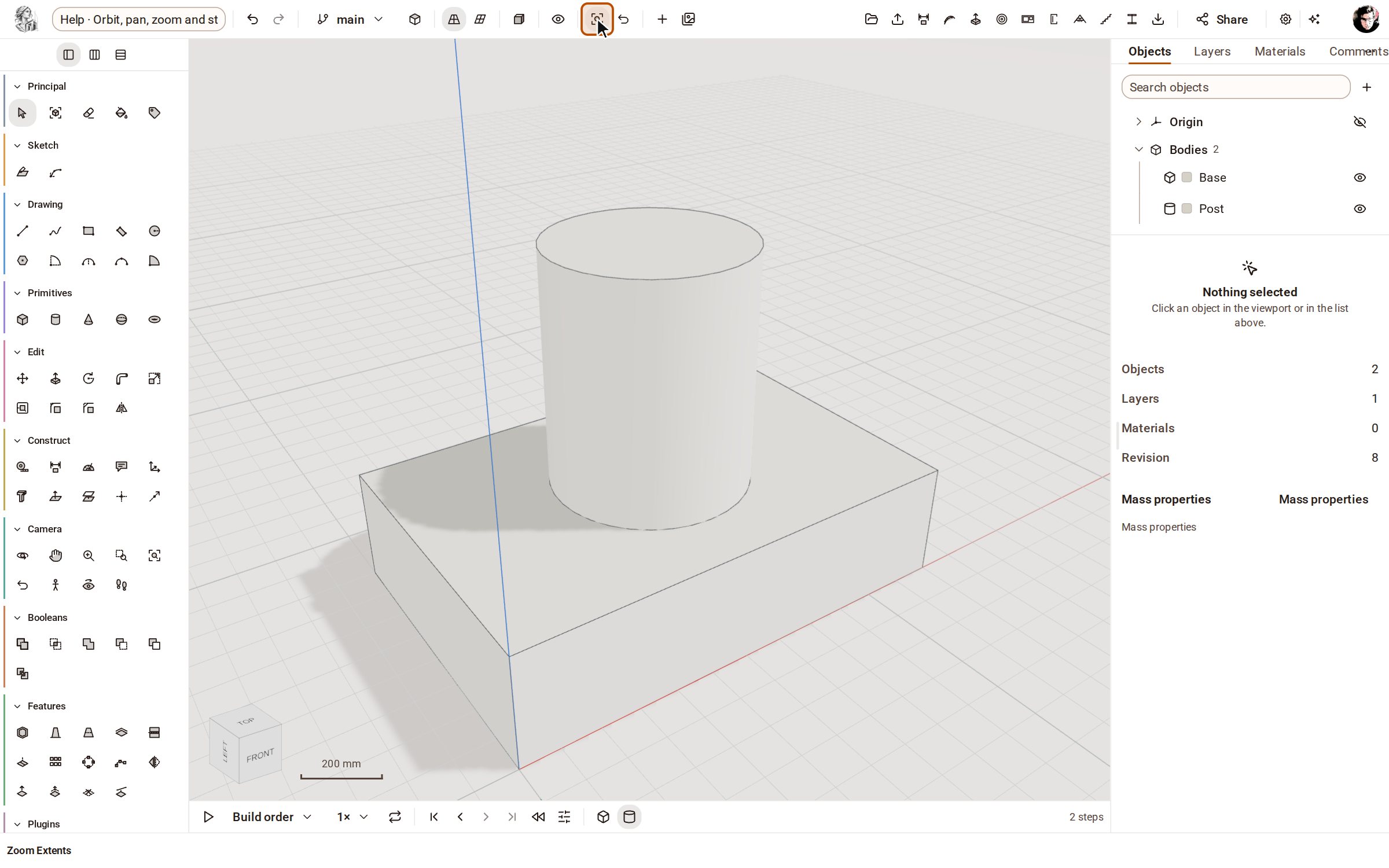 Orbit, pan, zoom and standard viewsTurn, slide and zoom the camera around your model with the Camera tools, and jump to a standard view (Top, Front, Iso…) from the bar above the view.
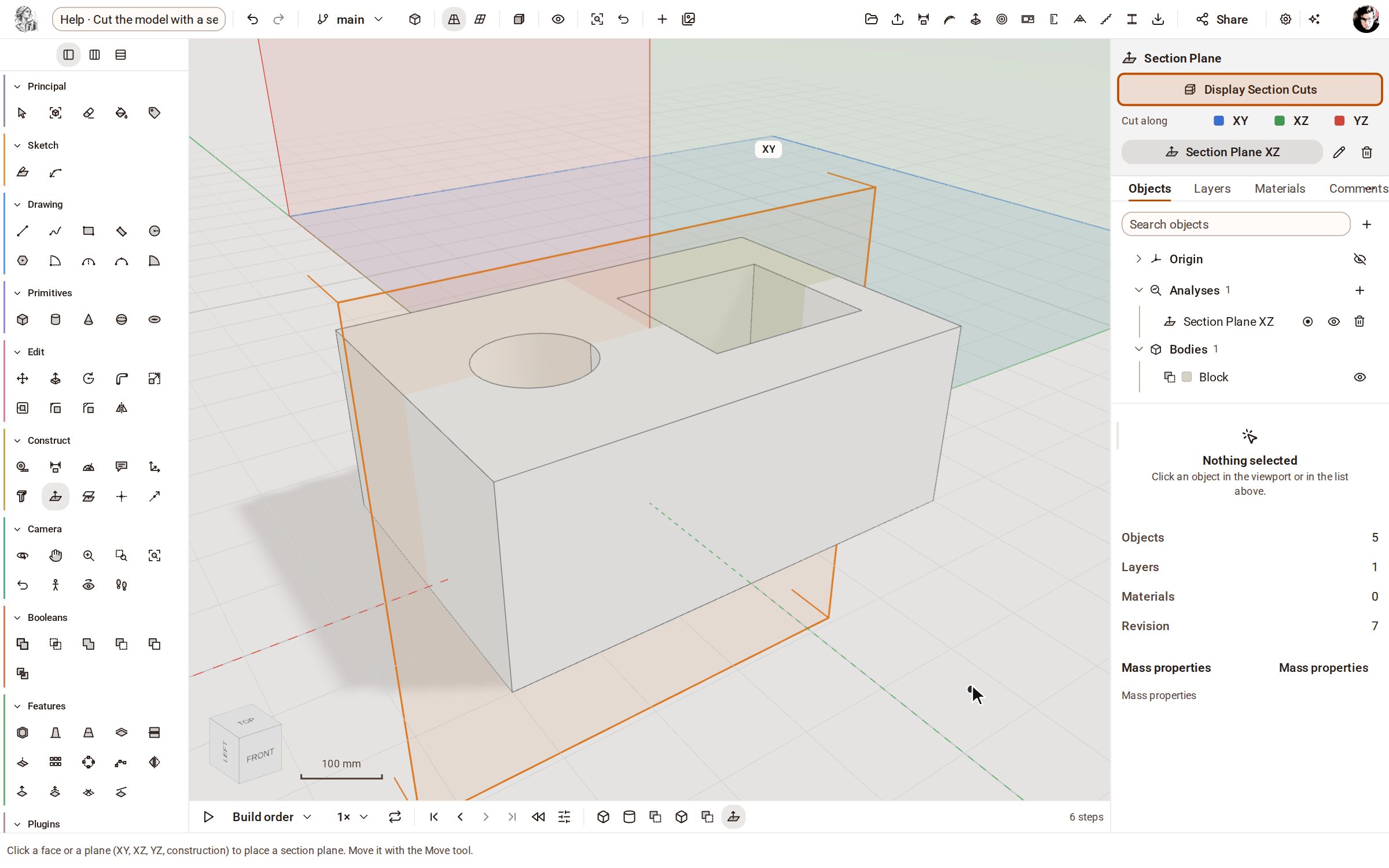 Cut the model with a section planeA section plane slices the view of your model so you can see inside it — holes, pockets and wall thicknesses — without changing the geometry.
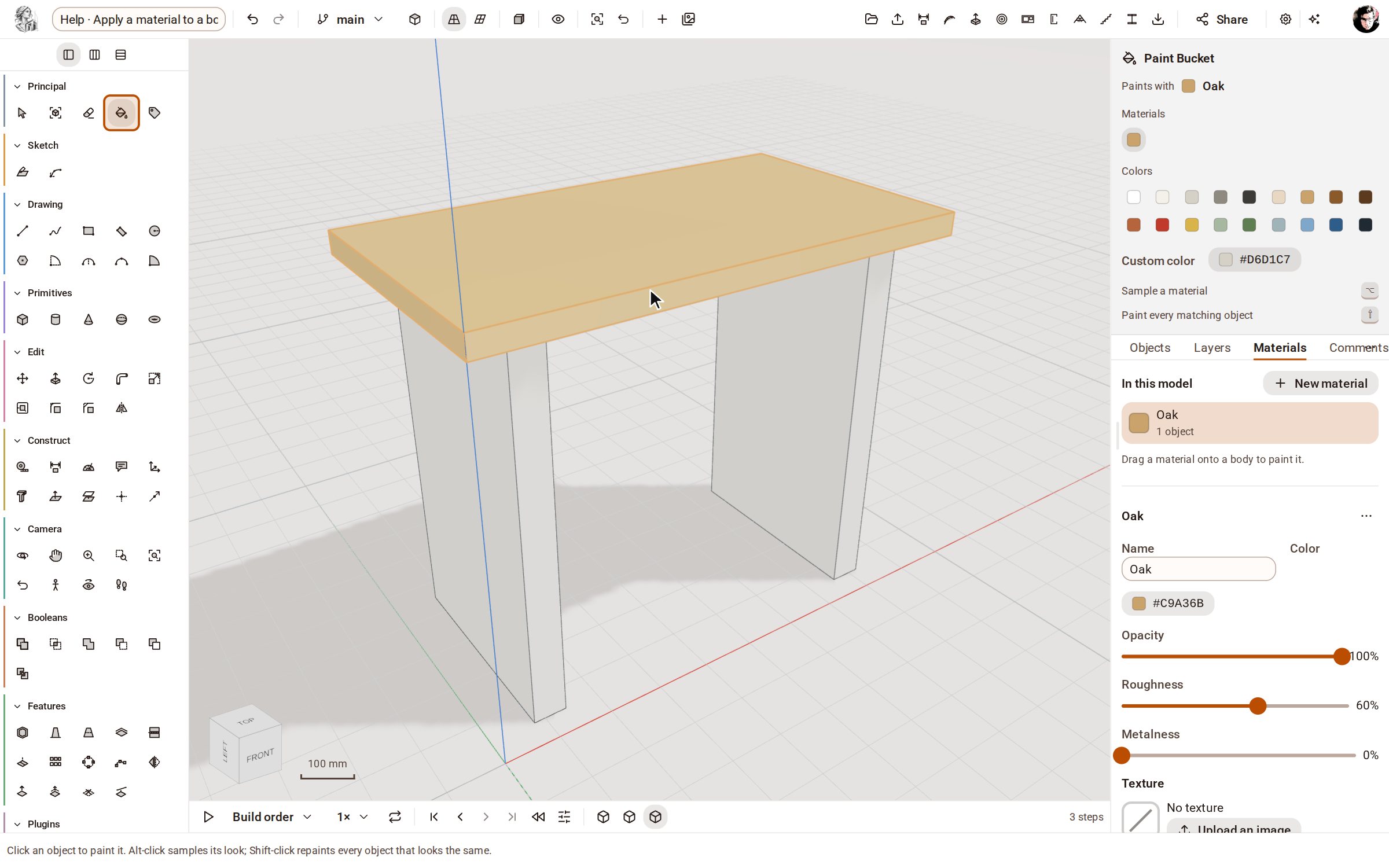 Apply a material to a bodyMaterials give bodies their colour and finish — oak, steel, glass, brick and more. Add one from the library in the Materials panel, then paint it onto a body.
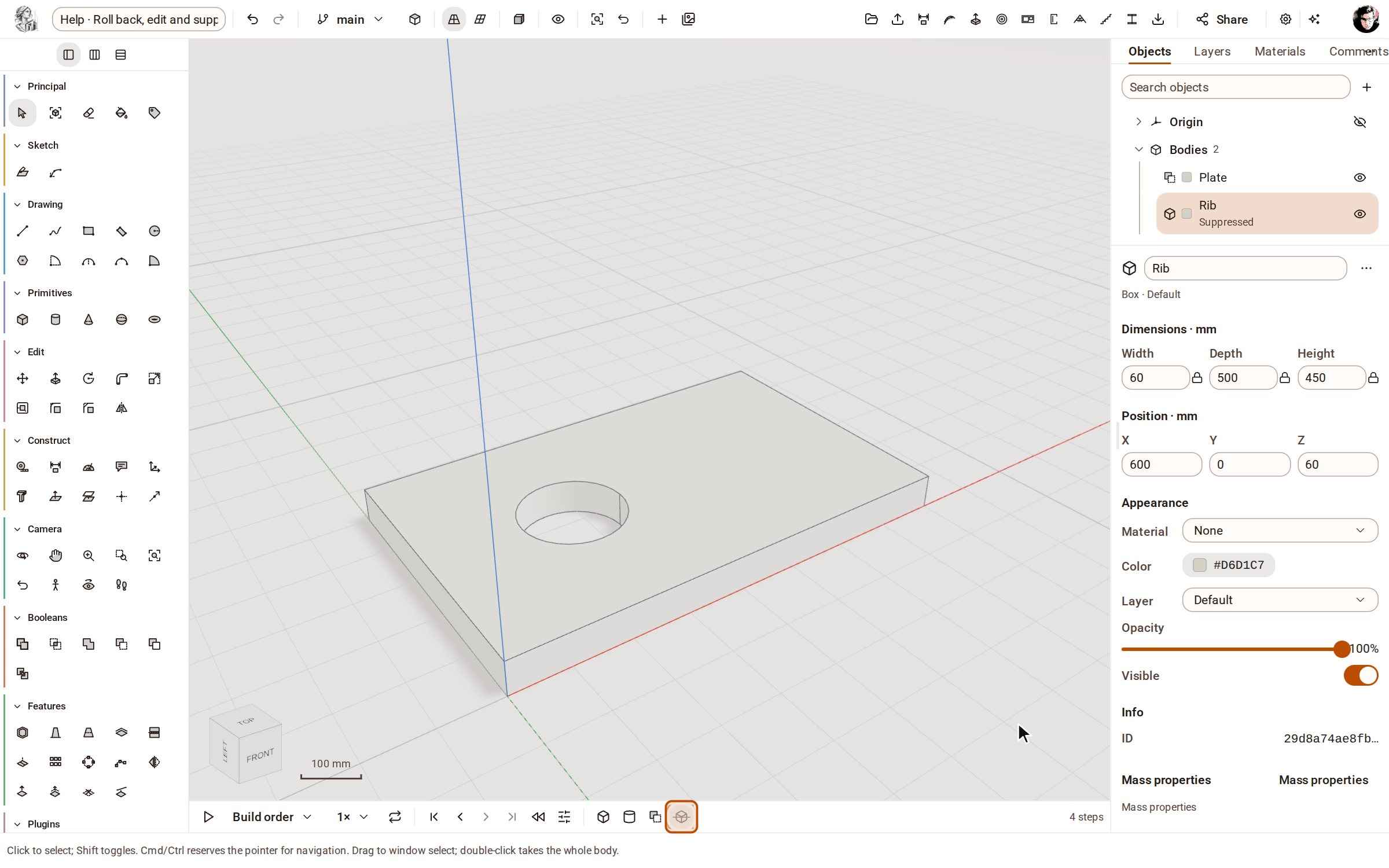 Roll back, edit and suppress steps on the timelineThe timeline under the view lists every step that built your model, in order. Click a step to see the model as it was then, change a step's numbers and everything after it rebuilds, or suppress a step to try the model without it.
Drawing
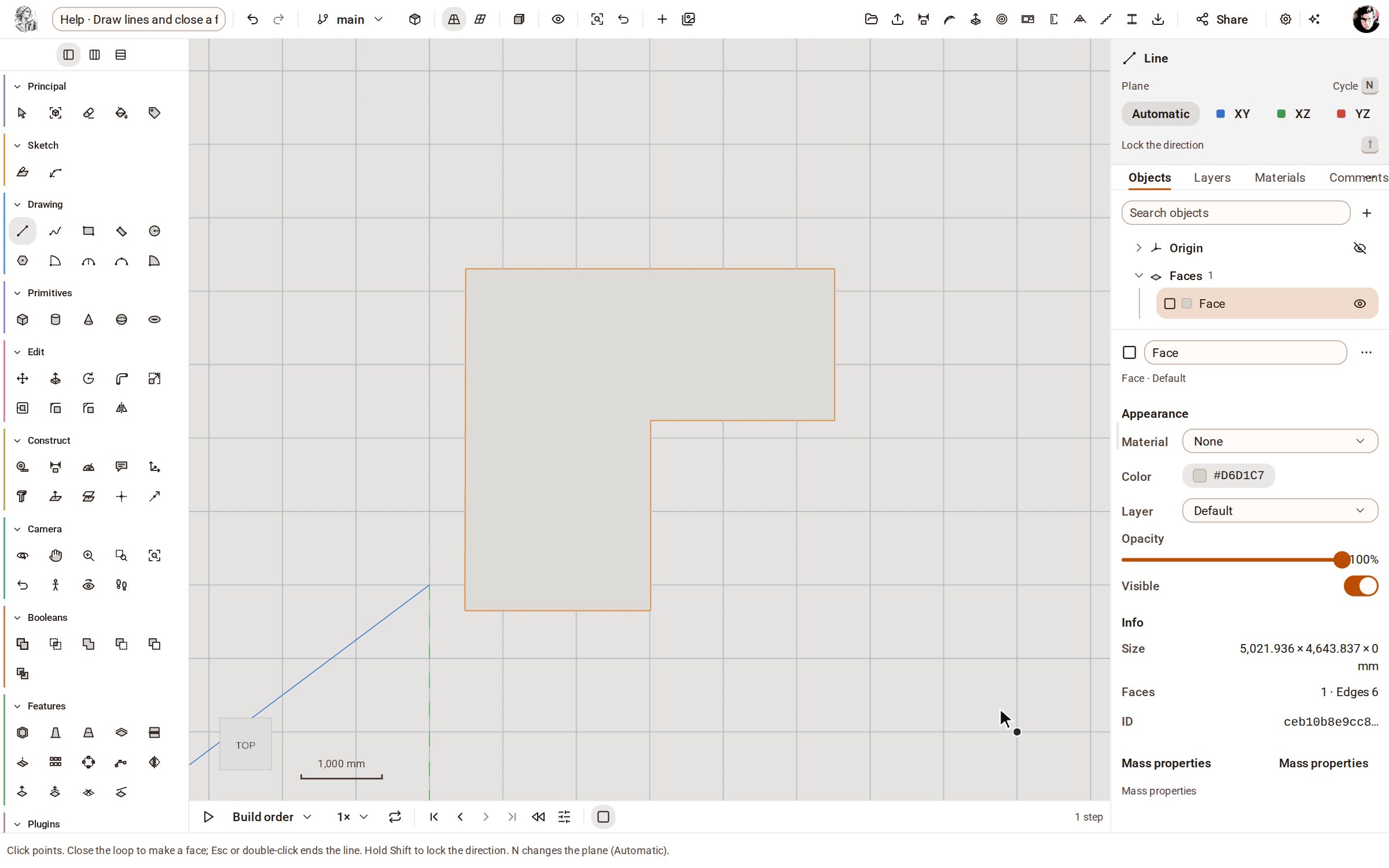 Draw lines and close a faceLine draws straight edges point by point on the ground or on a face. Bring the last point back to the first and the closed loop becomes a face you can push into a solid.
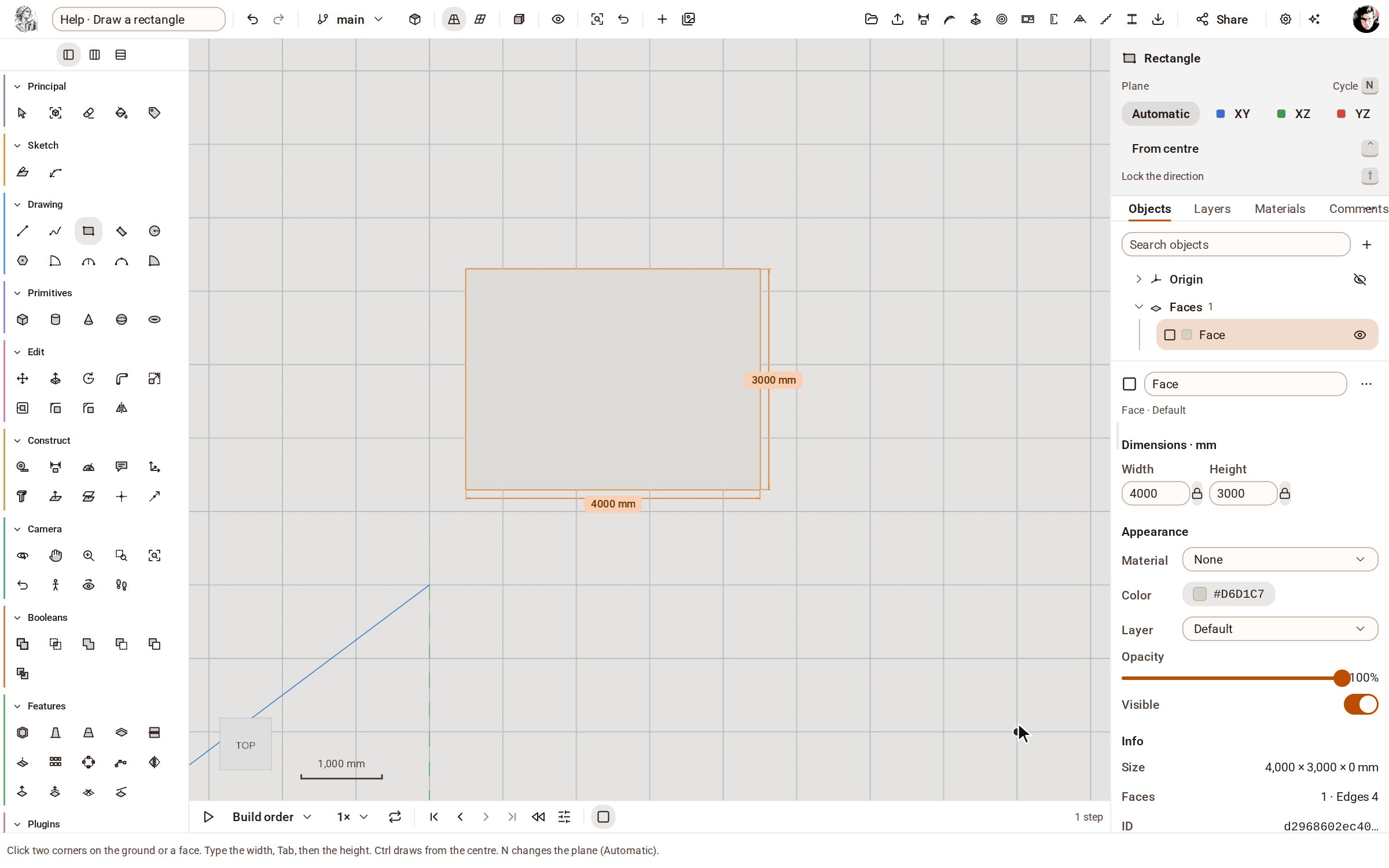 Draw a rectangleRectangle draws a four-sided face from two opposite corners, on the ground or on any flat face. Type the width and height to make it an exact size.
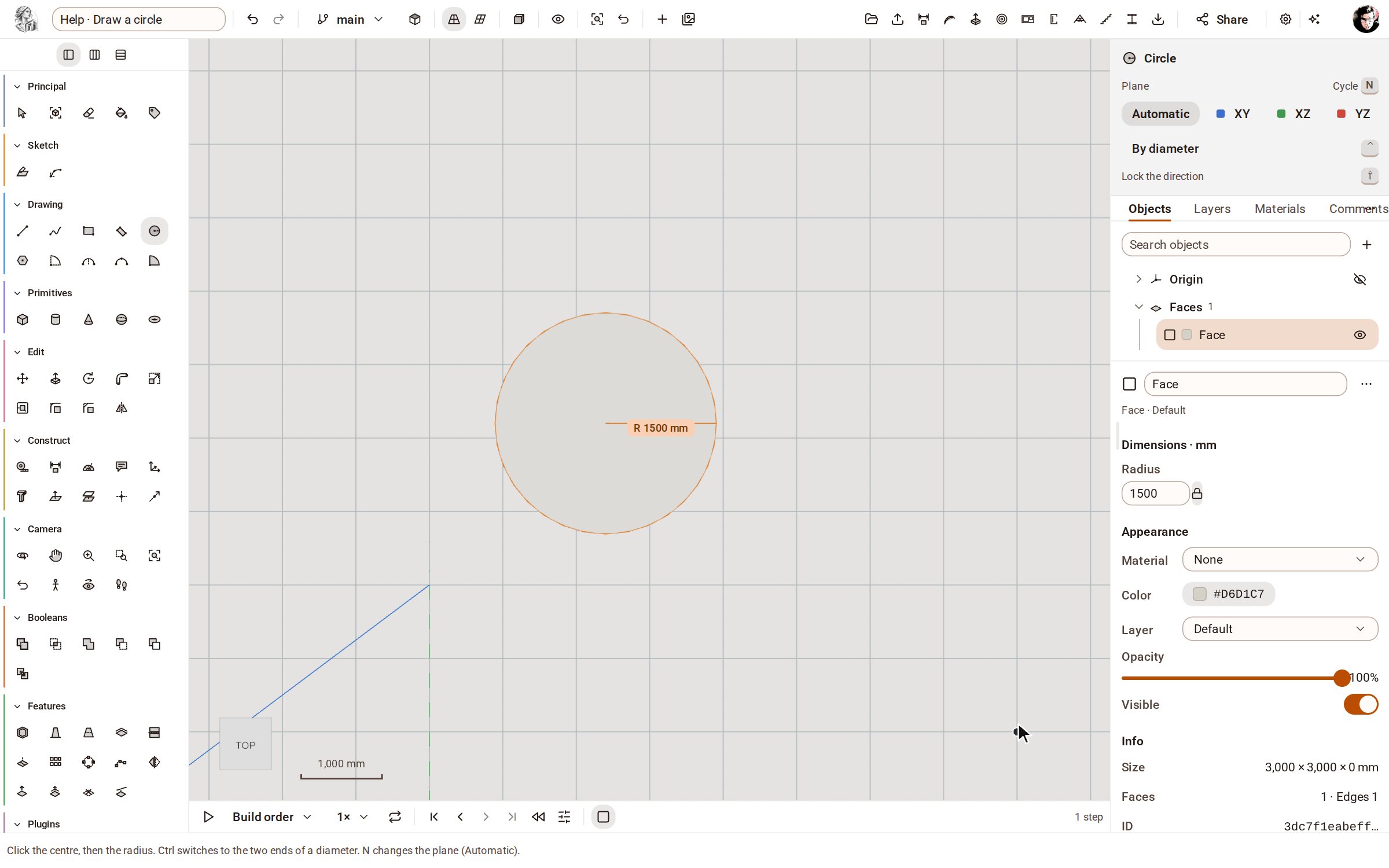 Draw a circleCircle draws a round face from its centre and radius, on the ground or on any flat face — ready to push into a cylinder or cut a hole.
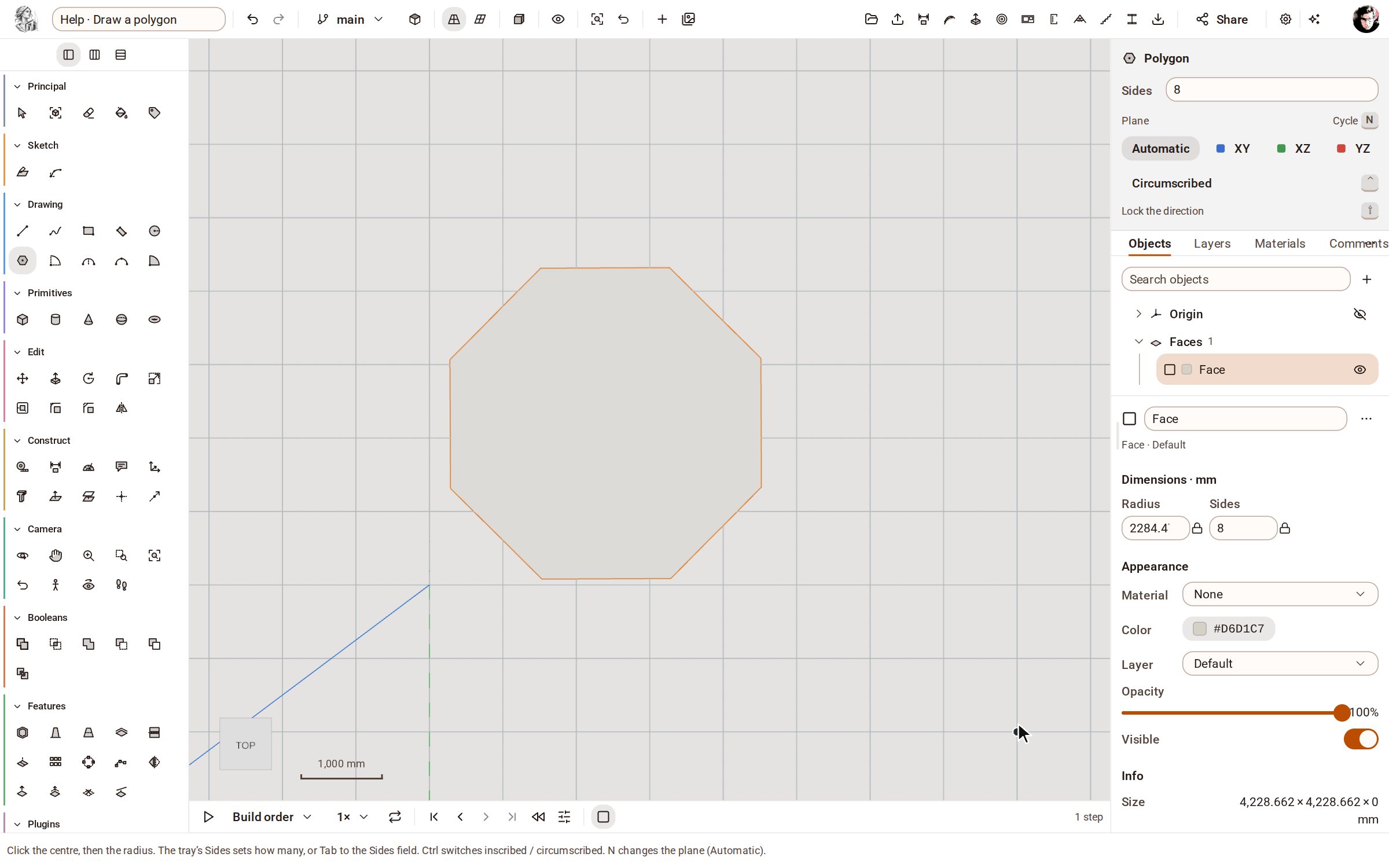 Draw a polygonPolygon draws a regular face with as many equal sides as you ask for — a hexagon, an octagon — from its centre and radius.
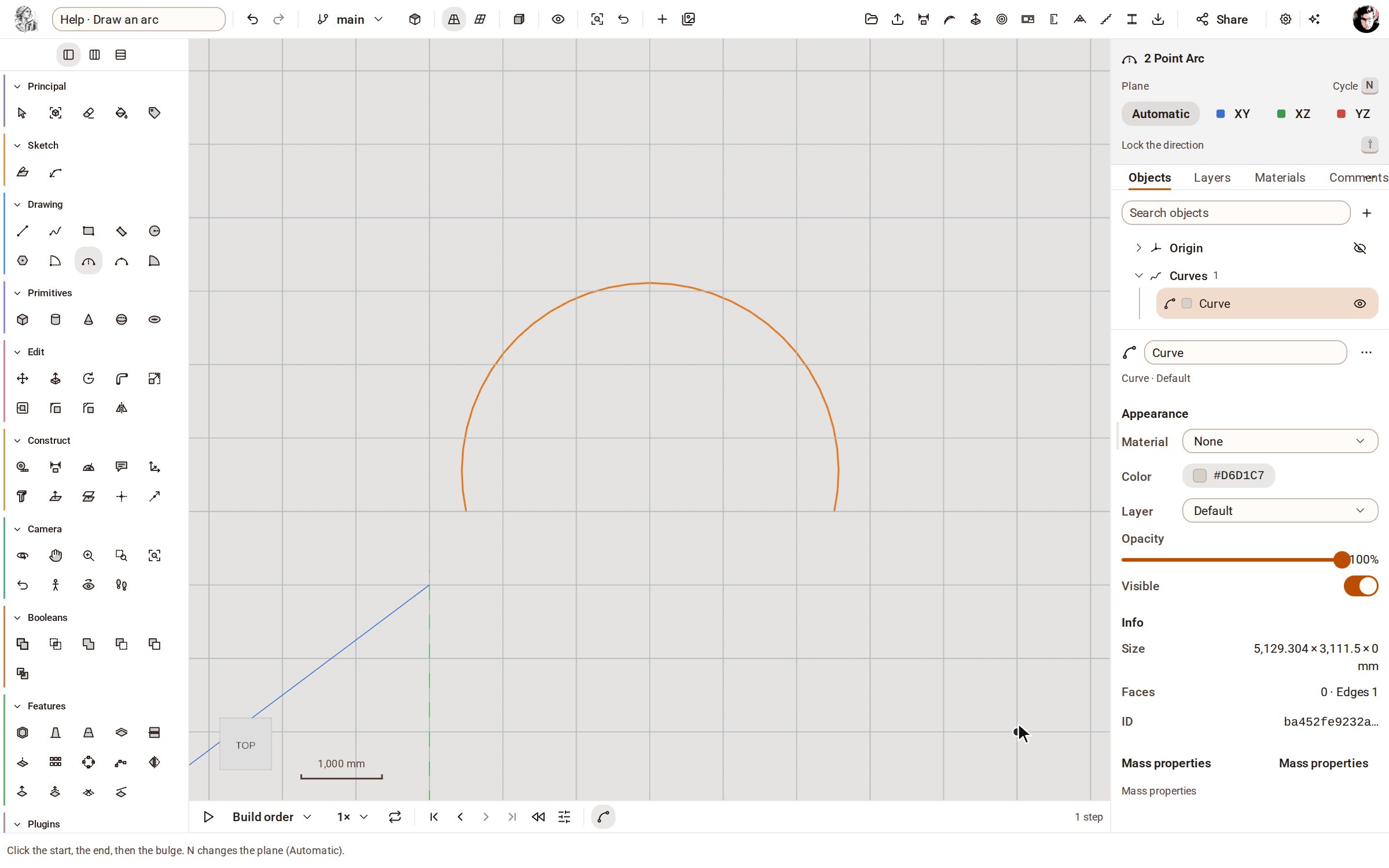 Draw an arc2 Point Arc draws a curved edge from its two ends and how far it bulges. Use arcs to round off an outline before you close it into a face.
Modeling
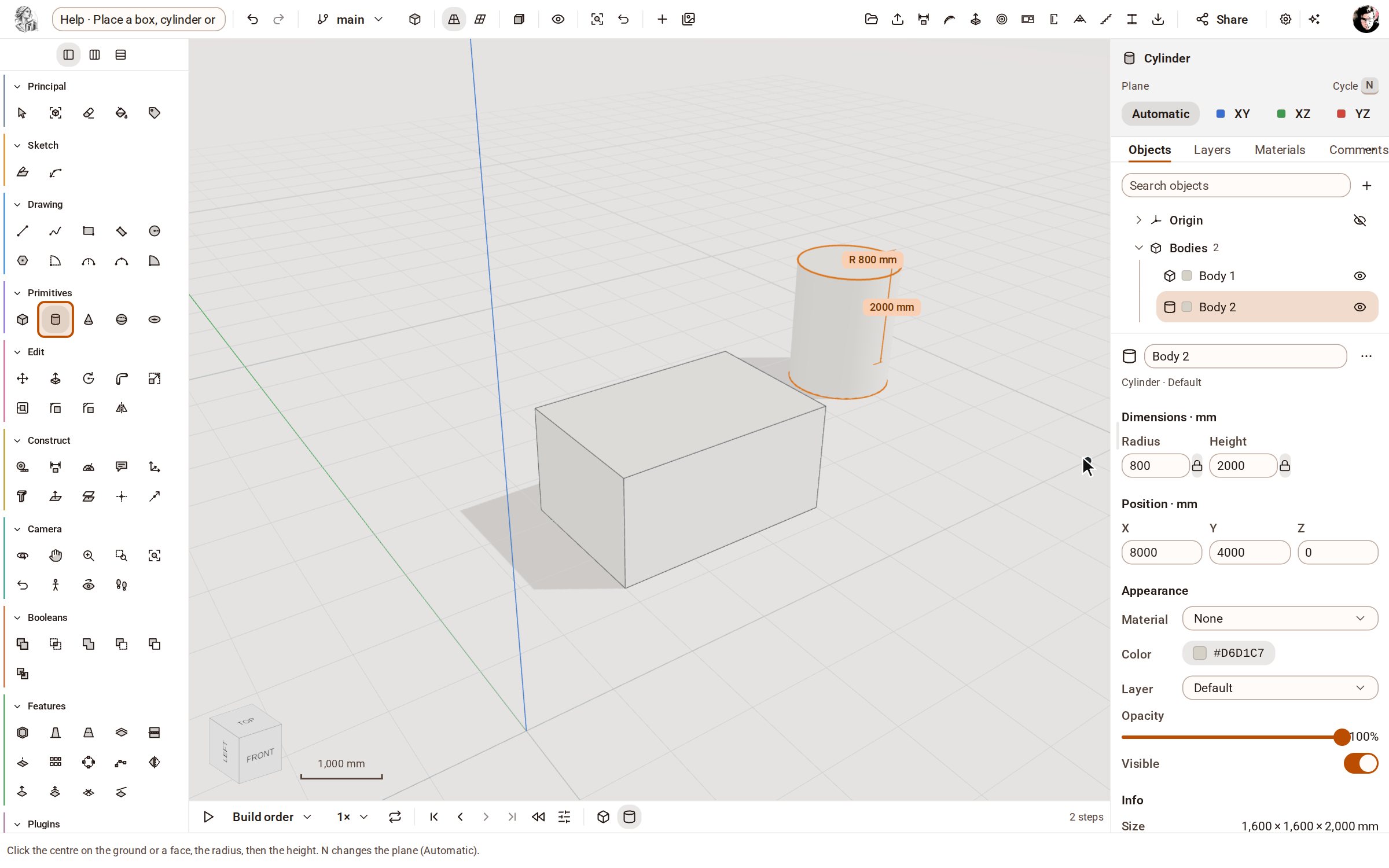 Place a box, cylinder or sphereThe Primitives group places ready-made solids — box, cylinder, cone, sphere and torus — with a few clicks or typed sizes.
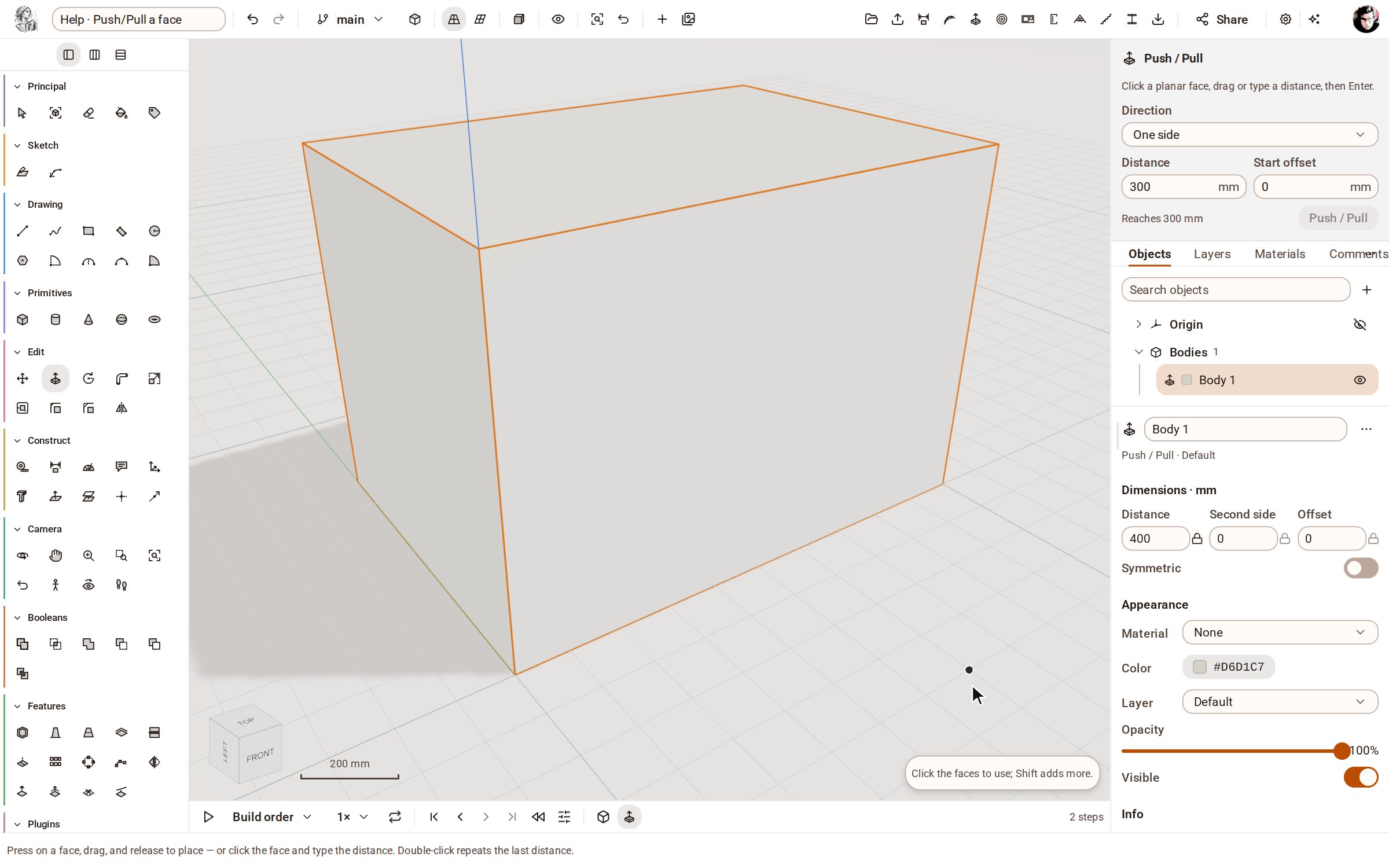 Push/Pull a facePush/Pull extrudes any flat face of a solid by a distance: raise a slab into a block, sink a pocket, or thicken a wall — and the solid stays a clean B-rep.
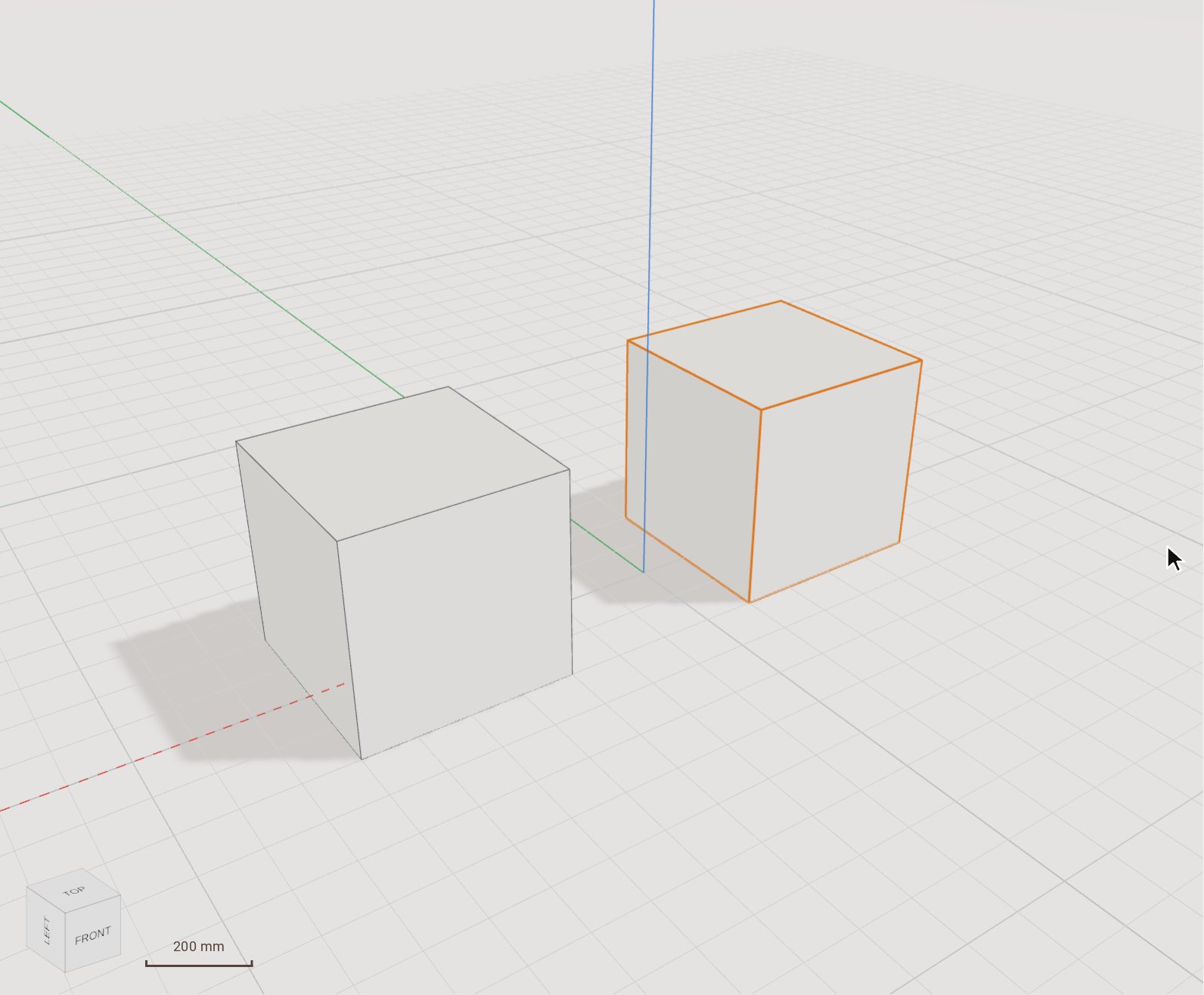 Move (and copy) a bodyMove slides the selected bodies from one point to another, by a pointer gesture or an exact typed distance. Switch on Copy and it leaves the original where it was and places a copy instead.
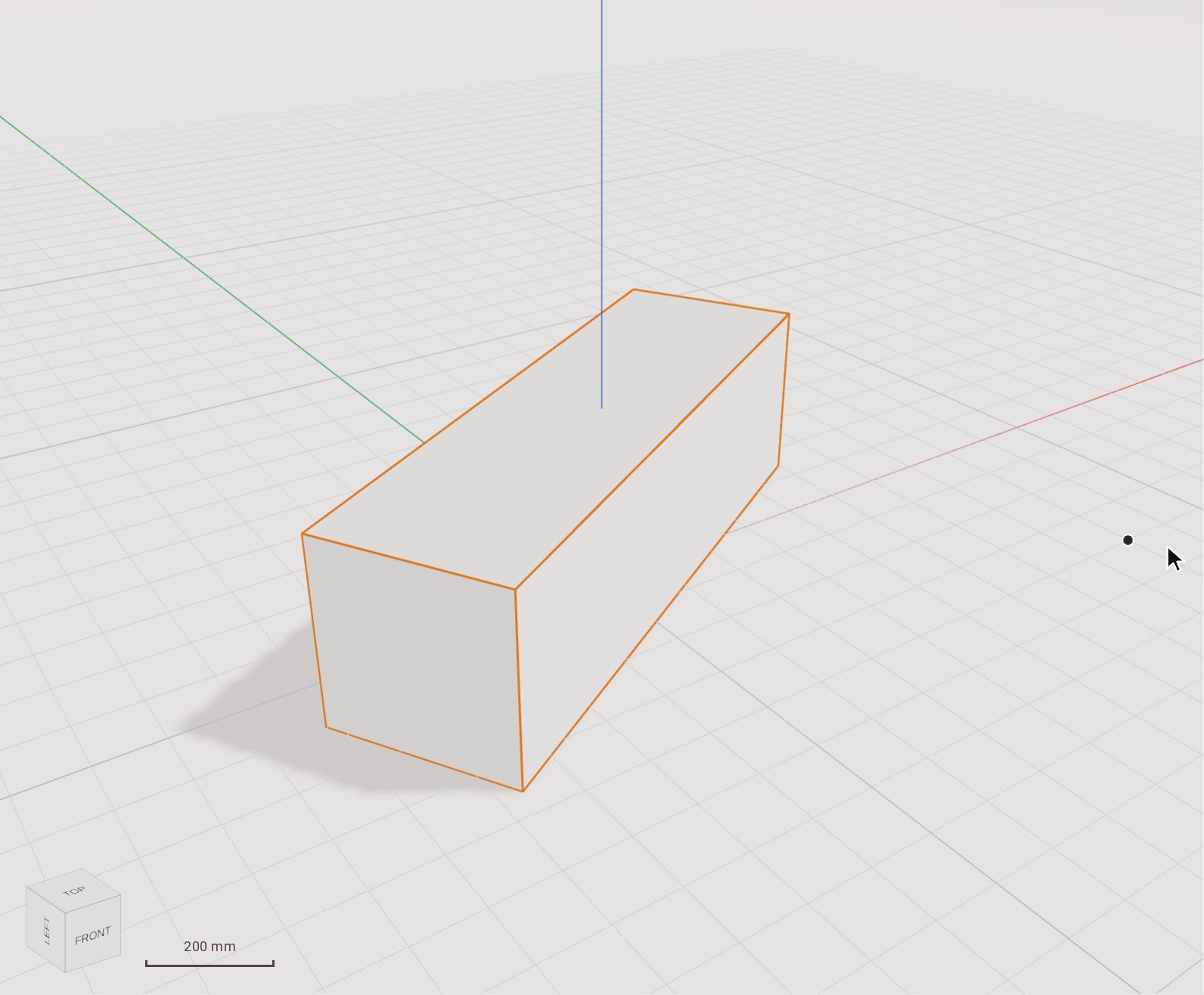 Rotate a body by a typed angleRotate turns the selected bodies about an axis through a pivot you click. Set the angle by moving the pointer, or type it exactly.
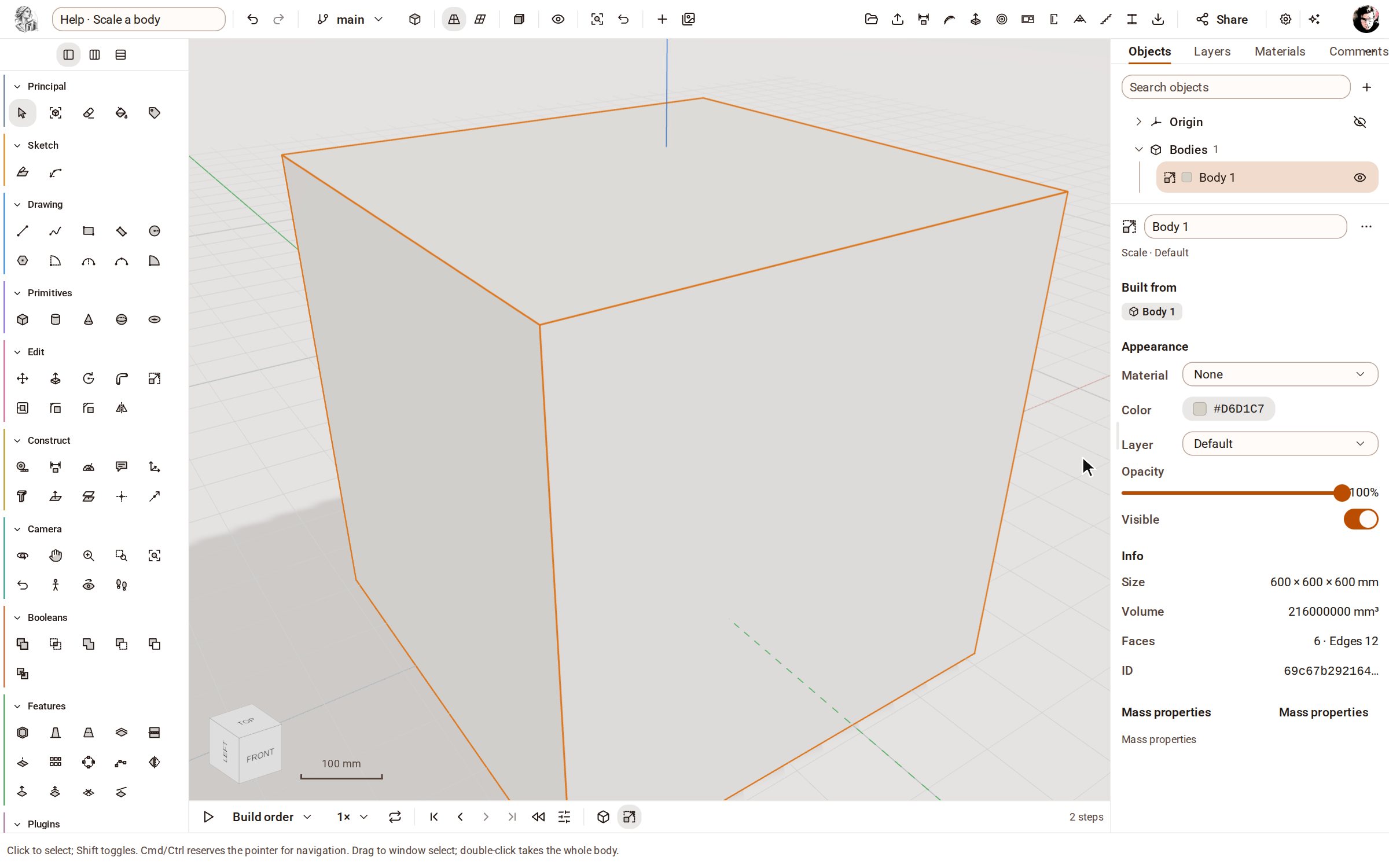 Scale a bodyScale makes the selected bodies bigger or smaller by a factor, uniformly or along one axis at a time.
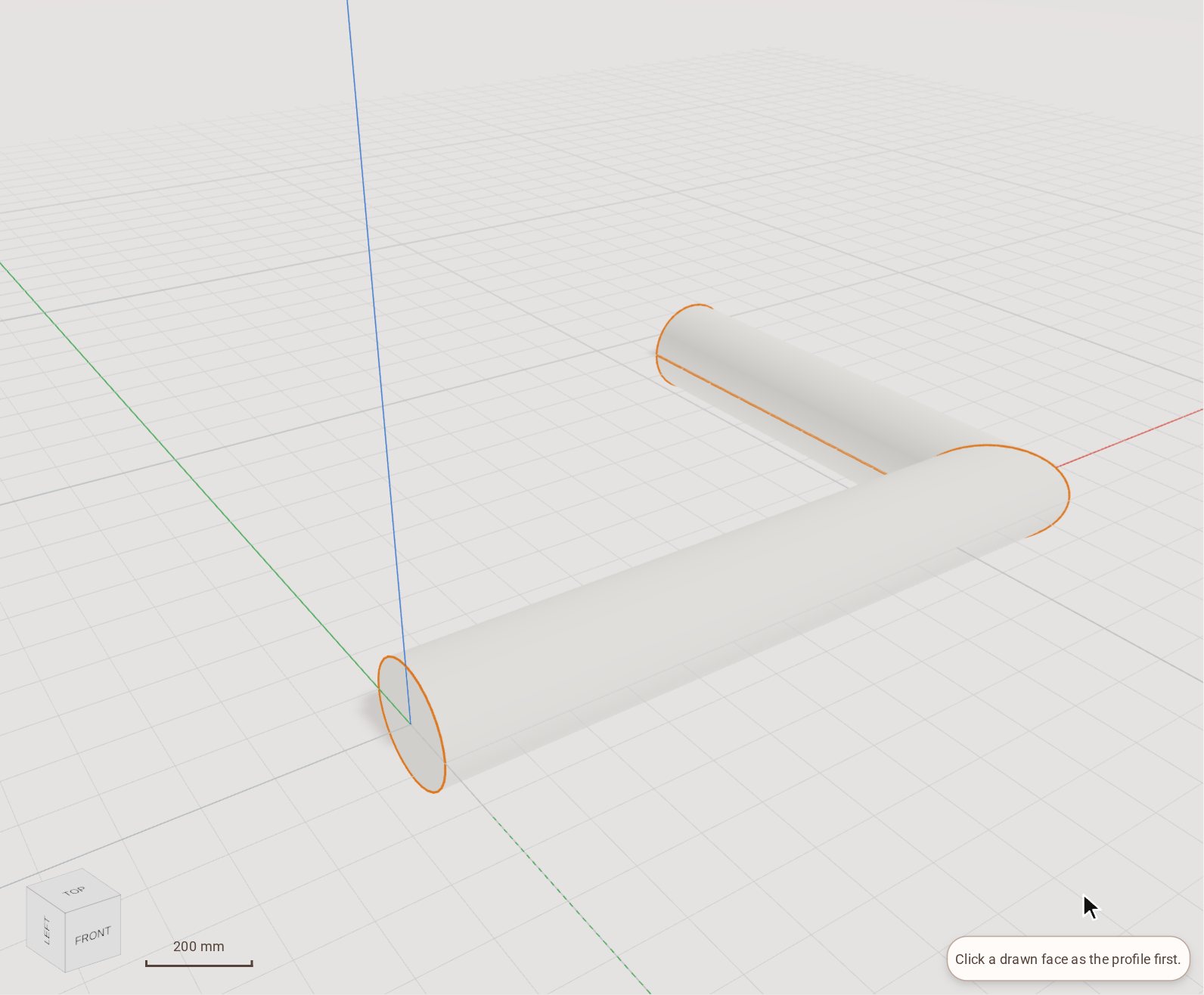 Sweep a profile along a path with Follow MeFollow Me drives a flat face along a path of lines or curves and leaves the solid it sweeps out: a pipe from a circle, a handrail, a moulding round a corner.
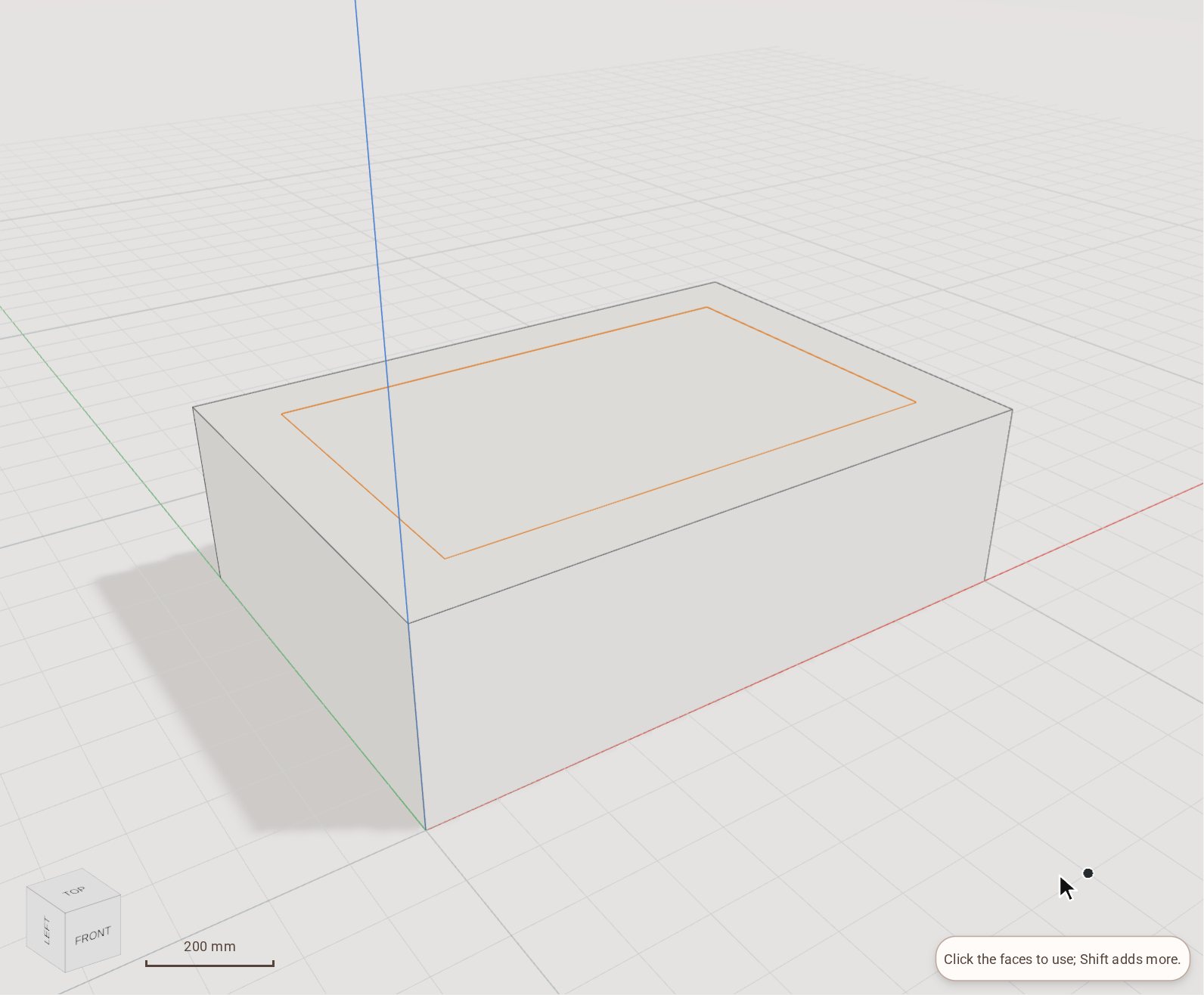 Offset a face's edgesOffset draws a copy of a flat face's outline a set distance inside or outside it, as a new face. Inset the top of a slab, then push the new face down to make a tray or up to make a plinth.
Sketch
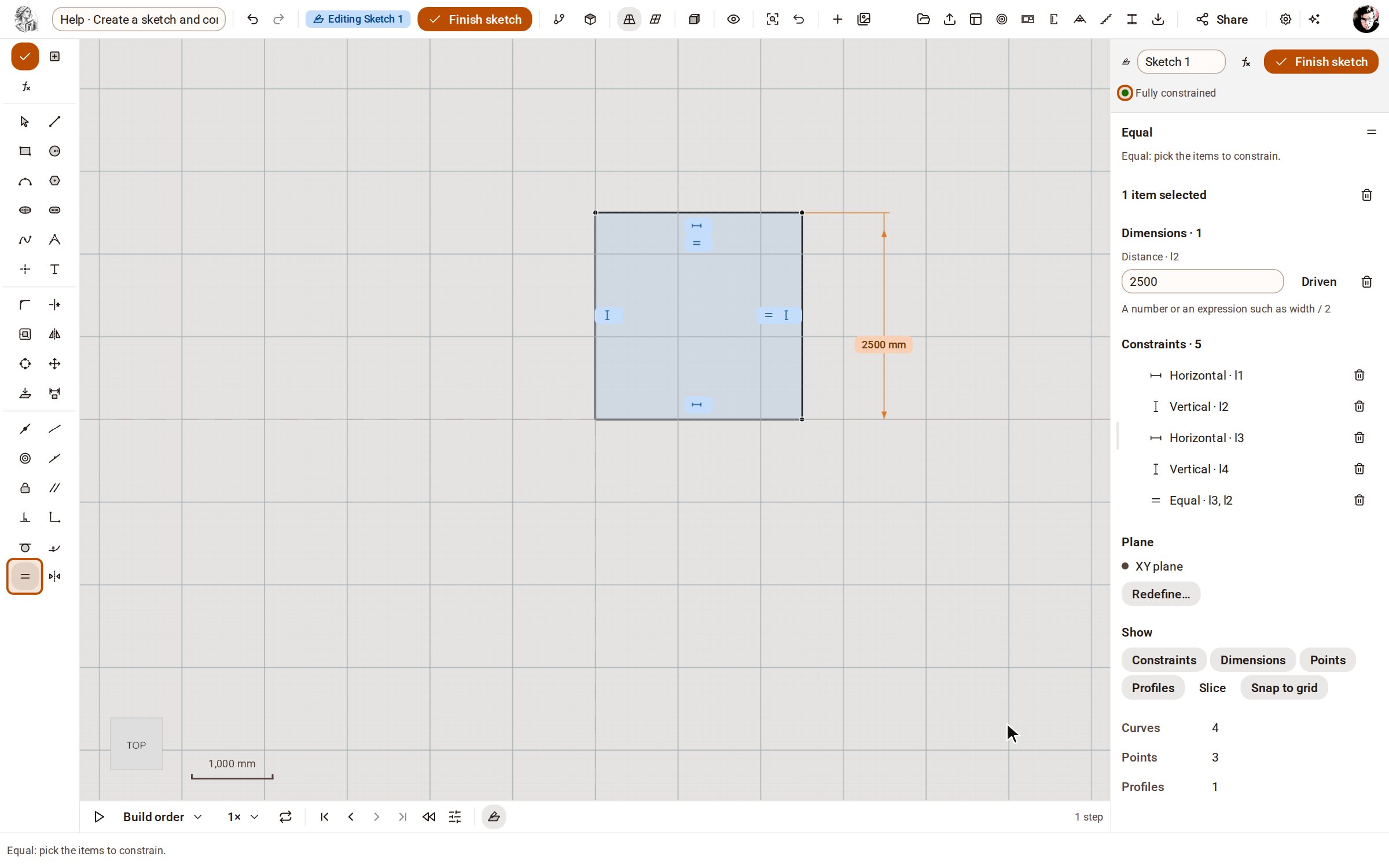 Create a sketch and constrain itA sketch is a 2D drawing on a plane whose shape is held by dimensions and constraints, not by where you happened to click. Change a dimension later and the sketch, and every solid built from it, follows.
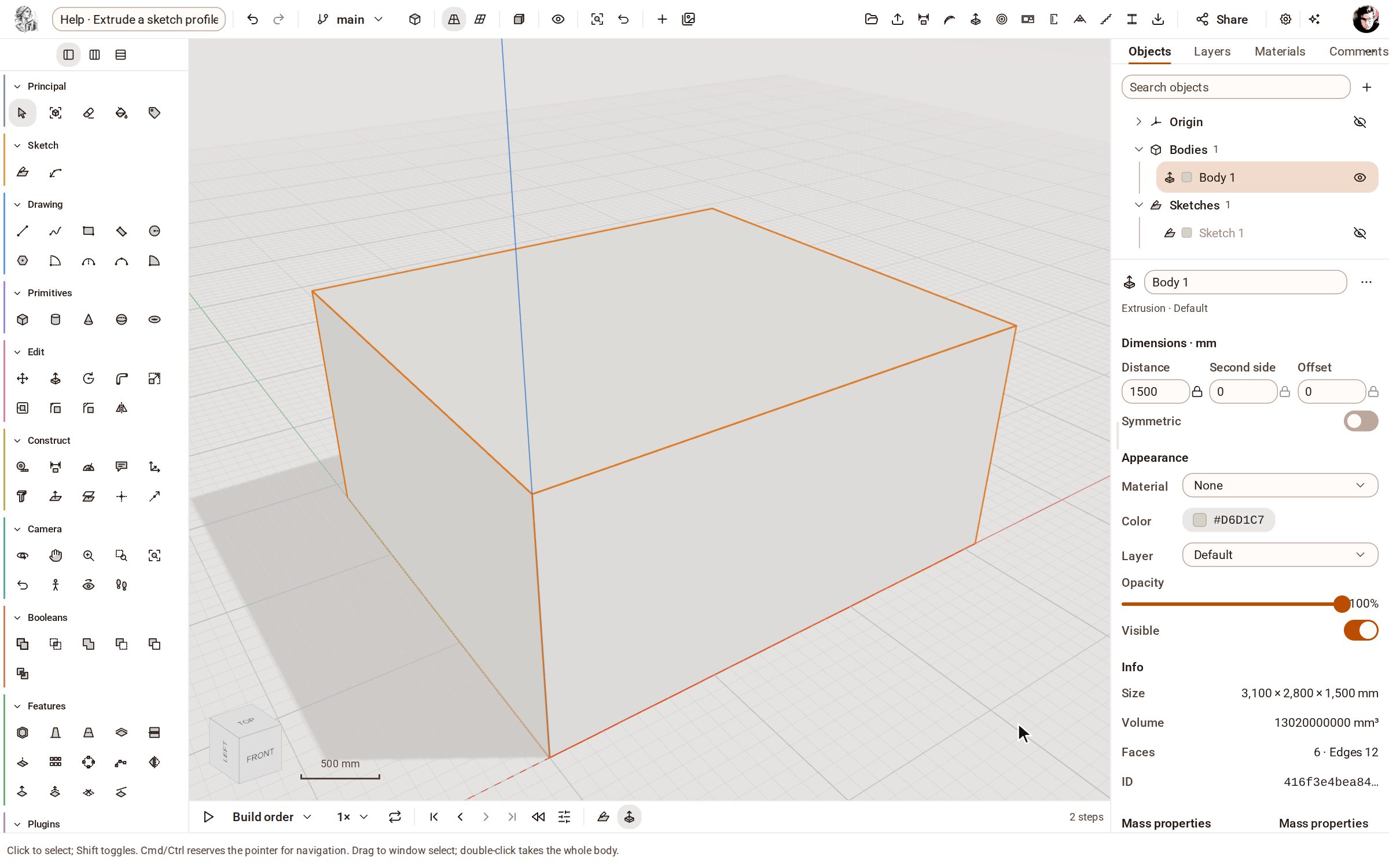 Extrude a sketch profile into a solidExtrude turns the closed outlines of a finished sketch into a solid of the depth you give it. The solid stays tied to the sketch: change a dimension and it rebuilds.
Features
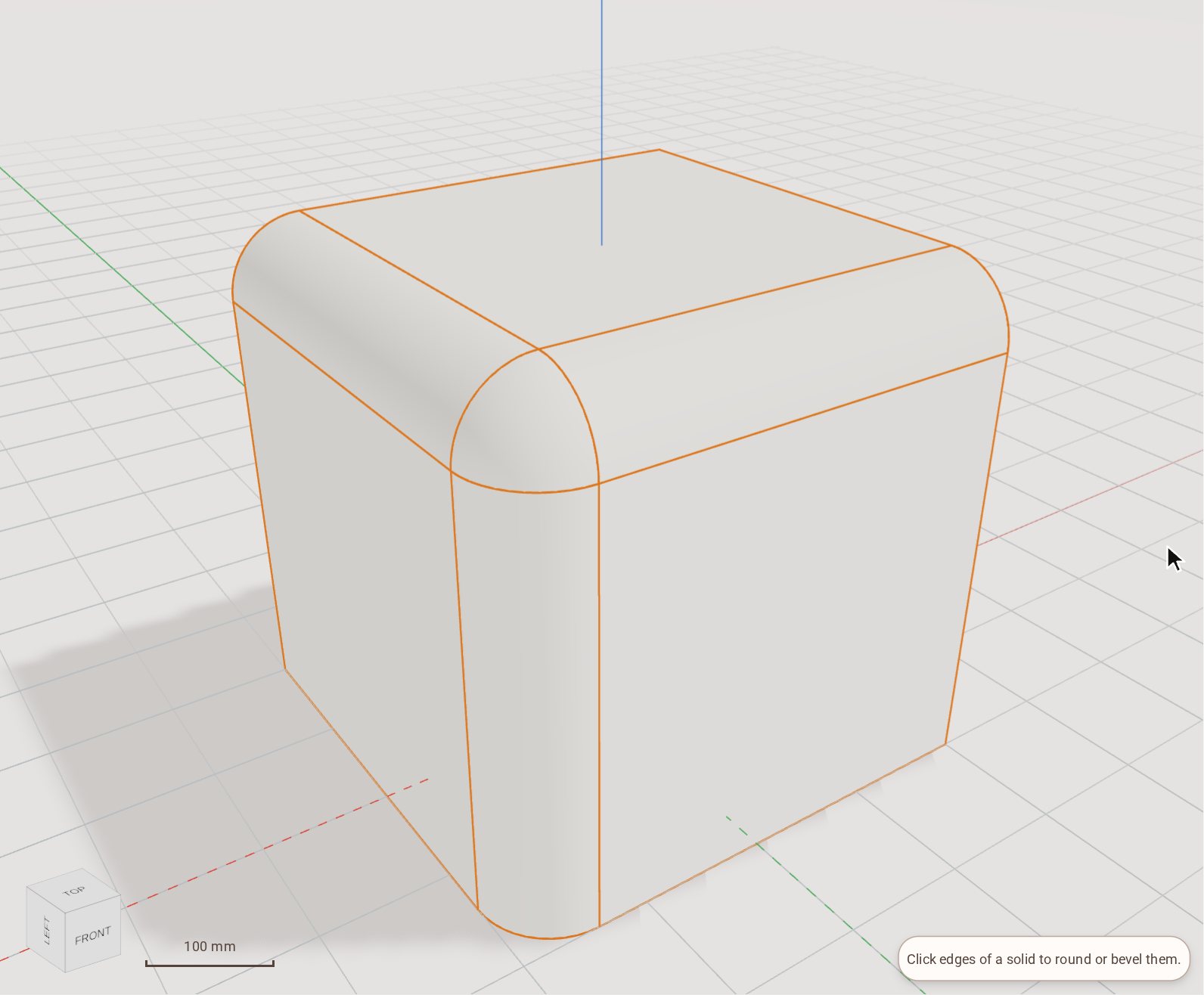 Round edges with FilletFillet rounds the edges of a solid to a radius you set. Pick as many edges as you like and round them in one step.
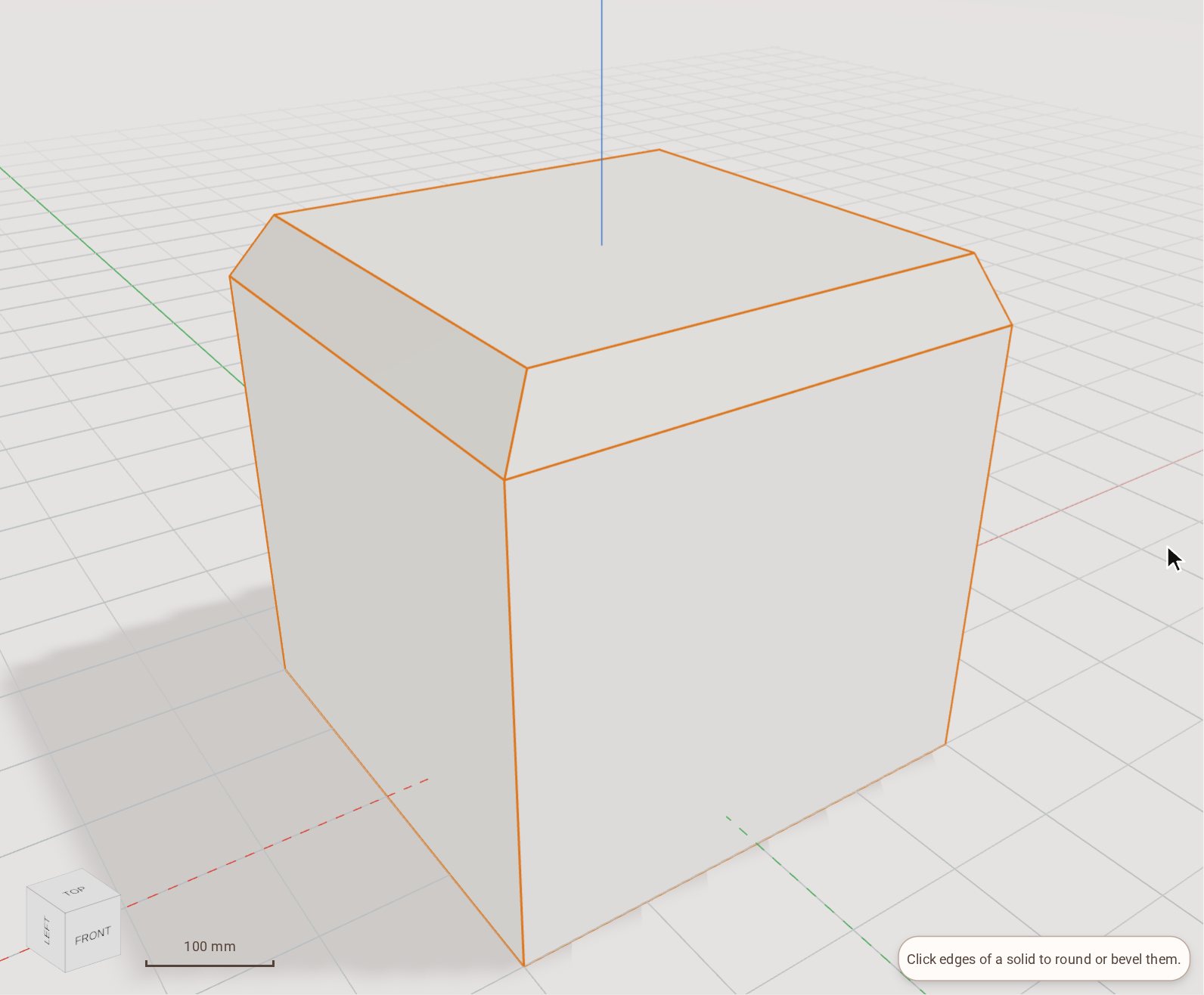 Bevel edges with ChamferChamfer cuts the edges of a solid to a flat bevel. Give it one distance, two distances, or a distance and an angle.
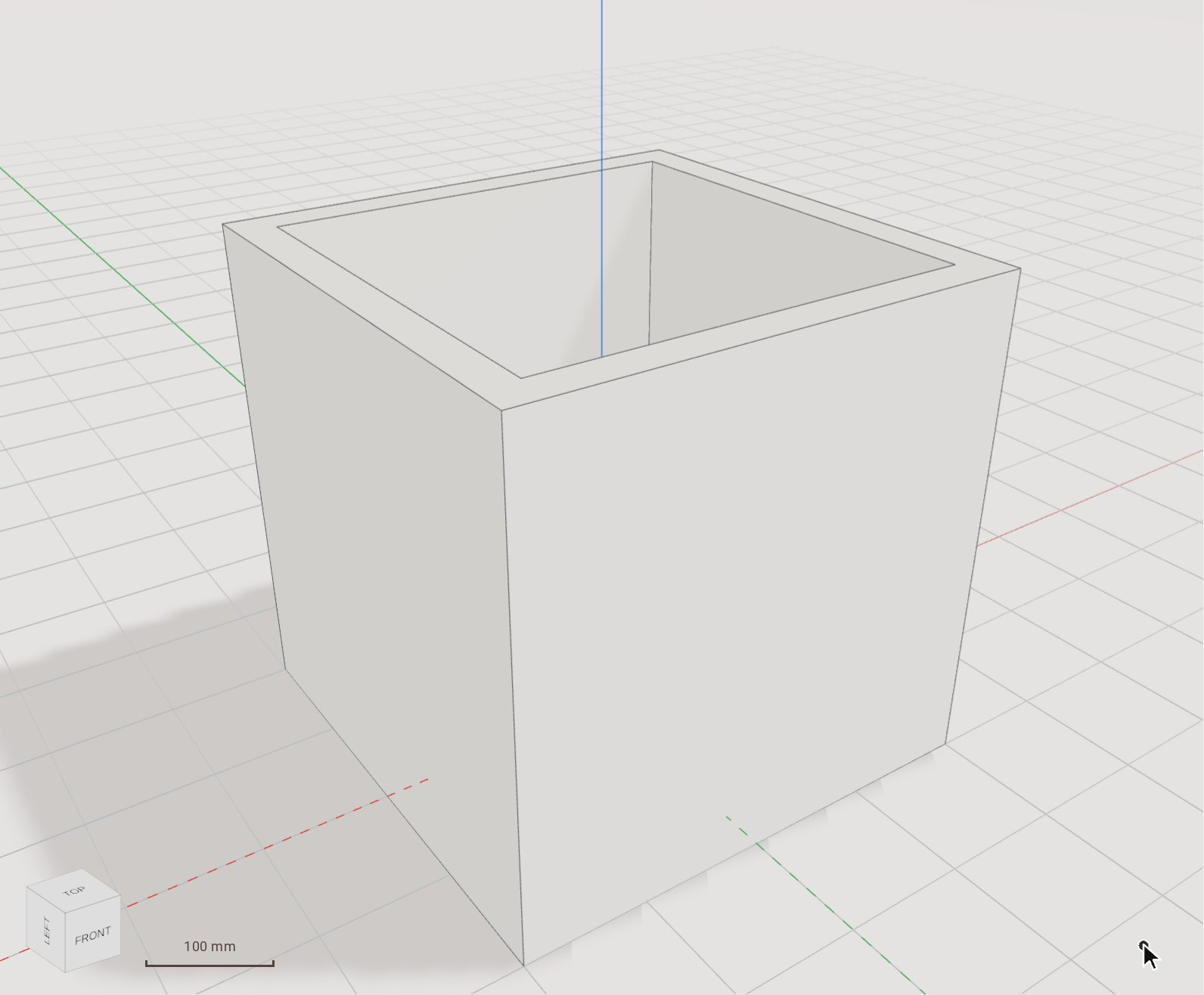 Hollow a solid with ShellShell hollows a solid out to an even wall thickness, leaving open the faces you pick — a box becomes a tray, a block becomes a casing.
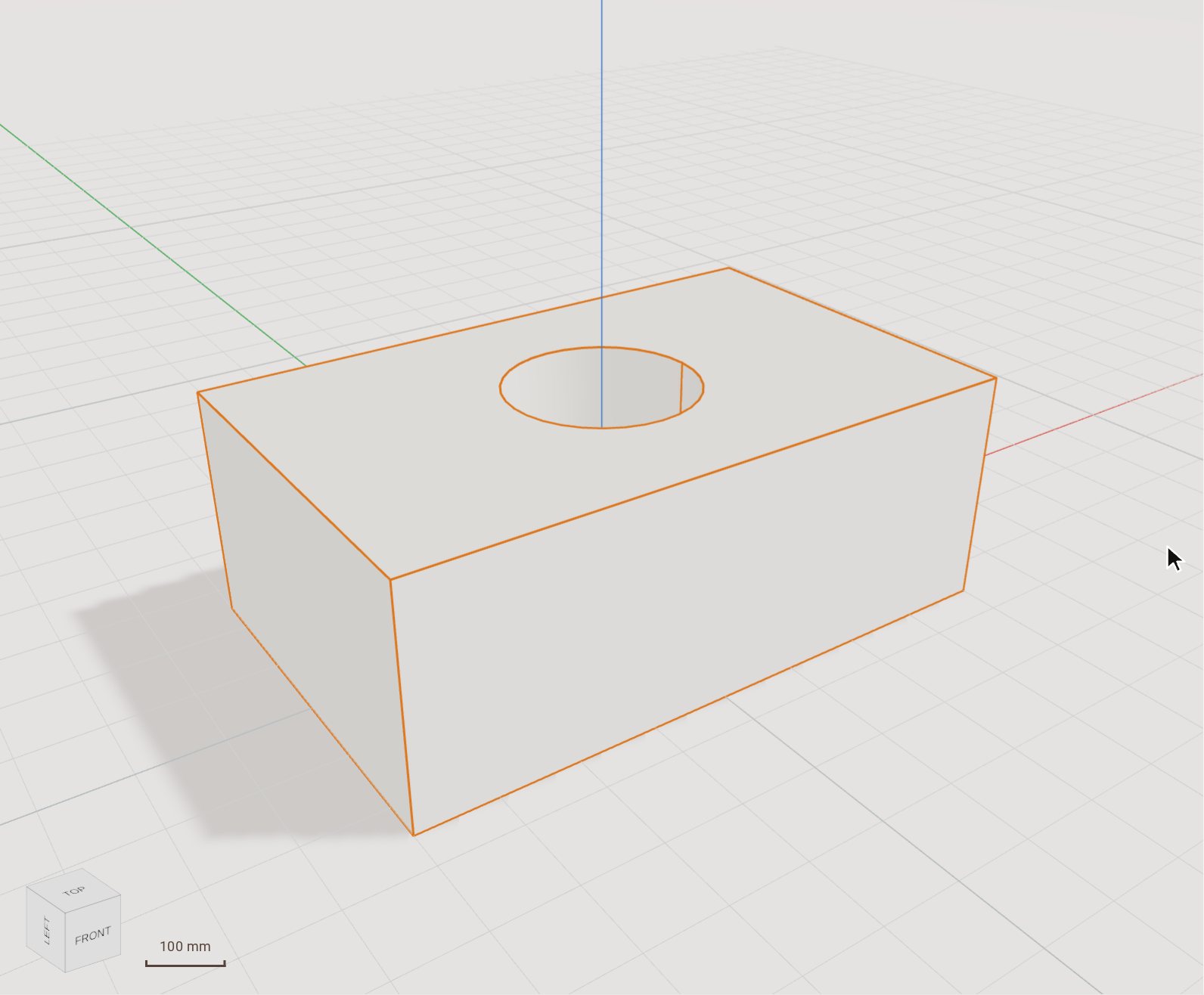 Subtract one body from anotherSubtract cuts one solid out of another: a cylinder through a block leaves a hole, a box across an edge leaves a notch.
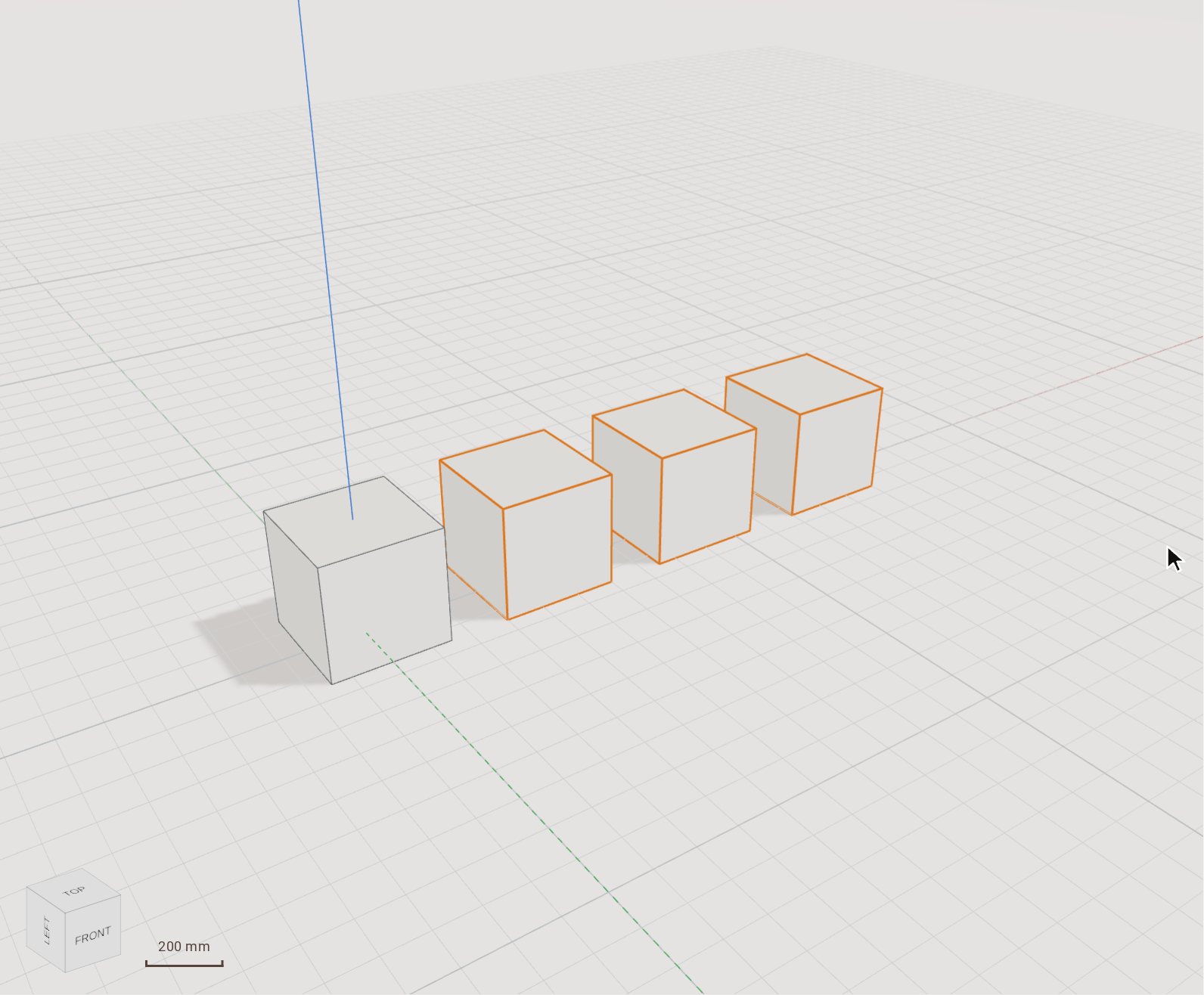 Repeat a body in a linear patternRectangular Pattern repeats bodies in a row, or in a grid with a second direction, at an even spacing. Use it for anything that comes in equal steps: posts, shelves, holes in a plate.
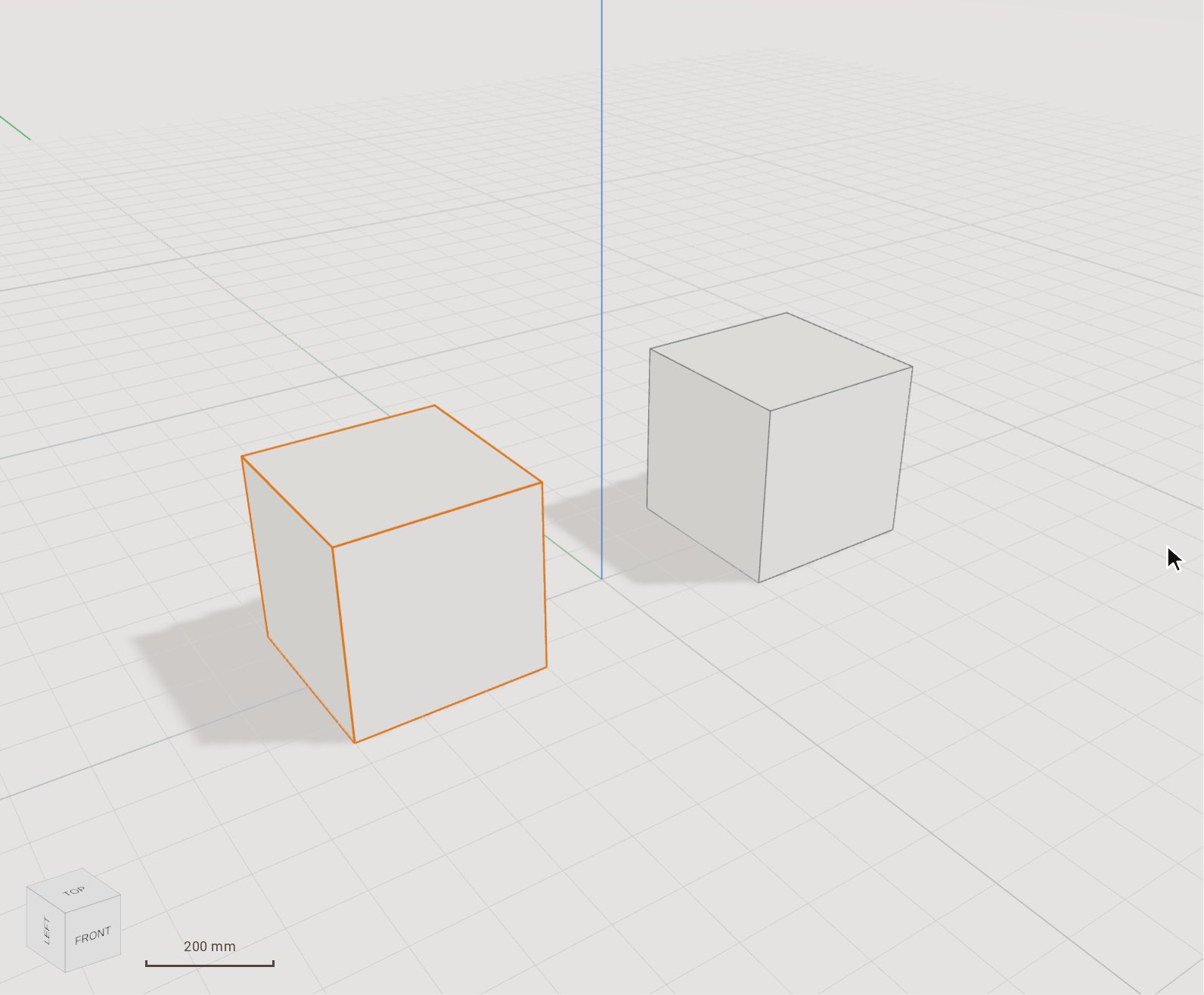 Mirror a bodyMirror makes a reflected copy of bodies across a plane or a flat face. Model one half of a symmetric part and mirror it to get the other.
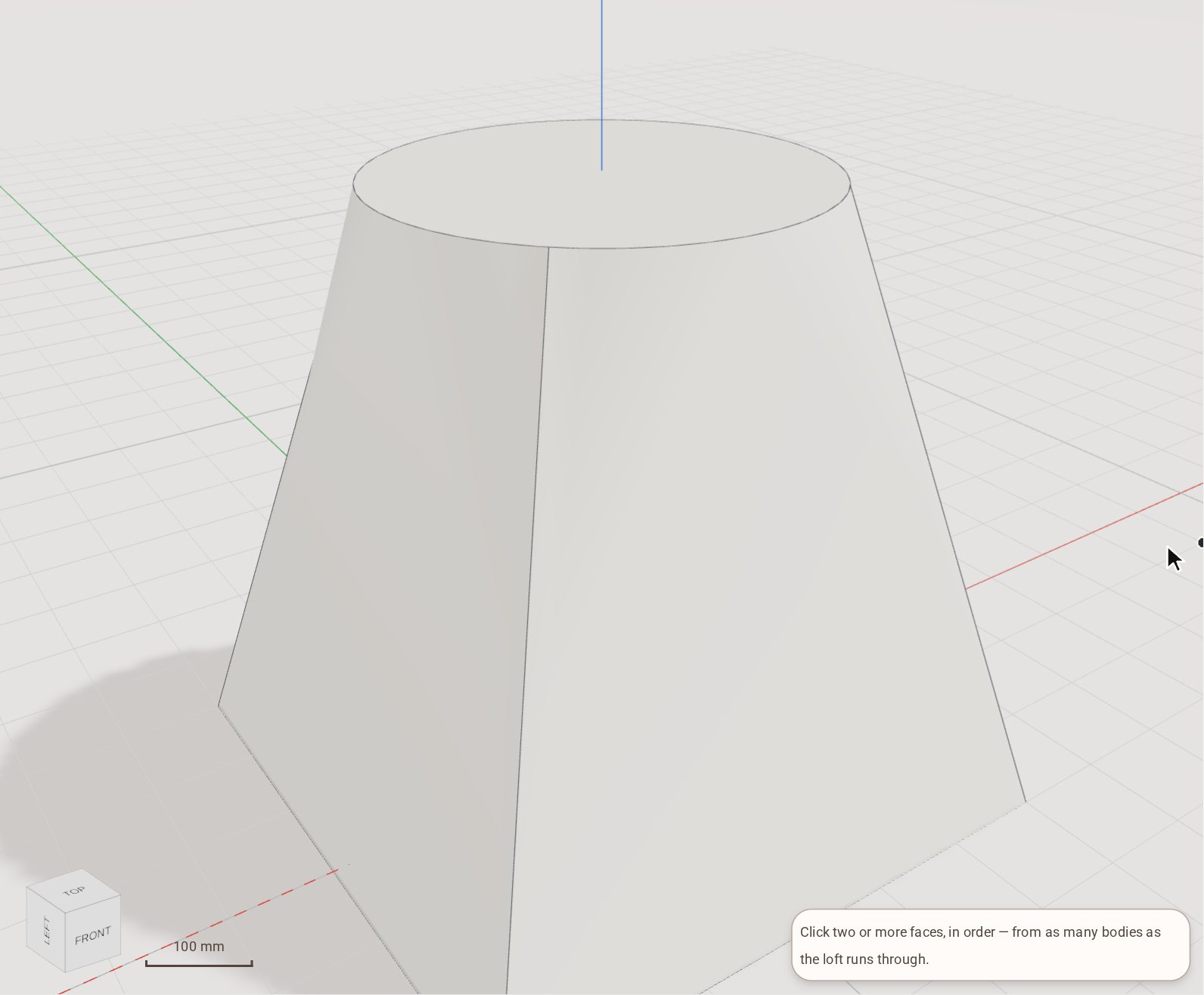 Loft between two profilesLoft builds a solid that blends smoothly from one face to the next — a square base into a round top, for example.
Automation
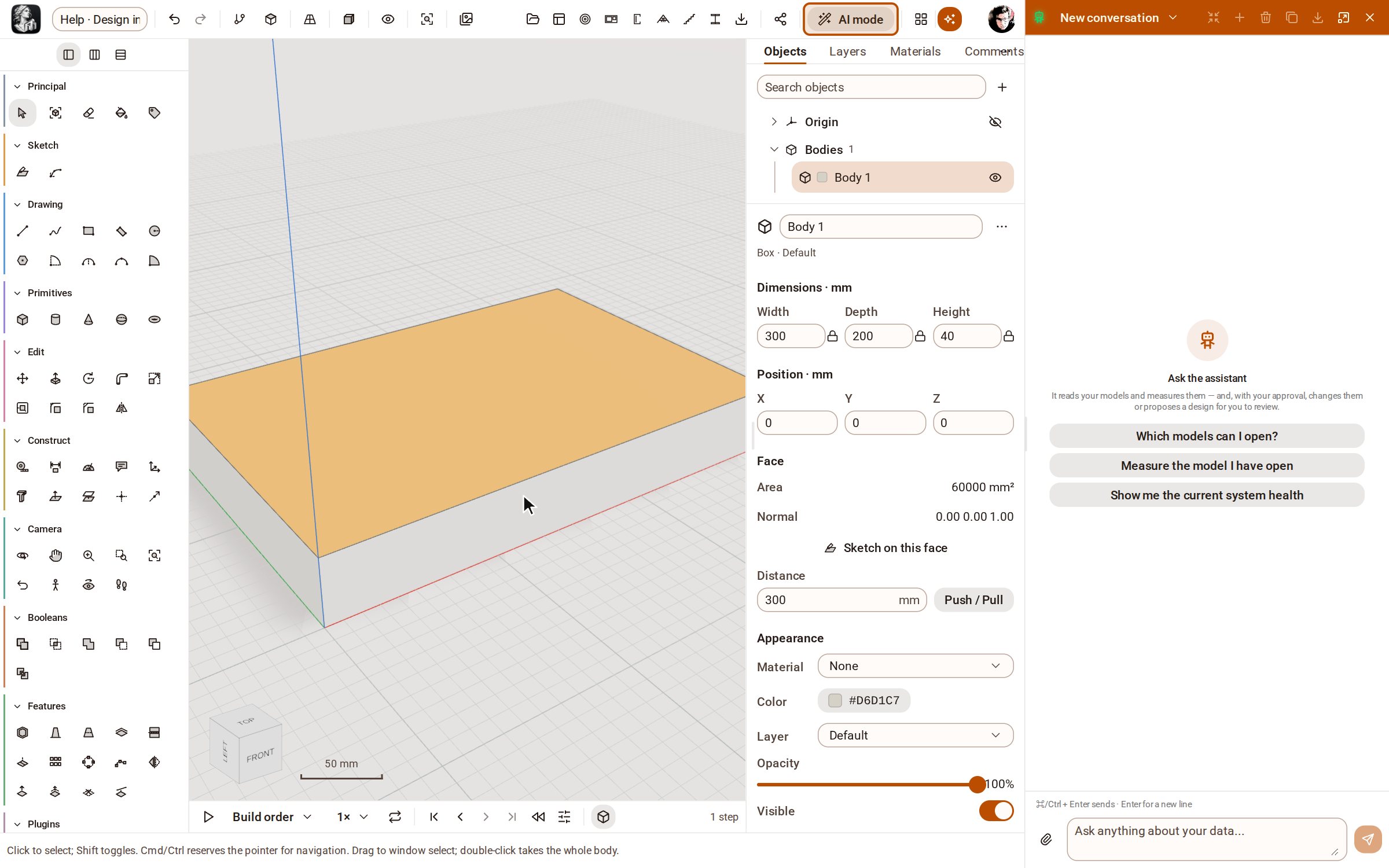 Design in AI mode — and how it differs from the assistantAI mode turns the workspace into a conversation: the modelling tools are put away and the assistant builds the model from what you describe, while you point, orbit and measure. The assistant on its own is a helper beside the tools; AI mode makes it the one who models.
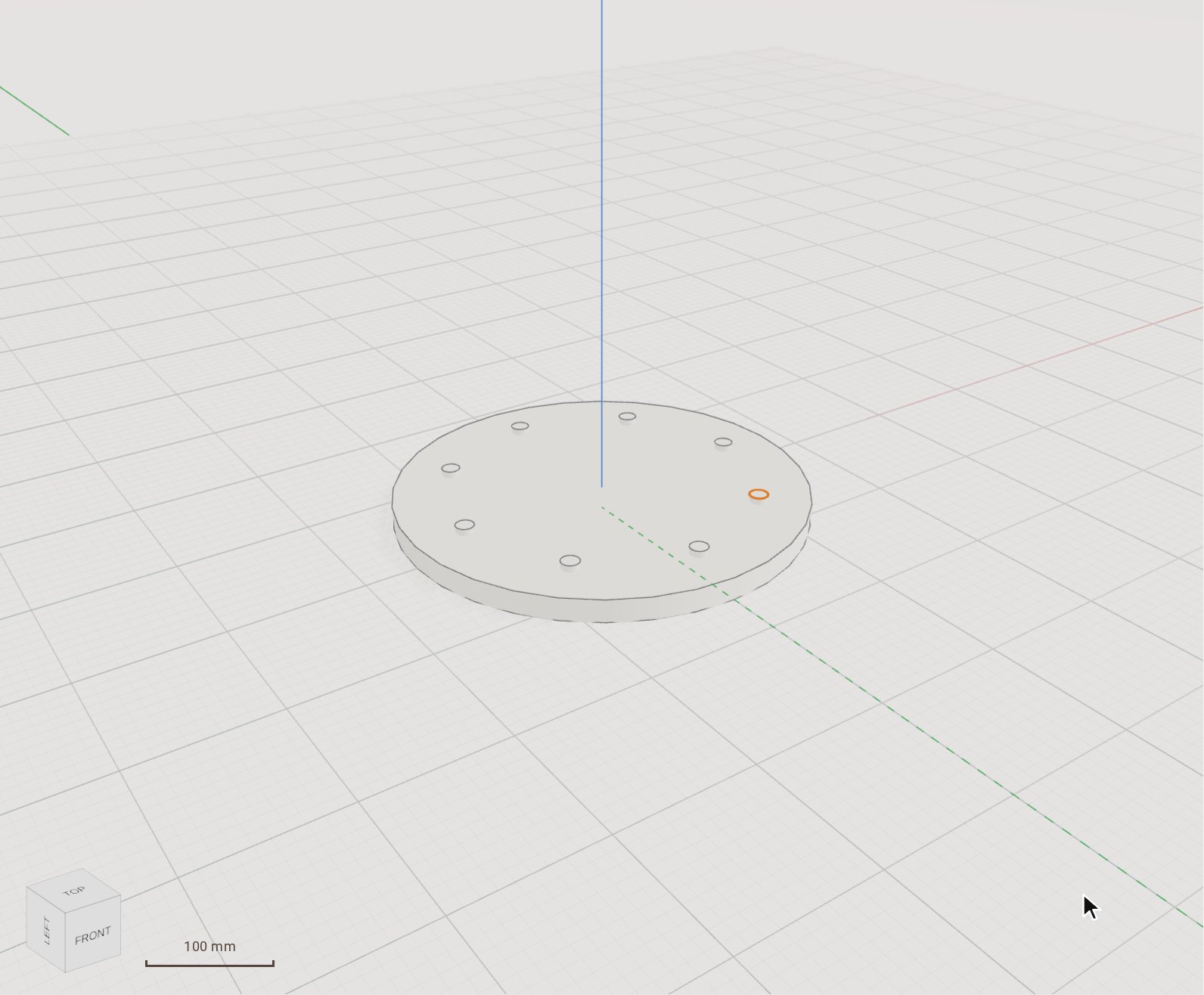 Run a Python script on the modelThe Python console runs a script against your model through the same actions as the API — loops, arithmetic and tables of sizes that would take hundreds of clicks. A whole script is one edit and one undo step.
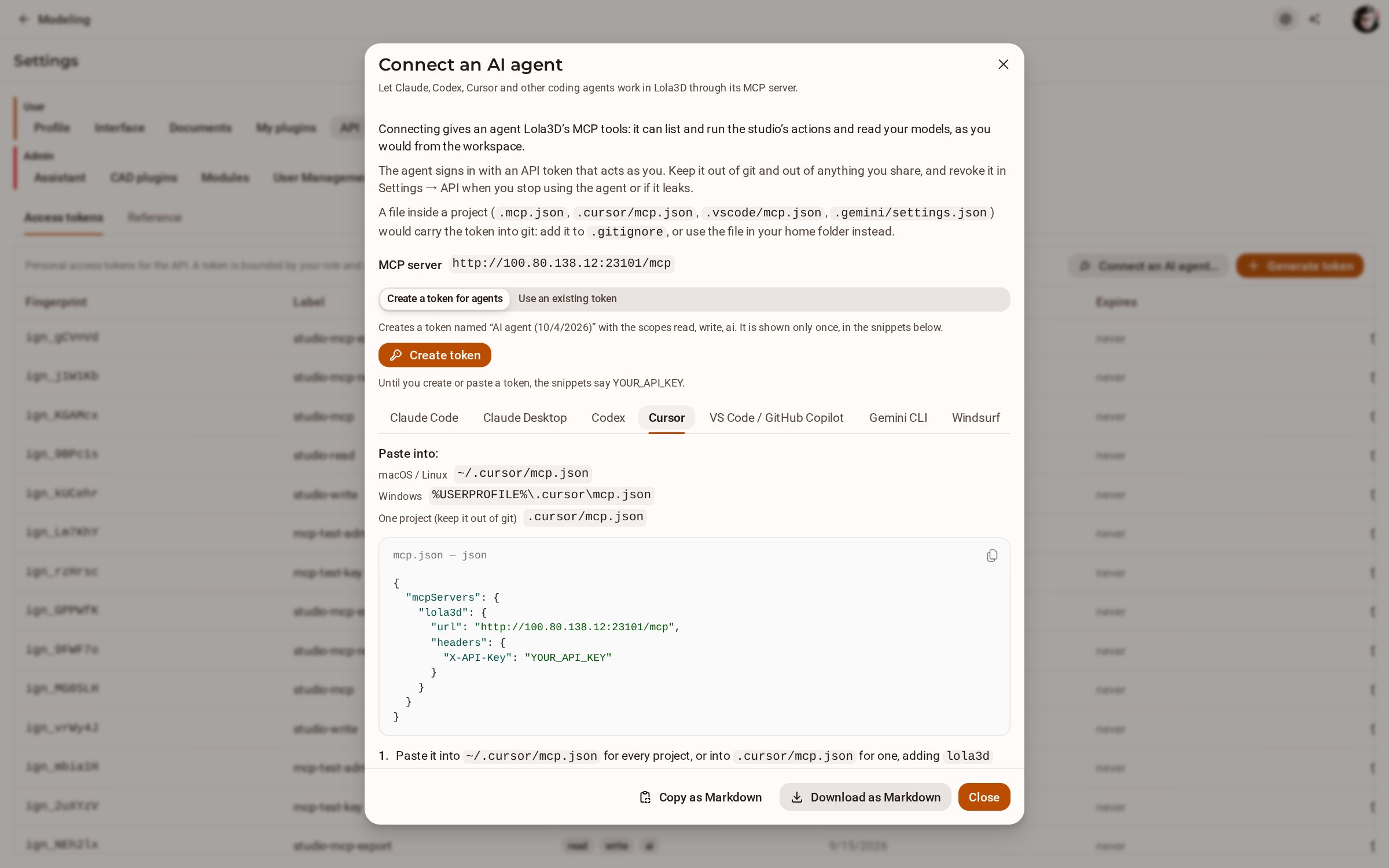 Connect an AI agent (Claude Code, Cursor…) over MCPKozorosa has an MCP server, so a coding agent such as Claude Code, Codex or Cursor can list and run the studio's actions and read your models. The Connect an AI agent dialog gives you a token and the exact snippet to paste for each agent.
Modules
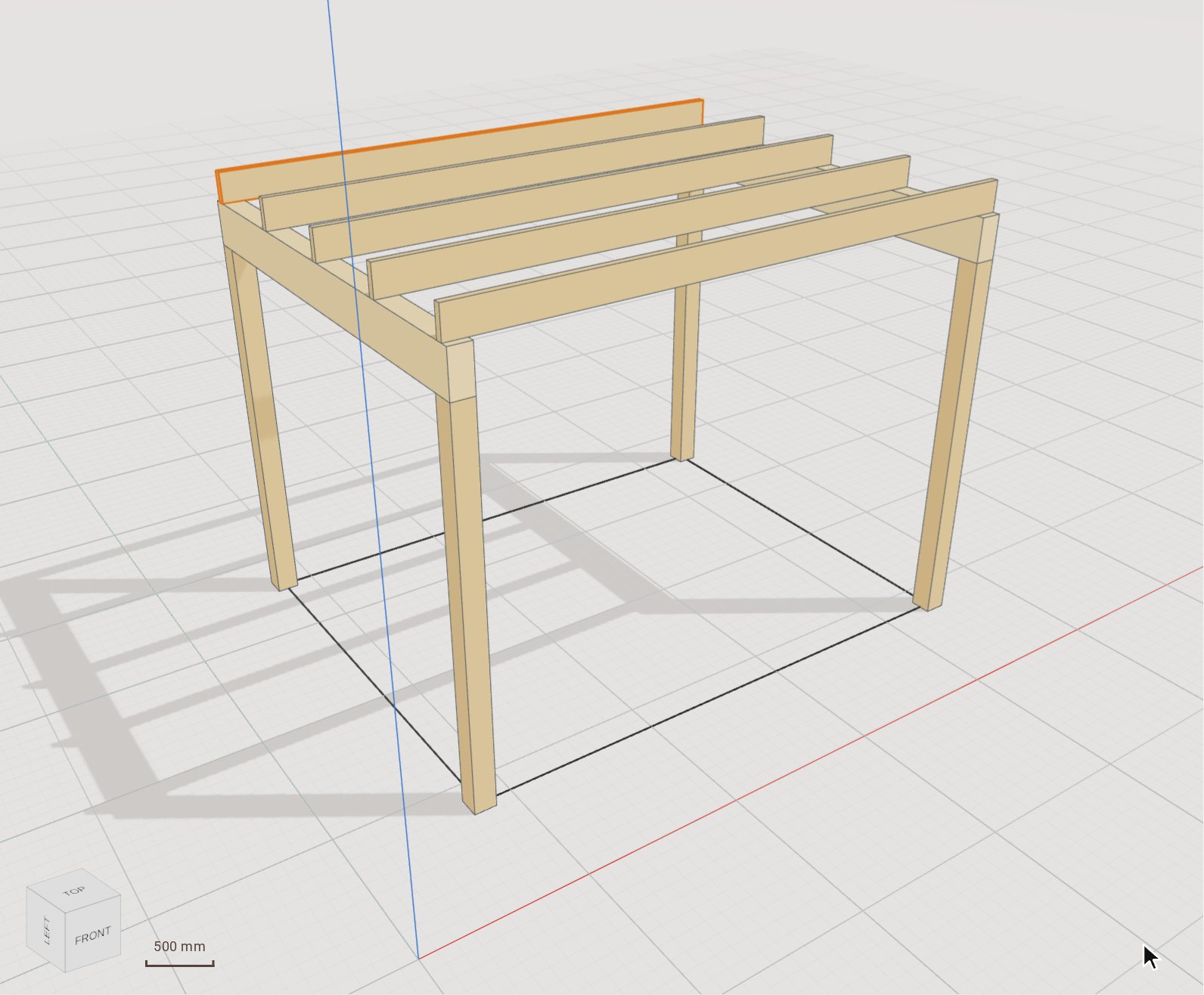 Place timber beams and columns from the catalogueThe Timber group's Column and Beam tools draw elements with real products from your market's catalogue — solid, KVH, Duo/Trio, glulam, LVL — so every element knows its section, grade and length for the lists. Here they frame a 3.6 × 2.8 m pergola: four posts, two glulam beams and five joists.
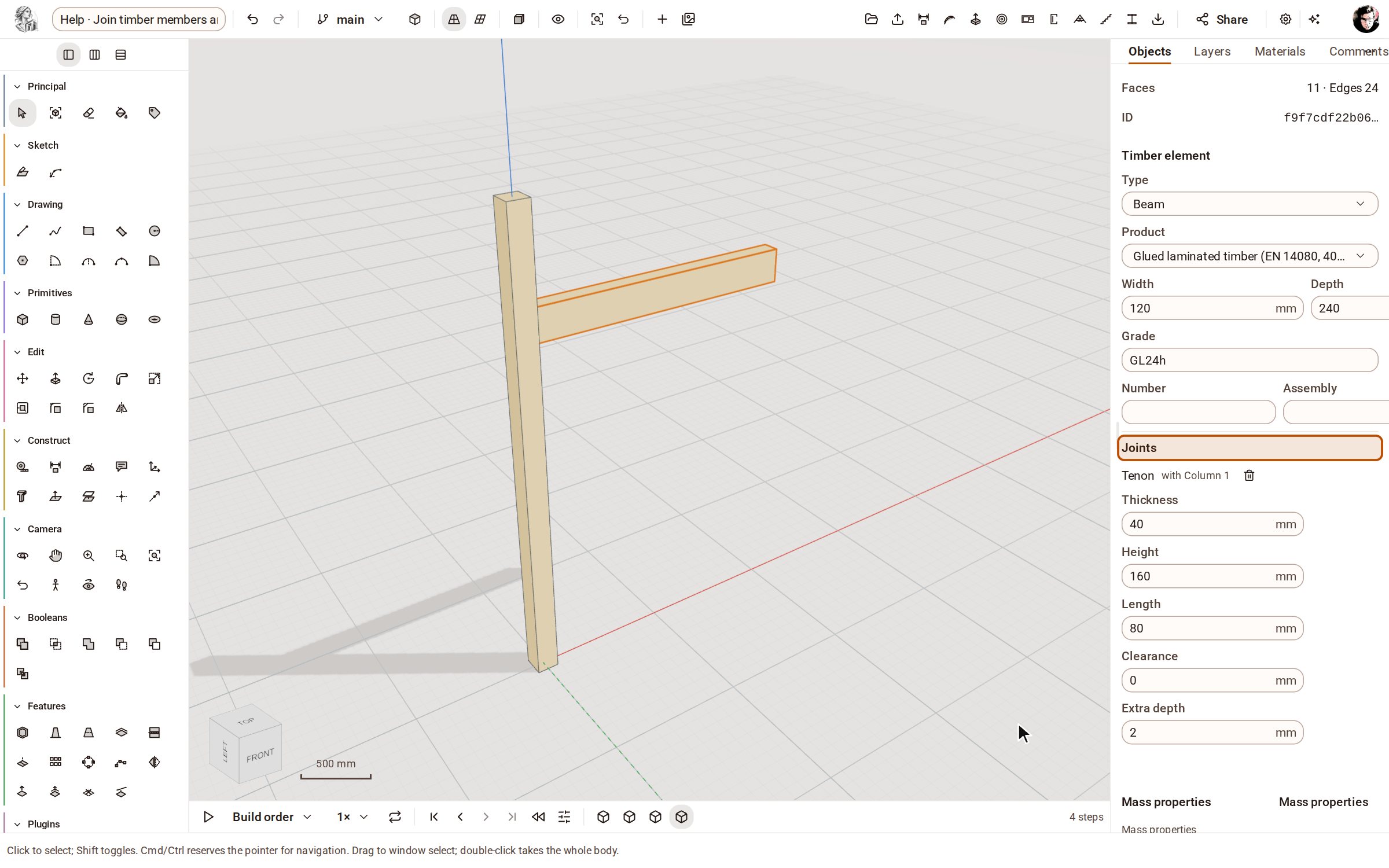 Join timber members and get the cutting listThe Joint tool cuts a carpenter's joint — tenon and mortise, dovetail, half lap, birdsmouth and more — into two timber members in one edit, and the cutting list and BTLx file carry every cut to the saw and the joinery machine.
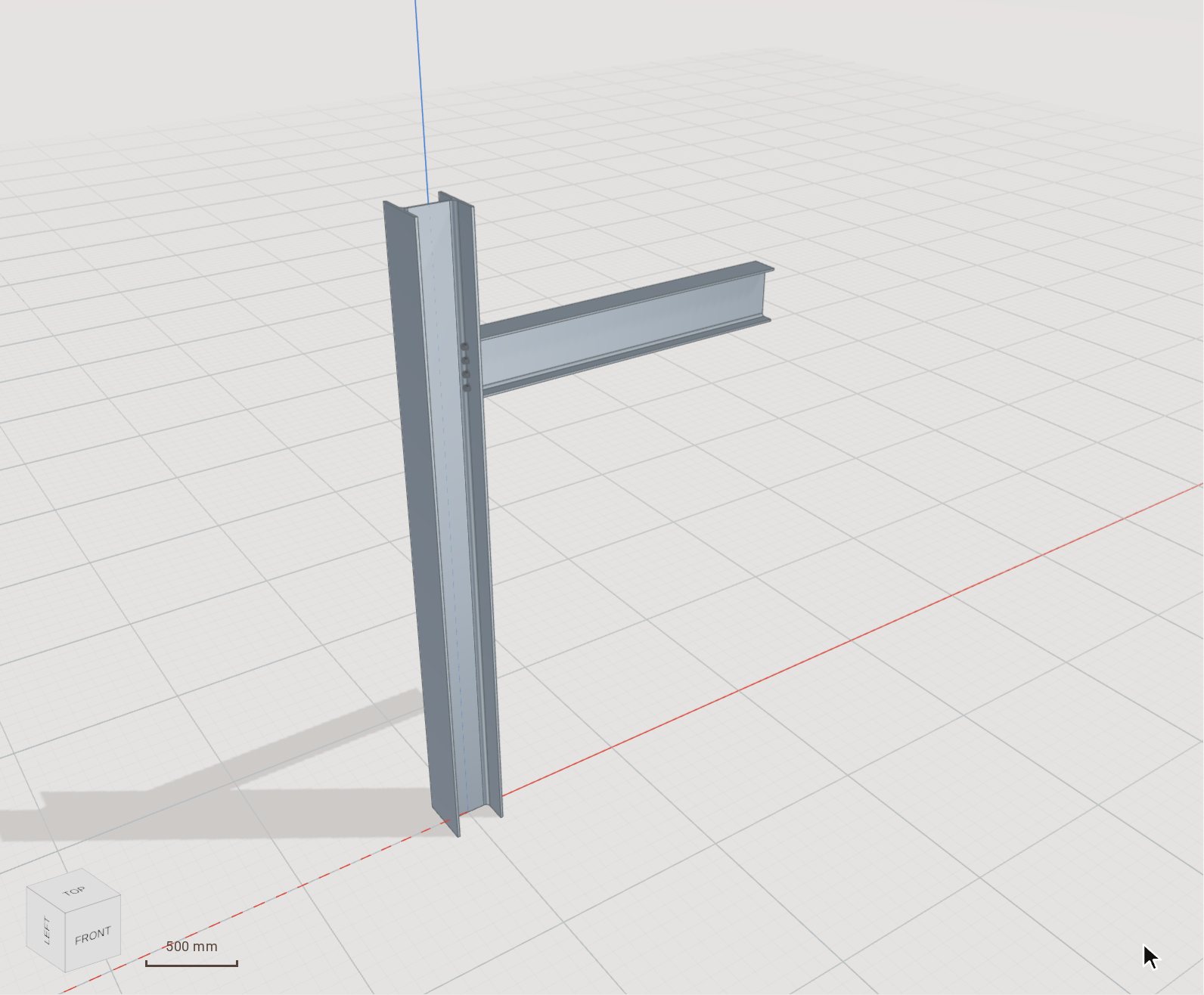 Connect steel members in one editThe Steel module's Connection tool joins two members with everything the joint needs — plate, end cut, bolts with their holes and the weld — in a single edit you can undo, change or remove as one.
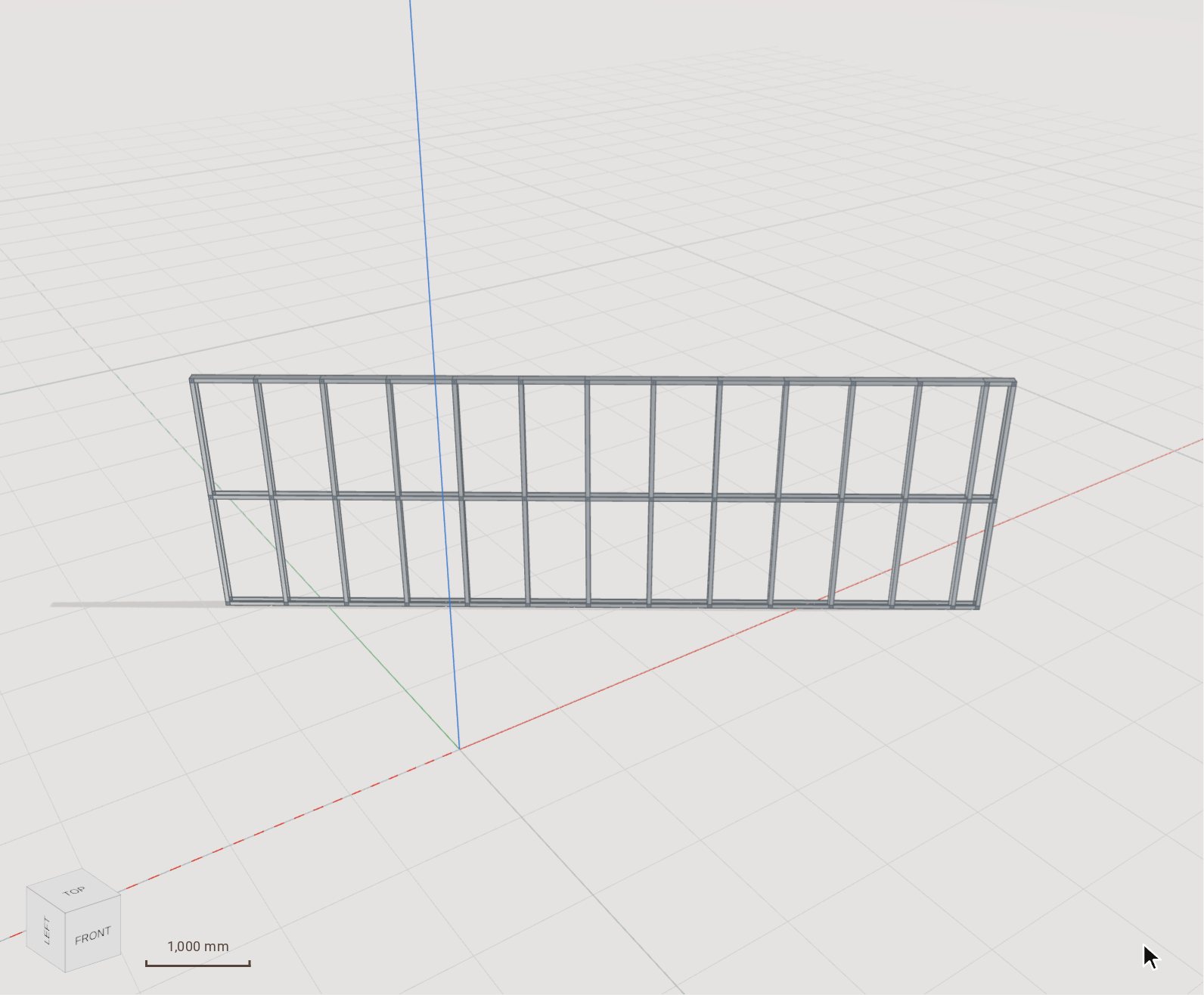 Lay out a light-gauge steel wallThe LGS module frames a cold-formed steel wall panel from two clicks — plates, studs, noggings and openings — computes the roll-former's dimples, notches and holes at every intersection, and writes the machine file.
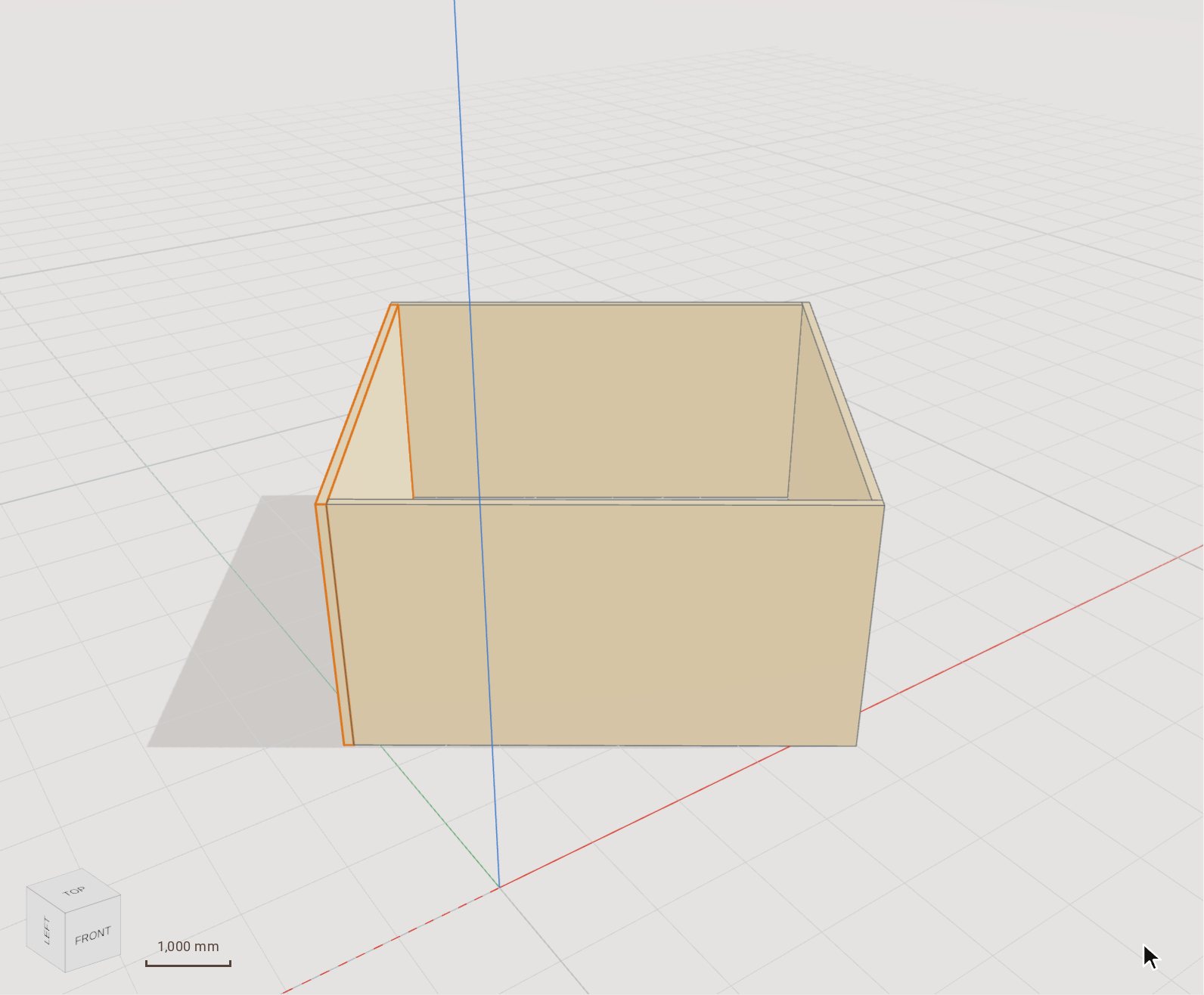 Cut CLT walls into panelsThe CLT module draws cross-laminated timber walls as a chain with their corners resolved, cuts each wall into panels the producer can press, and lays those panels out on master panels and trucks.
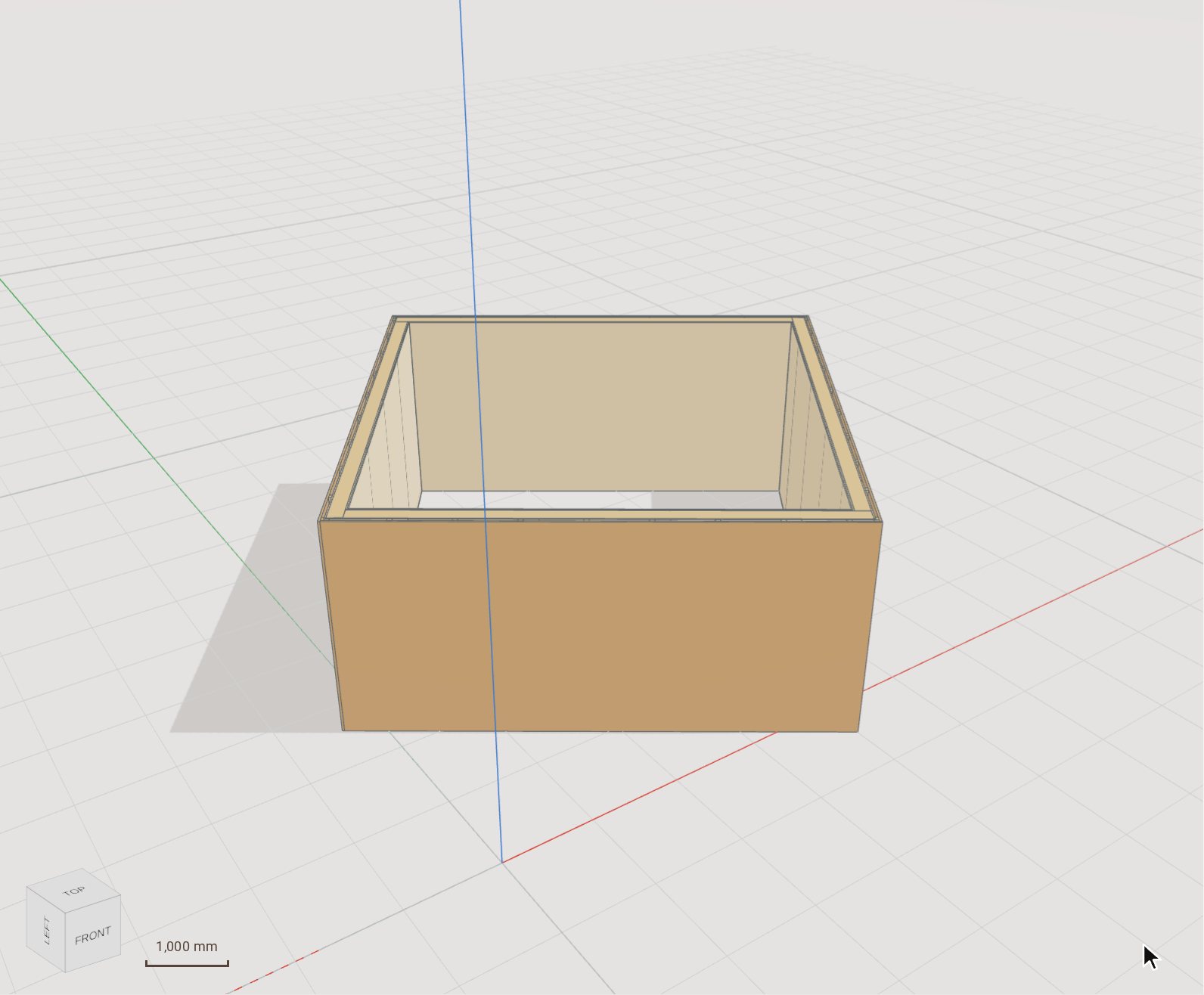 Build prefabricated timber-frame wallsThe Timber frame module draws a chain of framed walls from a build-up — studs, plates, boards laid in sheets, battens and lining — with the corners joined and each wall split into elements a truck can carry.
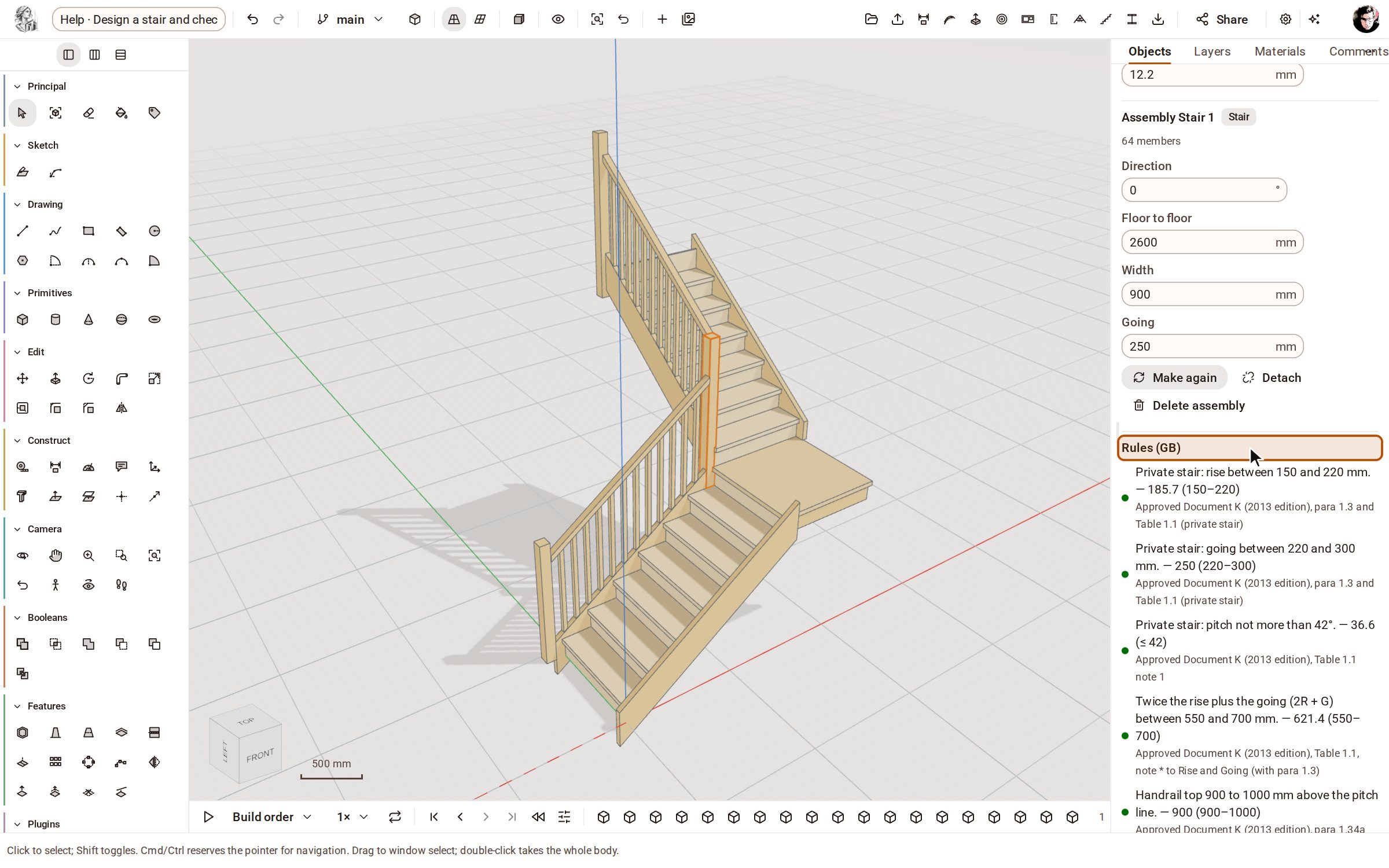 Design a stair and check it against the rulesThe Stairs module builds a complete timber stair — treads, risers, stringers, newels, handrail and balusters — and checks it live against your market's building rules, so you see at once which number to change.
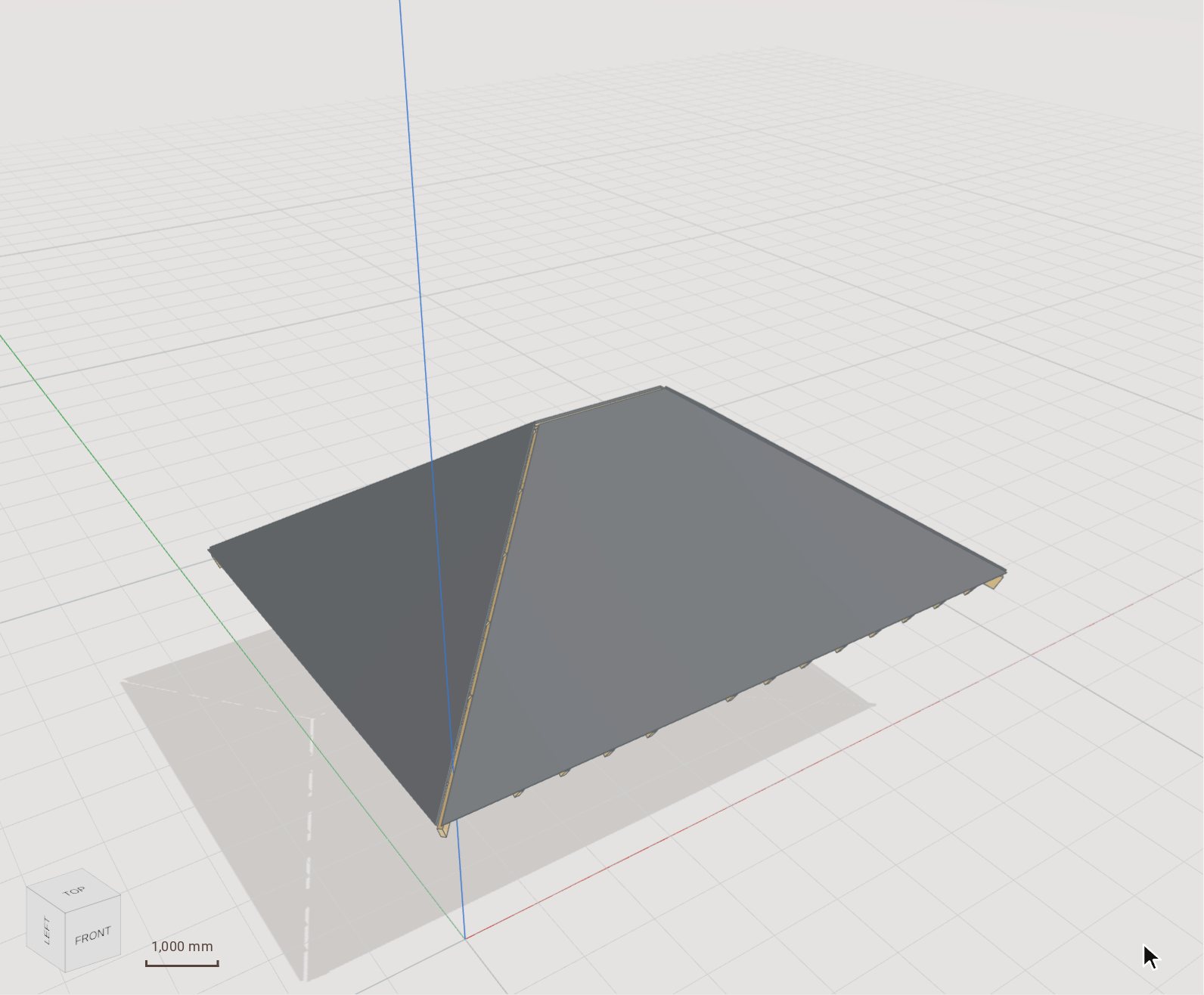 Cover a roof and get its quantitiesThe Roofing module lays tiles, slates, shingles or metal on a timber roof in one click — counter-battens, battens on a gauge that fits whole courses, and the covering itself — then lists the course layout and everything to order.
Nothing matches that yet. Write to hello@kozorosa.com and we will add the article.
Every tool
All 107 tools, and what each one does.
The application's rail, group by group, with each tool's icon and name as you will find them — and whether it comes with Kozorosa or with a construction module. The workspaces and services round the model follow.
Principal
| Tool | What it does | Comes with |
|---|---|---|
| SelectSpace | Picks objects, faces and edges to work on, one by one or in a window. | Kozorosa |
| Make ComponentG | Groups objects into a component: one definition you can place again without copying it. | Kozorosa |
| EraserE | Erases objects, guides, dimensions and sections — or hides them. | Kozorosa |
| Paint BucketB | Paints a material onto an object, samples one, or repaints everything that looks the same. | Kozorosa |
| Tag | Assigns a tag to an object, to sort and filter the model. | Kozorosa |
Sketch
| Tool | What it does | Comes with |
|---|---|---|
| Create SketchK | Starts a constrained 2D sketch on an origin plane, a construction plane or a flat face. | Kozorosa |
| 3D Sketch | Starts a 3D sketch whose points lie in space: the paths sweeps follow and the rails lofts take. | Kozorosa |
Drawing
| Tool | What it does | Comes with |
|---|---|---|
| LineL | Draws edges point by point; a closed loop makes a face. | Kozorosa |
| Freehand | Draws a freehand curve; ending near the start makes a face. | Kozorosa |
| RectangleR | Draws a rectangle from two corners or typed sizes, on the ground or on a face. | Kozorosa |
| Rotated Rectangle | Draws a rectangle at any angle: one side, then its height. | Kozorosa |
| CircleC | Draws a circle from its centre and radius, or from a diameter. | Kozorosa |
| Polygon | Draws a regular polygon with any number of sides, inscribed or circumscribed. | Kozorosa |
| Arc | Draws an arc from its centre, its start and its angle. | Kozorosa |
| 2 Point ArcA | Draws an arc from its two ends and its bulge. | Kozorosa |
| 3 Point Arc | Draws an arc through three points. | Kozorosa |
| Pie | Draws a pie slice: a closed sector from a centre and an angle. | Kozorosa |
Primitives
| Tool | What it does | Comes with |
|---|---|---|
| Box | Makes a solid box from a base and a height, or from typed sizes. | Kozorosa |
| Cylinder | Makes a solid cylinder from its base circle and height. | Kozorosa |
| Cone | Makes a solid cone from its base and height. | Kozorosa |
| Sphere | Makes a solid sphere from its centre and radius. | Kozorosa |
| Torus | Makes a solid torus from its ring and tube radii. | Kozorosa |
Edit
| Tool | What it does | Comes with |
|---|---|---|
| MoveM | Moves the selection by a distance, or copies it — into an array if you ask. | Kozorosa |
| Push / PullP | Extrudes a face into a solid, or pushes it in to cut — by dragging or a typed distance. | Kozorosa |
| RotateQ | Turns the selection about a pivot by an angle, or copies it round. | Kozorosa |
| Follow Me | Sweeps a face profile along a path. | Kozorosa |
| ScaleS | Resizes the selection, uniformly or one axis at a time. | Kozorosa |
| OffsetF | Draws a face's outline again at a distance inside or outside it. | Kozorosa |
| Fillet | Rounds edges, along tangent chains or whole loops. | Kozorosa |
| Chamfer | Bevels edges, along tangent chains or whole loops. | Kozorosa |
| Flip | Mirrors an object across the screen's horizontal axis. | Kozorosa |
Construct
| Tool | What it does | Comes with |
|---|---|---|
| Tape MeasureT | Measures between two points and lays guides. | Kozorosa |
| Dimension | Places a dimension between two points. | Kozorosa |
| Protractor | Measures angles and lays angled guides. | Kozorosa |
| Text | Places a text label in the model. | Kozorosa |
| Axes | Moves the drawing axes to a new origin and directions. | Kozorosa |
| 3D Text | Makes 3D lettering as geometry. | Kozorosa |
| Section Plane | Places a section plane that cuts the view open. | Kozorosa |
| Construction Plane | Makes a construction plane at an offset or an angle from a plane or a face. | Kozorosa |
| Work Point | Makes a work point that follows the corner, edge or face it was made on. | Kozorosa |
| Work Axis | Makes a work axis from references, with a live preview. | Kozorosa |
Camera
| Tool | What it does | Comes with |
|---|---|---|
| OrbitO | Turns the view round the model. | Kozorosa |
| PanH | Slides the view. | Kozorosa |
| ZoomZ | Zooms the view in and out. | Kozorosa |
| Zoom Window | Zooms into a window you drag. | Kozorosa |
| Zoom ExtentsShift+Z | Frames the whole model. | Kozorosa |
| Previous View | Goes back to the view before. | Kozorosa |
| Position Camera | Stands you at a point in the model, at eye height. | Kozorosa |
| Look Around | Turns your head from where you stand. | Kozorosa |
| Walk | Walks through the model. | Kozorosa |
Booleans
| Tool | What it does | Comes with |
|---|---|---|
| Outer Shell | Merges solids into their outer skin only. | Kozorosa |
| Intersect | Keeps the volume two solids share. | Kozorosa |
| Union | Joins solids into one. | Kozorosa |
| Subtract | Cuts one solid out of another. | Kozorosa |
| Trim | Cuts a solid with another and keeps the cutter. | Kozorosa |
| Split | Splits two solids into all their parts. | Kozorosa |
Features
| Tool | What it does | Comes with |
|---|---|---|
| Shell | Hollows a solid to a wall thickness, leaving chosen faces open. | Kozorosa |
| Draft | Tilts faces by an angle, for moulding and casting. | Kozorosa |
| Loft | Makes a solid through two or more profiles in order. | Kozorosa |
| Thicken | Gives a face a thickness to make a solid. | Kozorosa |
| Split Body | Cuts a body in two with another body, a face or a plane. | Kozorosa |
| Split Face | Divides faces along the surface of another face. | Kozorosa |
| Rectangular Pattern | Repeats bodies in rows and columns. | Kozorosa |
| Circular Pattern | Repeats bodies round an axis. | Kozorosa |
| Path Pattern | Repeats bodies along a curve. | Kozorosa |
| Mirror | Mirrors bodies across a plane or a face. | Kozorosa |
| Move Face | Moves faces of a solid; the solid follows. | Kozorosa |
| Offset Face | Offsets faces of a solid by a distance. | Kozorosa |
| Delete Face | Removes faces; their neighbours grow over the gap. | Kozorosa |
| Replace Face | Moves flat faces until they reach another face's surface. | Kozorosa |
Timber construction Module
| Tool | What it does | Comes with |
|---|---|---|
| Beam | Draws a beam from the market's catalogue of sections — solid, KVH, Duo/Trio, glulam, LVL. | Timber construction module |
| Column | Stands a column or post of a catalogue section where you click. | Timber construction module |
| Rafter | Draws a rafter from its seat to the ridge. | Timber construction module |
| Panel | Draws a board — OSB, plywood, fibreboard — of any outline, with openings. | Timber construction module |
| Joint | Cuts a carpenter's joint into two members: tenon, dovetail, lap, birdsmouth and more. | Timber construction module |
| Join all | Joins every pair of touching members by rule in one step. | Timber construction module |
| Fasteners | Places screws, nails, bolts or connectors in a joint, at EN 1995 spacings. | Timber construction module |
| Framed wall | Frames a wall: studs, plates and openings from its base line. | Timber construction module |
| Roof | Frames a gable or shed roof from its eave line. | Timber construction module |
| Roof over a plan | Frames a roof over any plan: ridges, hips, valleys and every rafter. | Timber construction module |
| Truss | Lays out a truss — Fink, Howe, Pratt, king-post and more — from its bearing line. | Timber construction module |
| Row of trusses | Lays out a row of trusses along an eave line. | Timber construction module |
| Number parts | Numbers the parts: identical parts get the same production number. | Timber construction module |
| Part drawings | Makes a production drawing sheet for every part number. | Timber construction module |
Timber frame Module
| Tool | What it does | Comes with |
|---|---|---|
| Frame wallsW | Draws prefabricated timber-frame walls from a build-up, corners joined, split for the truck. | Timber frame module |
| Frame floor | Draws a timber-frame floor from its outline and build-up. | Timber frame module |
| Opening | Cuts a door or window opening into a frame wall. | Timber frame module |
CLT Module
| Tool | What it does | Comes with |
|---|---|---|
| CLT walls | Draws CLT walls from a producer's layups, corners joined. | CLT module |
| CLT floor | Draws a CLT floor from its outline. | CLT module |
| Opening | Cuts an opening into a CLT wall. | CLT module |
Light-gauge steel framing Module
| Tool | What it does | Comes with |
|---|---|---|
| Member | Draws a single cold-formed steel member. | Light-gauge steel framing module |
| Wall panel | Frames a light-gauge steel wall panel from its base line. | Light-gauge steel framing module |
| Wall chain | Frames a chain of wall panels with their corners resolved. | Light-gauge steel framing module |
| Truss | Lays out a row of light-gauge steel trusses. | Light-gauge steel framing module |
| Joists | Lays out a joist floor from its rim track. | Light-gauge steel framing module |
| Operations | Computes the roll-former's operations at every intersection. | Light-gauge steel framing module |
| Number | Labels every member as the roll-former prints it. | Light-gauge steel framing module |
Roofing Module
| Tool | What it does | Comes with |
|---|---|---|
| Covering | Lays a covering — tiles, slates, shingles or metal — with its battens on every slope of a timber roof. | Roofing module |
Stairs Module
| Tool | What it does | Comes with |
|---|---|---|
| Stair | Draws a timber stair — straight, with a landing or winders — checked against the building rules. | Stairs module |
Structural steel Module
| Tool | What it does | Comes with |
|---|---|---|
| Beam | Draws a steel beam from the EN, BS or AISC section catalogues. | Structural steel module |
| Column | Stands a steel column of a catalogue section. | Structural steel module |
| Brace | Draws a steel brace between two points. | Structural steel module |
| Plate | Draws a steel plate of any outline. | Structural steel module |
| Connection | Connects a beam to the member it meets: end plates, fin plates, cleats and more. | Structural steel module |
| Base plate | Puts a base plate under a column. | Structural steel module |
| Bolts | Bolts parts together, holes drilled. | Structural steel module |
| Number parts | Marks the parts: identical parts and assemblies share a mark. | Structural steel module |
Beyond the rail
| Feature | What it does | Comes with |
|---|---|---|
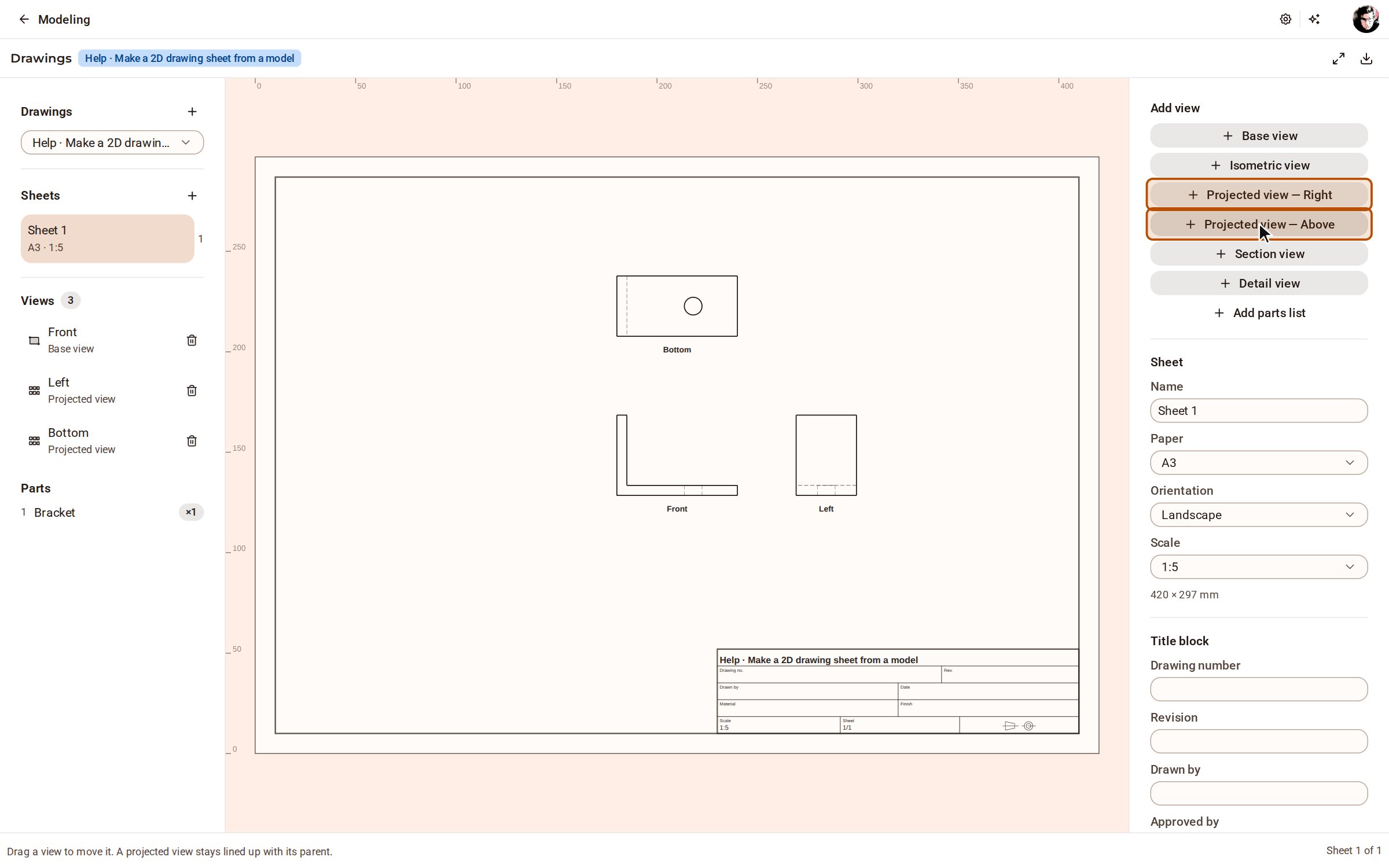
| Drawings | Drawing sheets from the model: projected, section, detail and isometric views, dimensions that follow their edges, PDF, SVG and DXF. | Kozorosa |
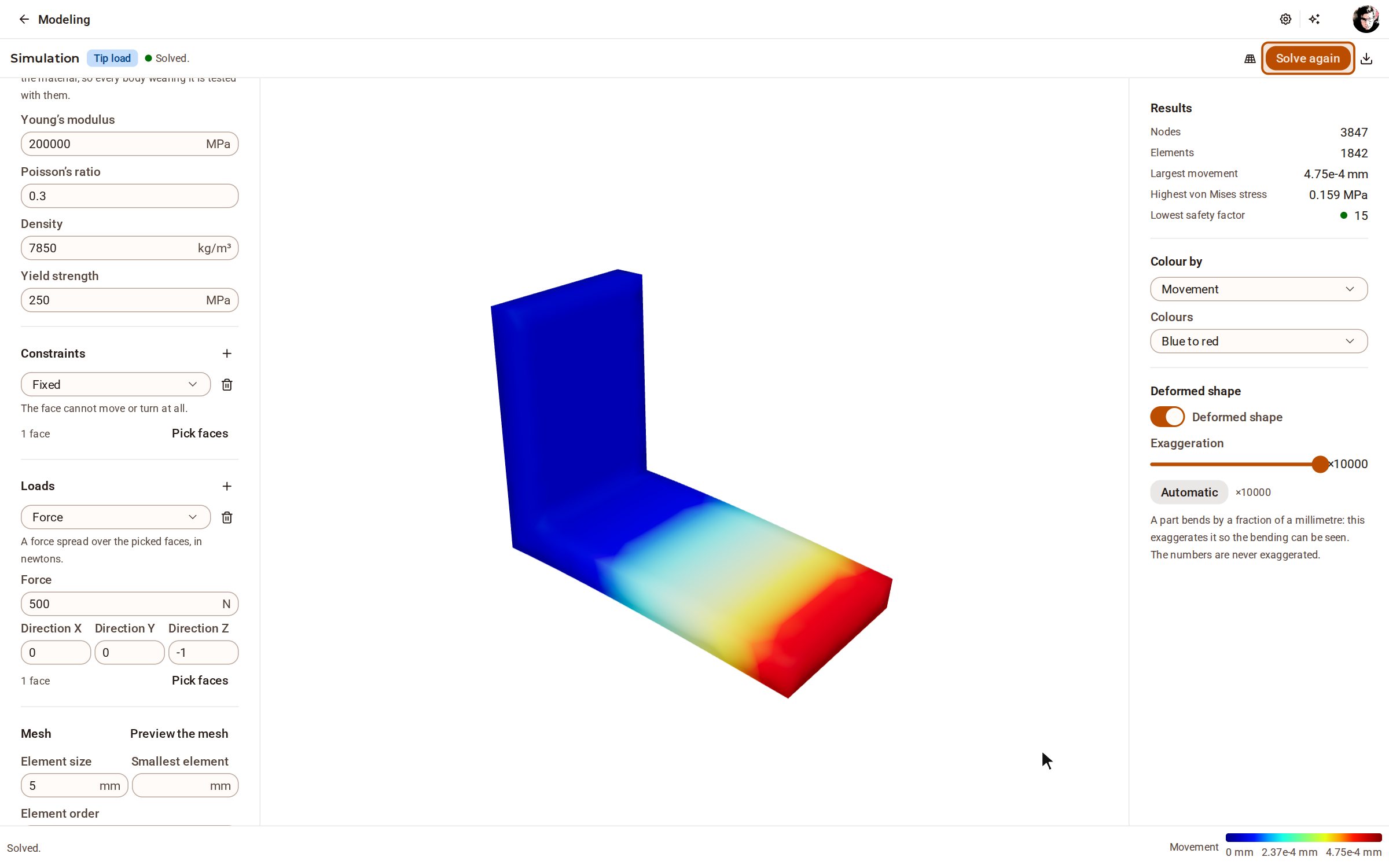
| Simulation | Linear static stress and modal analysis of a solid: fixtures, loads, displacement, stresses and safety factor. | Kozorosa |
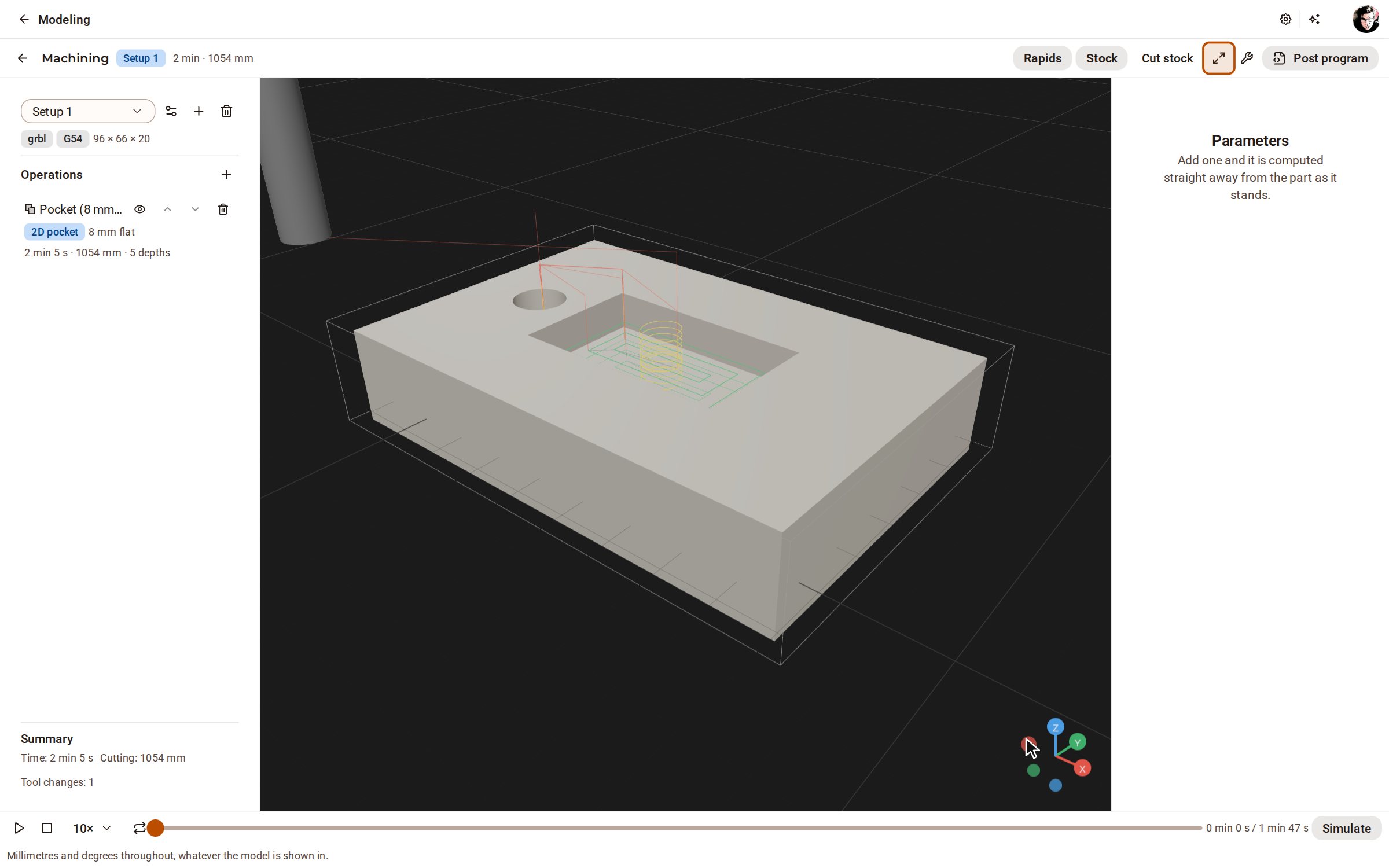
| Machining (CAM) | Three-axis milling: setups, a tool library, facing, contour, pocket, adaptive, drilling and 3D finishing, simulated, posted to G-code. | Kozorosa |
| Assemblies and motion | Components, seven kinds of joints, gears, belts and cams, motion studies with clashes, video and animated glTF. | Kozorosa |
| Timeline and history | A parametric timeline of features you can reorder and suppress, configurations, branches with merge, and replay. | Kozorosa |
| Analysis and measurement | Mass properties, interference and clearance, zebra, curvature and draft, and design requirements checked live. | Kozorosa |
| Materials, scenes and rendering | Materials with density and real-scale textures, layers, saved scenes, display styles and AI concept renders. | Kozorosa |
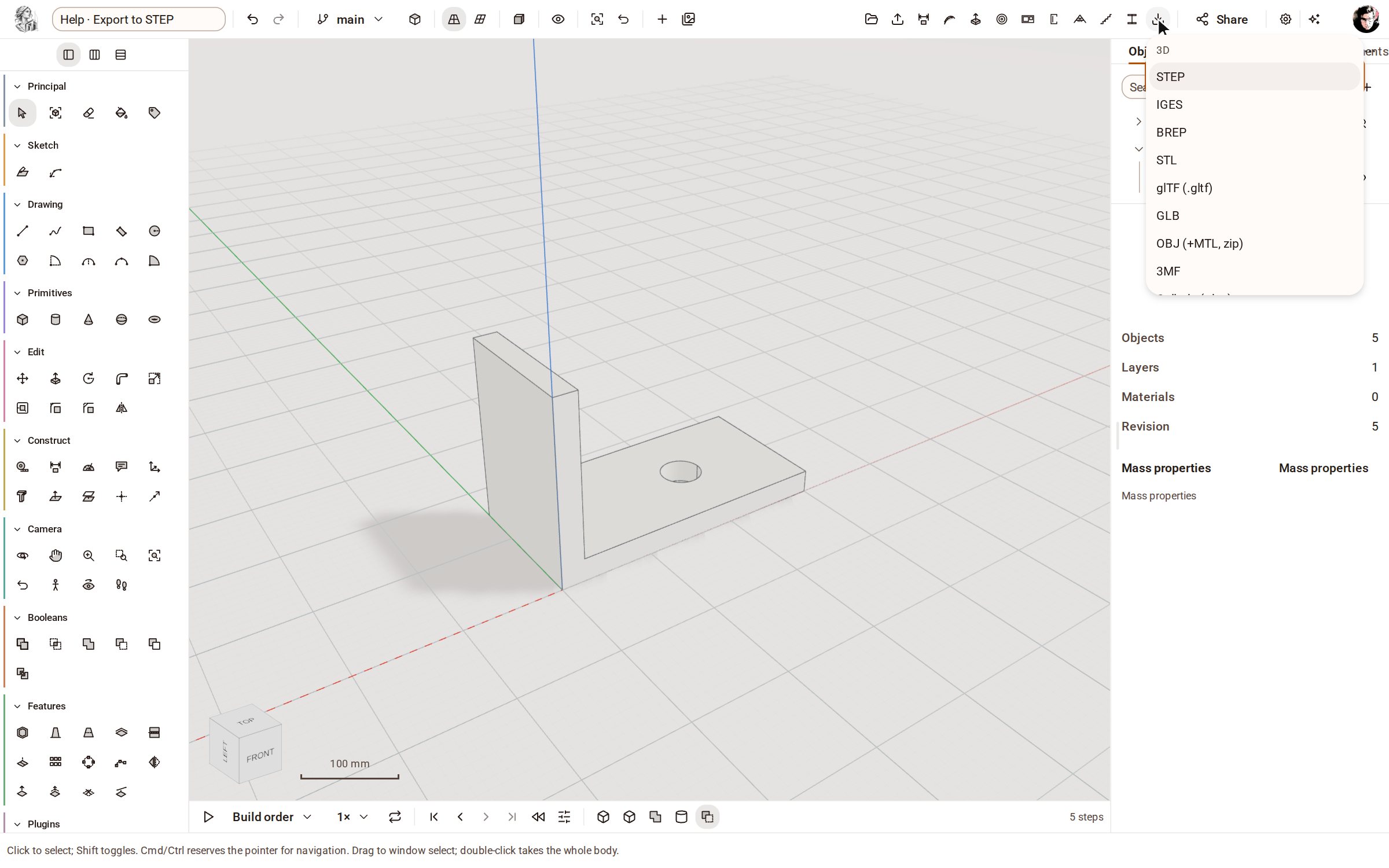
| Import and export | STEP, IGES, BREP, STL, OBJ, 3MF, glTF, Collada and IFC in and out; DXF and SVG into sketches. | Kozorosa |
| Parts library | Gears, ISO threads, bolts and nuts, washers, springs and flanges placed on a plane or a face; your own plugins too. | Kozorosa |
| AI assistant | A chat panel on every page: it reads and measures your models and, with your approval, changes them or draws a proposal over the model for you to review. | Kozorosa |
| AI mode | A workspace for designing by talking: the modelling tools are put away and the assistant builds the model from your description, stage by stage, while you point, orbit and measure. | Kozorosa |
| Your own AI agent | Connect Claude Code, Claude Desktop, Codex, Cursor, VS Code, Gemini or Windsurf to the model over MCP. | Kozorosa |
| Python console | Scripts that edit the model, each run one edit and one undo step. | Kozorosa |
| Collaboration | Live editing together, presence, comments, share links, roles and an audit log, on your own servers. | Foundry |