
Shape
Extrude, revolve, loft, sweep
From profiles, faces or polygons, with start offsets, two sides and symmetric spans; lofts and sweeps with twist and frame control.
Product
ModelingAssemblies & motionDrawingsSimulationCAMMaterials & renderingAI agentsDevelopersModules
TimberTimber frameCLTStructural steelLight-gauge steelStairsRoofingUse cases
Mechanical designMakers & 3D printingWoodworking & furnitureArchitecture & housingKozorosa
HelpPricingDownloadFoundryModeling
Push a face and the solid follows. Constrain the sketch behind it, drive it from a parameter, roll the timeline back and change your mind — on the same model, without switching modes.

Direct modeling
Line, Rectangle, Circle, Polygon, Arc; Push/Pull, Move, Rotate, Scale, Offset, Follow Me — with SketchUp's own keys if you want them, and an inference engine that snaps to endpoints, midpoints, centres, guides and axes.
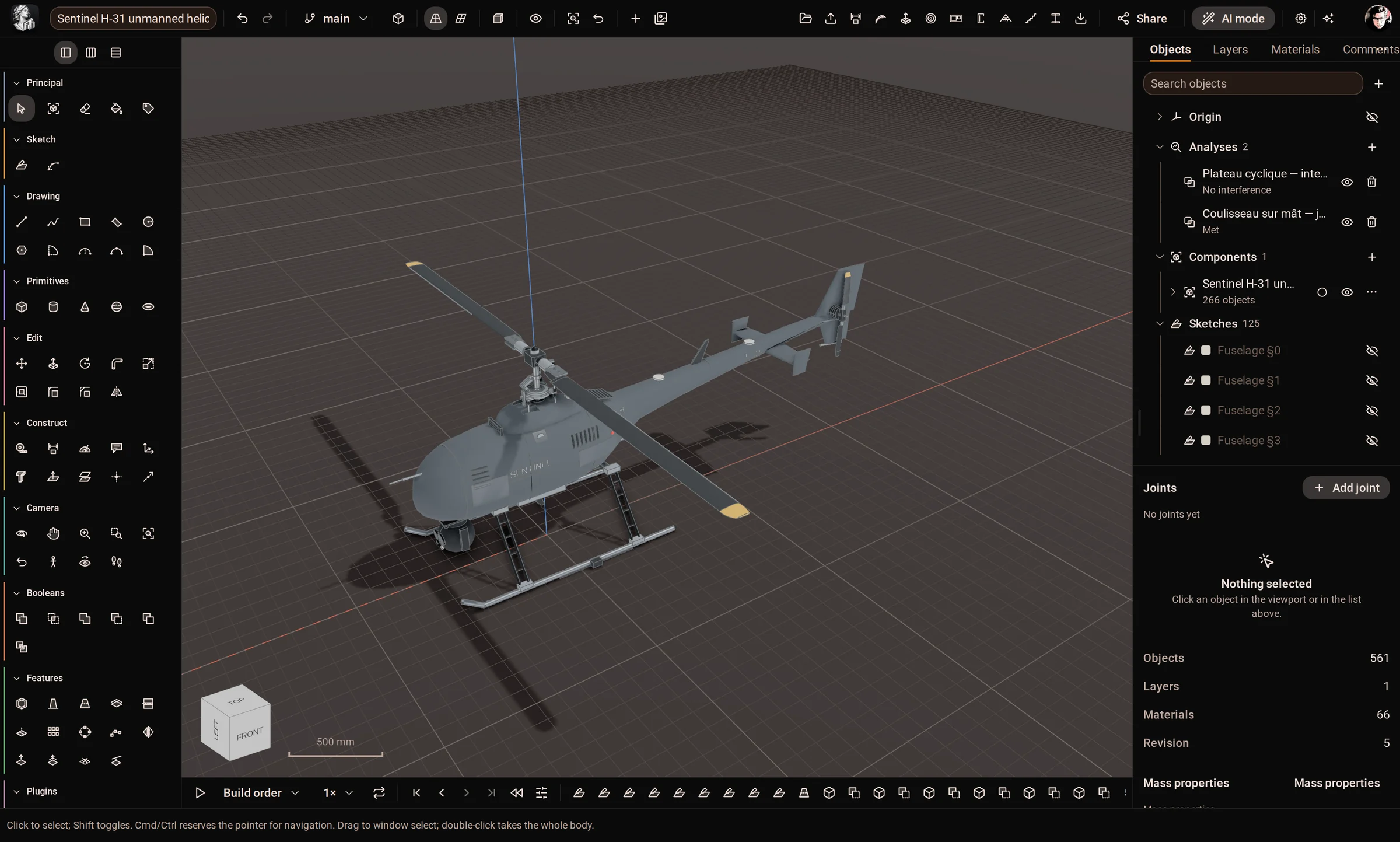
Parametric sketches
A minimum-change Newton solver reports the degrees of freedom left and refuses an edit that would over-constrain the sketch, instead of quietly picking a solution.

Solid features
Shape
From profiles, faces or polygons, with start offsets, two sides and symmetric spans; lofts and sweeps with twist and frame control.
Finish
On chosen edges and tangent chains; shell and thicken; draft about a fixed plane or a face that stands in for one.
Repeat
Rectangular, circular and path patterns and mirror across a plane — in 3D, with live grips.
Edit
Move, offset, replace or delete a face on any body, including an imported STEP with no history.
Hold
Every face and edge is named from its history, so a fillet or a sketch stays on its edge when the model upstream changes.
Parts
Gears, ISO threads, bolts, nuts, washers, springs, flanges and knurls — signed parametric plugins that regenerate without the plugin.
History
Analysis
Learn the tools
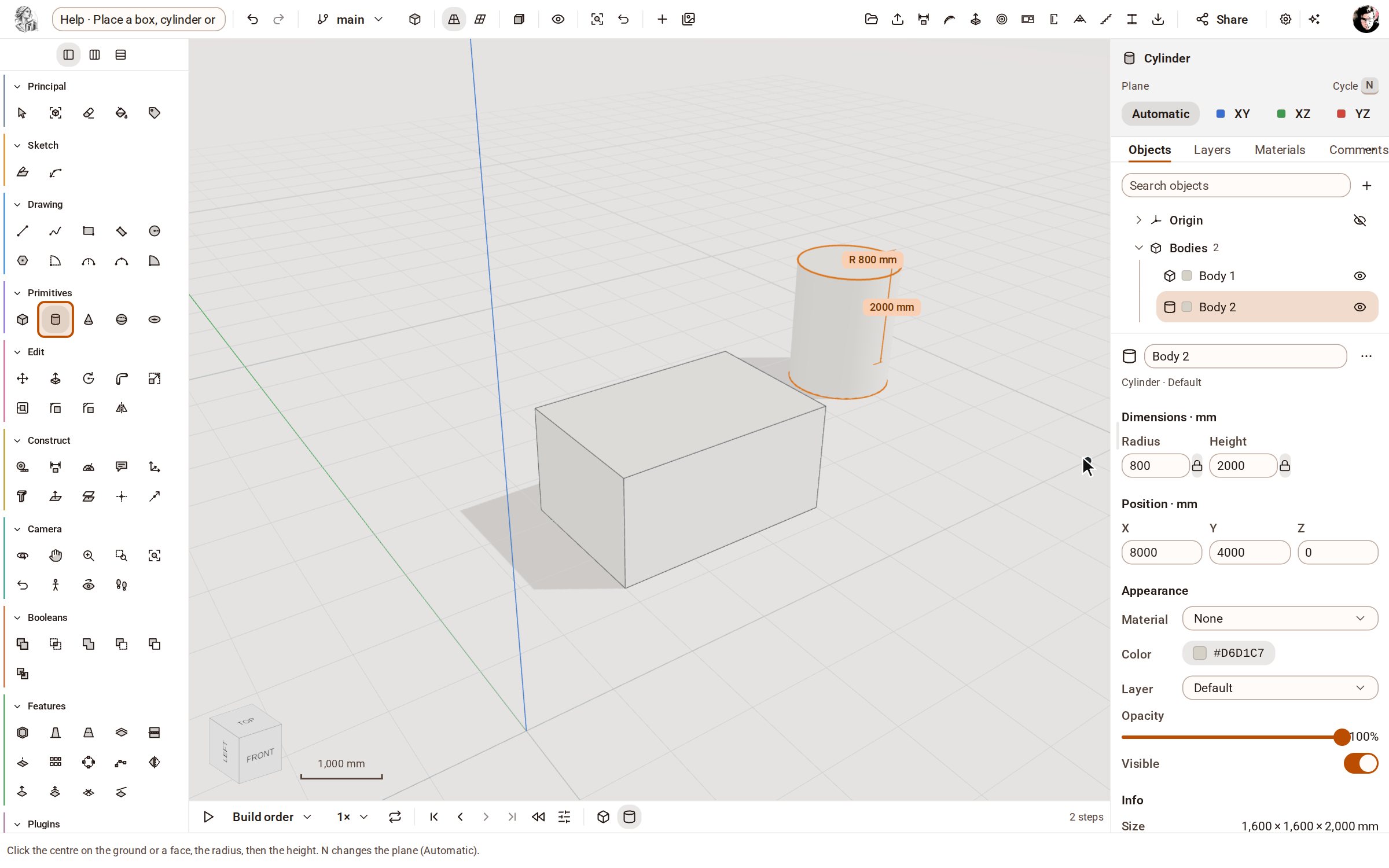 Place a box, cylinder or sphereThe Primitives group places ready-made solids — box, cylinder, cone, sphere and torus — with a few clicks or typed sizes.
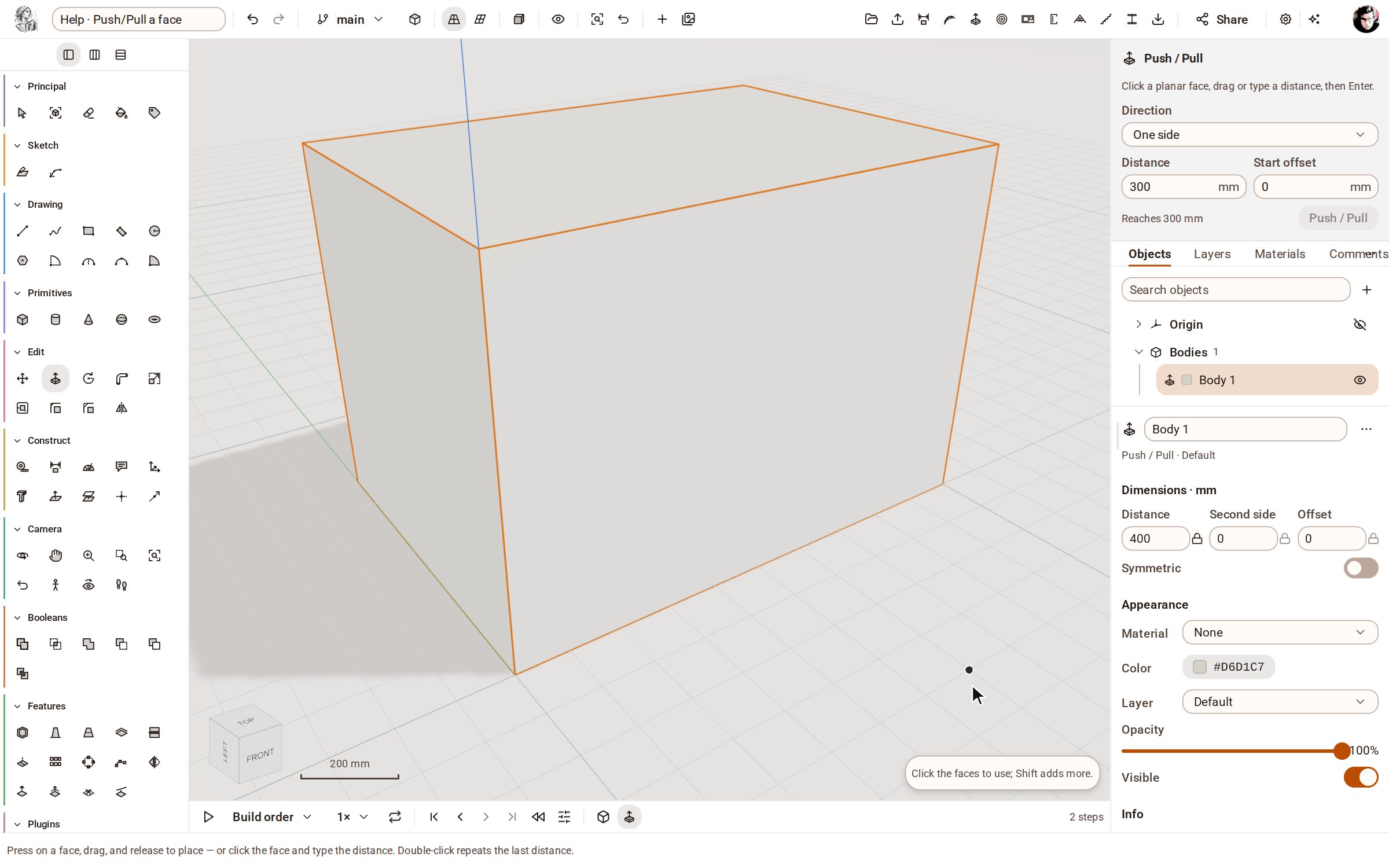 Push/Pull a facePush/Pull extrudes any flat face of a solid by a distance: raise a slab into a block, sink a pocket, or thicken a wall — and the solid stays a clean B-rep.
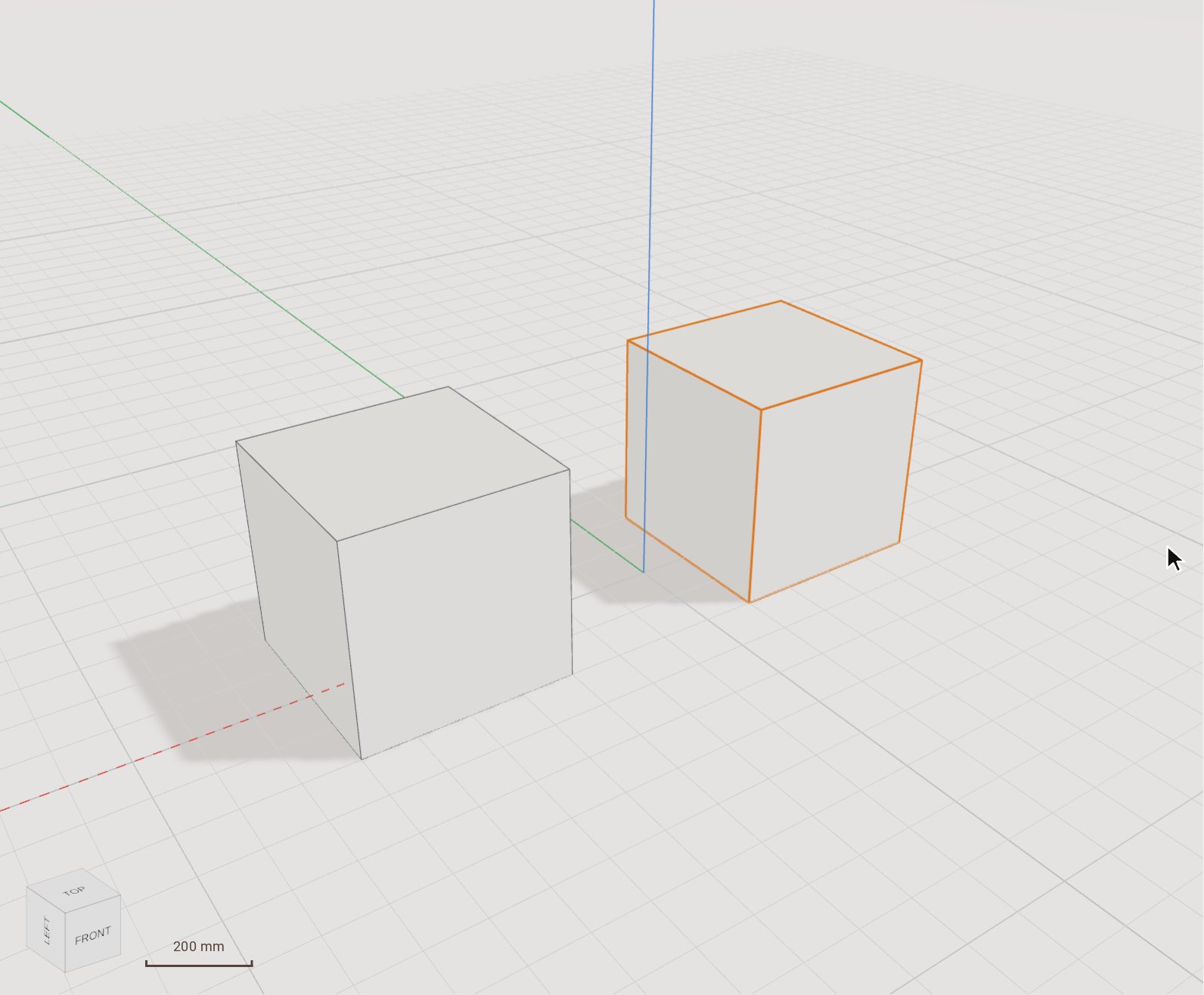 Move (and copy) a bodyMove slides the selected bodies from one point to another, by a pointer gesture or an exact typed distance. Switch on Copy and it leaves the original where it was and places a copy instead.
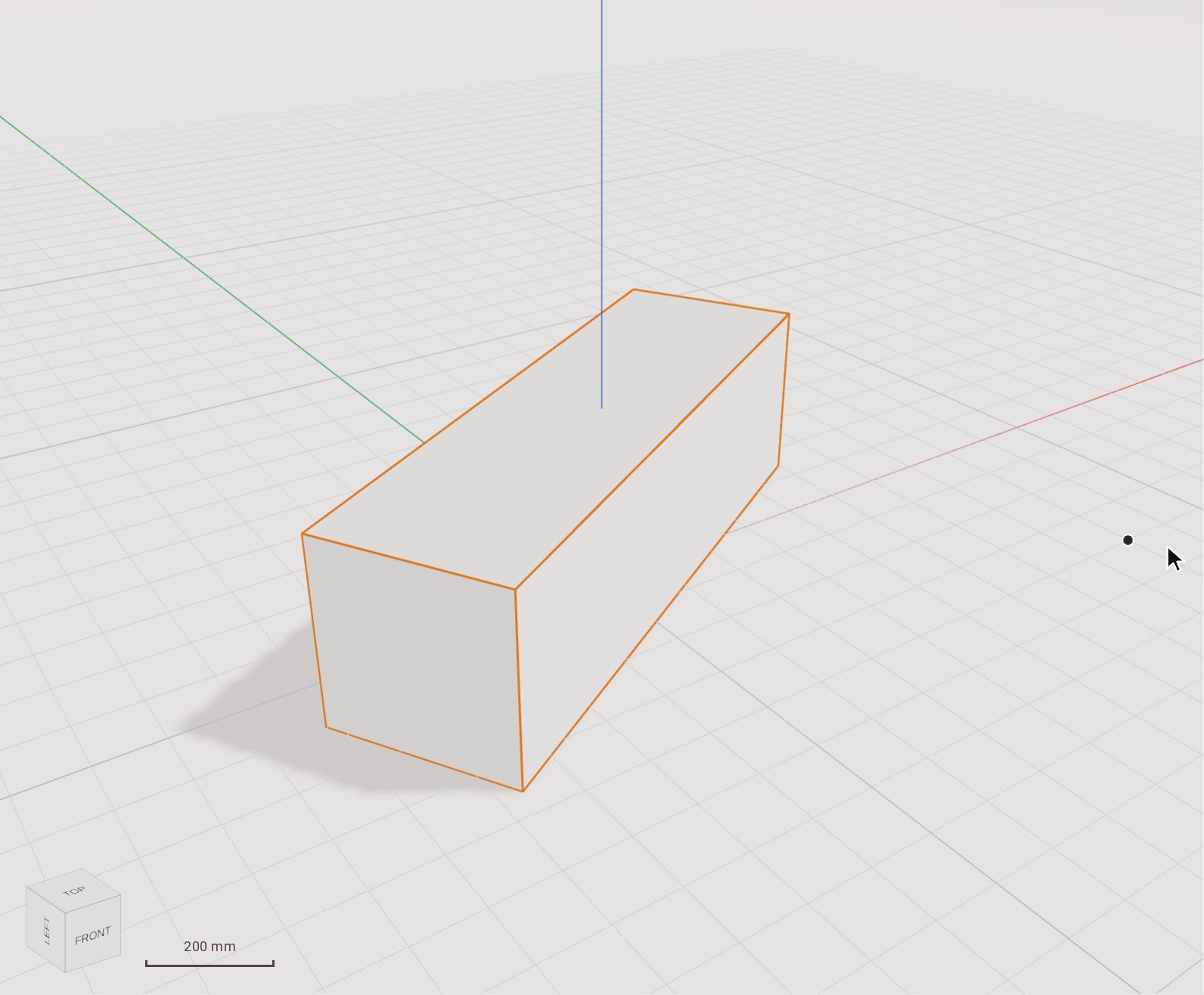 Rotate a body by a typed angleRotate turns the selected bodies about an axis through a pivot you click. Set the angle by moving the pointer, or type it exactly.
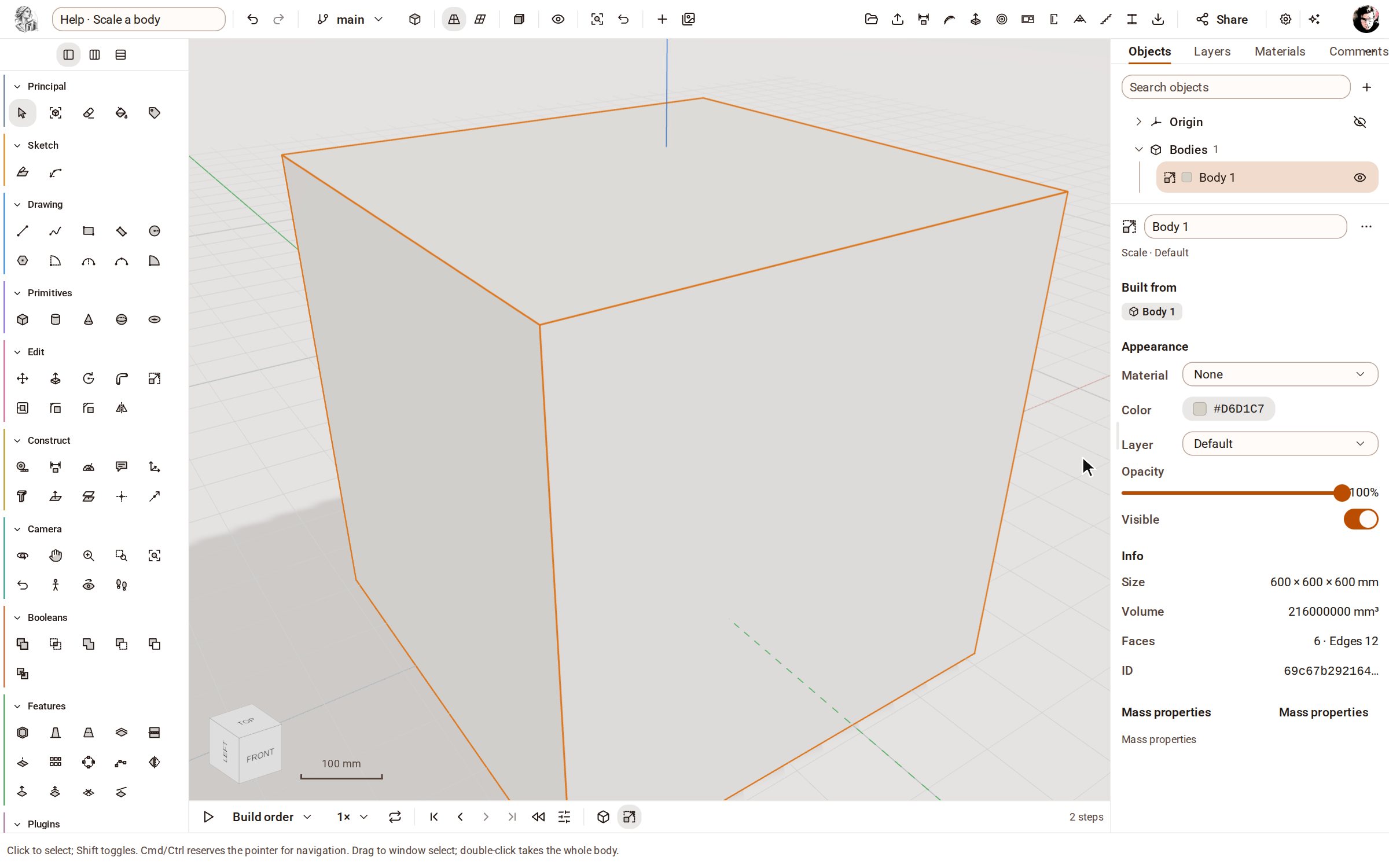 Scale a bodyScale makes the selected bodies bigger or smaller by a factor, uniformly or along one axis at a time.
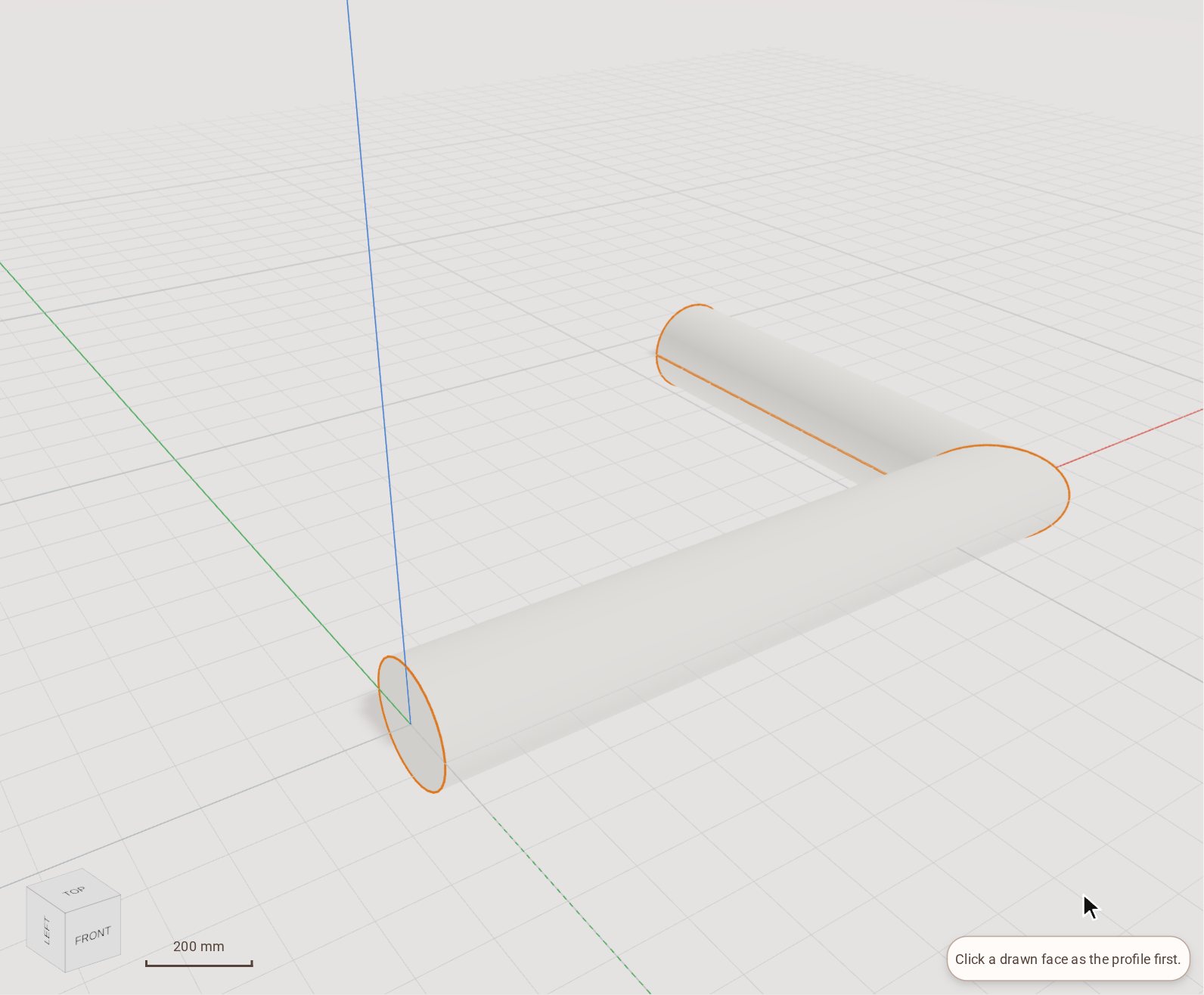 Sweep a profile along a path with Follow MeFollow Me drives a flat face along a path of lines or curves and leaves the solid it sweeps out: a pipe from a circle, a handrail, a moulding round a corner.
Import a STEP file, push a face, put a dimension on it. 5 days, every tool, nothing to pay until you decide.