
Help centreFiles
Export to STEP
STEP is the format every CAD program reads. Export your model as a .step file from the top bar's Export menu, with its solids exact — not a mesh.
-
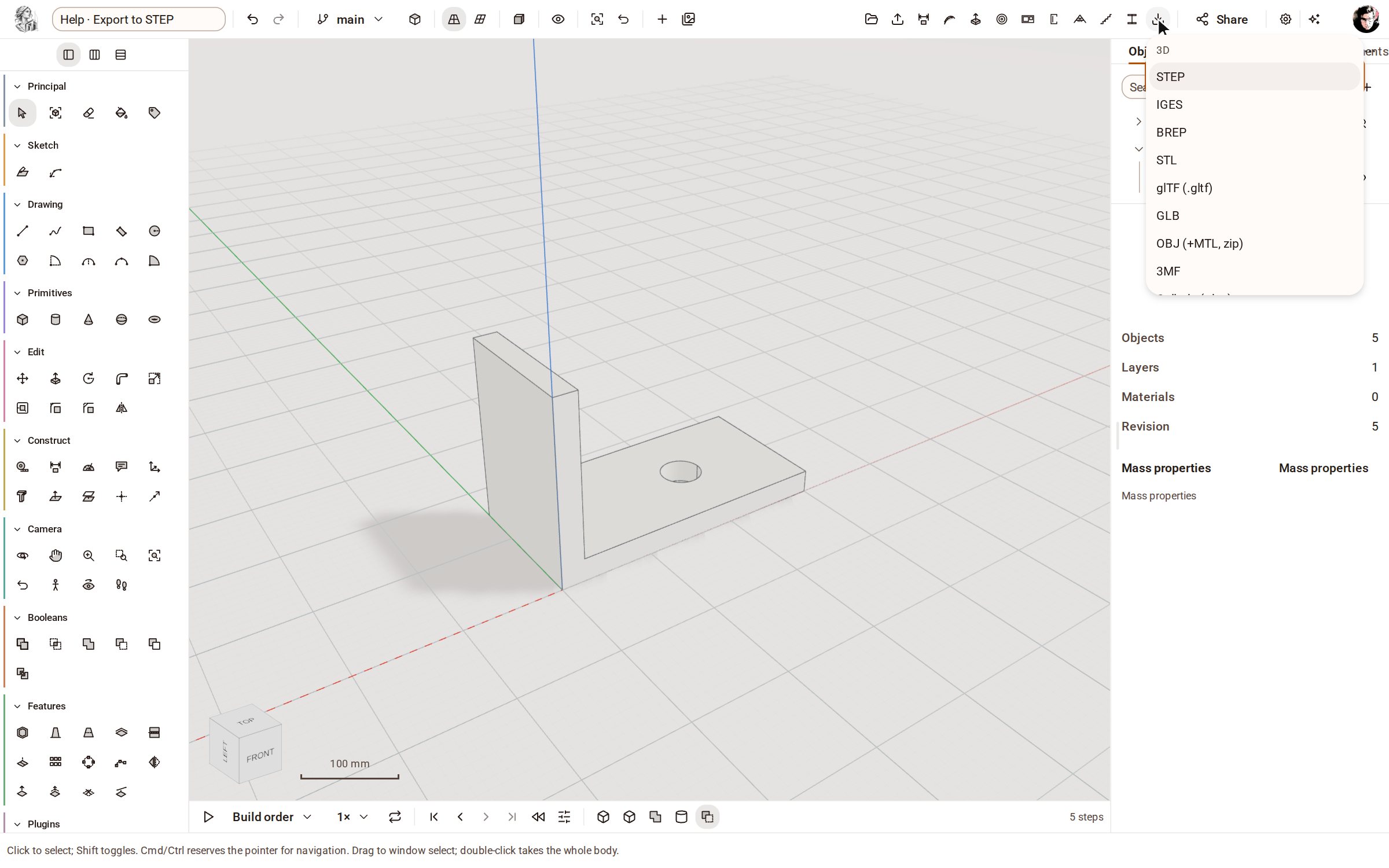
Click Export on the top bar (the download arrow). The menu lists the 3D formats first, then the 2D ones.
-
Choose STEP. The file is prepared and saved under the model's name with the .step extension.
-
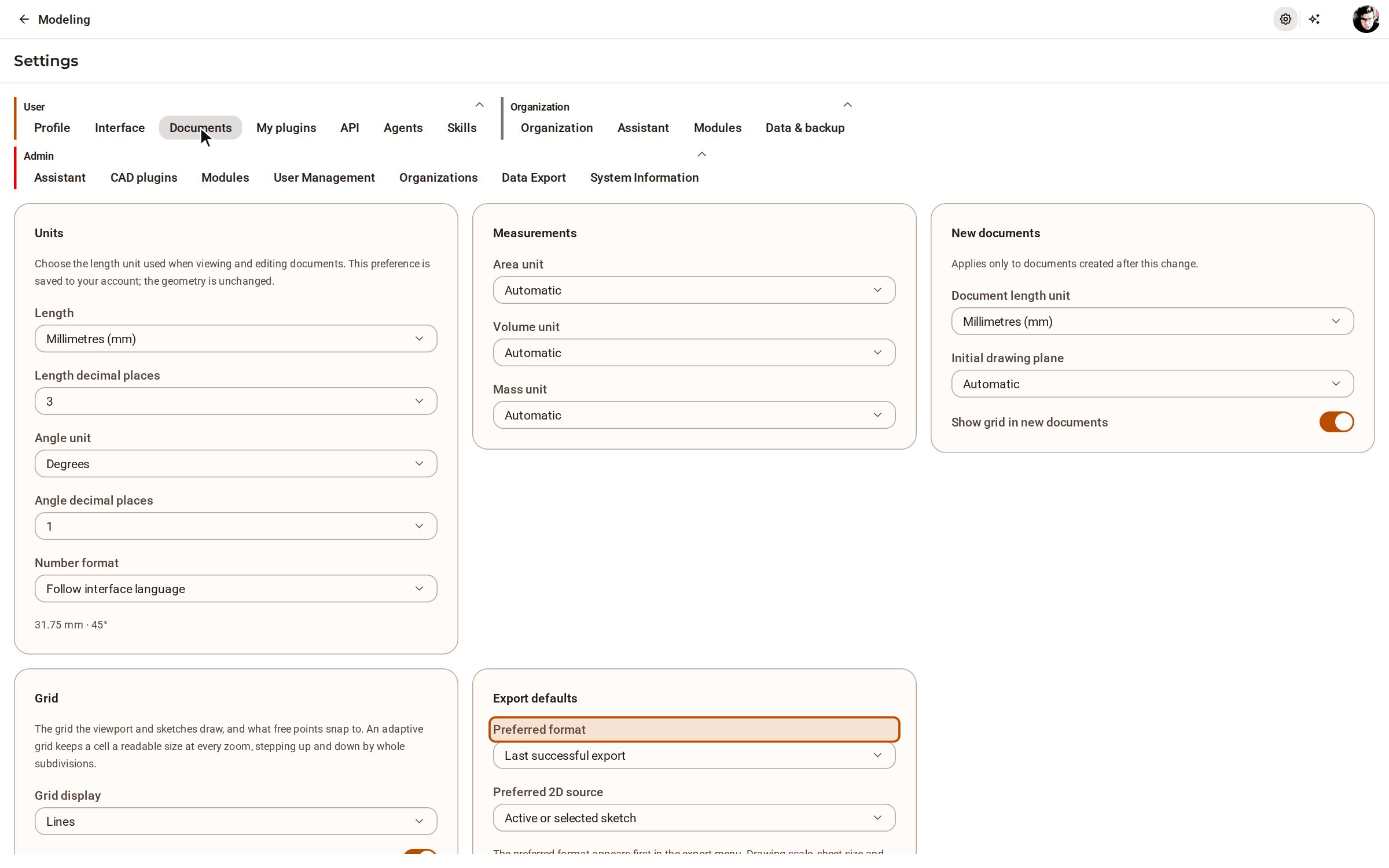
To have STEP at the top of the Export menu, open Settings, choose Documents, and set Preferred format under Export defaults.
Good to know
- The same menu writes IGES, BREP, STL, OBJ, 3MF, glTF, GLB, Collada, IFC and Kozorosa's own files; DXF and SVG first ask which sketch or section plane to draw.
Recorded in Kozorosa by the help recorder.