Help centreKozorosa Pure
Look around the model in Kozorosa Pure
Turn the camera around your model with Orbit, zoom with the mouse wheel, frame everything with Zoom Extents and step back with Previous View — all from the bar above the view.
-
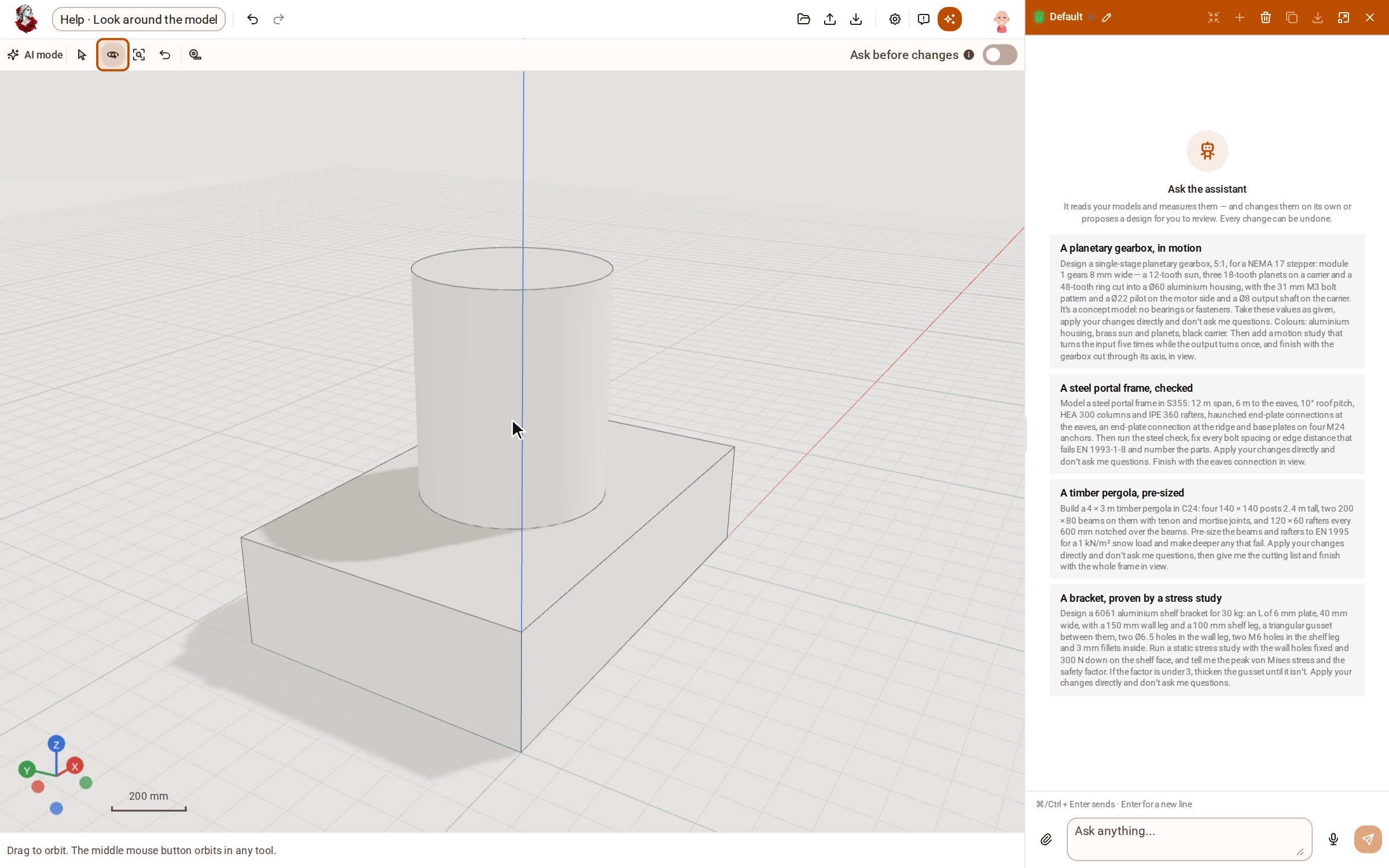
Pick Orbit on the bar above the view and drag in the view: the camera turns around the model.
-
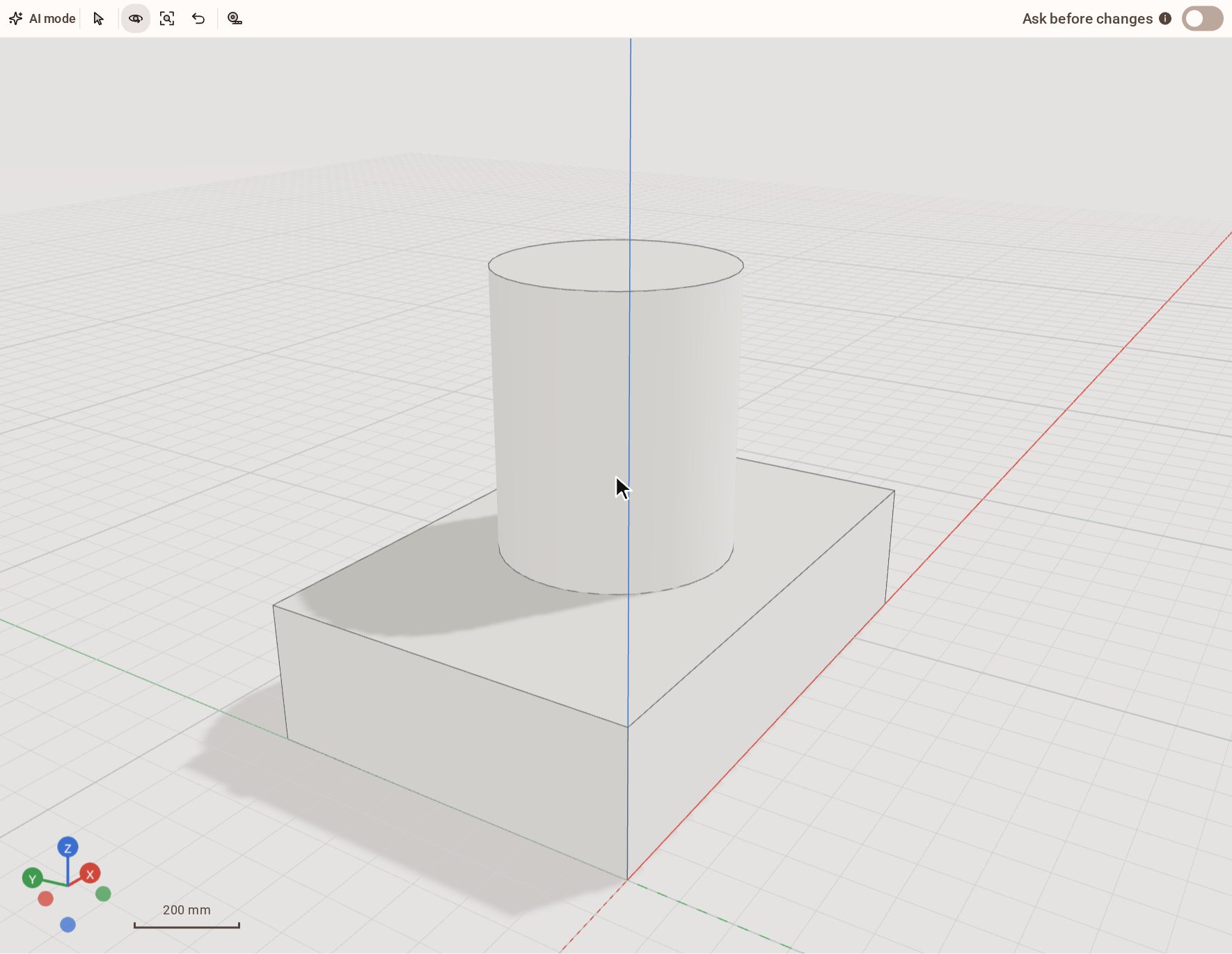
Turn the mouse wheel over the view to zoom in or out, towards whatever is under the pointer.
-
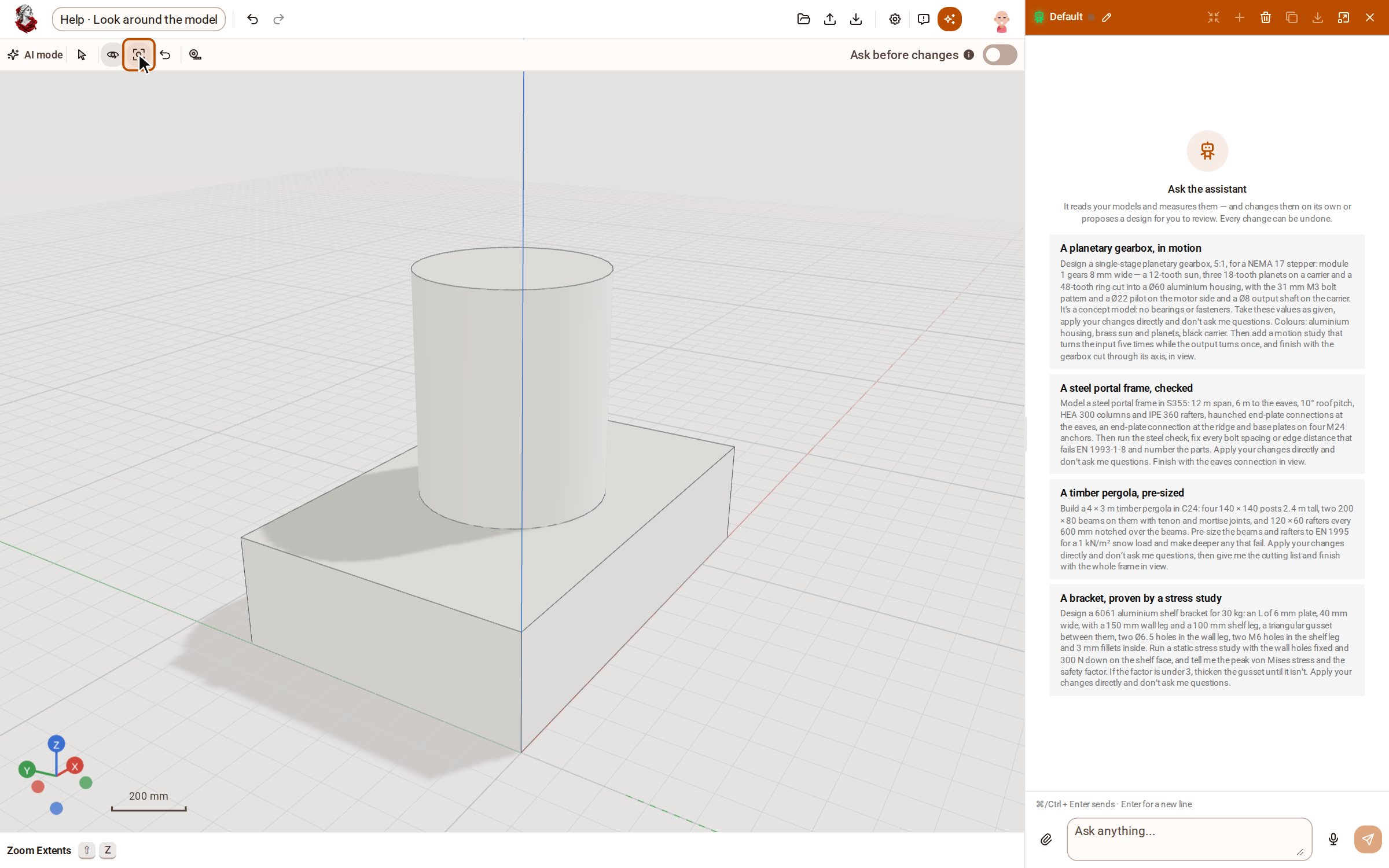
Pick Zoom Extents to frame the whole model again.
-
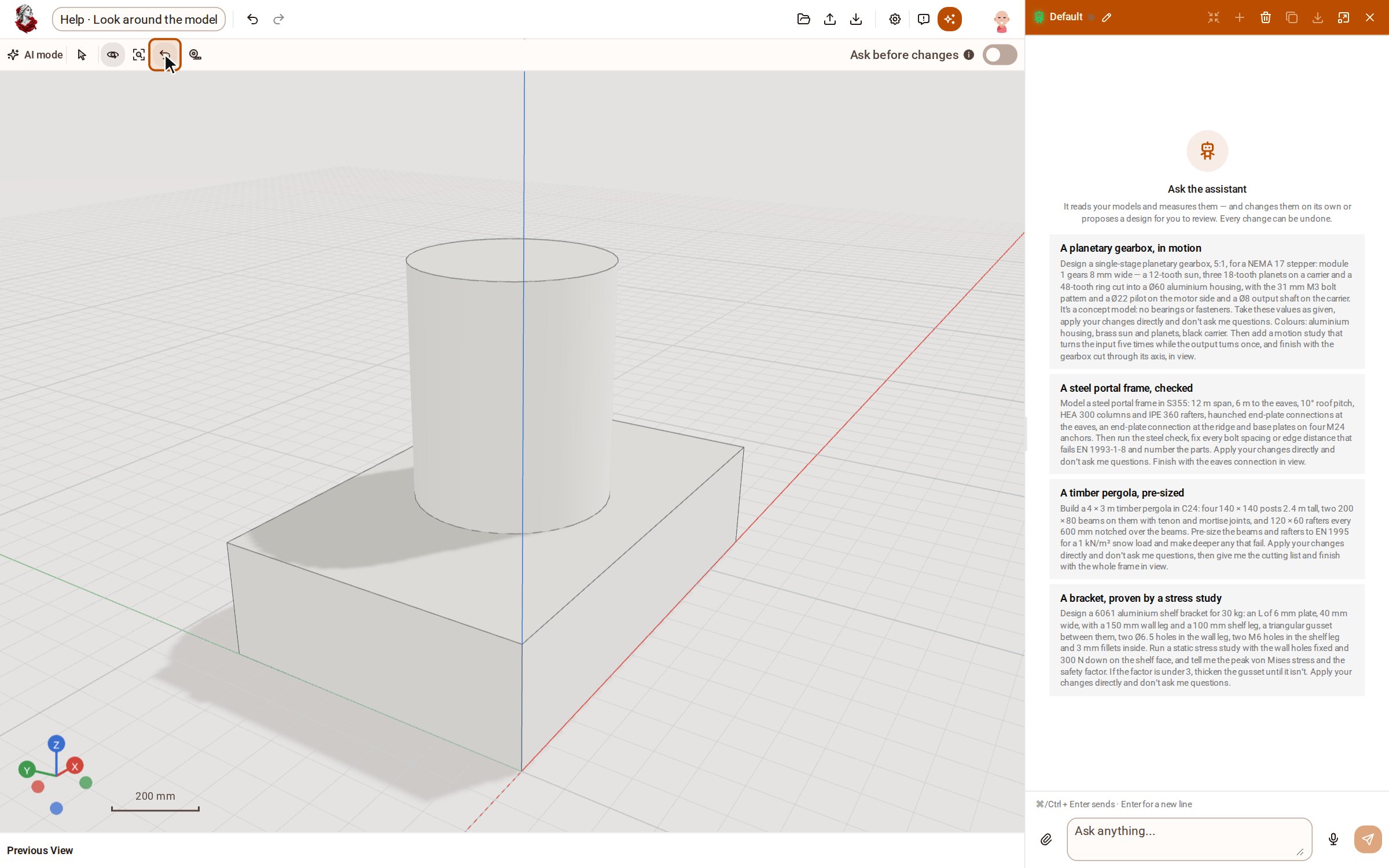
Pick Previous View to go back to where the camera was before.
Good to know
- You don't need to change tools to move around: the middle mouse button orbits and the right mouse button pans whichever tool is picked.
- The assistant moves the camera too: ask it to show you something, and it frames it in the view.
- Looking around changes nothing in the model.
Related
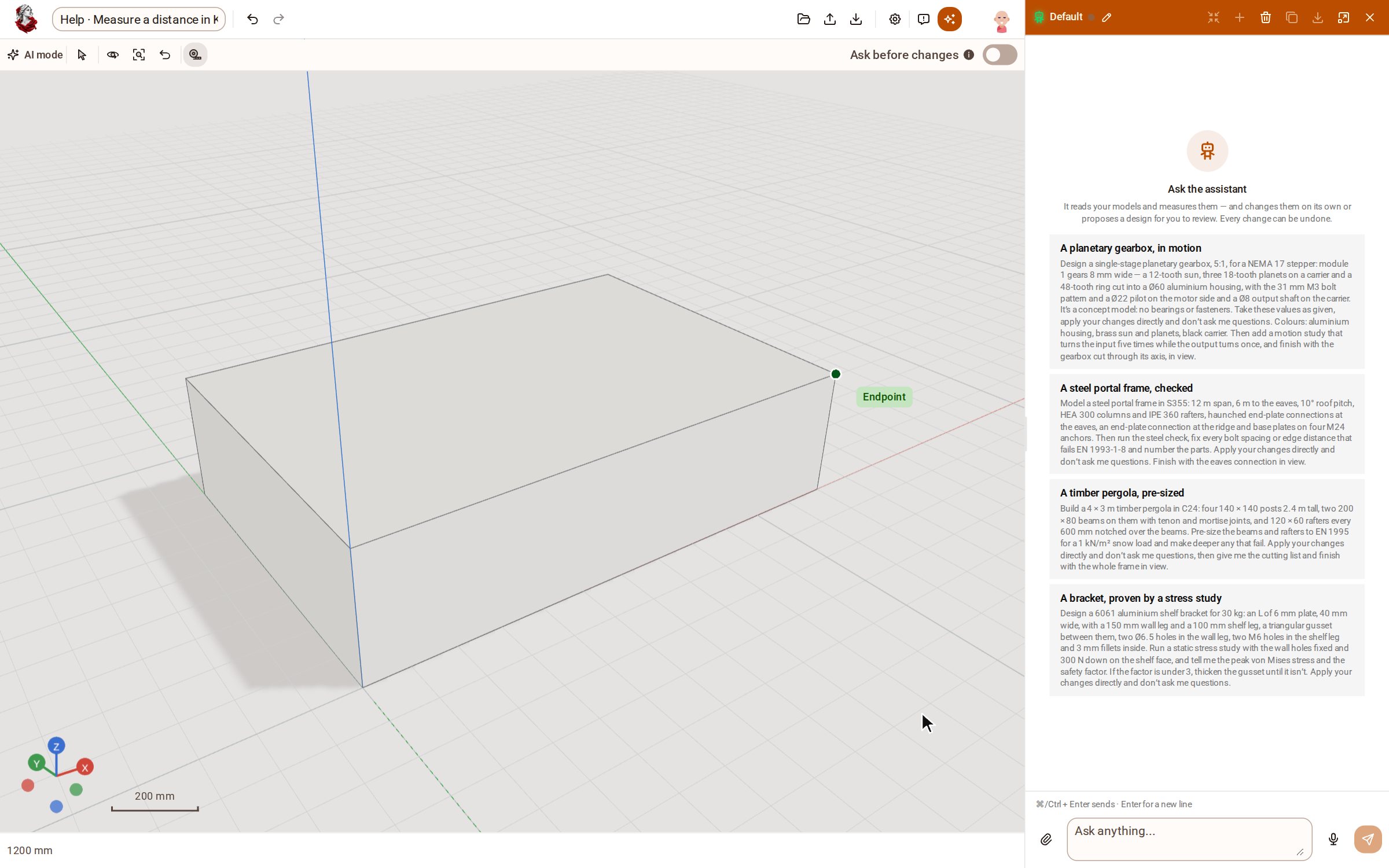 Measure a distance in Kozorosa PureThe Tape Measure reads the distance between two points of your model, snapping to corners and edges. In Kozorosa Pure it only measures: it adds nothing to the model.
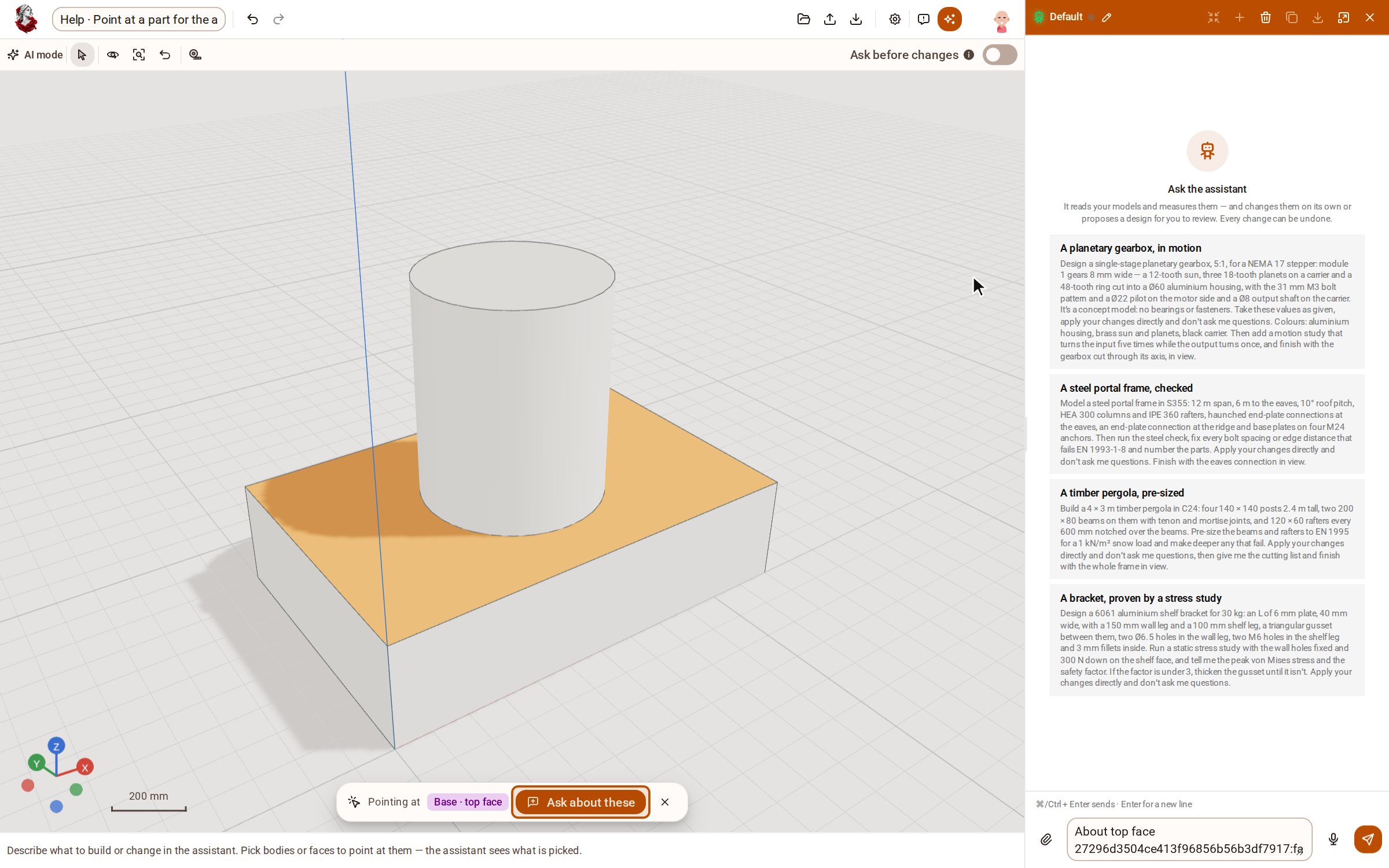 Point at a part for the assistantClick a face or a body with Select and the assistant knows what you mean by “this”: the strip under the view names what you are pointing at, and it goes with your next message.
Recorded in Kozorosa by the help recorder.