Help centreKozorosa Pure
Point at a part for the assistant
Click a face or a body with Select and the assistant knows what you mean by “this”: the strip under the view names what you are pointing at, and it goes with your next message.
-
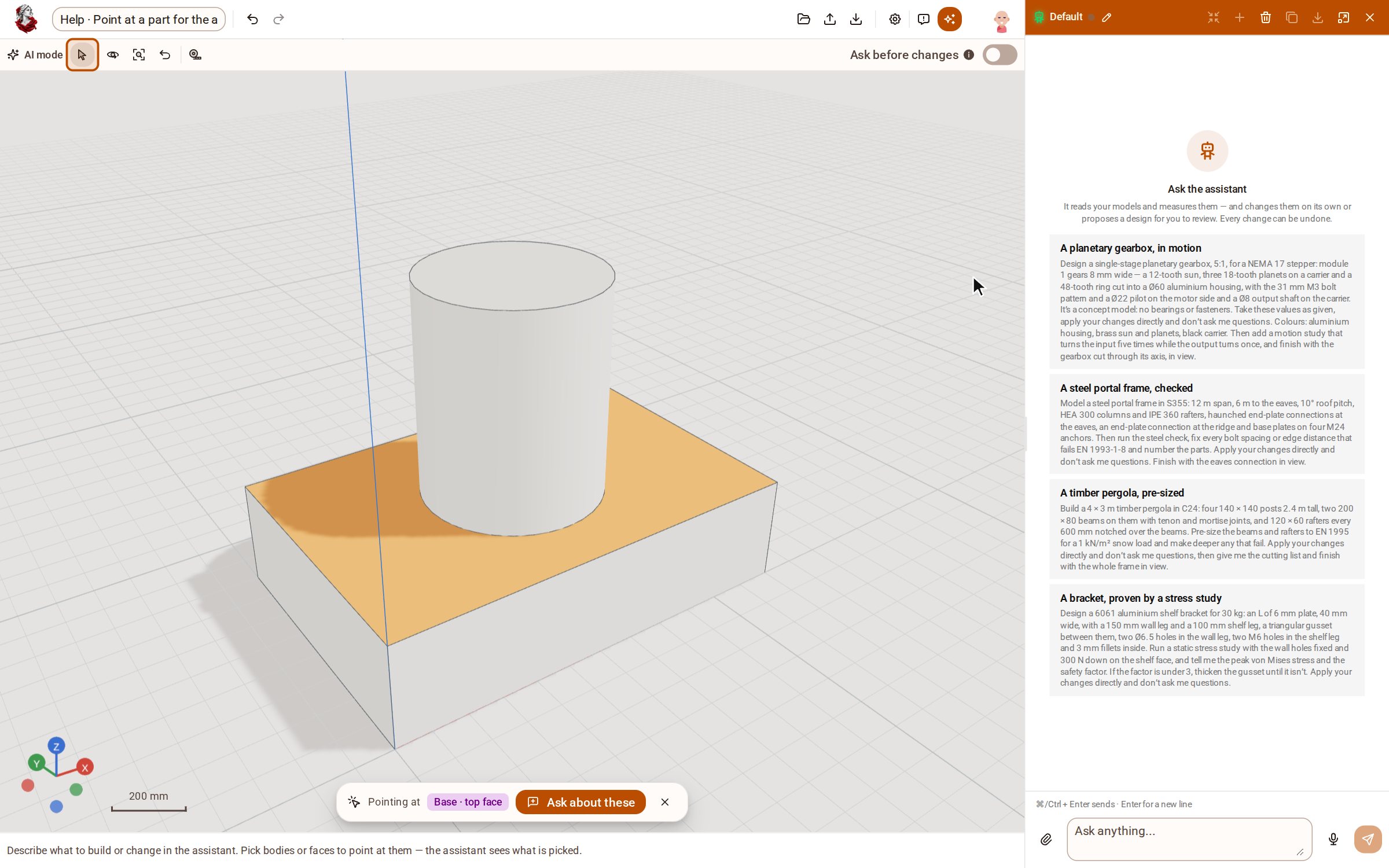
Pick Select on the bar above the view, then click a face of the model. The strip at the foot of the view, Pointing at, names it: the body and which face.
-
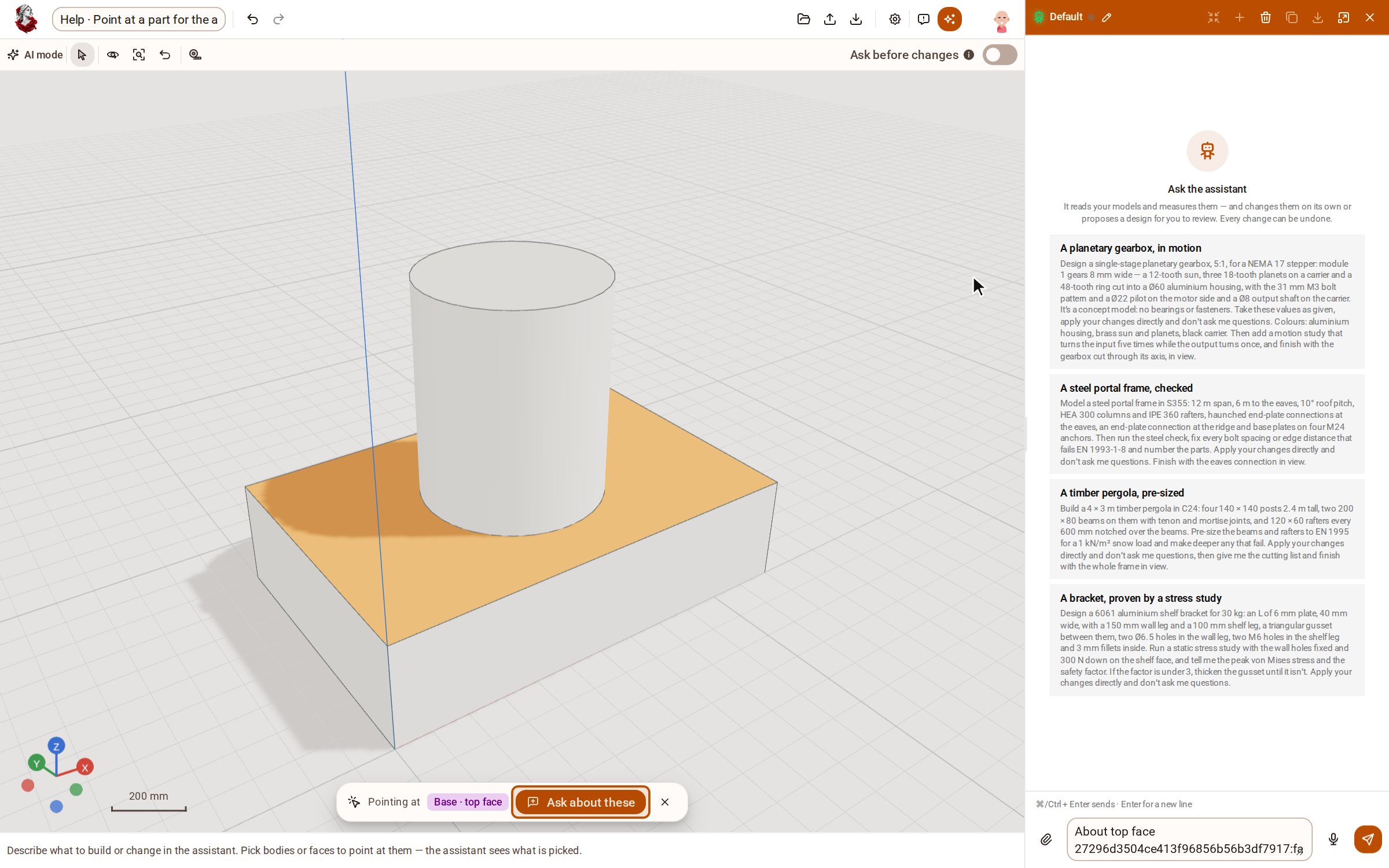
Pick Ask about these. The assistant's message box starts with what you are pointing at; finish the sentence — “make this 20 mm thicker” — and send it.
Good to know
- You don't have to pick Ask about these: whatever you are pointing at goes with every message, so “this” and “these” always mean what is picked.
- Hold Shift and click to point at several faces or bodies at once; Shift-click one again to drop it.
- Right-click a body and choose Ask the assistant about this to start a message about the whole body.
- The cross at the end of the strip clears what you are pointing at.
Related
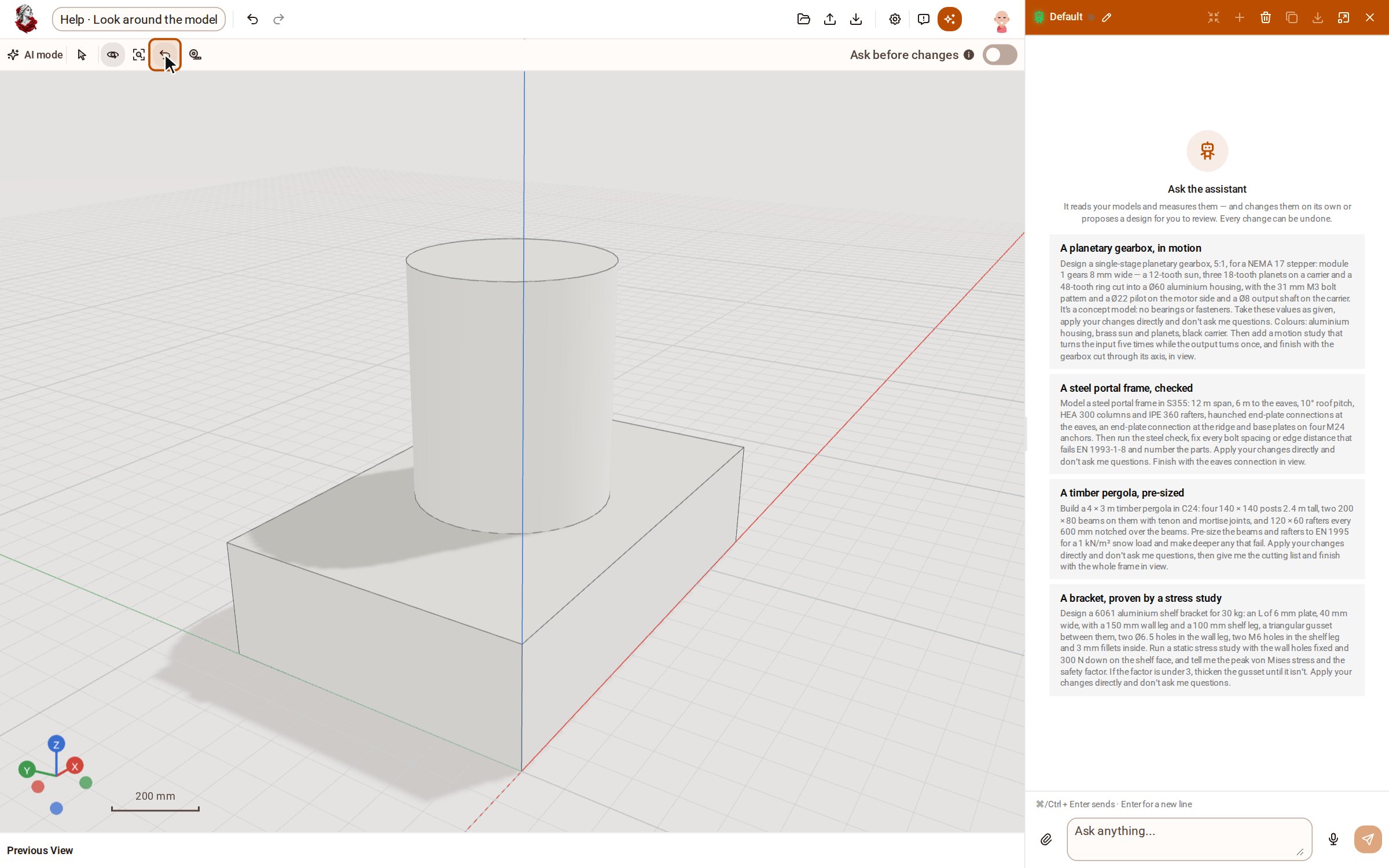 Look around the model in Kozorosa PureTurn the camera around your model with Orbit, zoom with the mouse wheel, frame everything with Zoom Extents and step back with Previous View — all from the bar above the view.
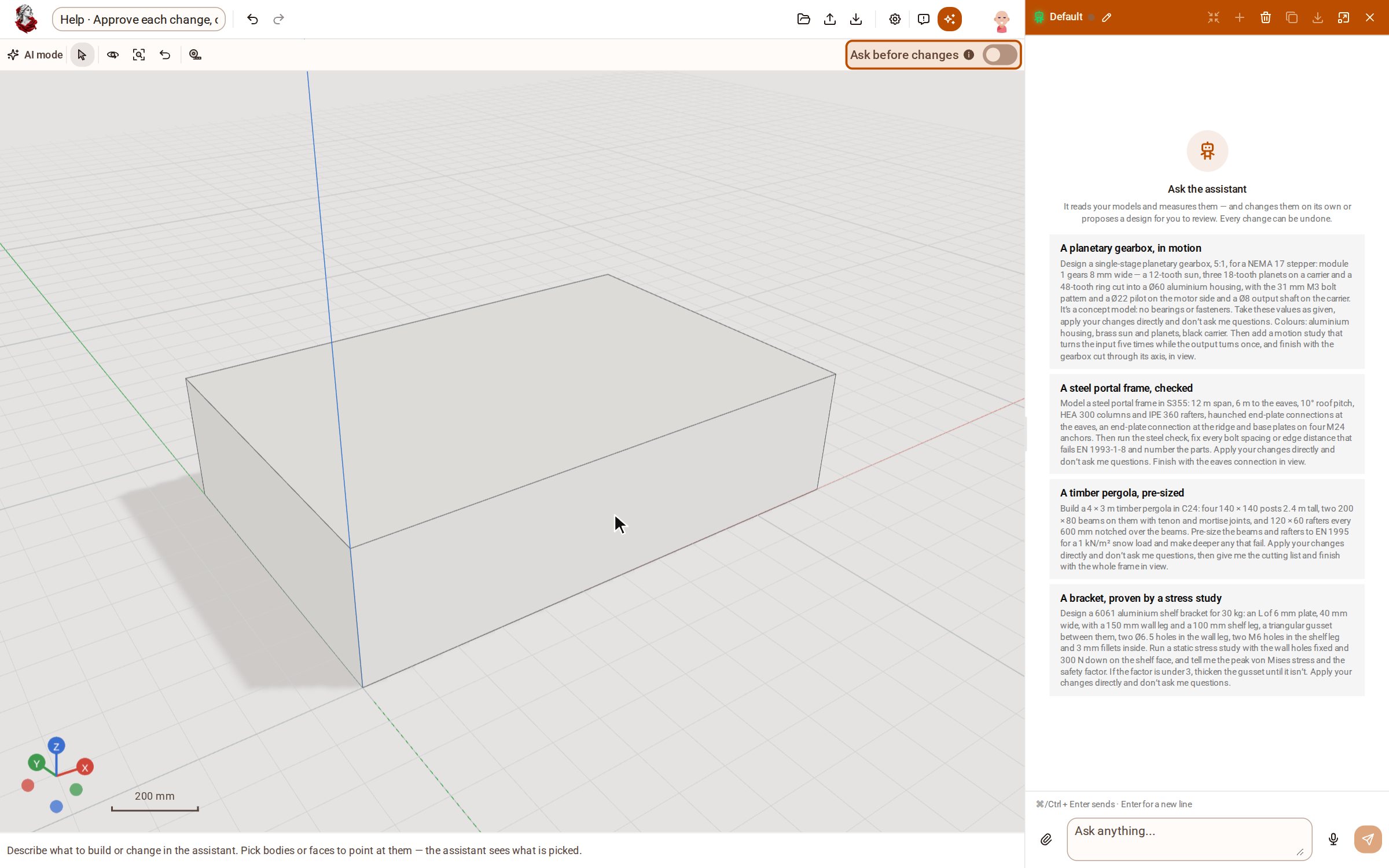 Approve each change, or let the assistant buildAsk before changes, on the bar above the view, decides whether the assistant applies its edits on its own or proposes each one for you to approve. Kozorosa Pure starts with it off: the assistant builds and asks you only about the design.
Recorded in Kozorosa by the help recorder.