
Help centreSketch
Extrude a sketch profile into a solid
Extrude turns the closed outlines of a finished sketch into a solid of the depth you give it. The solid stays tied to the sketch: change a dimension and it rebuilds.
-
Draw a closed outline in a sketch — here a 2-Point Rectangle on the XY plane (see Create a sketch and constrain it). Then click Finish sketch.
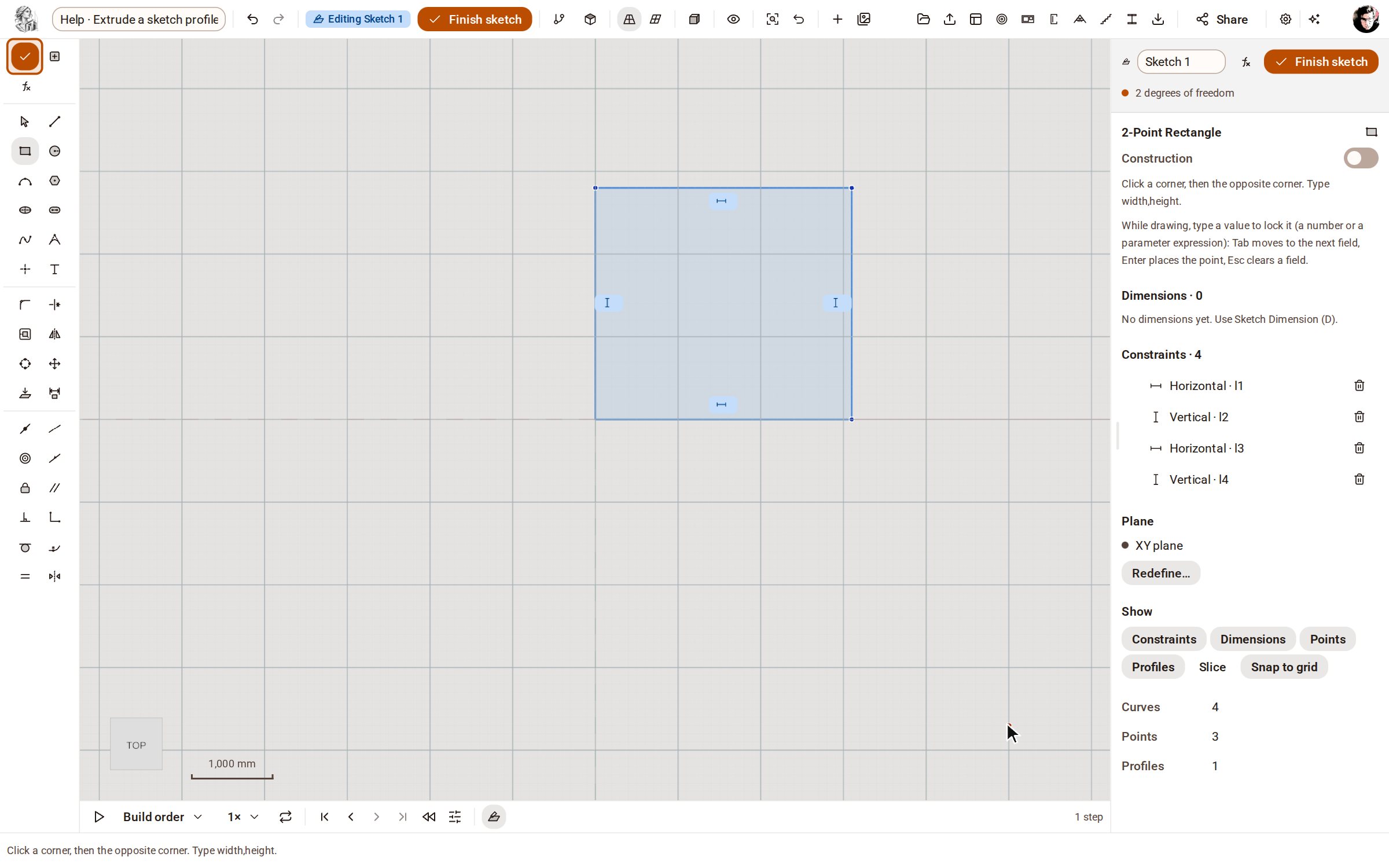
-
The finished sketch stays selected, and the inspector shows its Extrude panel. It extrudes every outline unless you click one profile first.
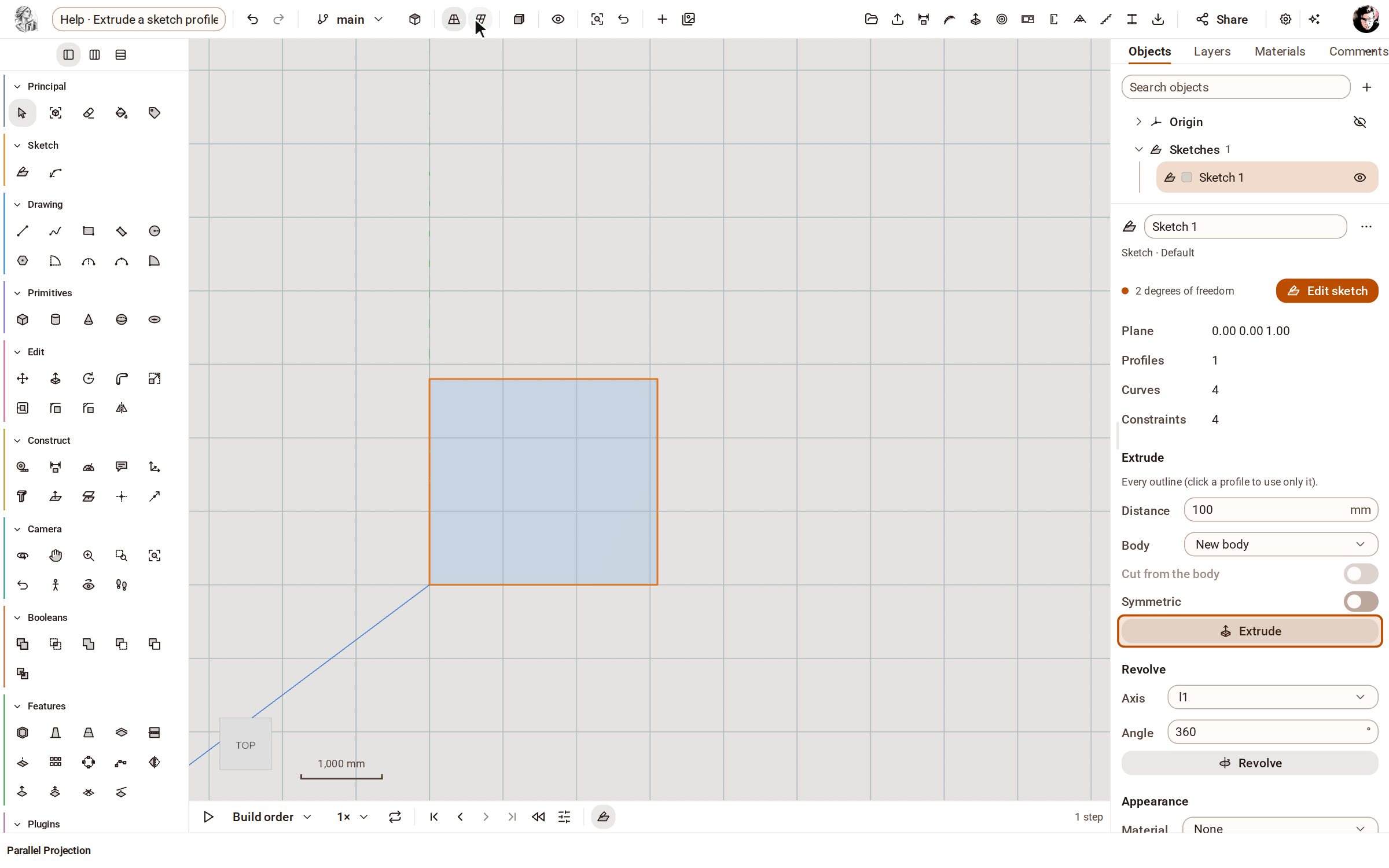
-
Set Distance to 1500 and click Extrude. The outline becomes a solid 1500 mm deep; pick Iso above the view to see it in 3D.
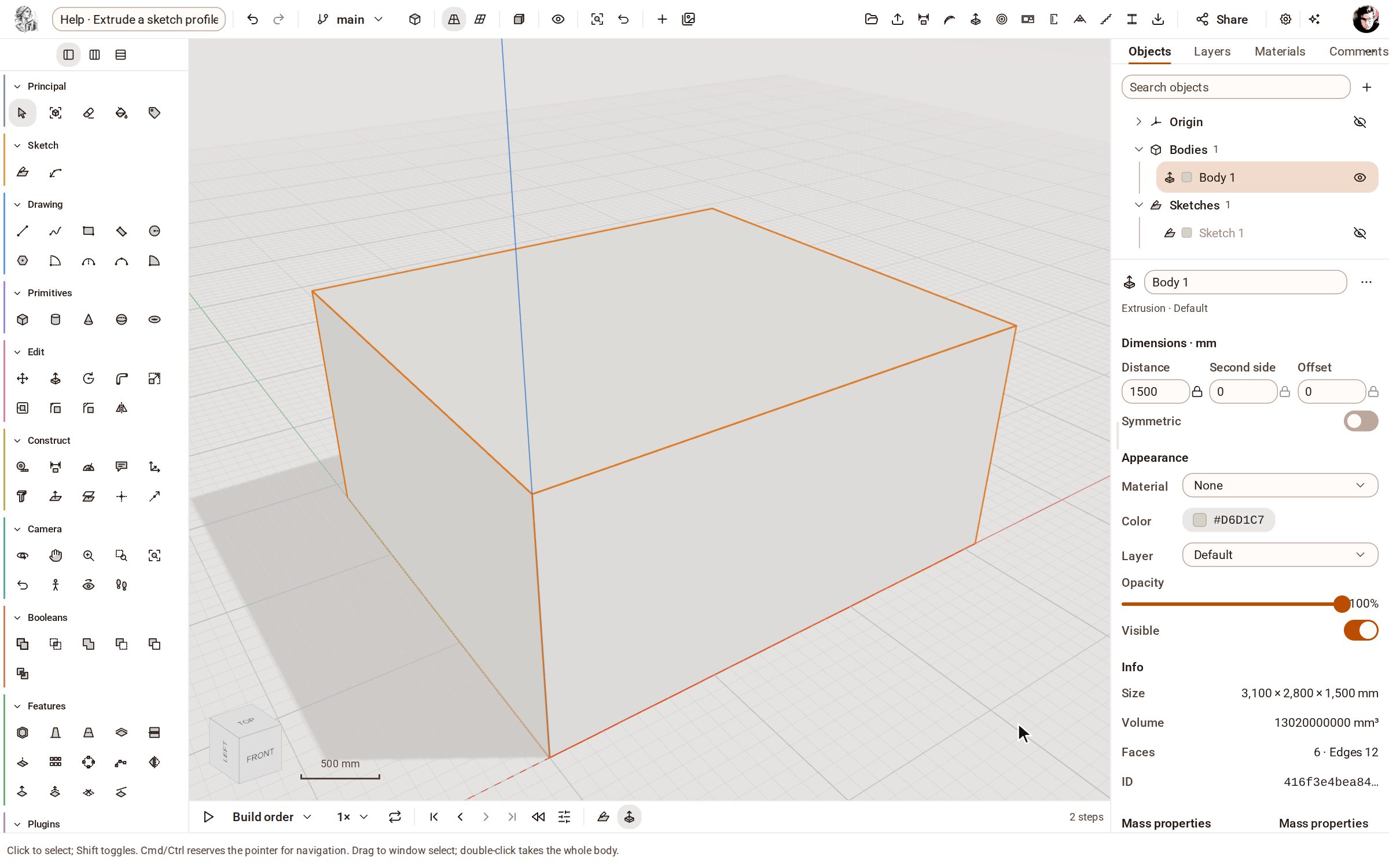
Good to know
- Turn on Symmetric to extrude to both sides of the sketch plane.
- Choose an existing body under Body to add the extrusion to it, or turn on Cut from the body to cut the outline out of it.
- Revolve, below Extrude, turns the outline round one of the sketch's lines instead.
Related
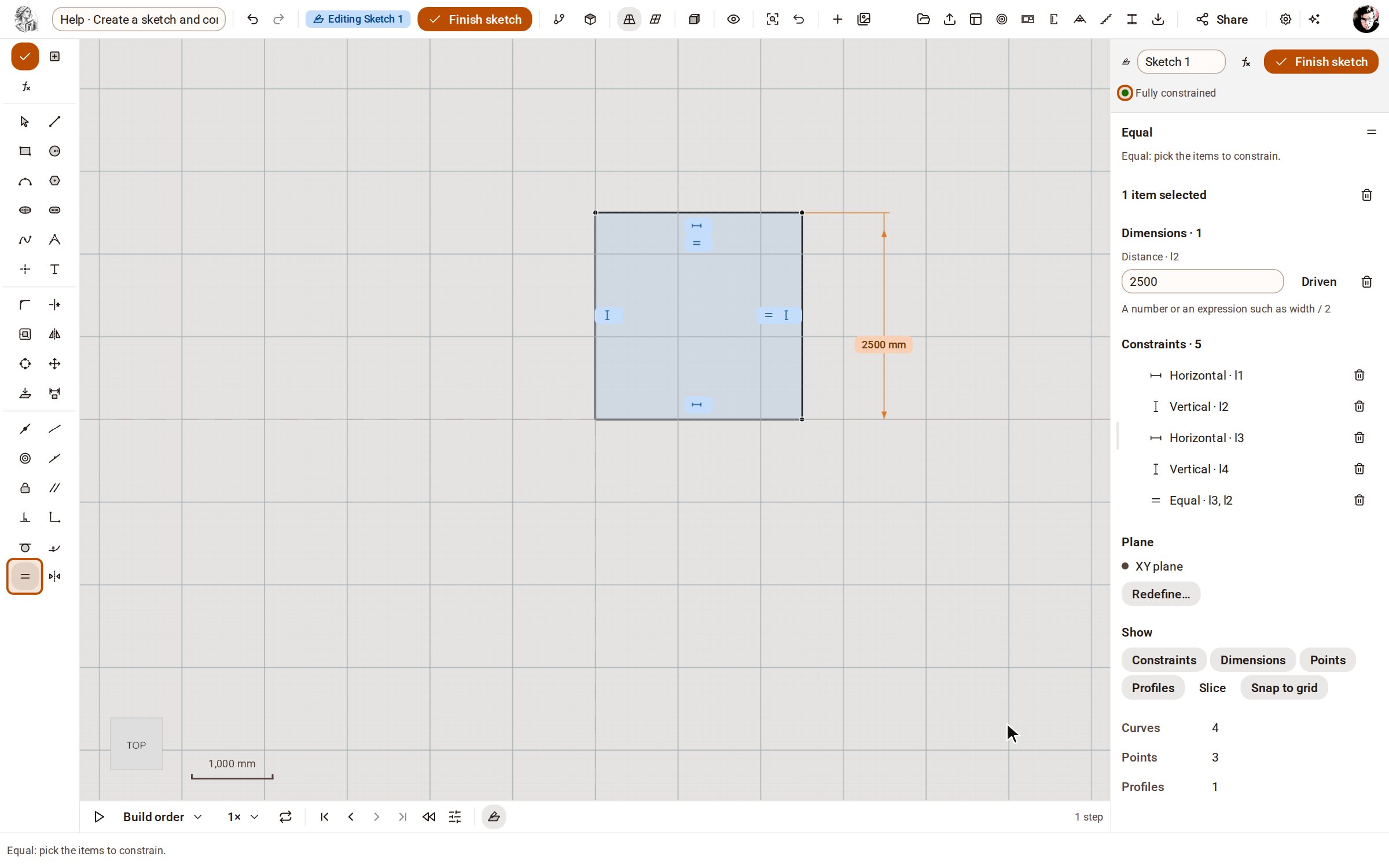 Create a sketch and constrain itA sketch is a 2D drawing on a plane whose shape is held by dimensions and constraints, not by where you happened to click. Change a dimension later and the sketch, and every solid built from it, follows.
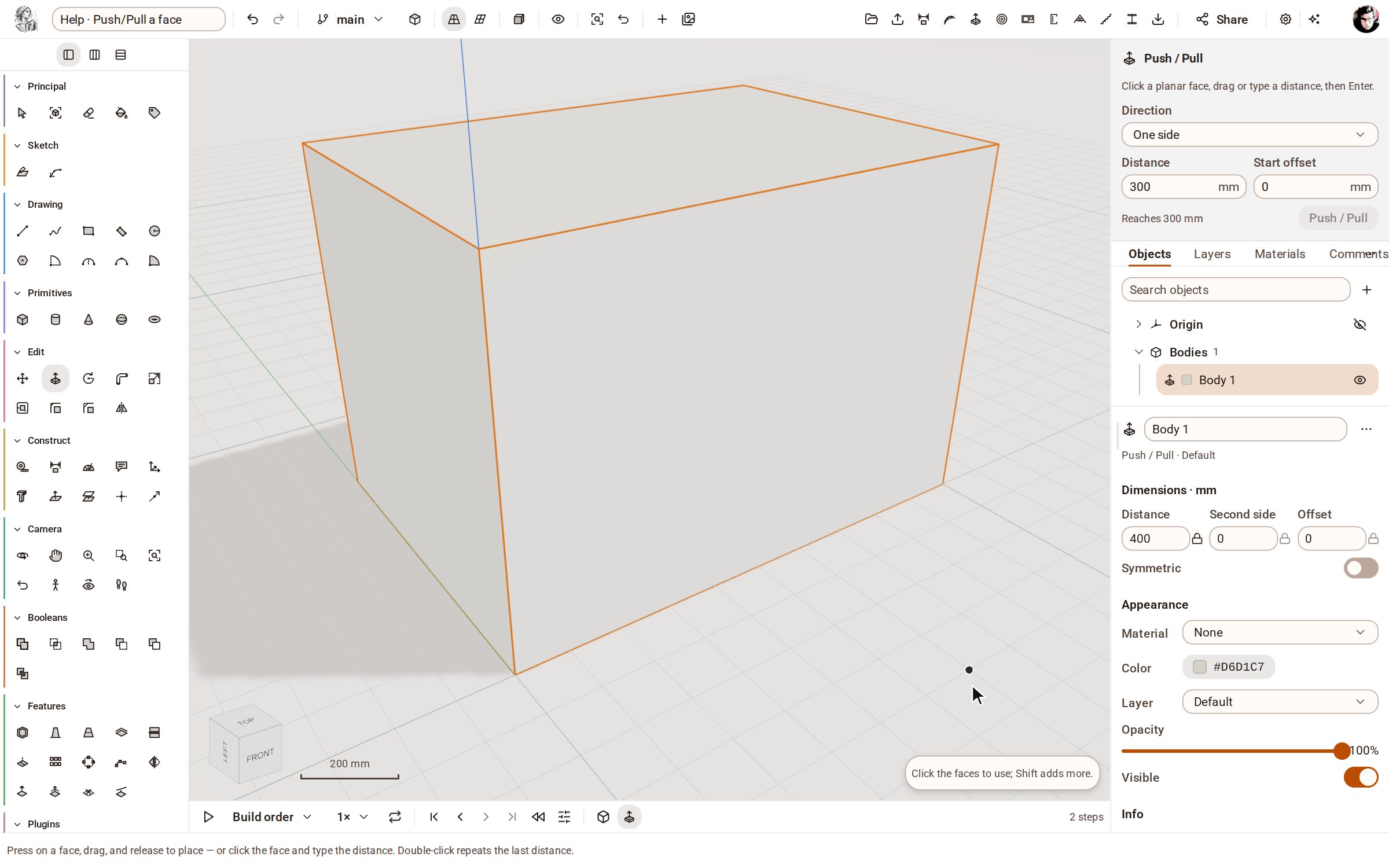 Push/Pull a facePush/Pull extrudes any flat face of a solid by a distance: raise a slab into a block, sink a pocket, or thicken a wall — and the solid stays a clean B-rep.
Recorded in Kozorosa by the help recorder, which checked that the result is in the model.