
Help centreDrawing
Draw an arc
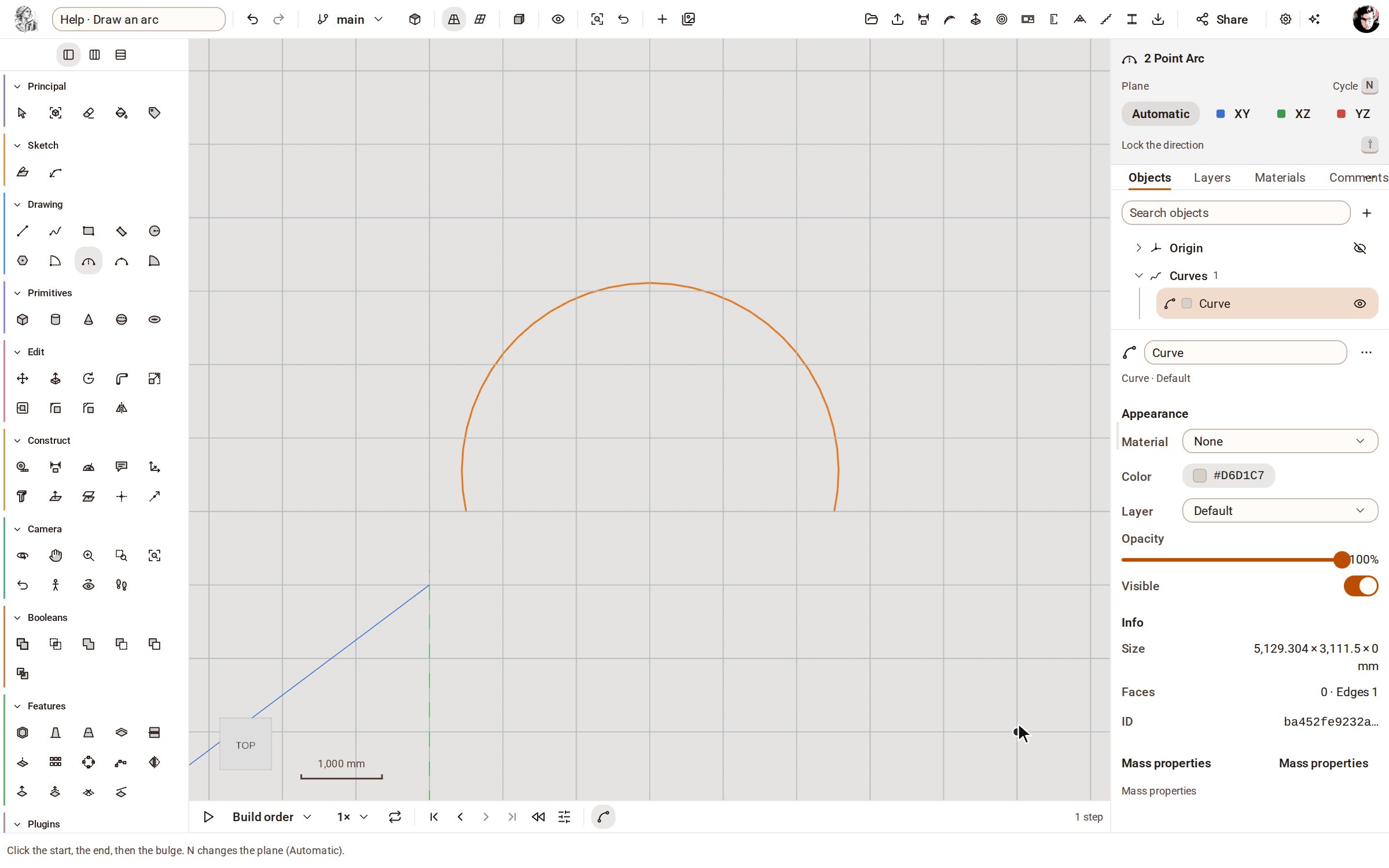
2 Point Arc draws a curved edge from its two ends and how far it bulges. Use arcs to round off an outline before you close it into a face.
-
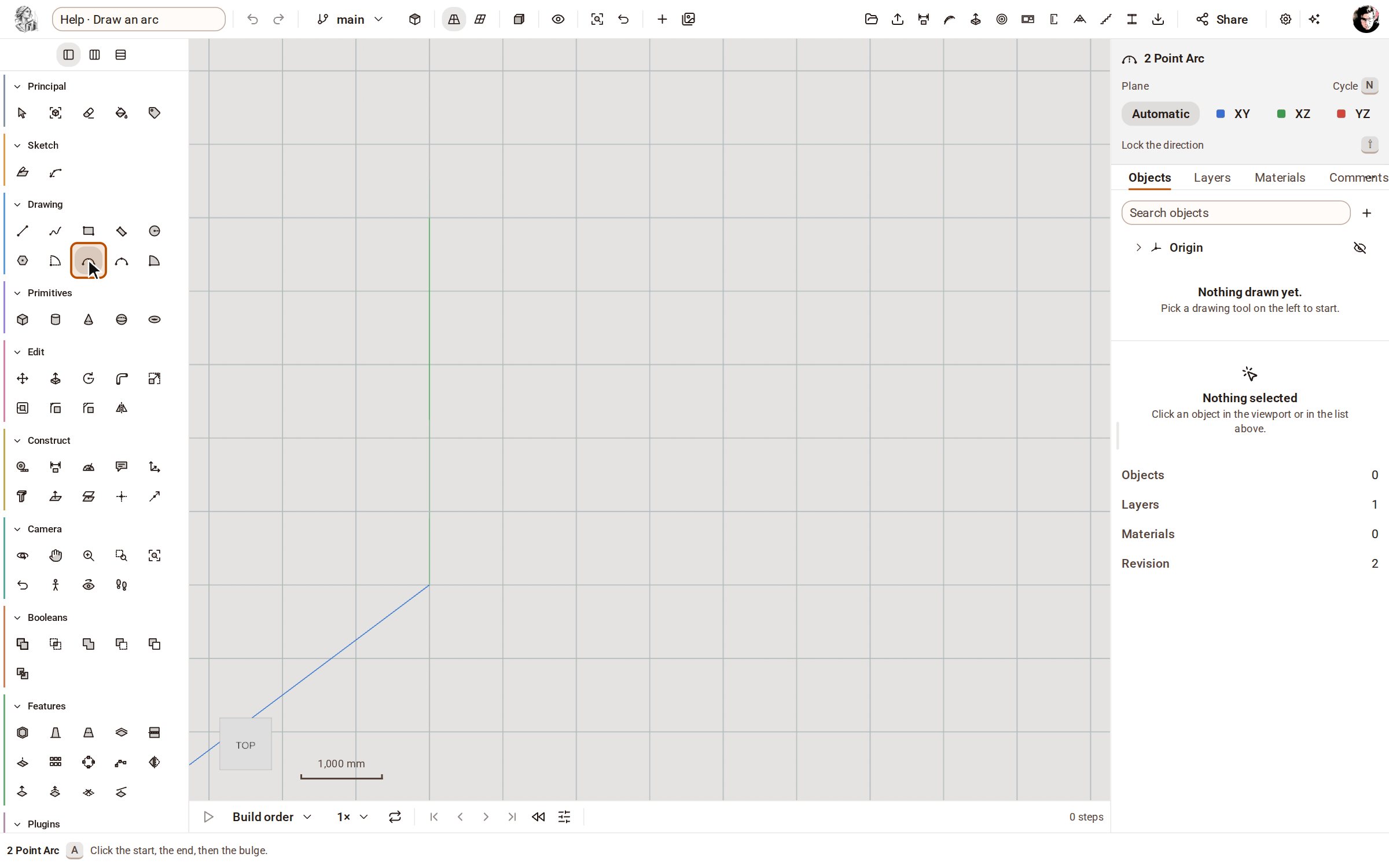
Pick 2 Point Arc on the rail, or press A.
-
Click where the arc starts, then where it ends.
-
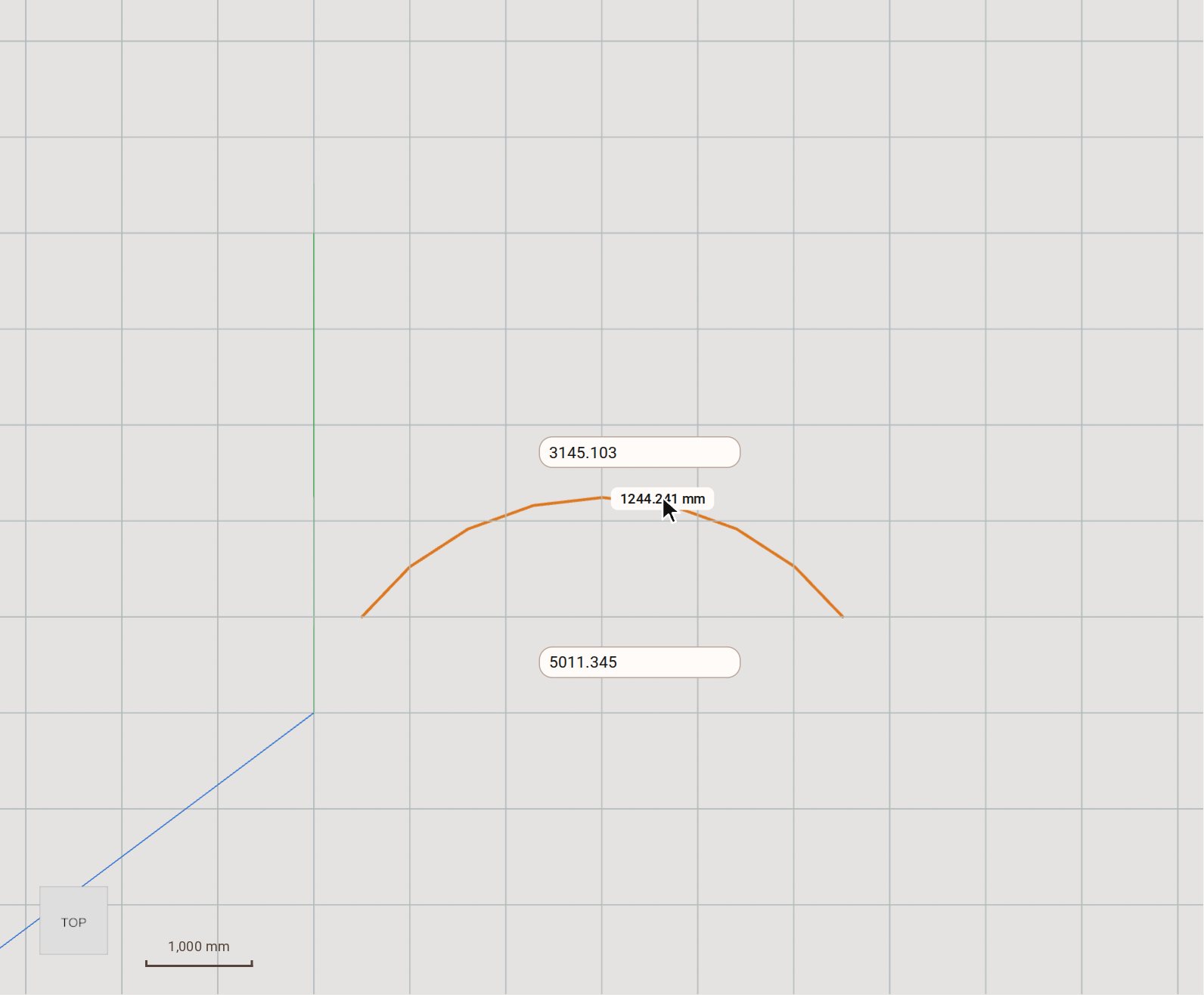
Move the pointer to bend the arc out, and click to set the bulge.
Good to know
- After the two ends you can type the bulge and press Enter instead of clicking.
- Arc, on the same rail, starts from the centre: click the centre, the start, then the angle.
- 3 Point Arc runs through three clicks: the start, a point on the arc, then the end.
Related
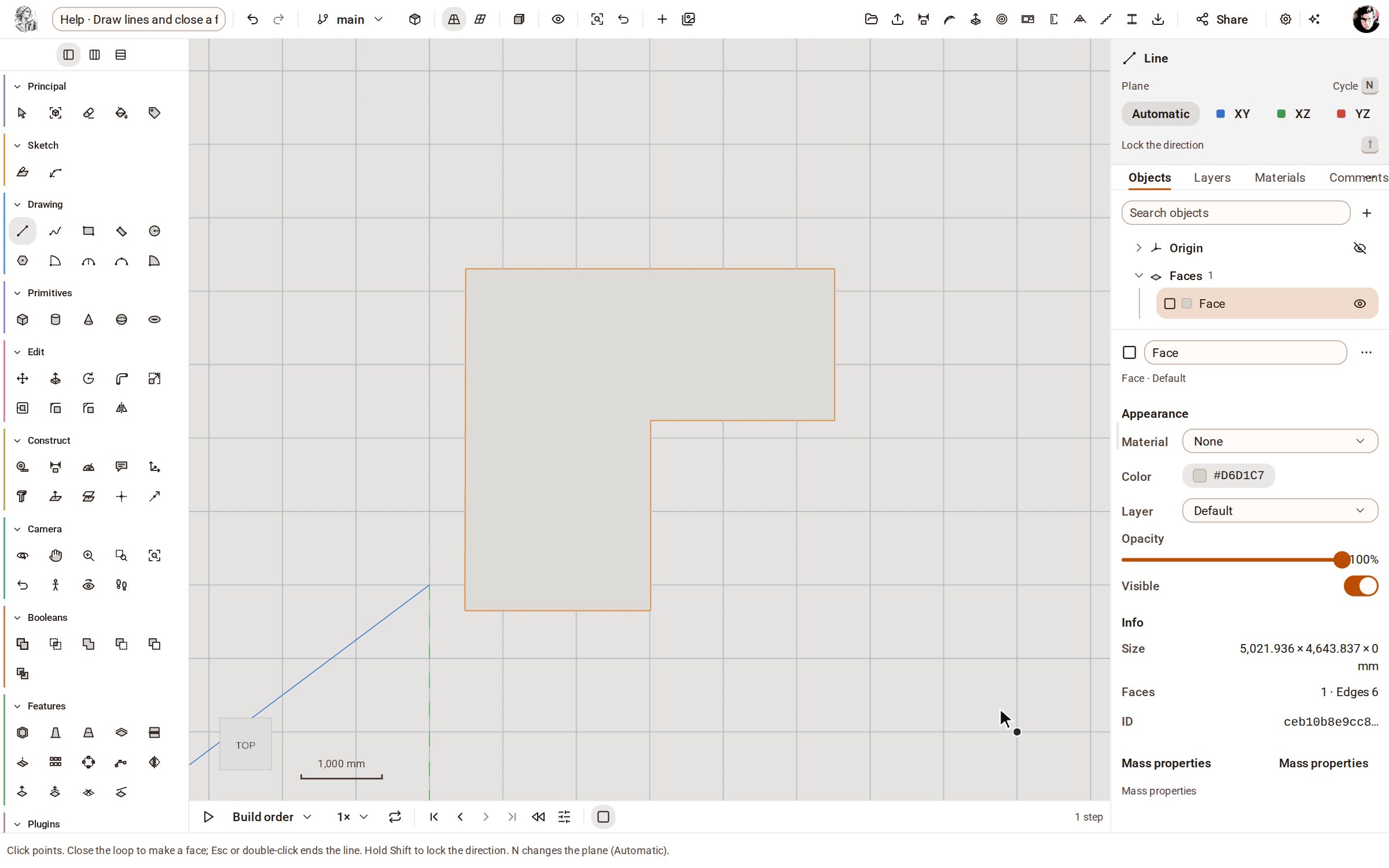 Draw lines and close a faceLine draws straight edges point by point on the ground or on a face. Bring the last point back to the first and the closed loop becomes a face you can push into a solid.
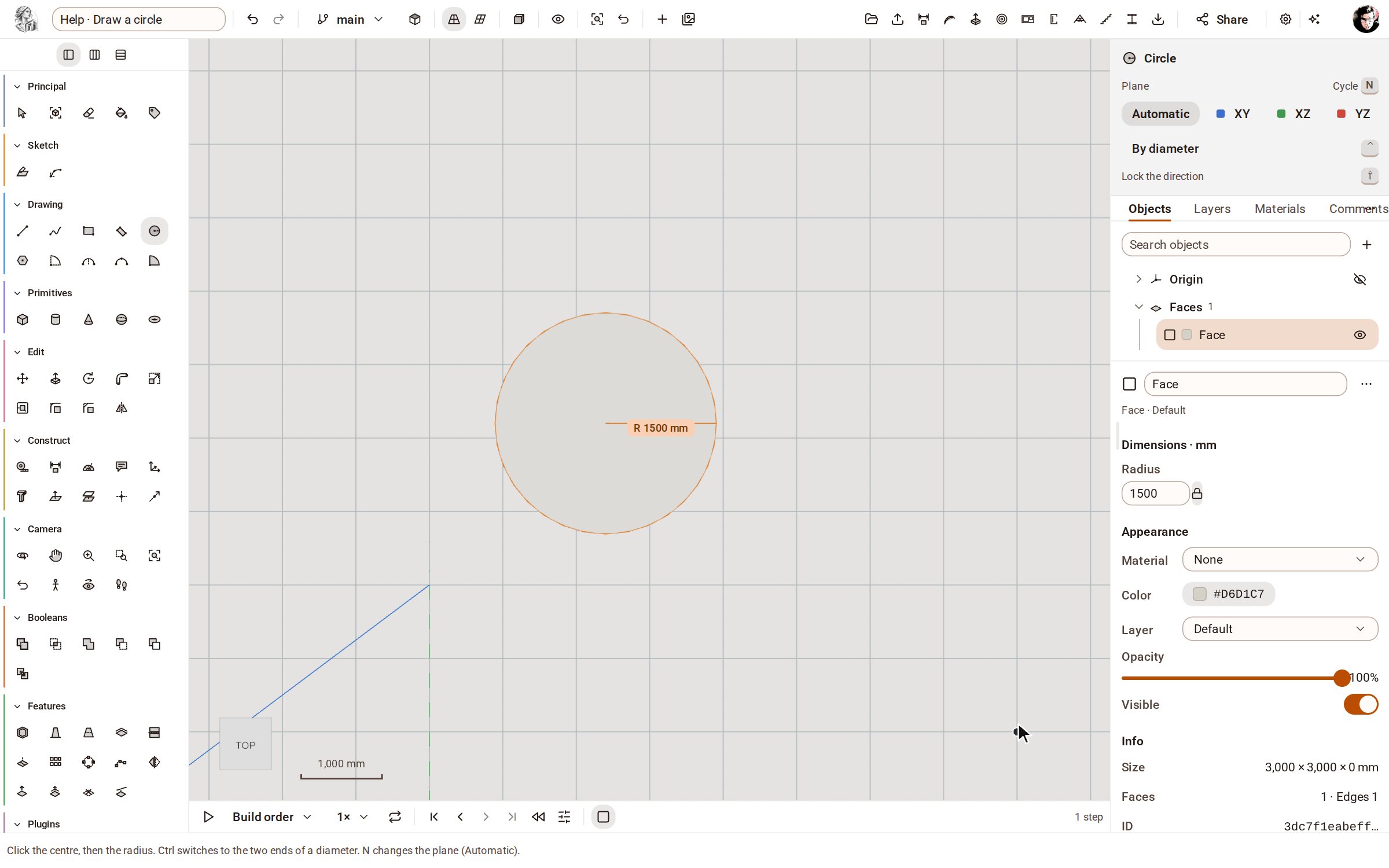 Draw a circleCircle draws a round face from its centre and radius, on the ground or on any flat face — ready to push into a cylinder or cut a hole.
Recorded in Kozorosa by the help recorder, which checked that the result is in the model.