
Help centreDrawing
Draw lines and close a face
Line draws straight edges point by point on the ground or on a face. Bring the last point back to the first and the closed loop becomes a face you can push into a solid.
-
Pick Line on the rail, or press L.
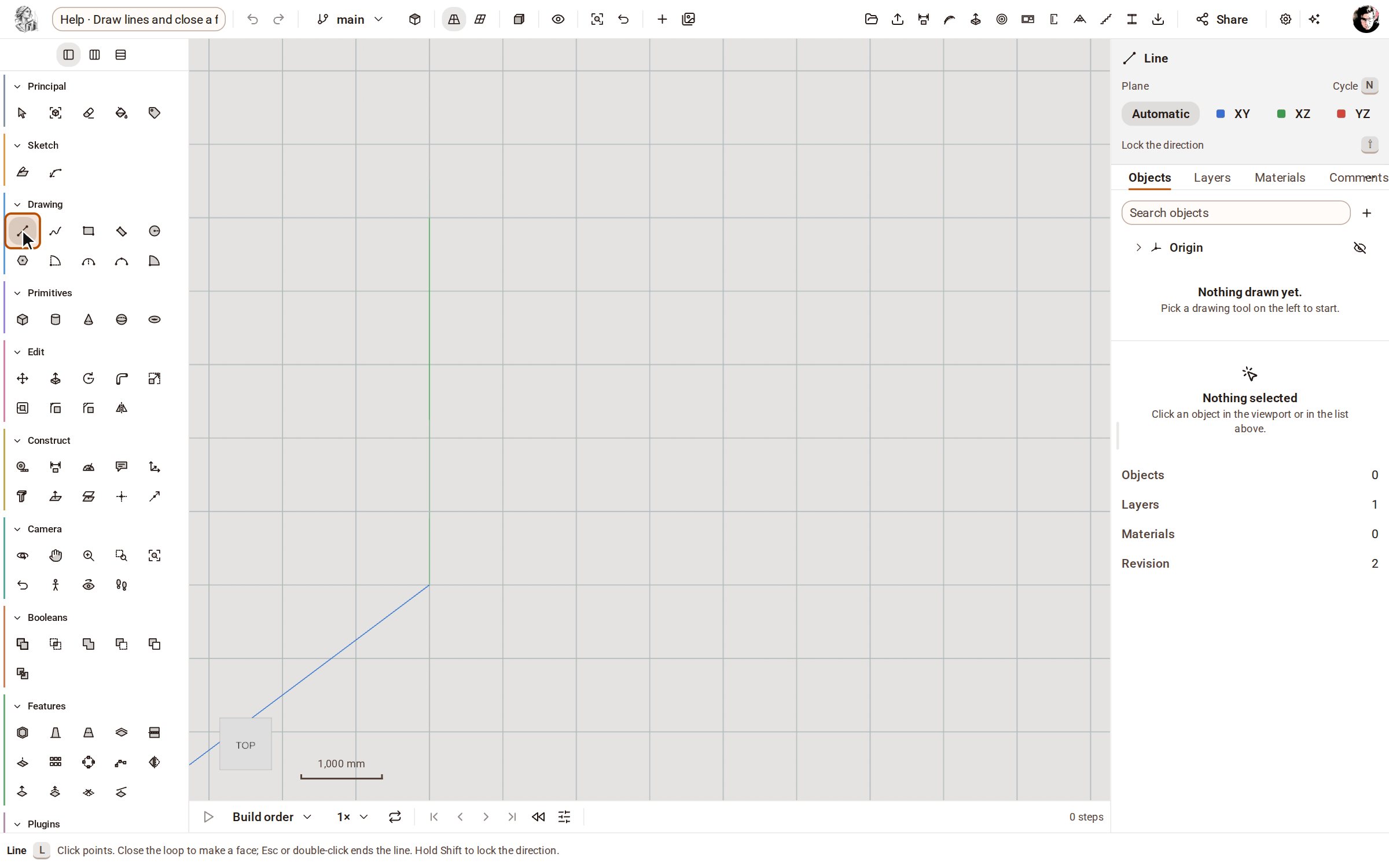
-
Click where the first edge starts, then click its other end. Each click starts the next edge from where the last one ended, and the pointer snaps to the red and green axis directions.
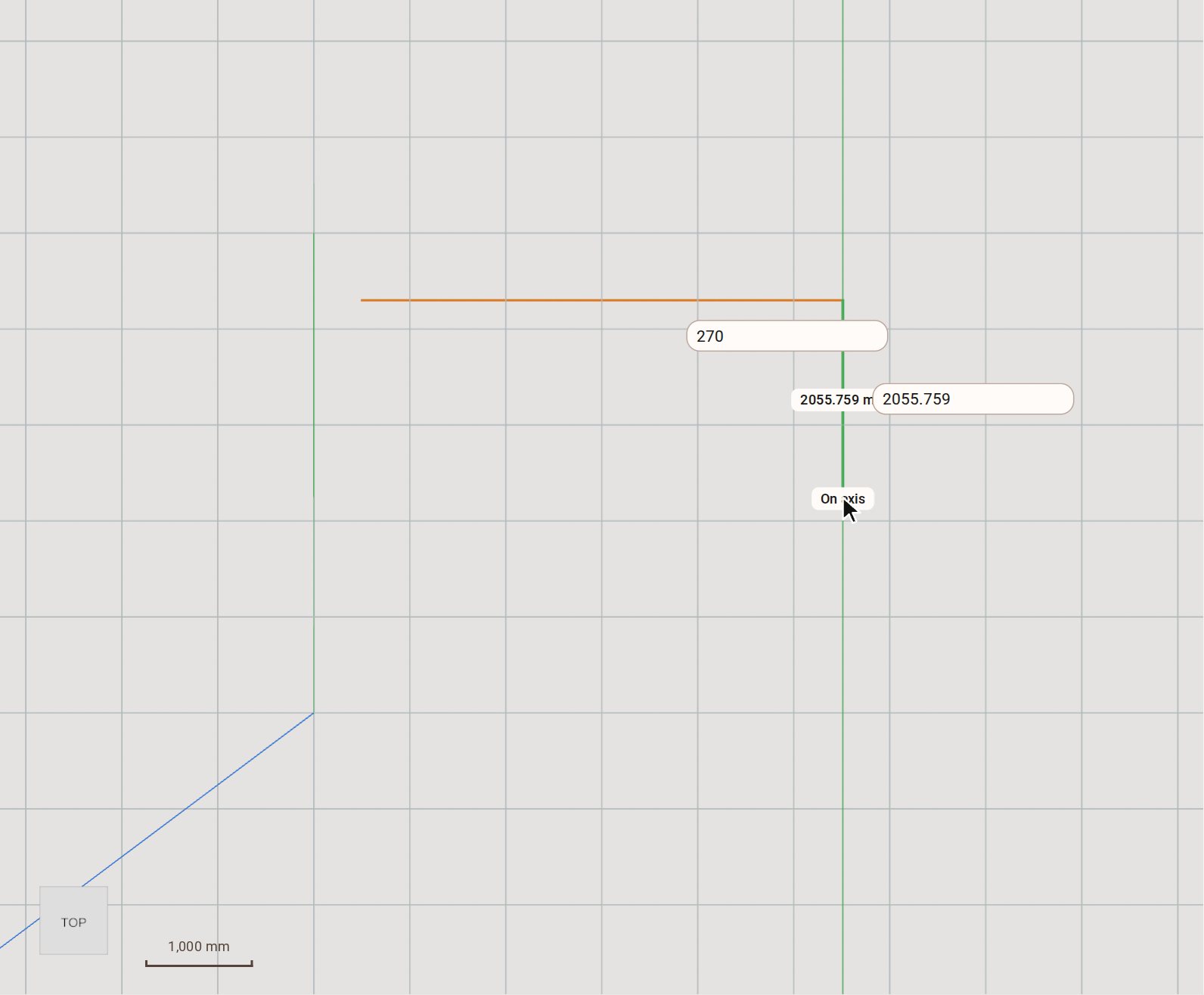
-
Keep clicking corners, and finish on the first point. The loop closes and fills with a face, which appears under Faces in the Objects list.
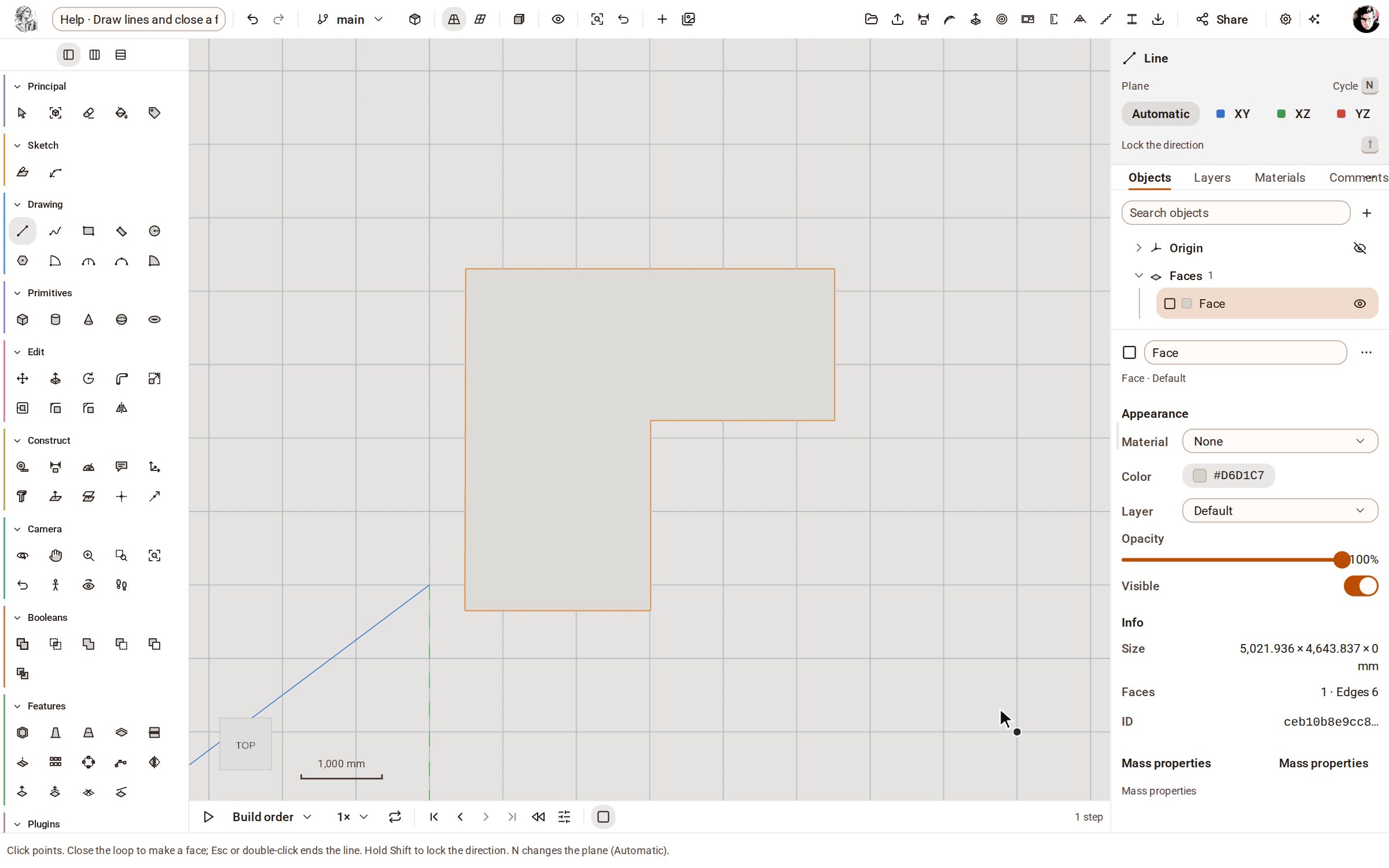
Good to know
- Type a length and press Enter to place the next point exactly that far towards the pointer.
- Hold Shift while you draw to lock the direction of the edge.
- Press Esc, or double-click, to end a line without closing it.
- The Plane buttons in the tray choose the plane the line is drawn on, and N cycles through them.
Related
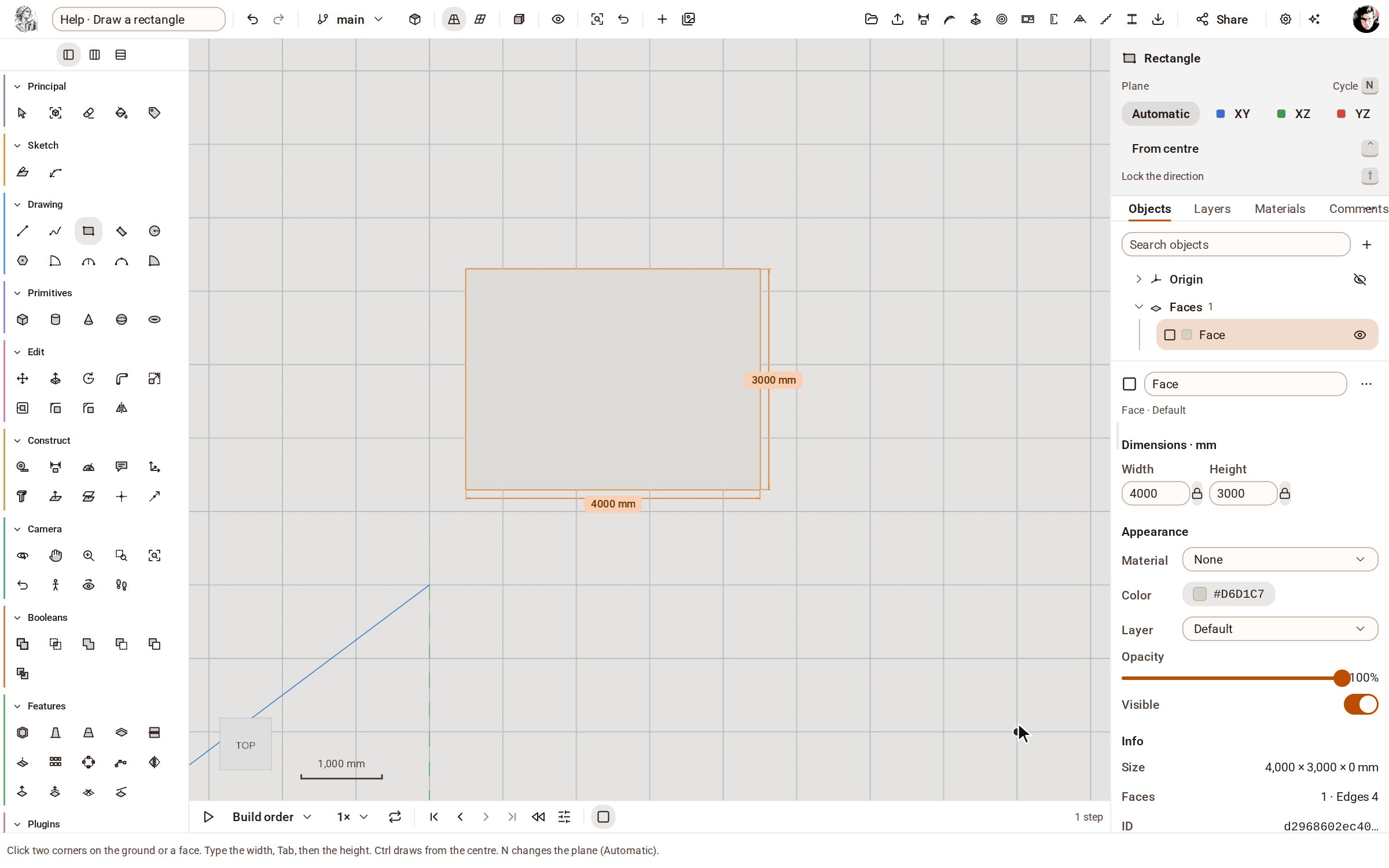 Draw a rectangleRectangle draws a four-sided face from two opposite corners, on the ground or on any flat face. Type the width and height to make it an exact size.
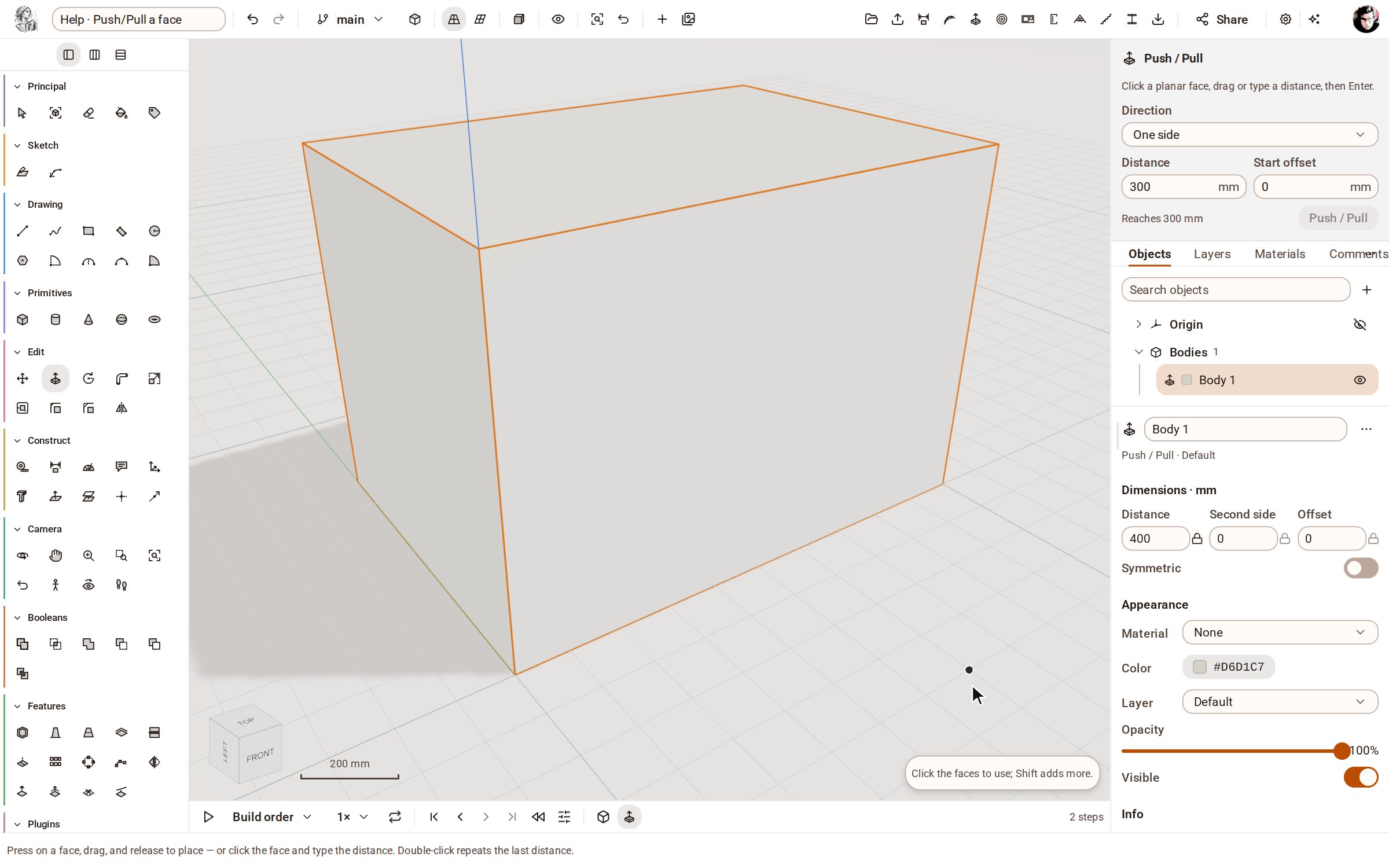 Push/Pull a facePush/Pull extrudes any flat face of a solid by a distance: raise a slab into a block, sink a pocket, or thicken a wall — and the solid stays a clean B-rep.
Recorded in Kozorosa by the help recorder, which checked that the result is in the model.