
Help centreDrawing
Draw a circle
Circle draws a round face from its centre and radius, on the ground or on any flat face — ready to push into a cylinder or cut a hole.
-
Pick Circle on the rail, or press C.
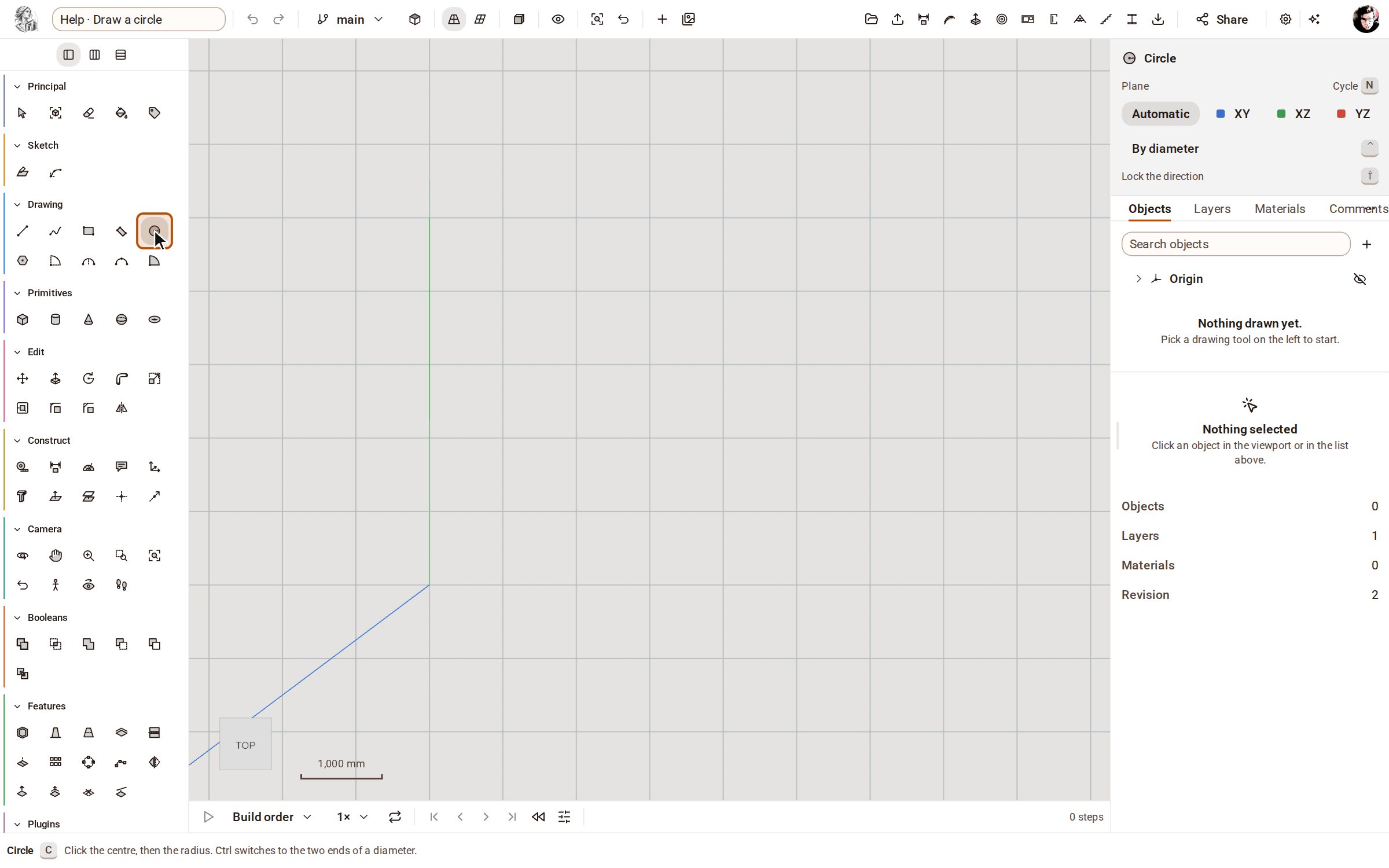
-
Click the centre, then move the pointer outwards. The circle grows with the pointer.
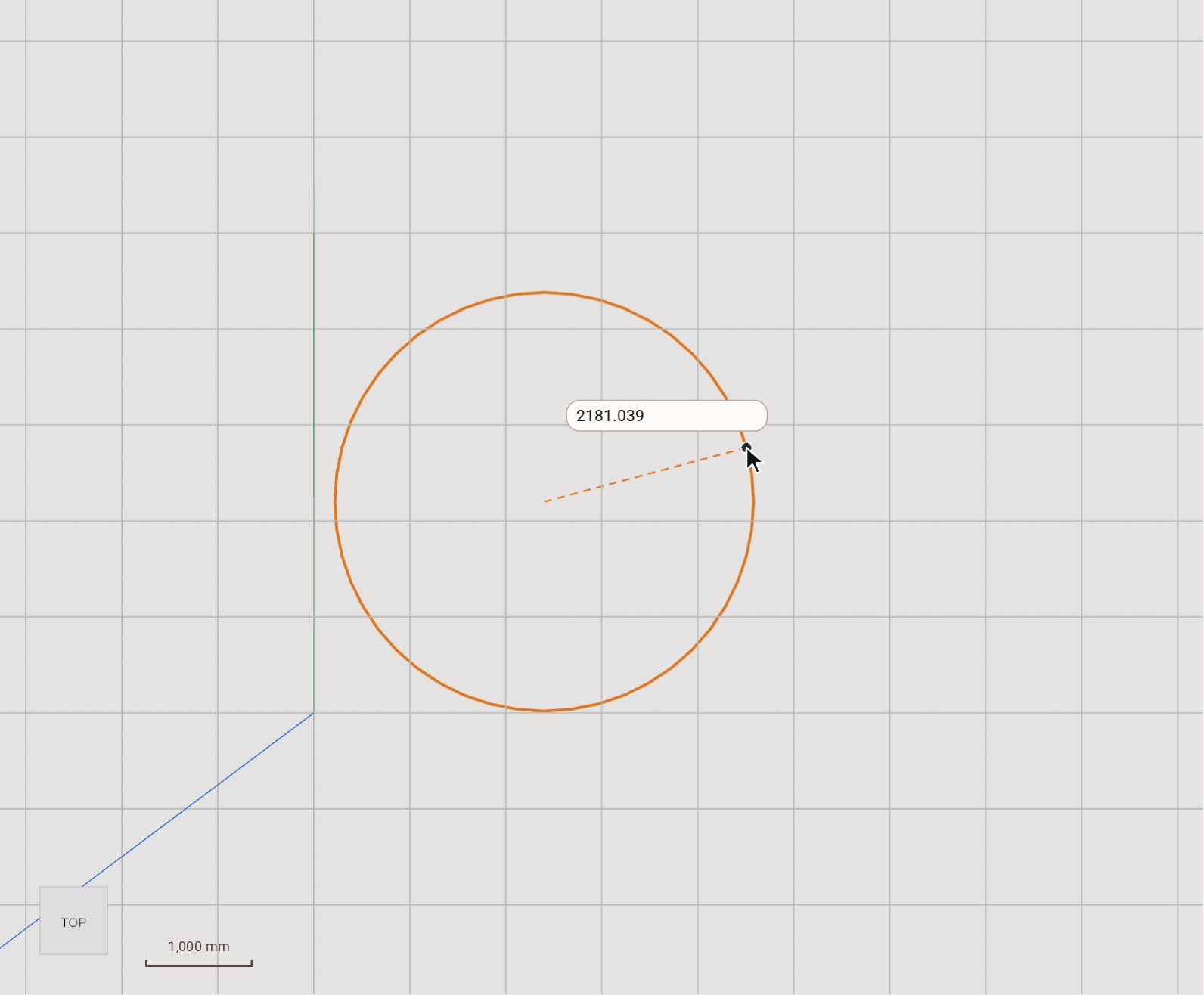
-
Type the radius, 1500, and press Enter. The circle becomes a face of exactly that size.
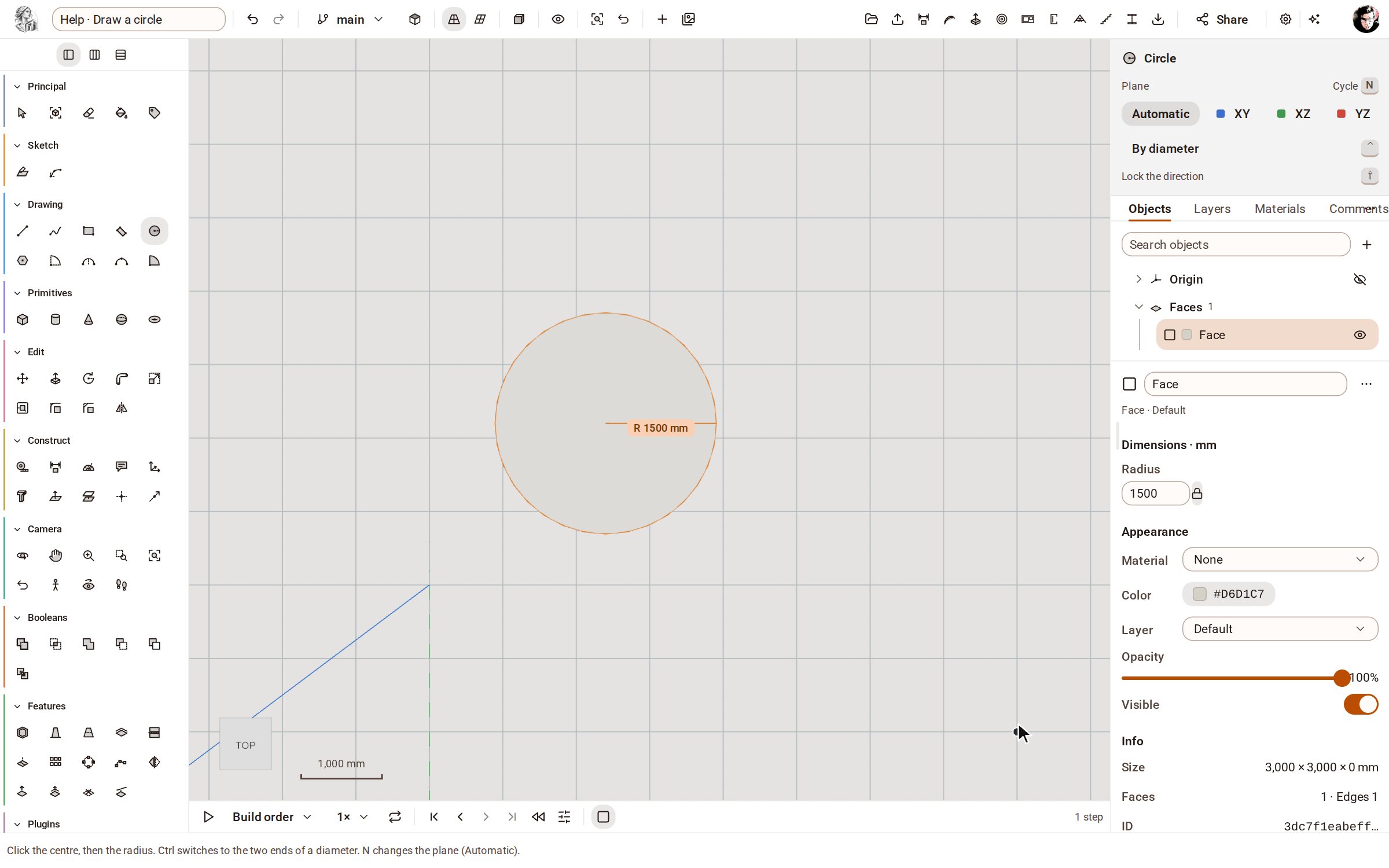
Good to know
- Tap Ctrl to switch to drawing by the two ends of a diameter.
- Instead of typing, click a second time to set the radius where the pointer is.
Related
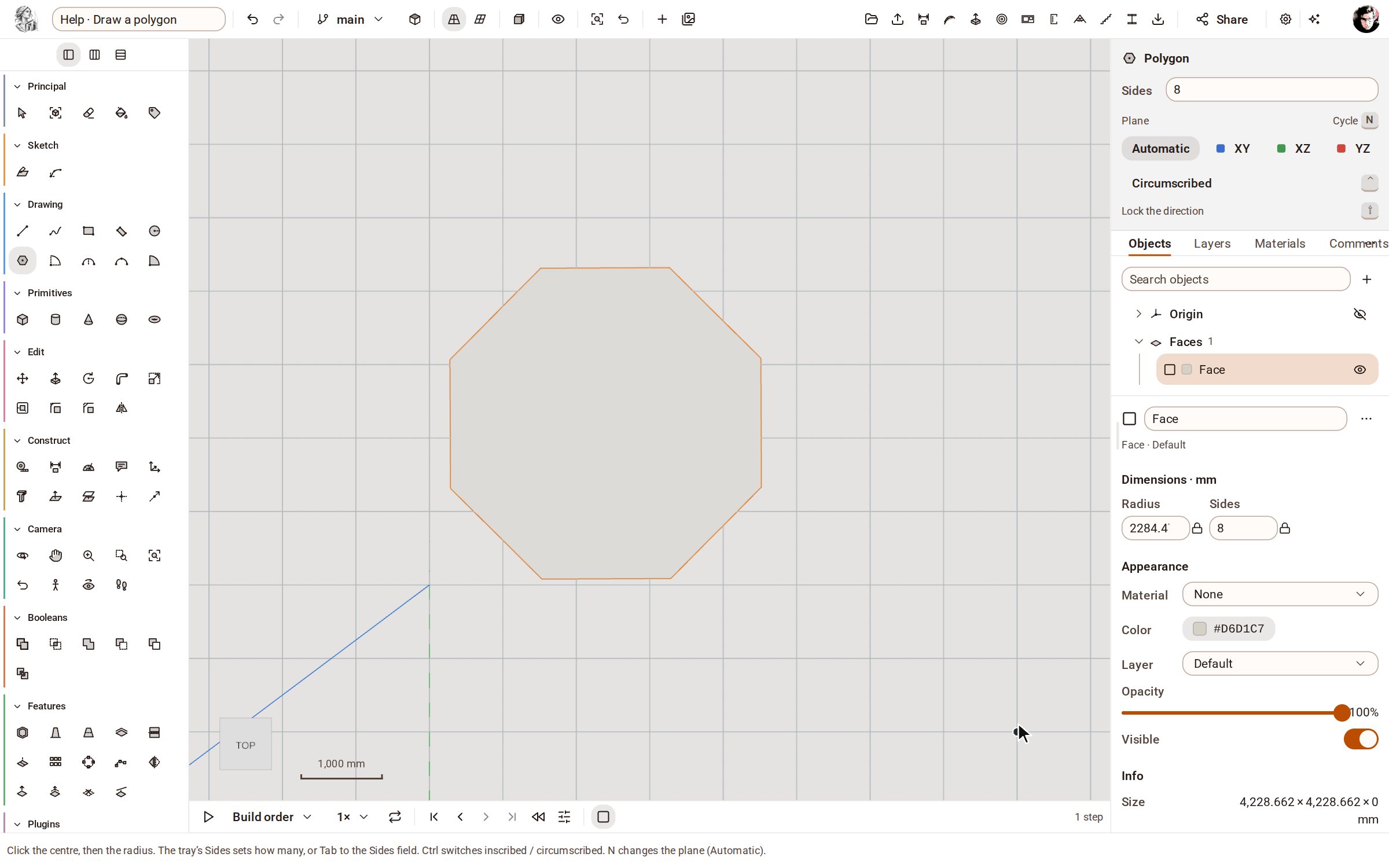 Draw a polygonPolygon draws a regular face with as many equal sides as you ask for — a hexagon, an octagon — from its centre and radius.
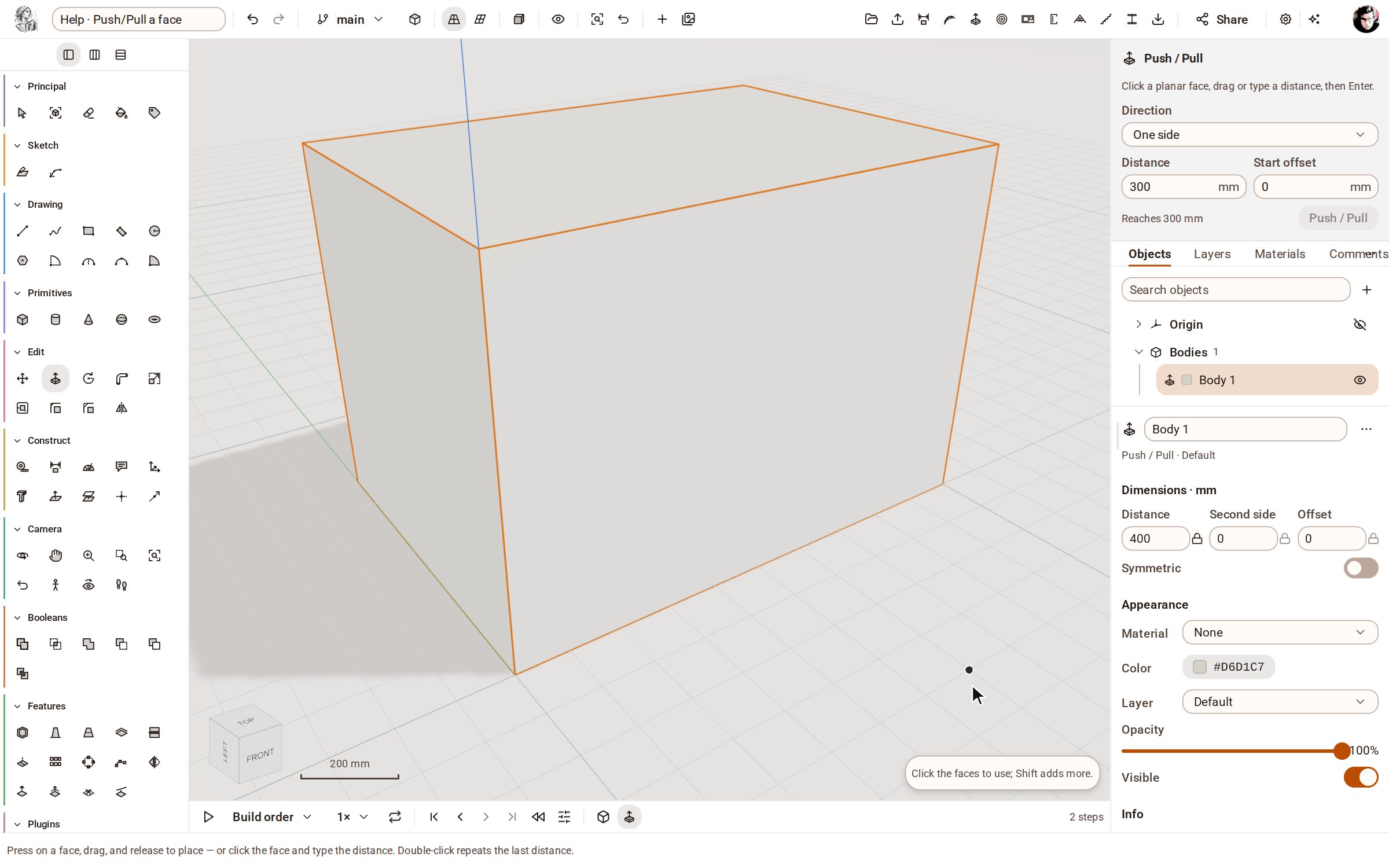 Push/Pull a facePush/Pull extrudes any flat face of a solid by a distance: raise a slab into a block, sink a pocket, or thicken a wall — and the solid stays a clean B-rep.
Recorded in Kozorosa by the help recorder, which checked that the result is in the model.