
Help centreDrawing
Draw a rectangle
Rectangle draws a four-sided face from two opposite corners, on the ground or on any flat face. Type the width and height to make it an exact size.
-
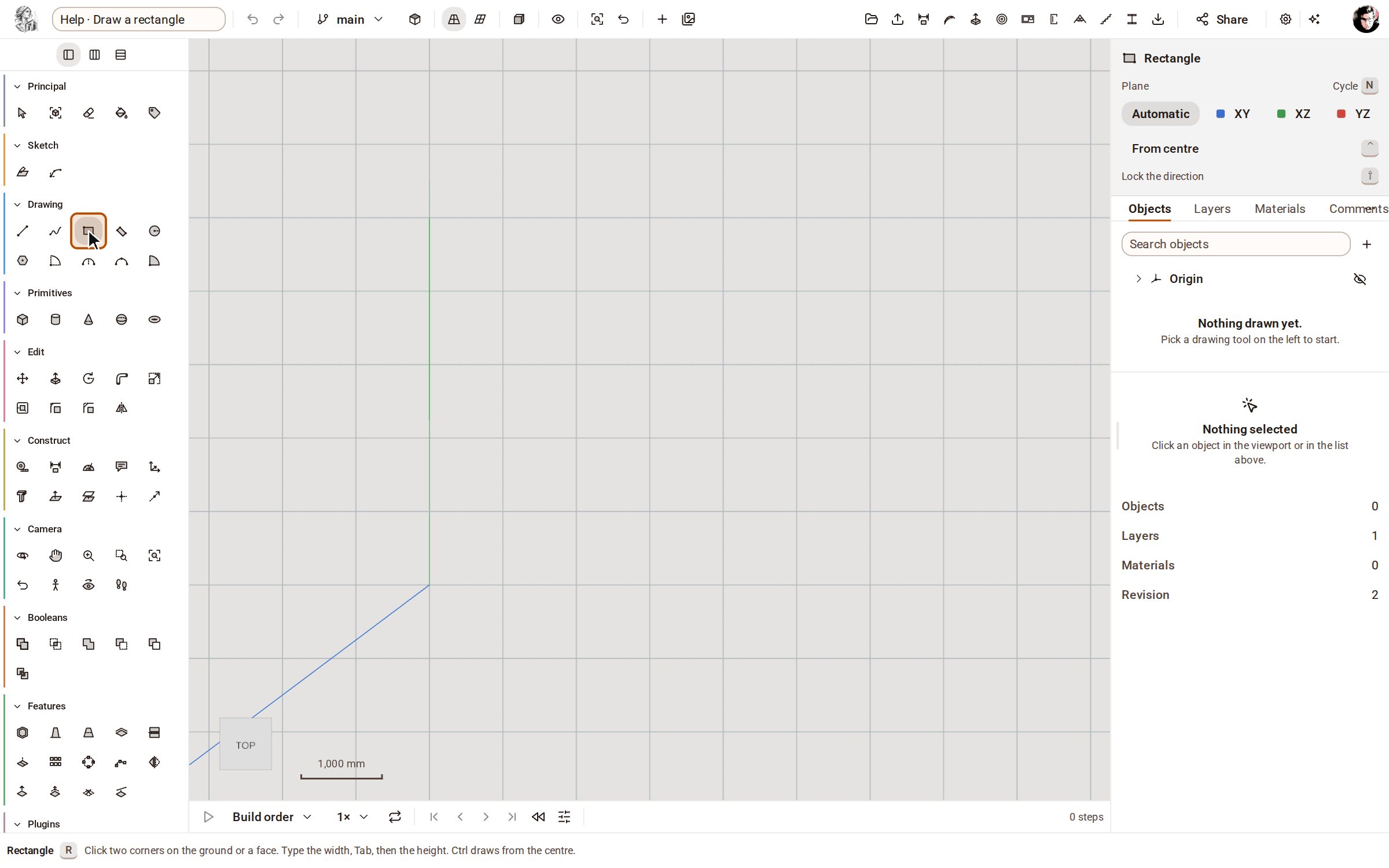
Pick Rectangle on the rail, or press R.
-
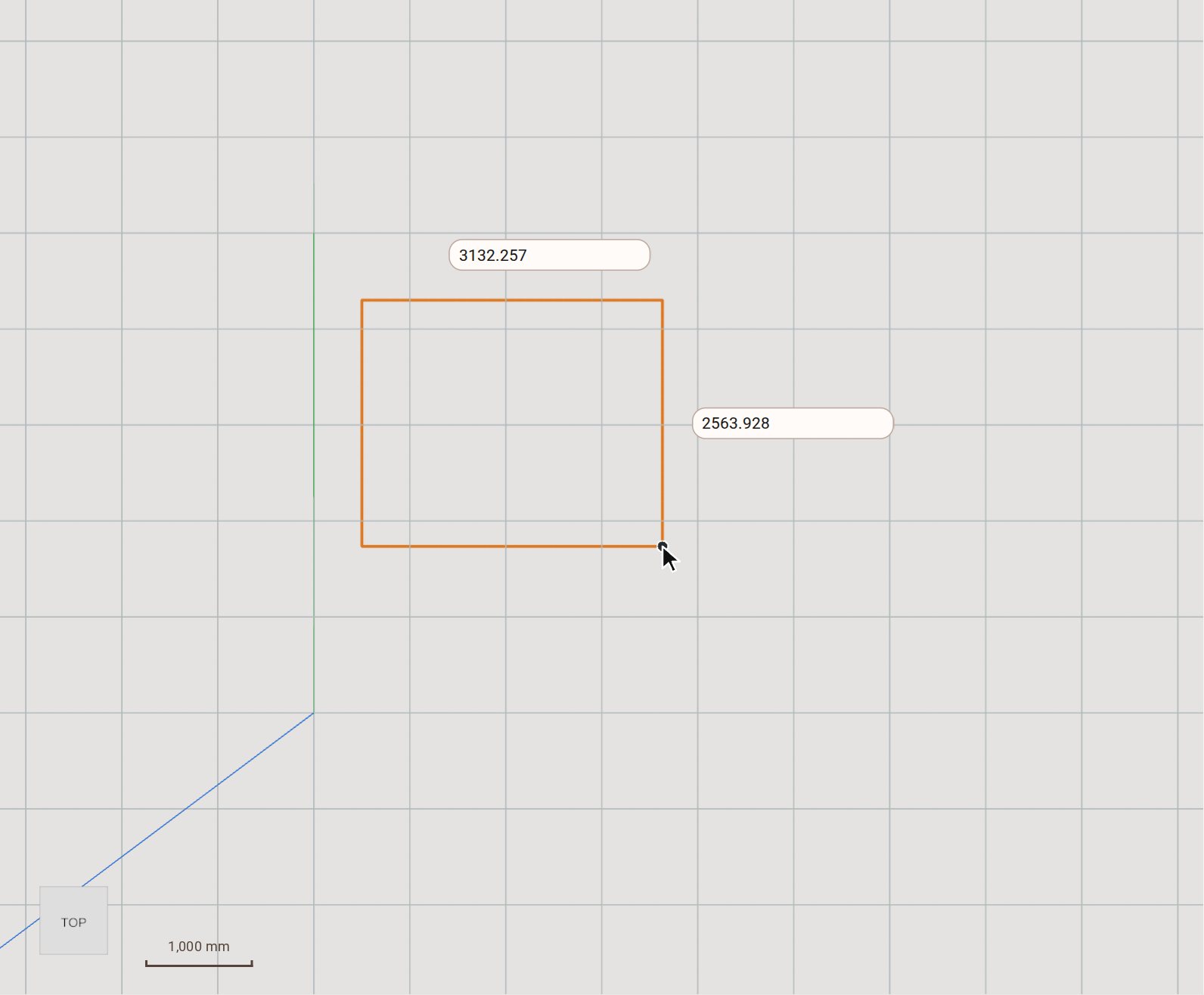
Click the first corner, then move the pointer towards the opposite corner. The rectangle follows the pointer and shows its size.
-
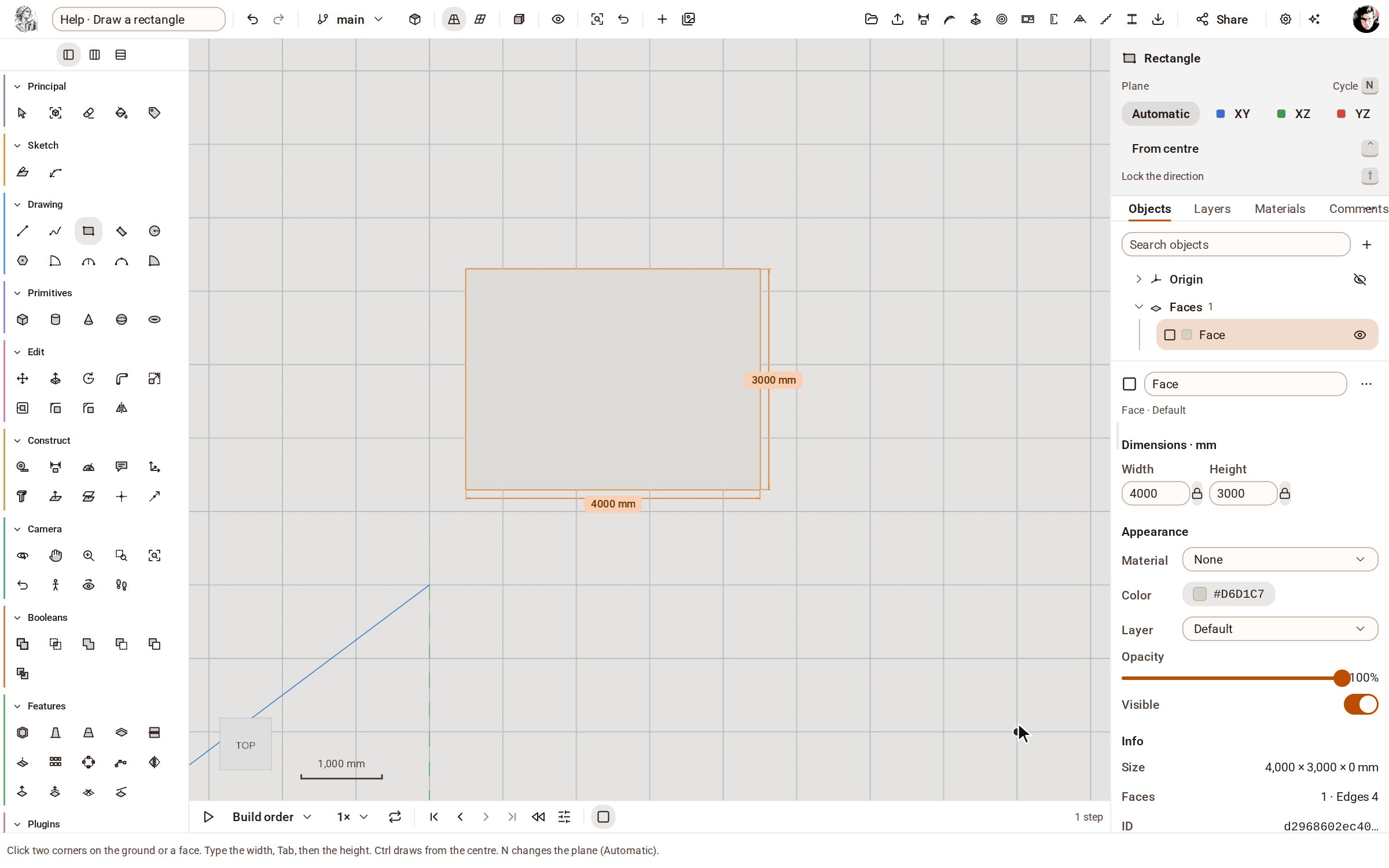
For an exact size, type the width — here 4000 — press Tab, type the height, 3000, and press Enter. Typing over the view goes into the first field.
Good to know
- Tap Ctrl to draw from the centre instead of from a corner.
- Hold Shift to lock the direction while you draw.
- Rotated Rectangle, next to it on the rail, draws a rectangle at any angle: two points for one side, then the height.
Related
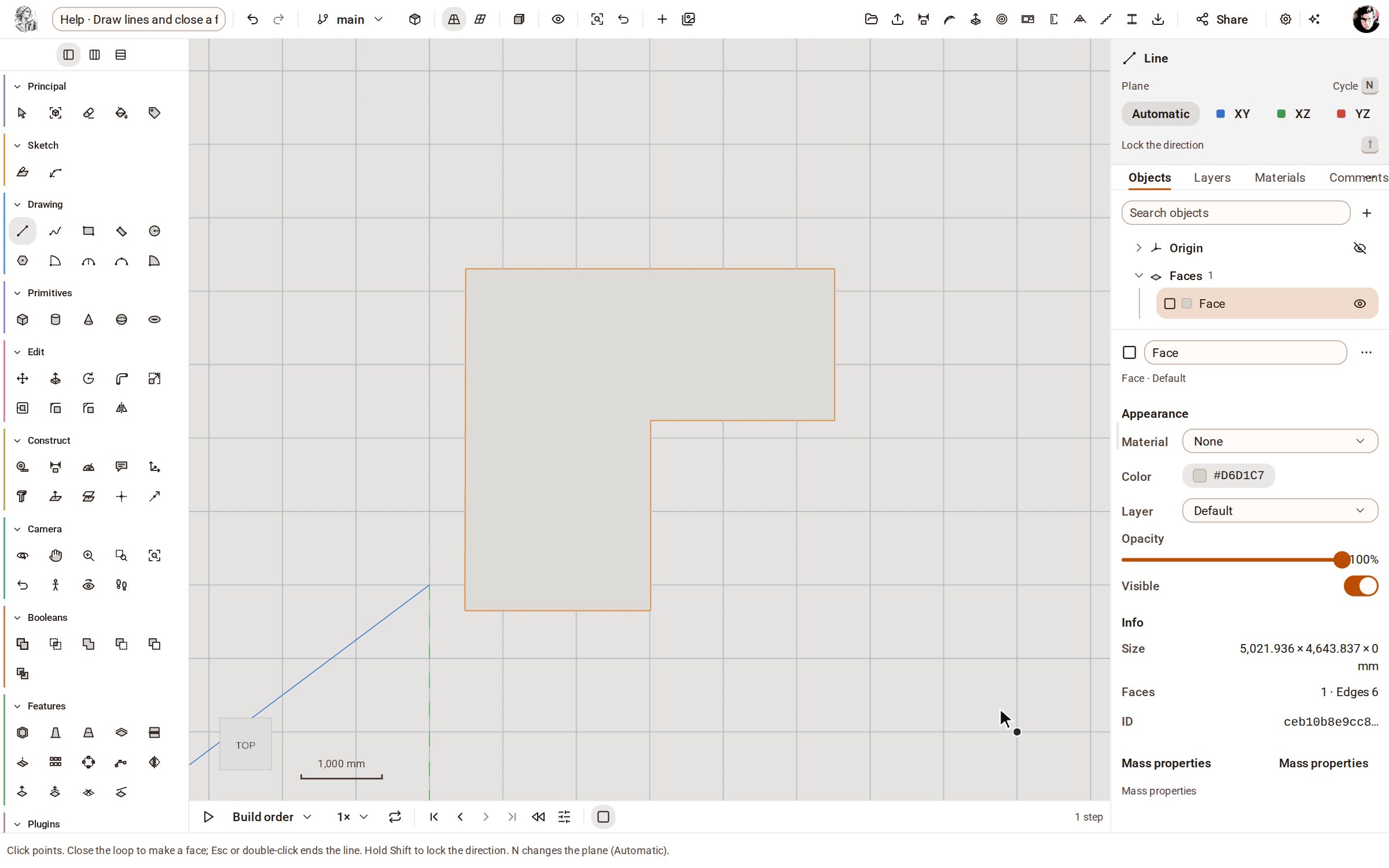 Draw lines and close a faceLine draws straight edges point by point on the ground or on a face. Bring the last point back to the first and the closed loop becomes a face you can push into a solid.
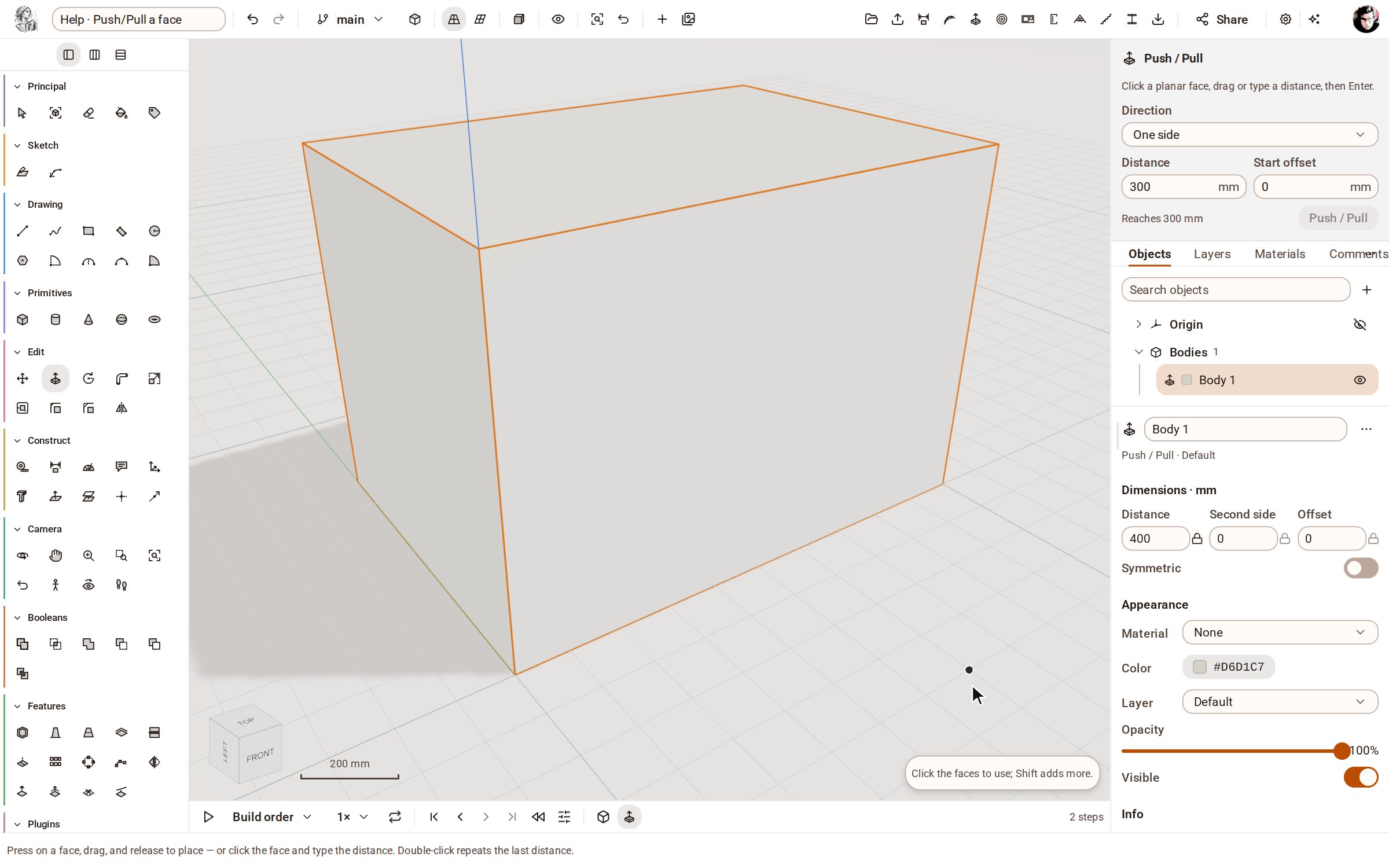 Push/Pull a facePush/Pull extrudes any flat face of a solid by a distance: raise a slab into a block, sink a pocket, or thicken a wall — and the solid stays a clean B-rep.
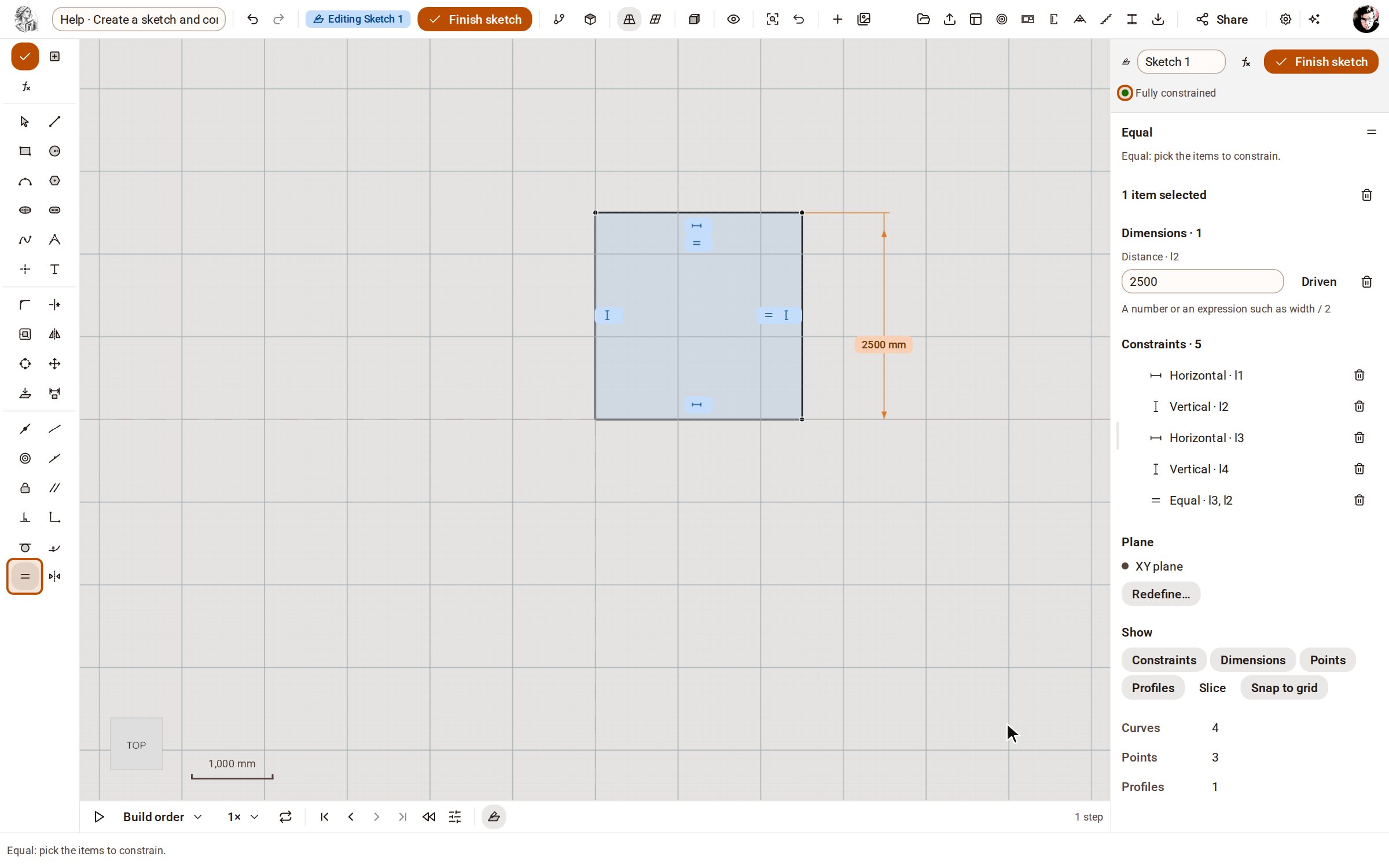 Create a sketch and constrain itA sketch is a 2D drawing on a plane whose shape is held by dimensions and constraints, not by where you happened to click. Change a dimension later and the sketch, and every solid built from it, follows.
Recorded in Kozorosa by the help recorder, which checked that the result is in the model.