
Help centreFeatures
Bevel edges with Chamfer
Chamfer cuts the edges of a solid to a flat bevel. Give it one distance, two distances, or a distance and an angle.
-
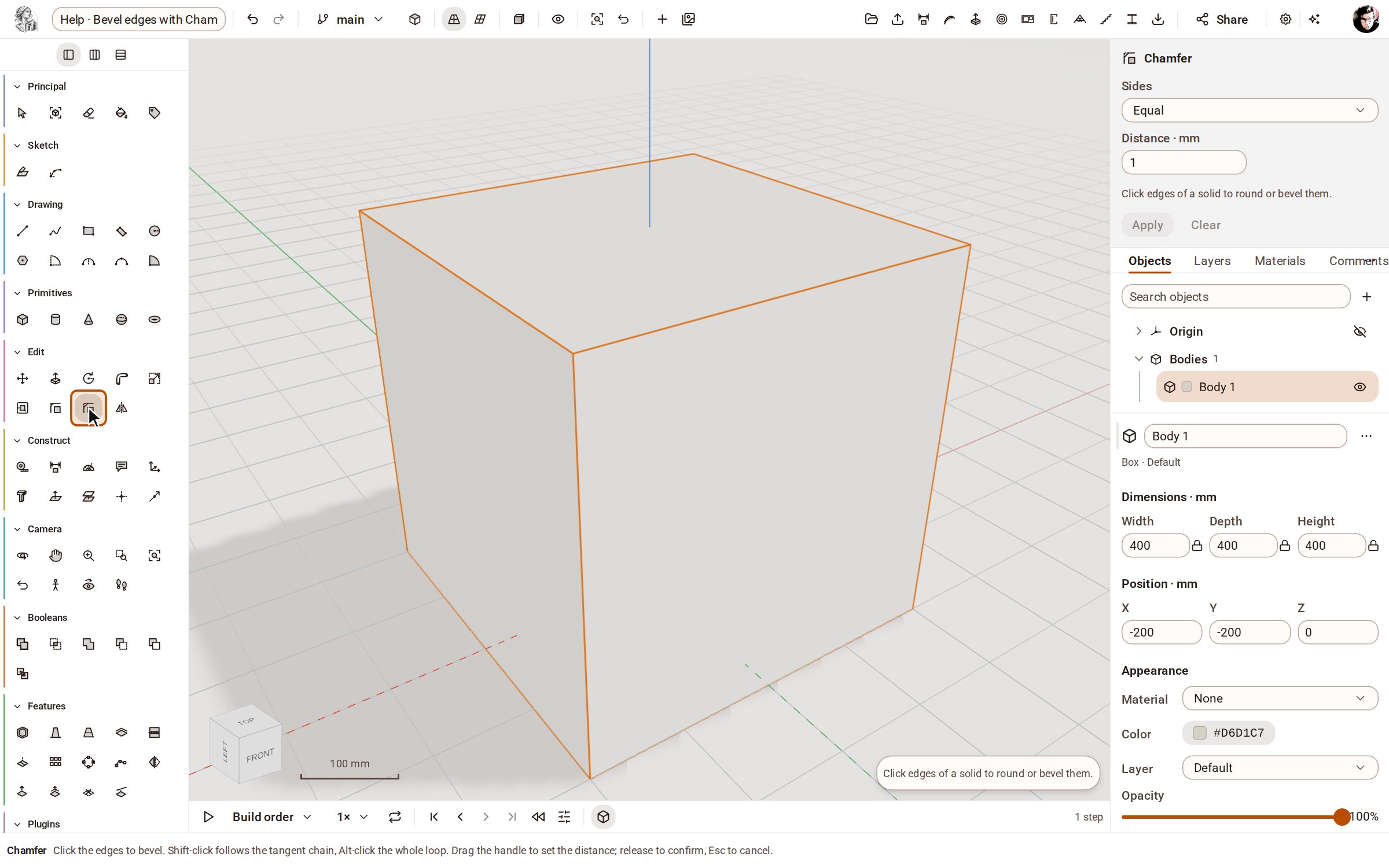
Pick Chamfer in the Edit group of the rail.
-
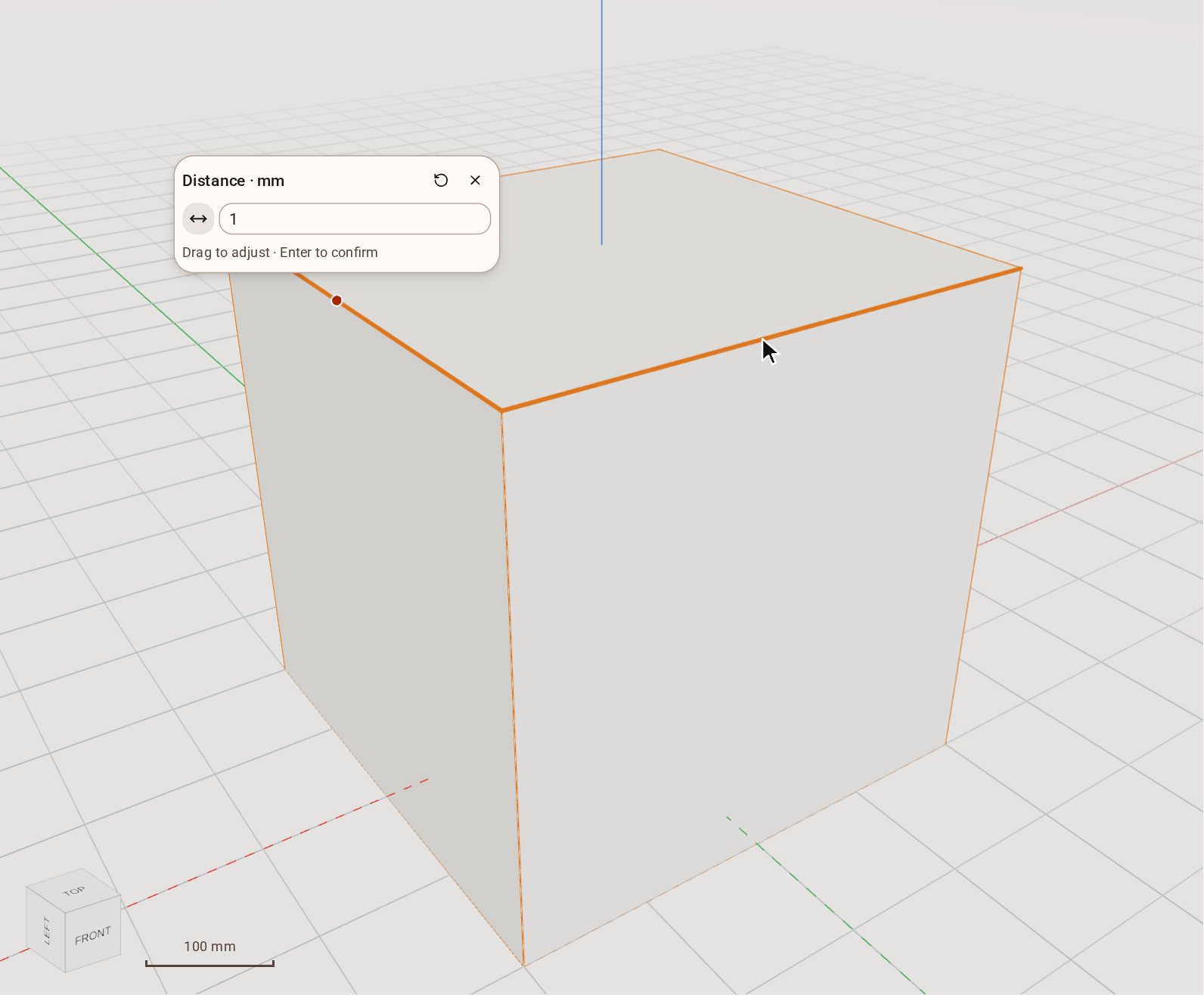
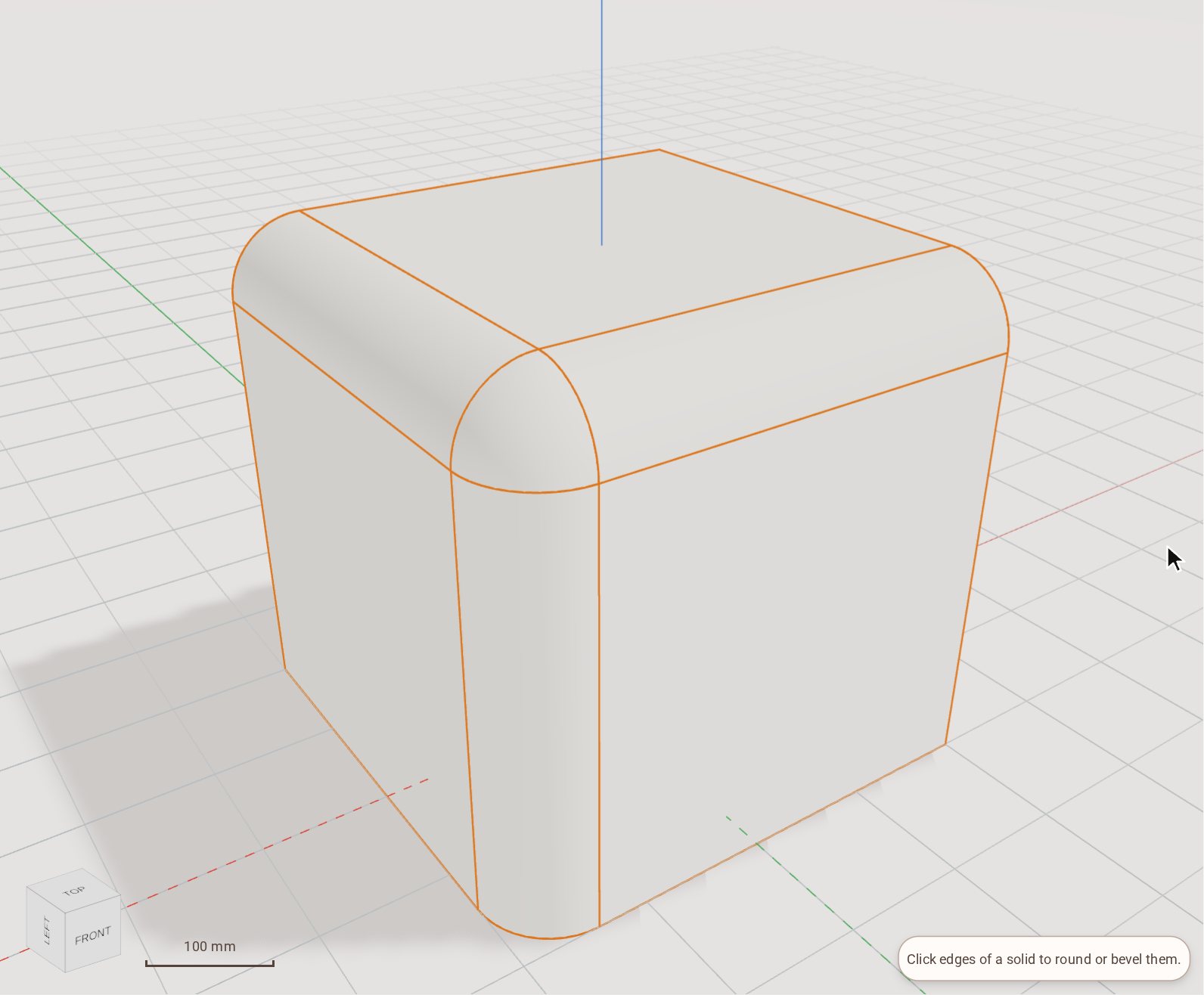
Click the edges to bevel — here the two front edges of the top face. Each picked edge lights up, and a size box opens beside the first.
-
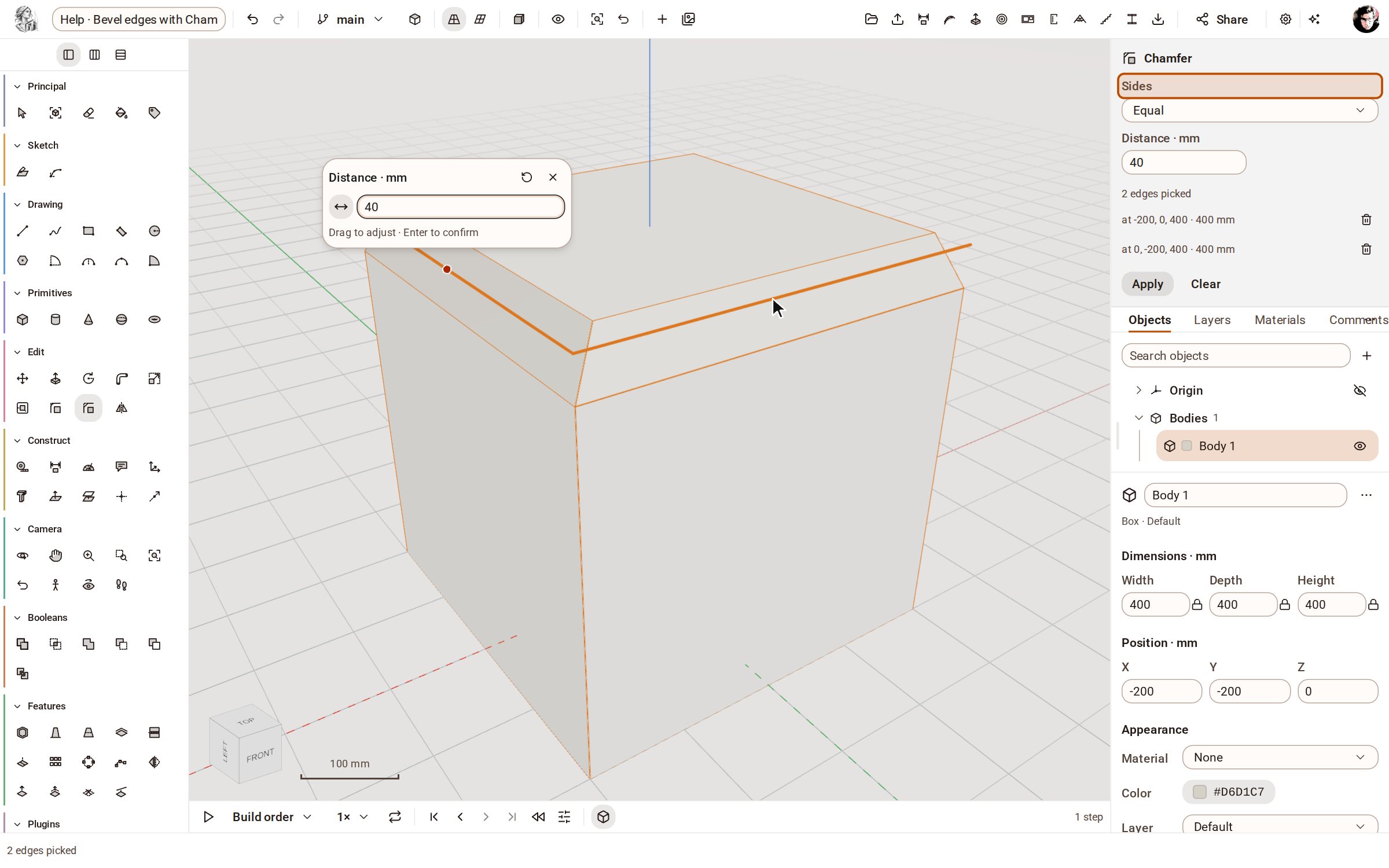
Type the distance, 40, in the size box. Sides in the tray says how the bevel is measured: Equal, Two distances, or Distance and angle.
-
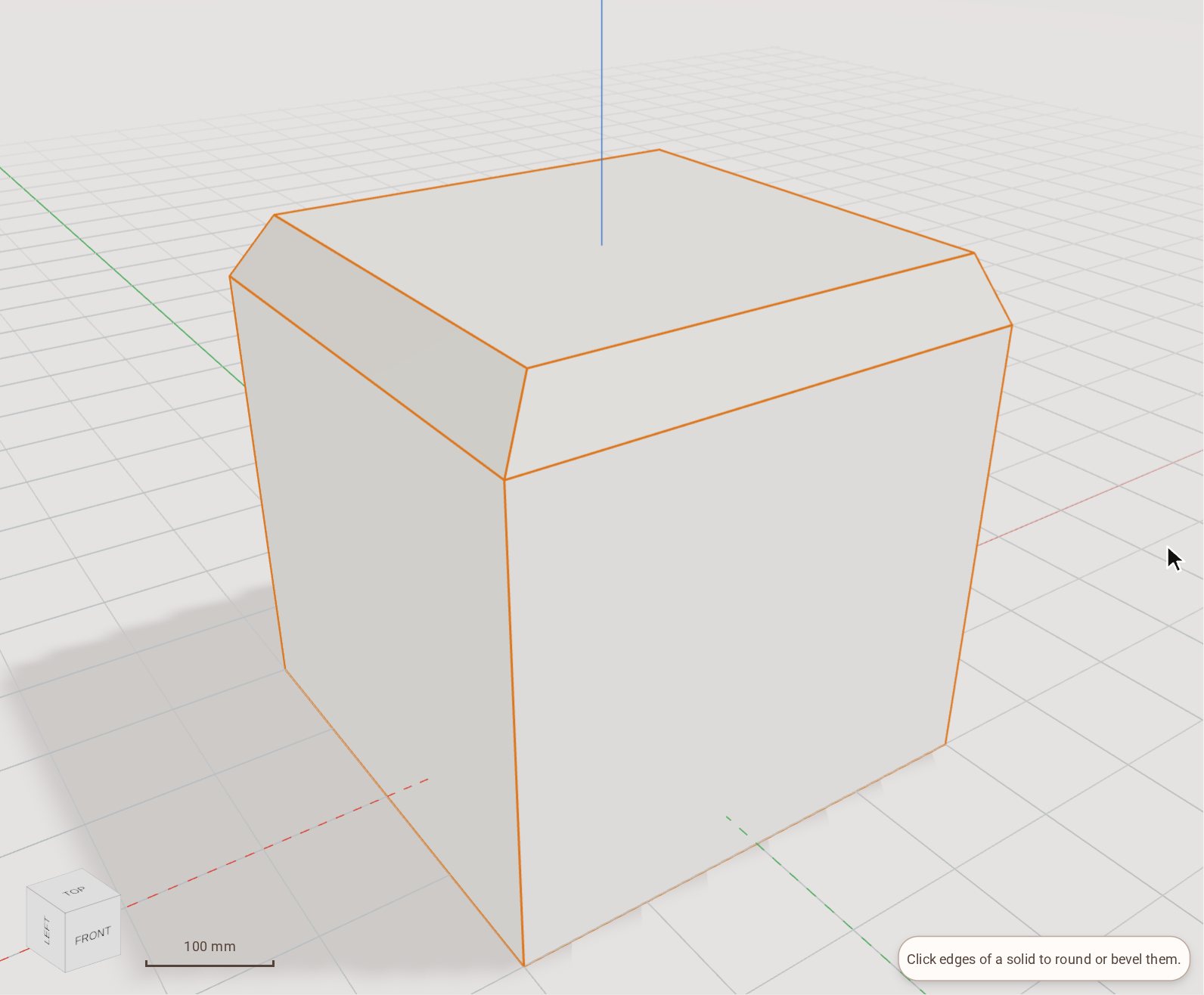
Press Enter to apply. A Chamfer step joins the timeline.
Good to know
- Shift-click an edge to take the whole chain of edges tangent to it, and Alt-click to take its whole loop.
- Drag the handle beside the size box to set the distance by eye; letting go applies it, and Esc cancels.
Related
Recorded in Kozorosa by the help recorder, which checked that the result is in the model.