
Help centreFeatures
Subtract one body from another
Subtract cuts one solid out of another: a cylinder through a block leaves a hole, a box across an edge leaves a notch.
-
Place the two solids so they overlap — here a cylinder standing through a block. Pick Subtract in the Booleans group of the rail.
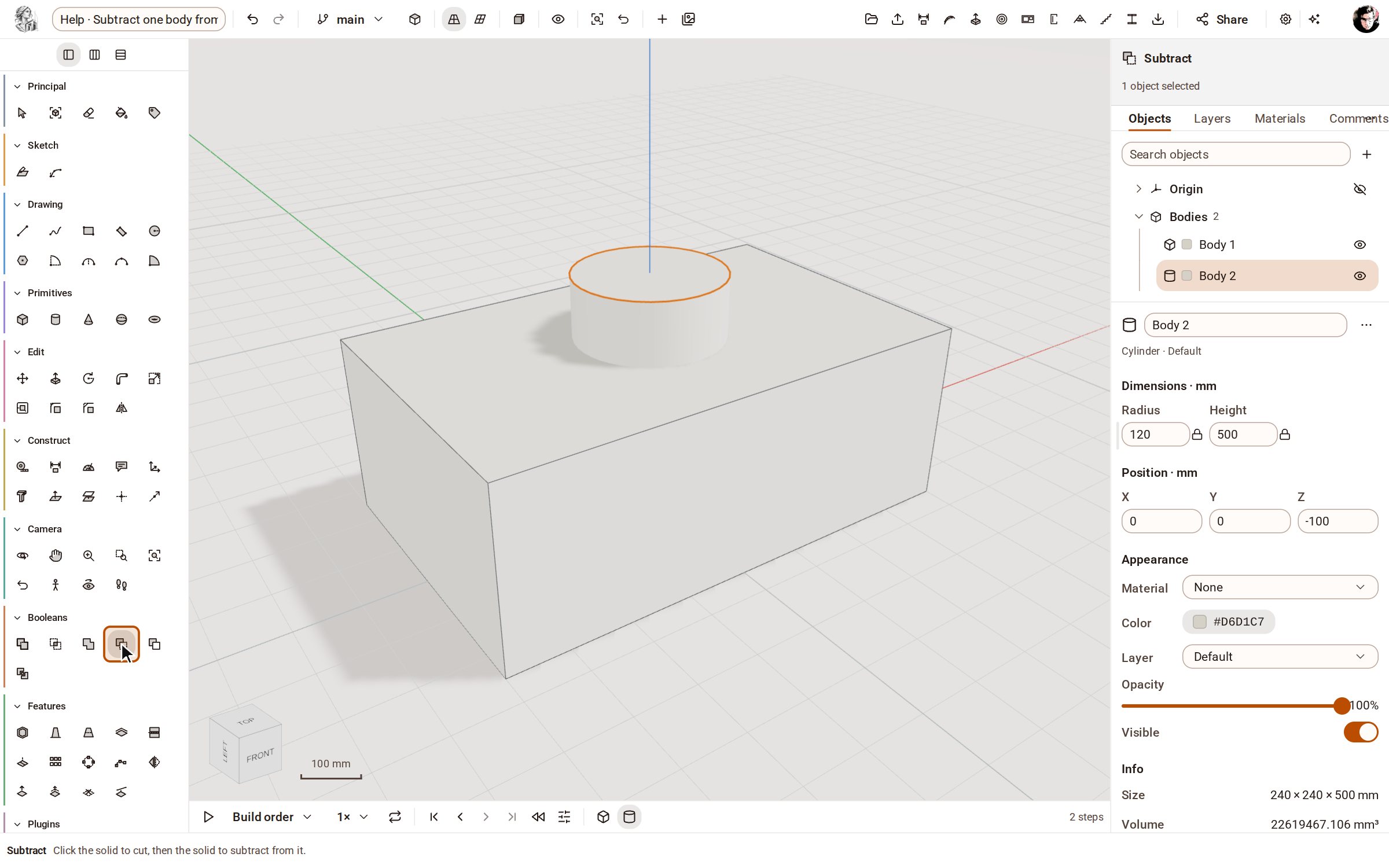
-
Click the solid to cut first: the block. It lights up.
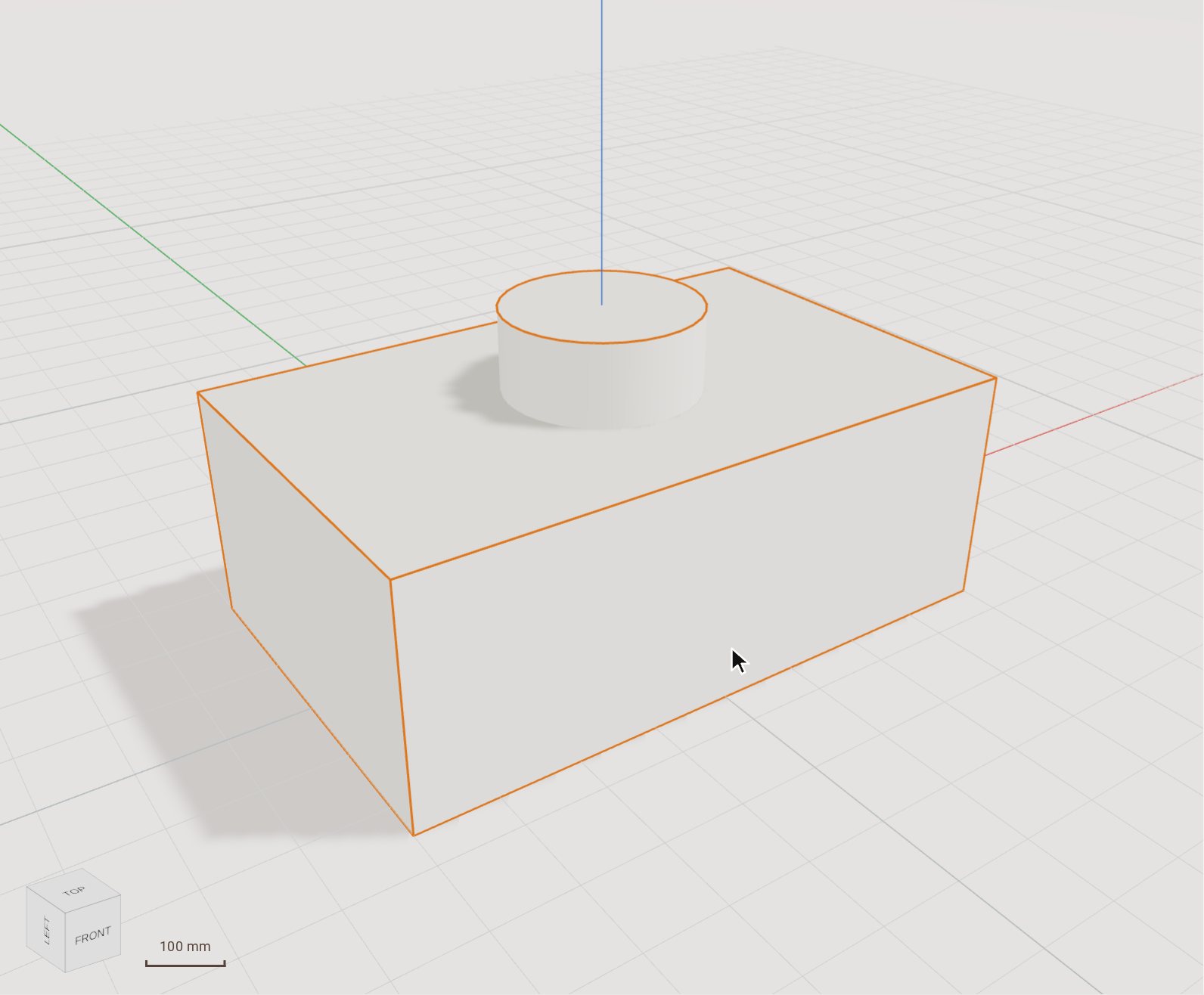
-
Then click the solid to take away: the cylinder. It is removed from the block and leaves a hole right through.
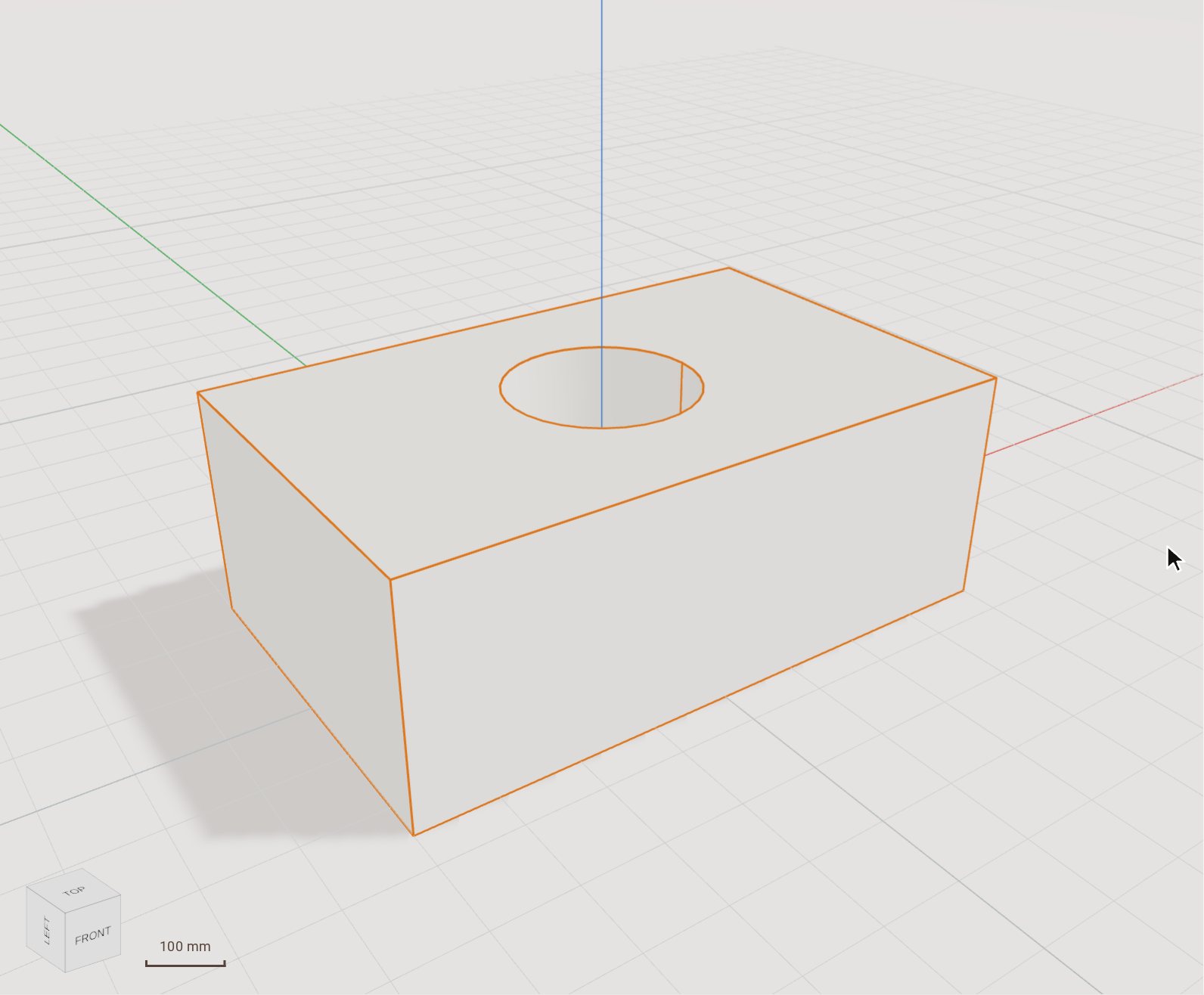
Good to know
- The order matters: the first solid you click is the one that is kept and cut, the second is the one taken away.
- Union joins two solids into one, Intersect keeps only their common volume, and Split breaks two solids into their parts.
Related
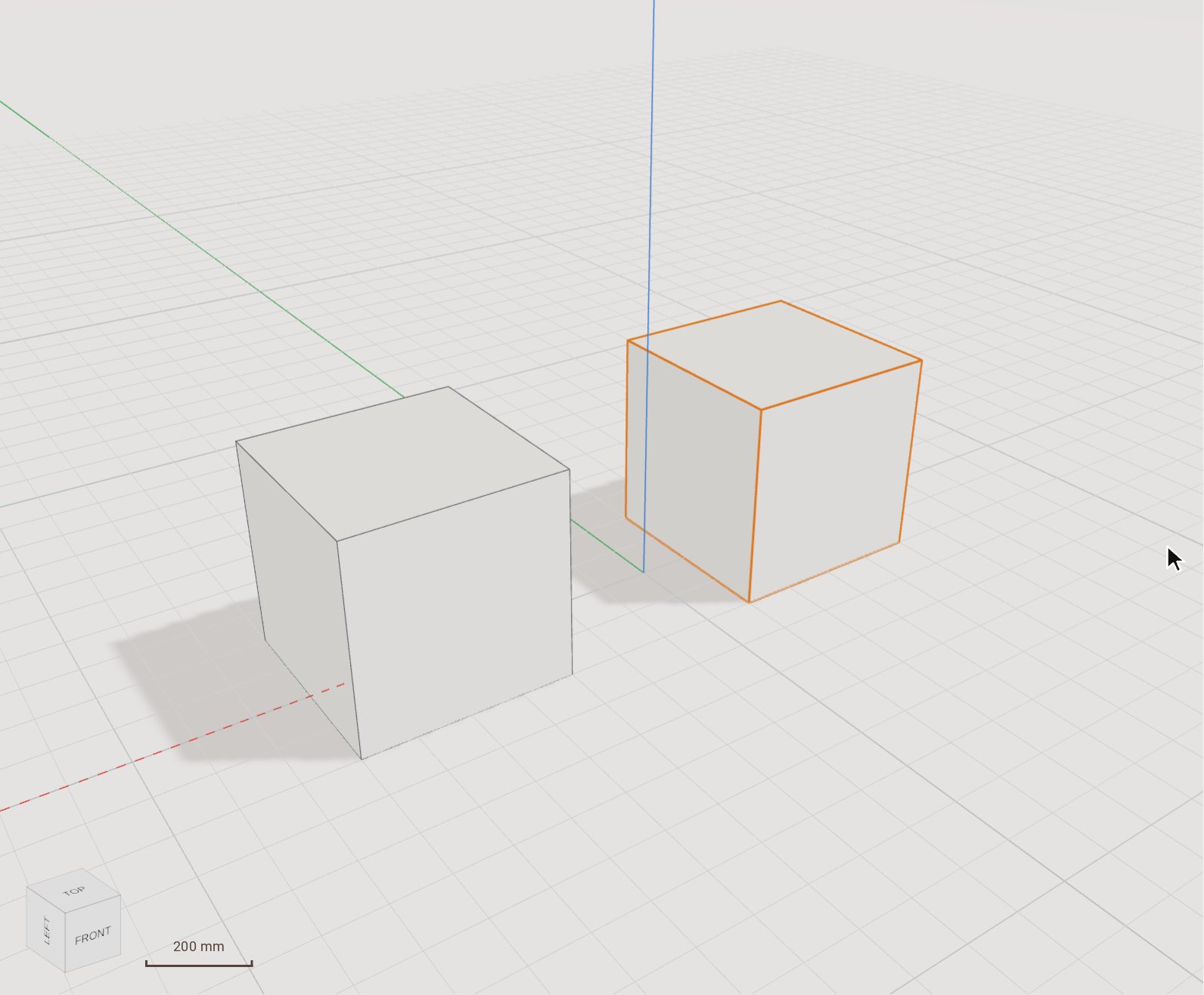 Move (and copy) a bodyMove slides the selected bodies from one point to another, by a pointer gesture or an exact typed distance. Switch on Copy and it leaves the original where it was and places a copy instead.
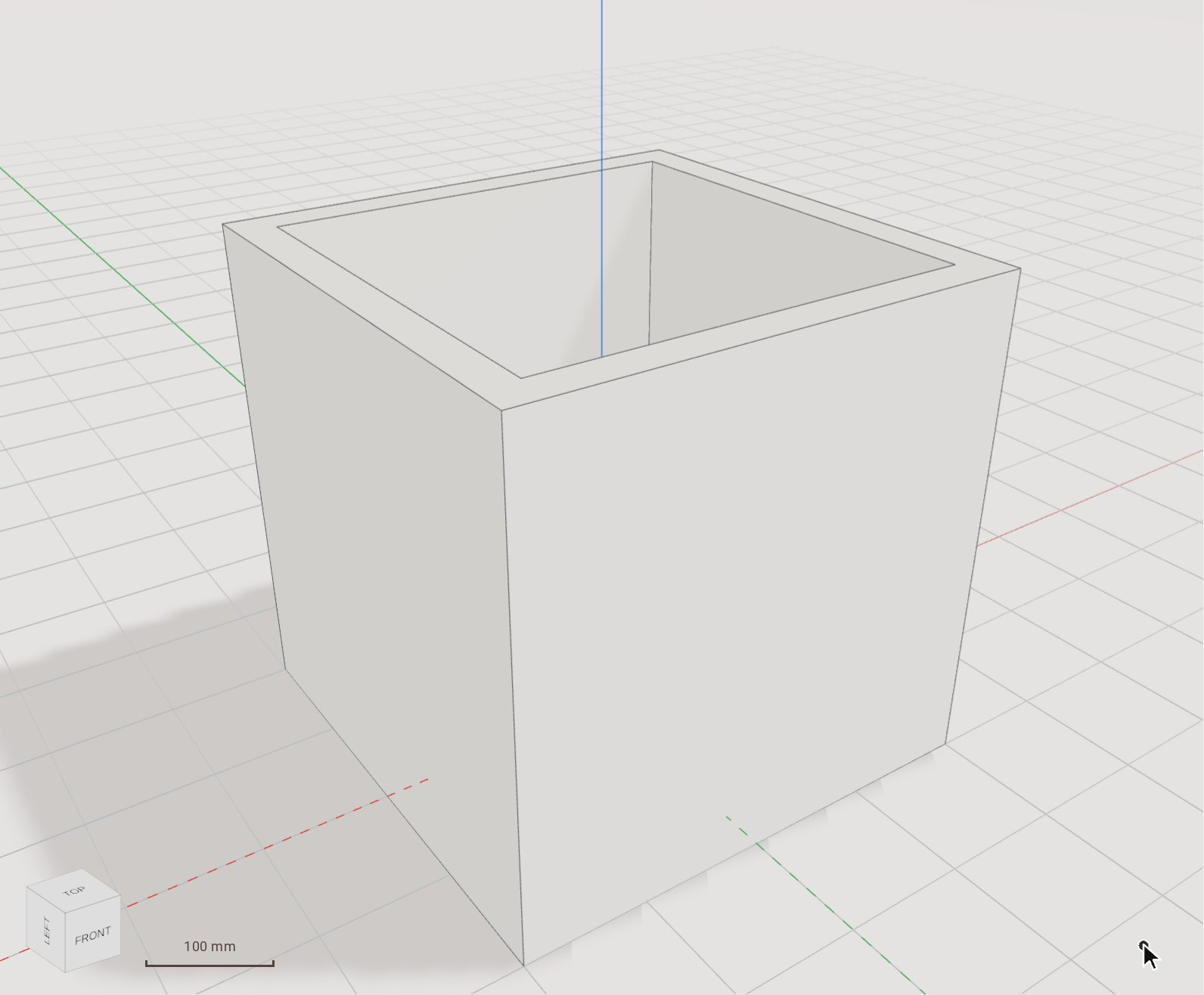 Hollow a solid with ShellShell hollows a solid out to an even wall thickness, leaving open the faces you pick — a box becomes a tray, a block becomes a casing.
Recorded in Kozorosa by the help recorder, which checked that the result is in the model.