
Help centreFeatures
Mirror a body
Mirror makes a reflected copy of bodies across a plane or a flat face. Model one half of a symmetric part and mirror it to get the other.
-
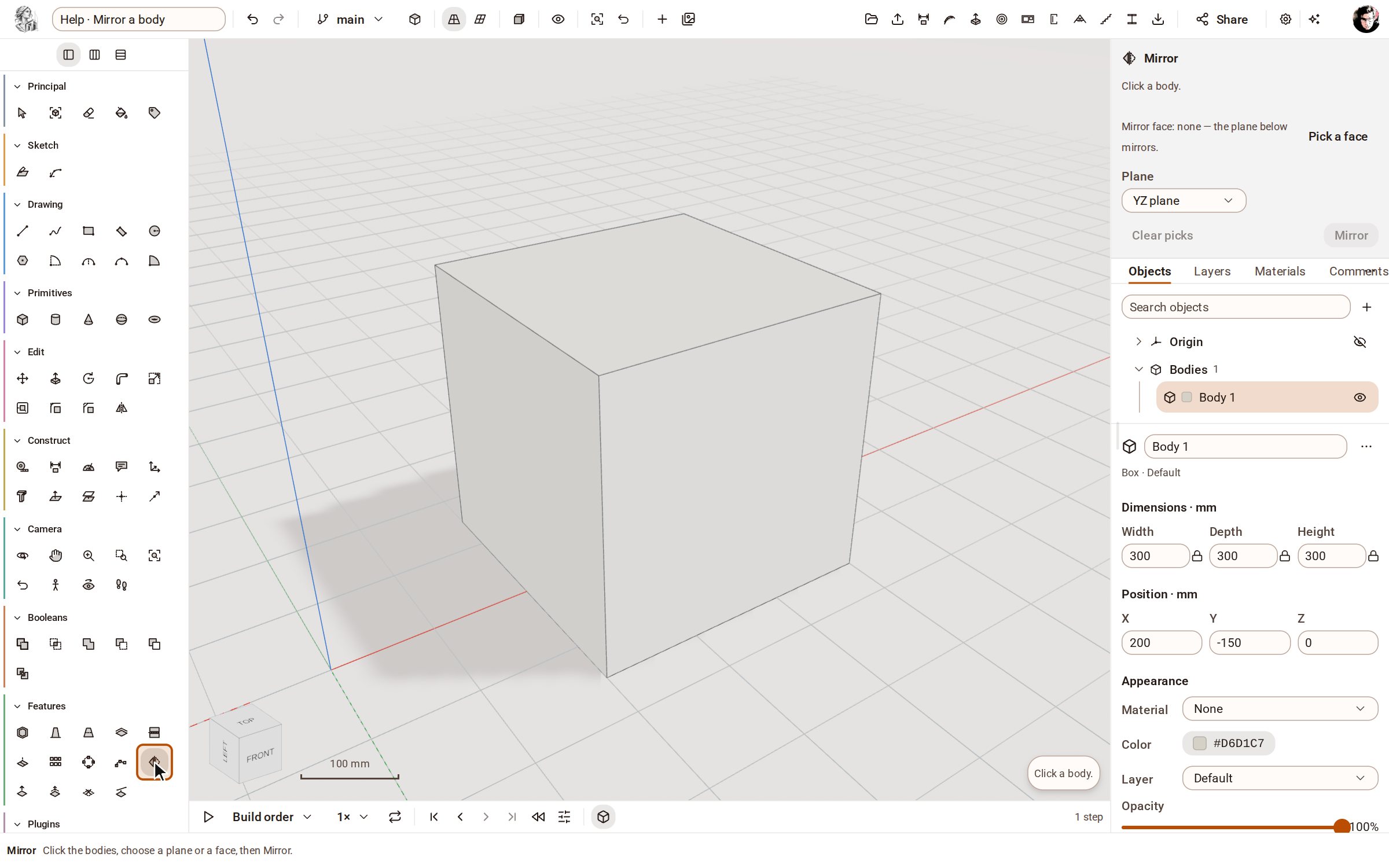
Pick Mirror in the Features group of the rail.
-
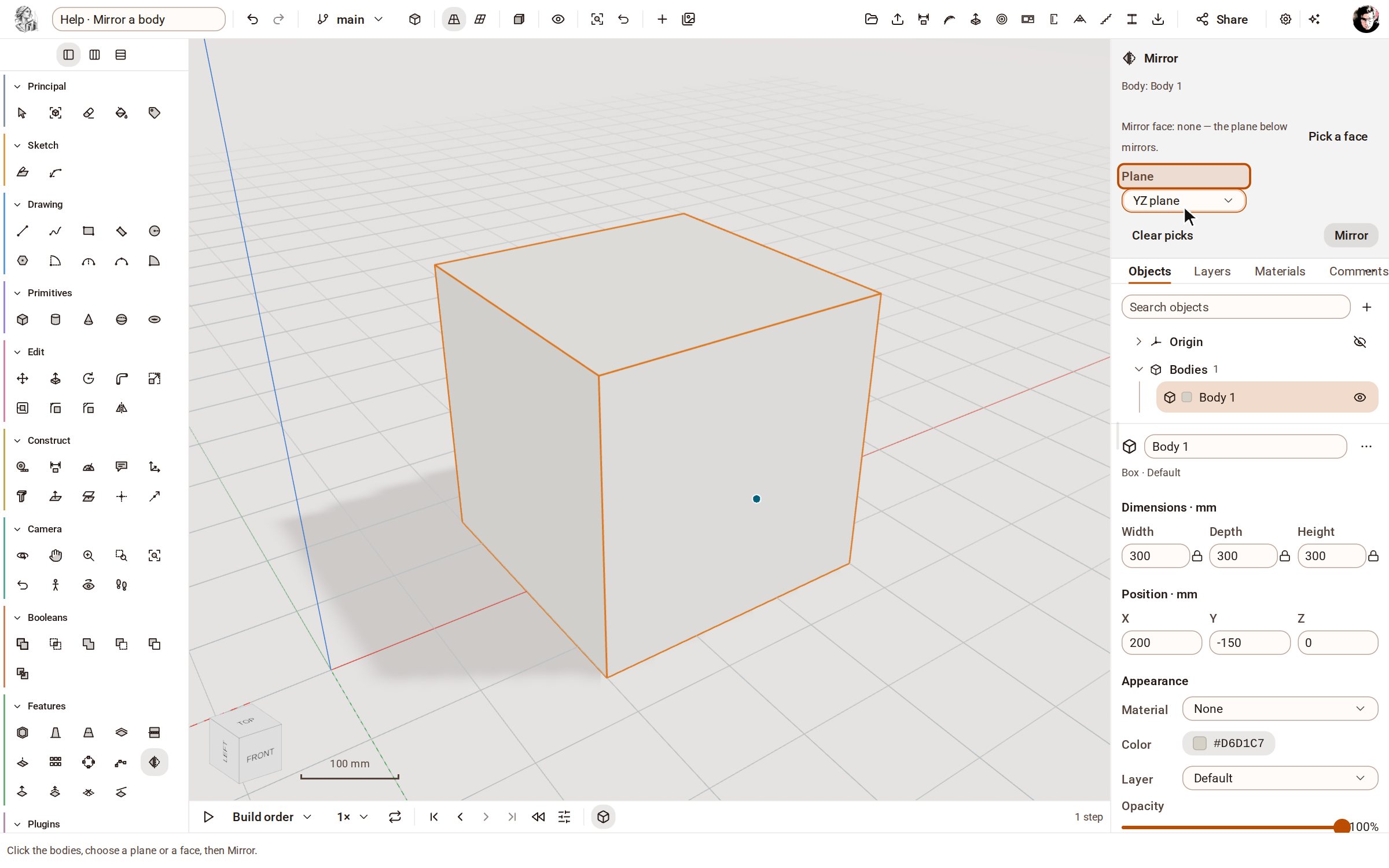
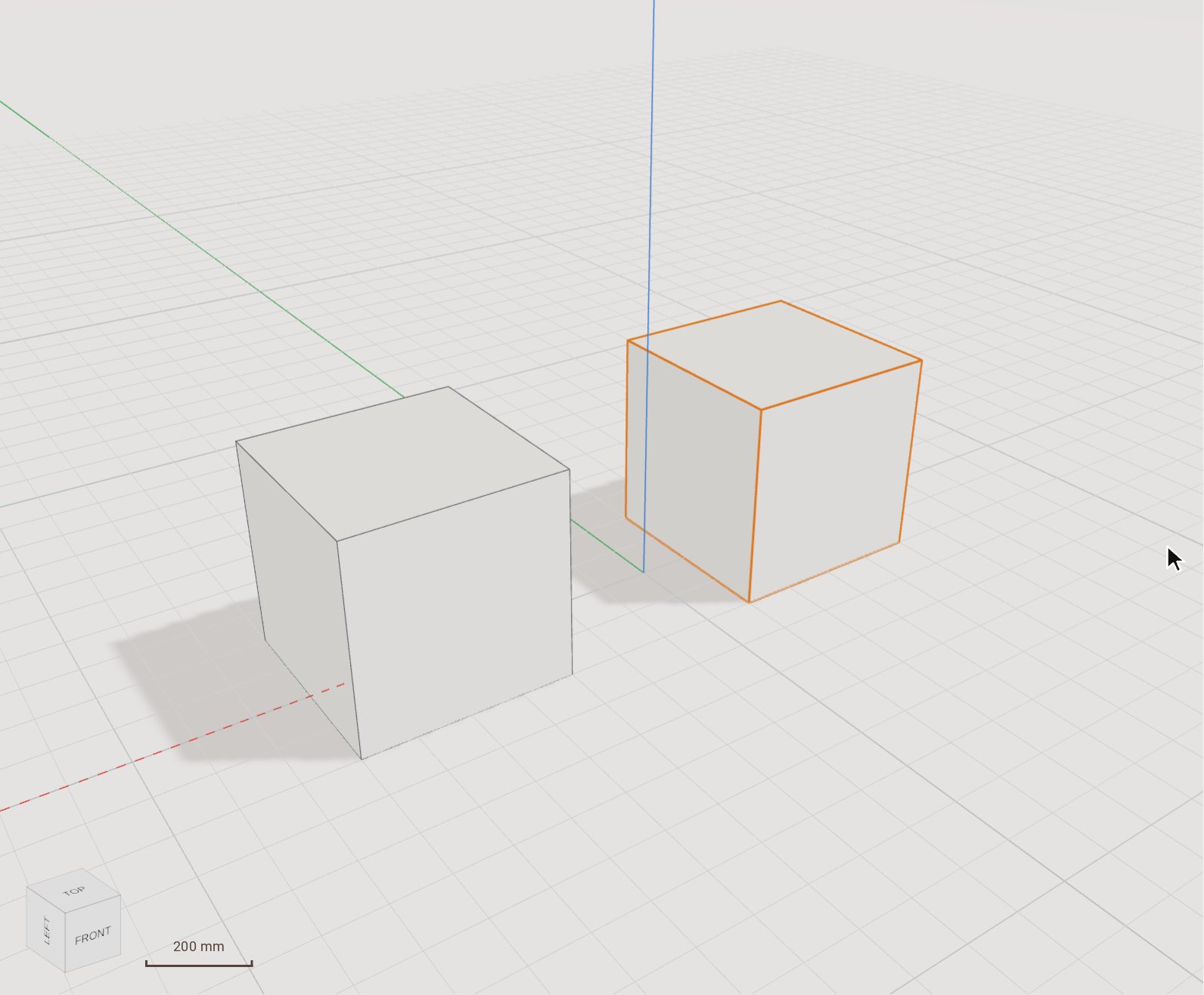
Click the body to mirror. In the tray, choose the Plane to reflect it across — here the YZ plane, which passes through the origin.
-
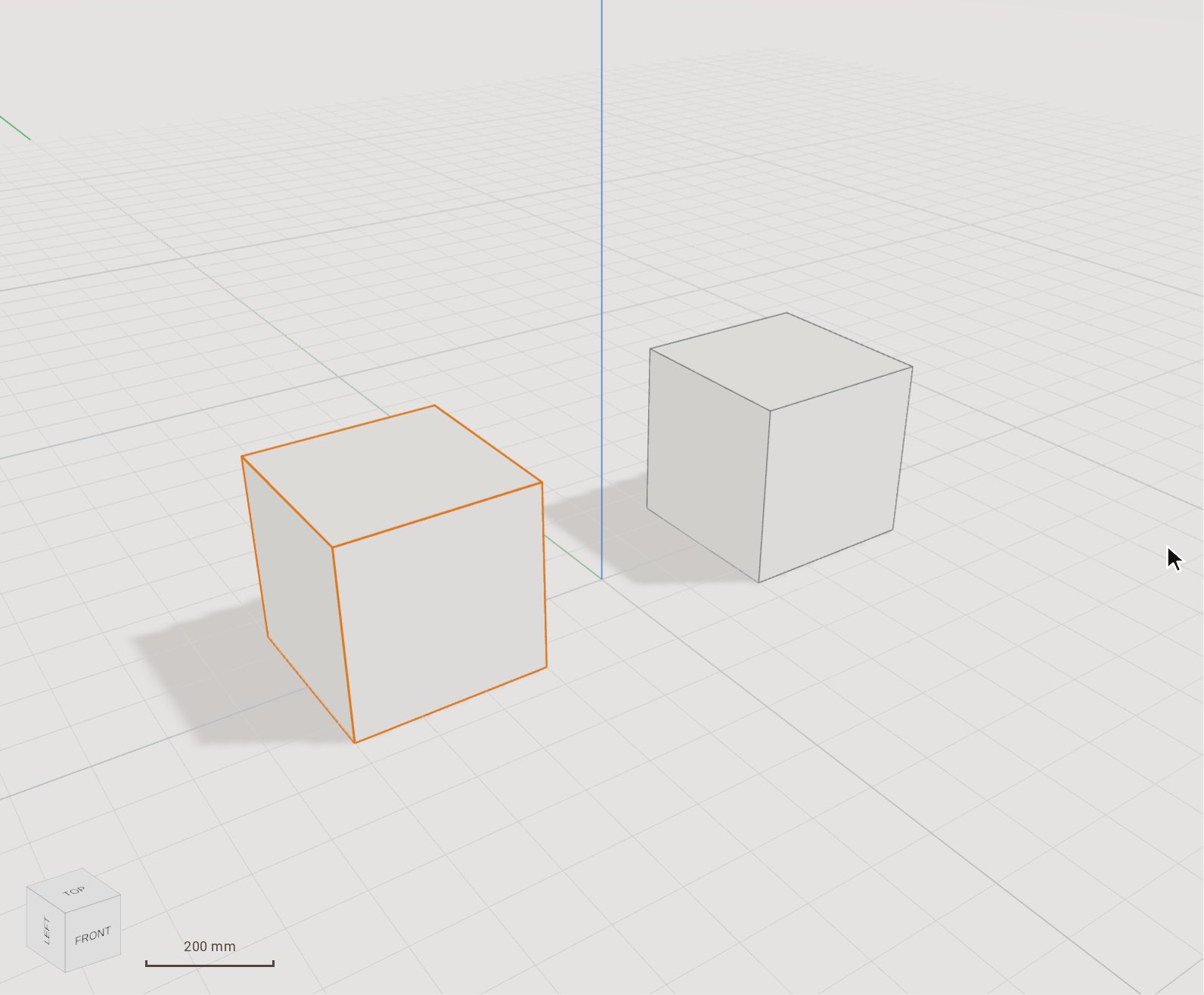
Click Mirror at the foot of the tray. The reflected copy appears on the other side of the plane. Zoom Extents (Shift+Z) frames both.
Good to know
- Pick a face in the tray to mirror about a flat face of the model instead of an origin plane; the mirror then follows that face through later edits.
- Construction planes are offered in the tray's list too, when the model has any.
Related
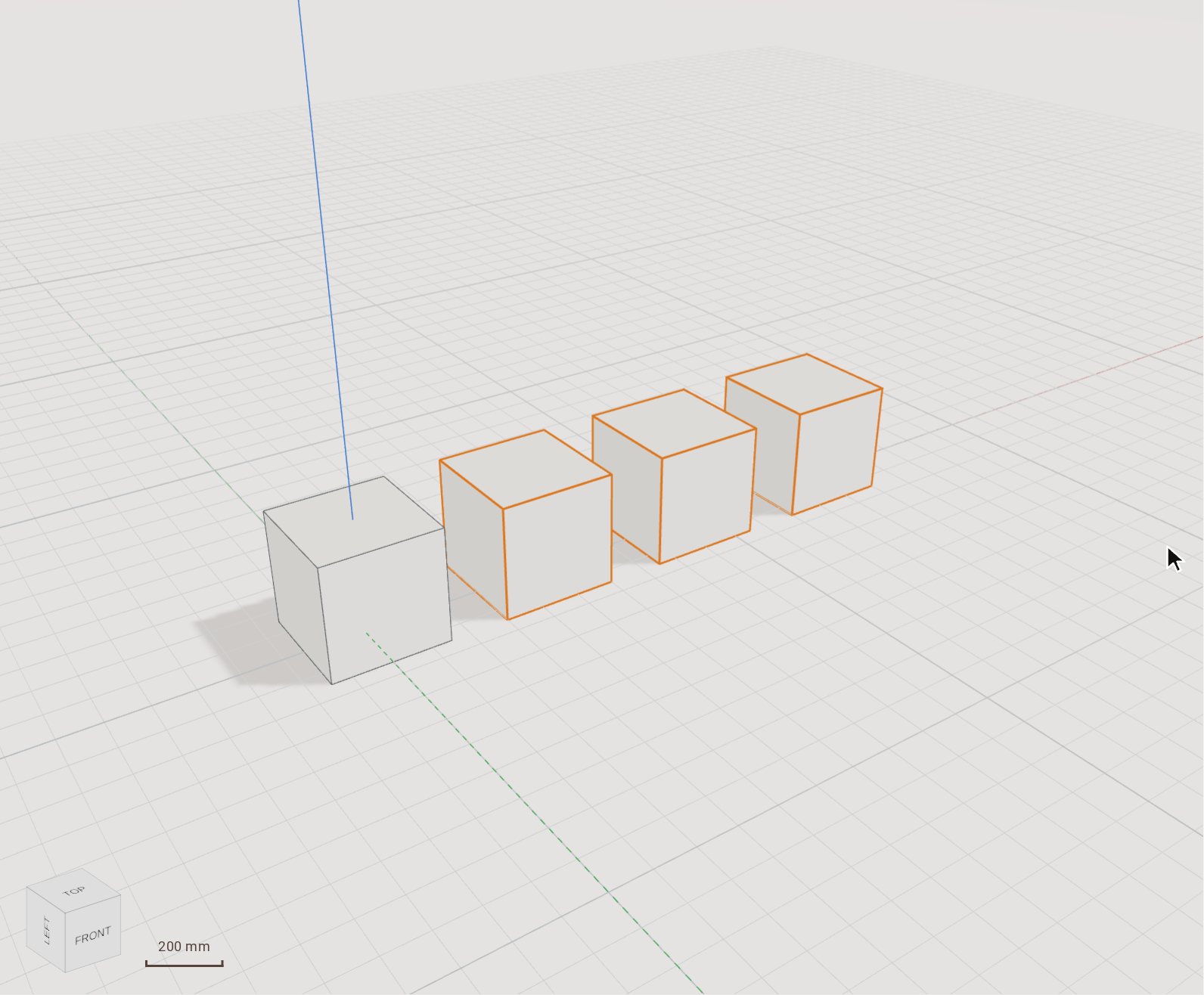 Repeat a body in a linear patternRectangular Pattern repeats bodies in a row, or in a grid with a second direction, at an even spacing. Use it for anything that comes in equal steps: posts, shelves, holes in a plate.
 Move (and copy) a bodyMove slides the selected bodies from one point to another, by a pointer gesture or an exact typed distance. Switch on Copy and it leaves the original where it was and places a copy instead.
Recorded in Kozorosa by the help recorder, which checked that the result is in the model.