
Help centreFeatures
Hollow a solid with Shell
Shell hollows a solid out to an even wall thickness, leaving open the faces you pick — a box becomes a tray, a block becomes a casing.
-
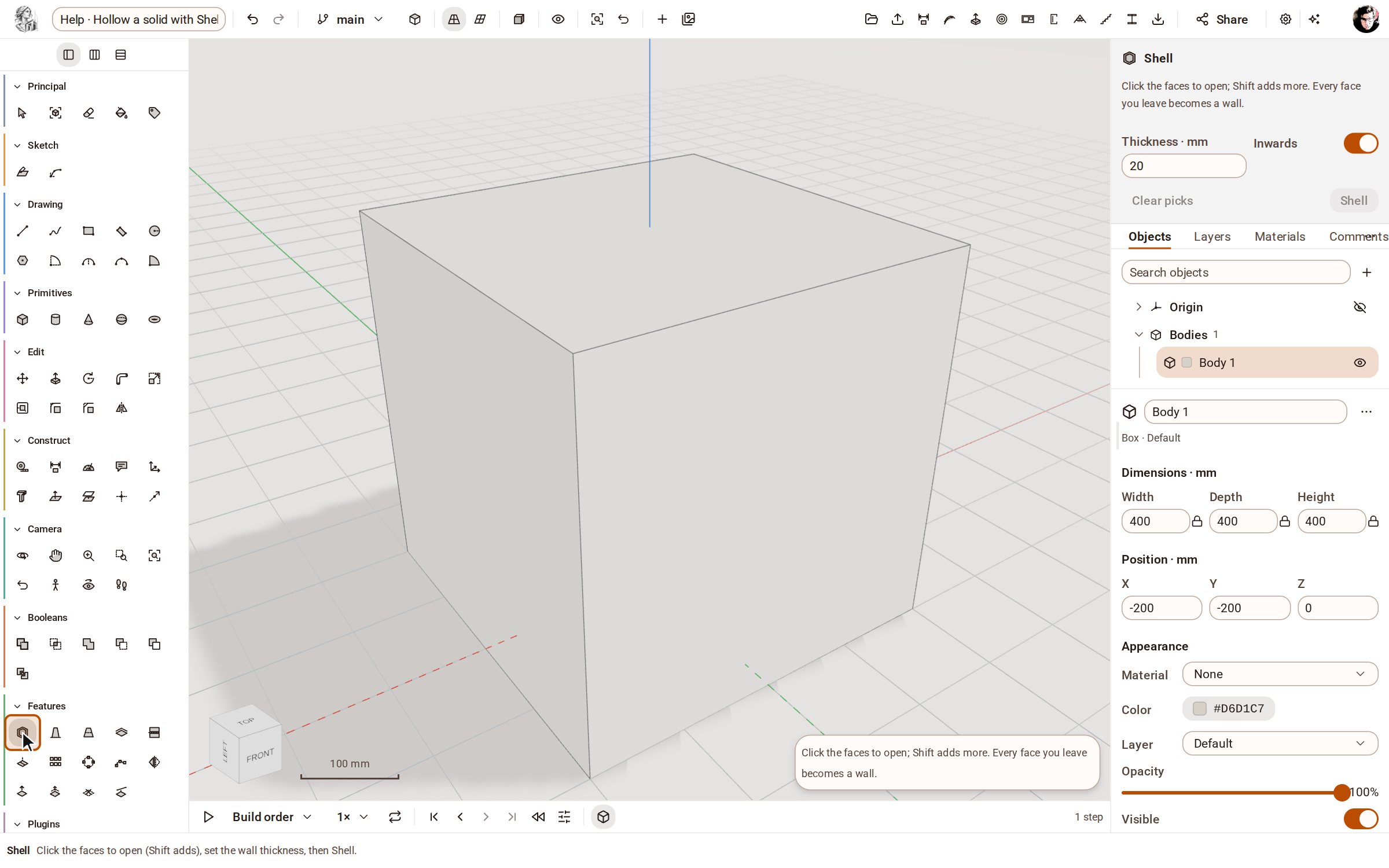
Pick Shell in the Features group of the rail.
-
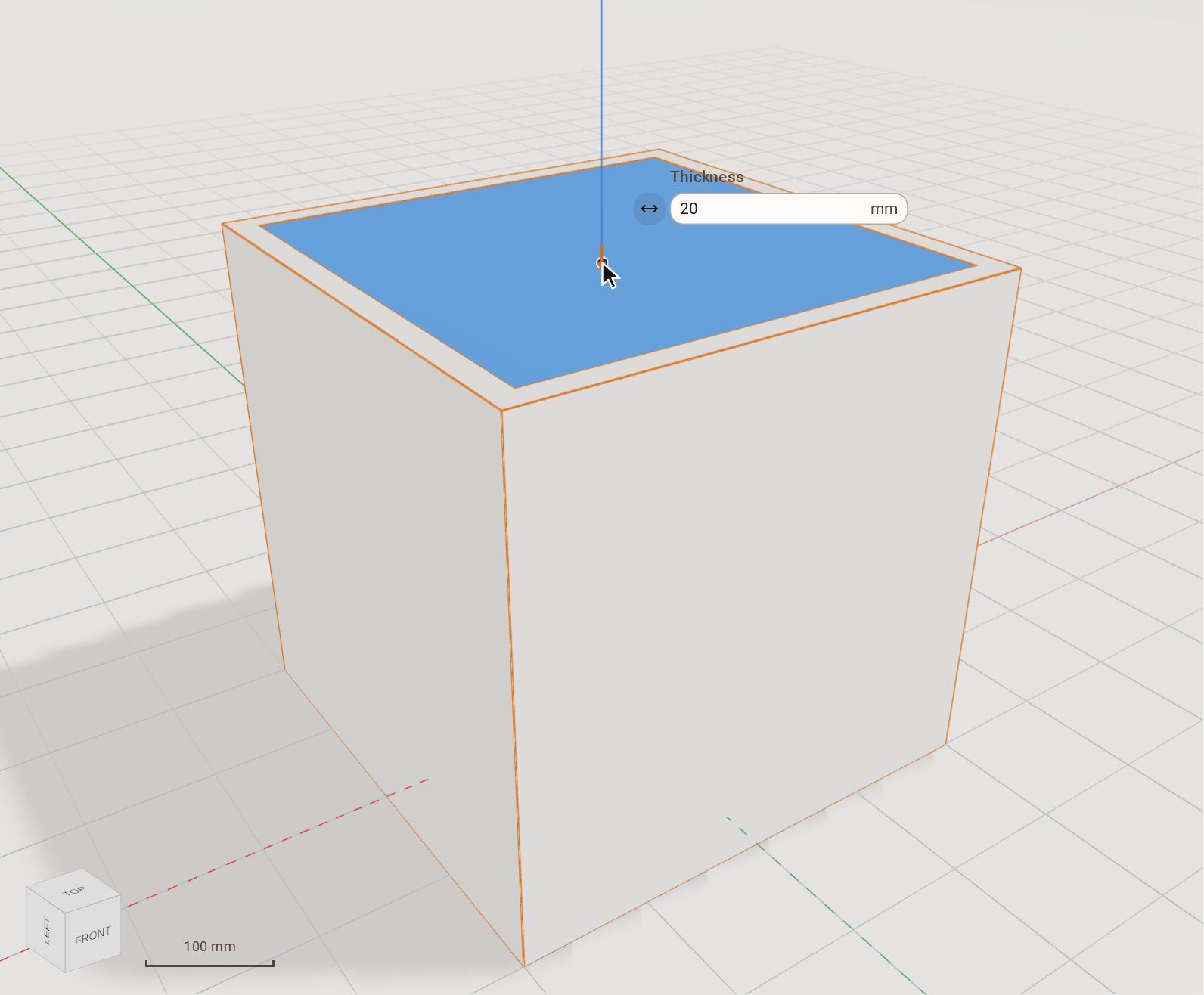
Click the face to open — here the top. Every face you leave becomes a wall, and the preview shows the hollow at the default thickness.
-
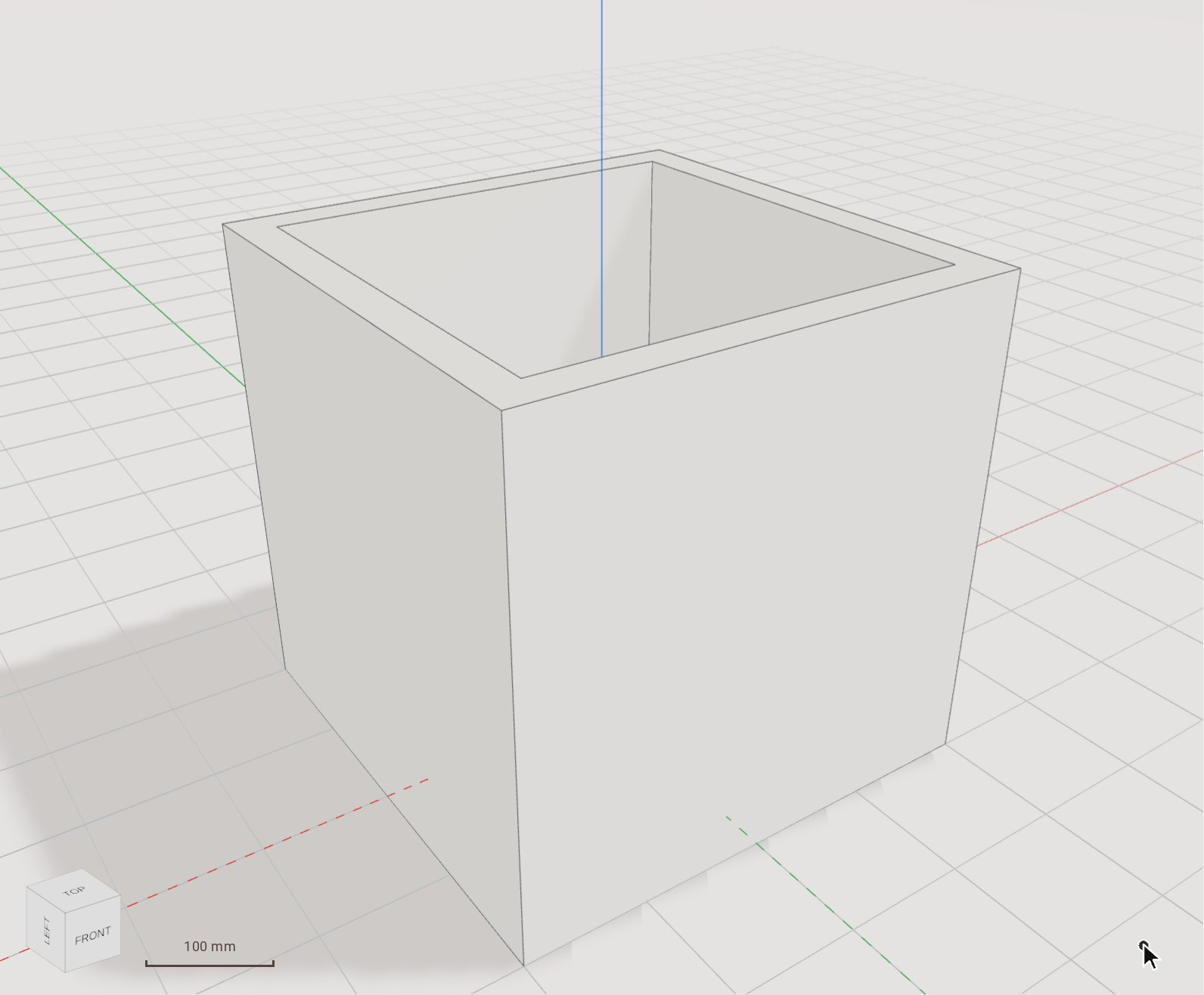
Type the wall thickness, 30, in the box beside the face and press Enter. The solid is hollowed and a Shell step joins the timeline.
Good to know
- Shift-click to open more than one face. At least one face must stay closed.
- The Inwards switch in the tray chooses whether the walls are built inside the original faces or outside them.
- Drag the handle beside the thickness box to set it by eye; letting go applies it.
Related
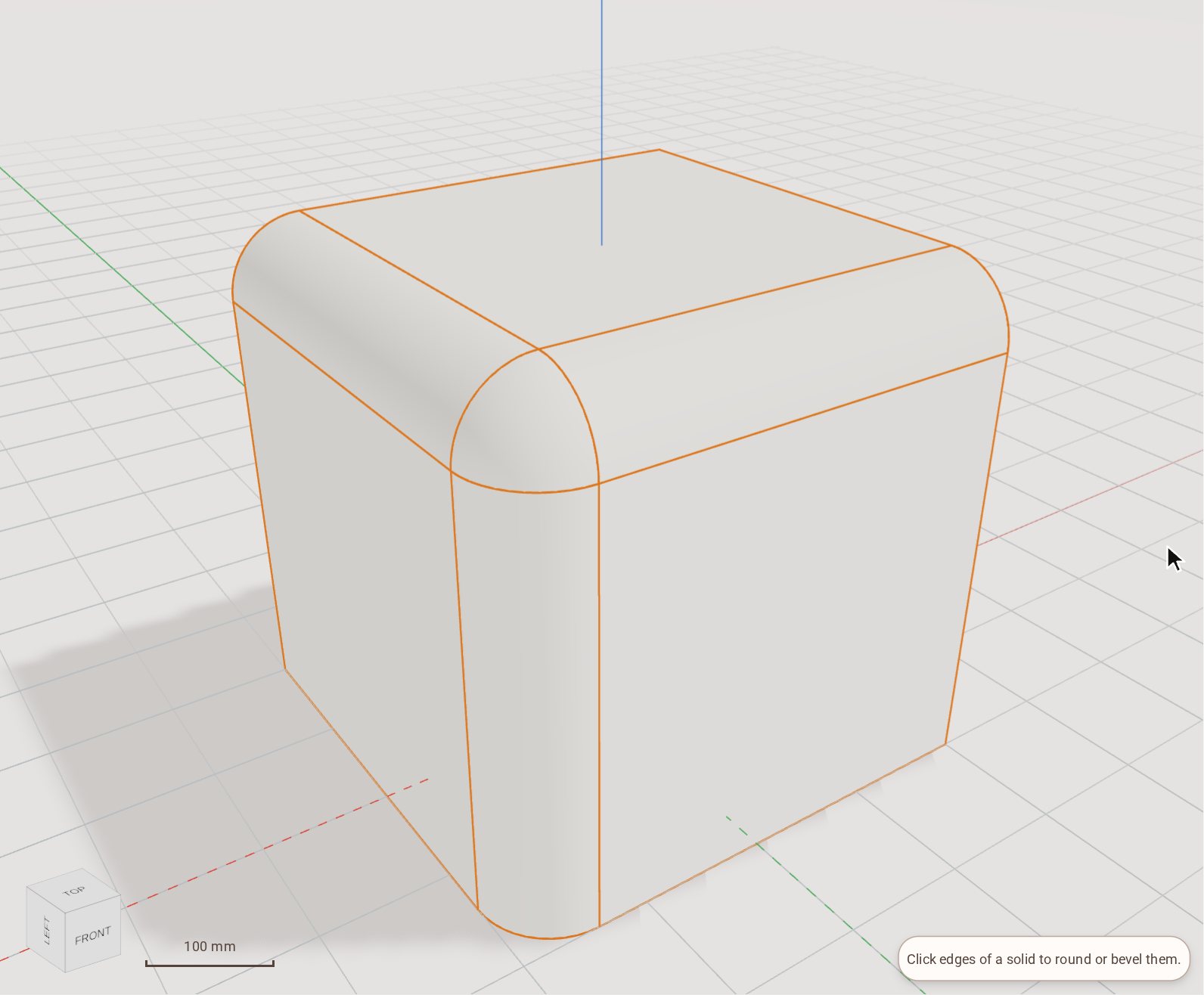 Round edges with FilletFillet rounds the edges of a solid to a radius you set. Pick as many edges as you like and round them in one step.
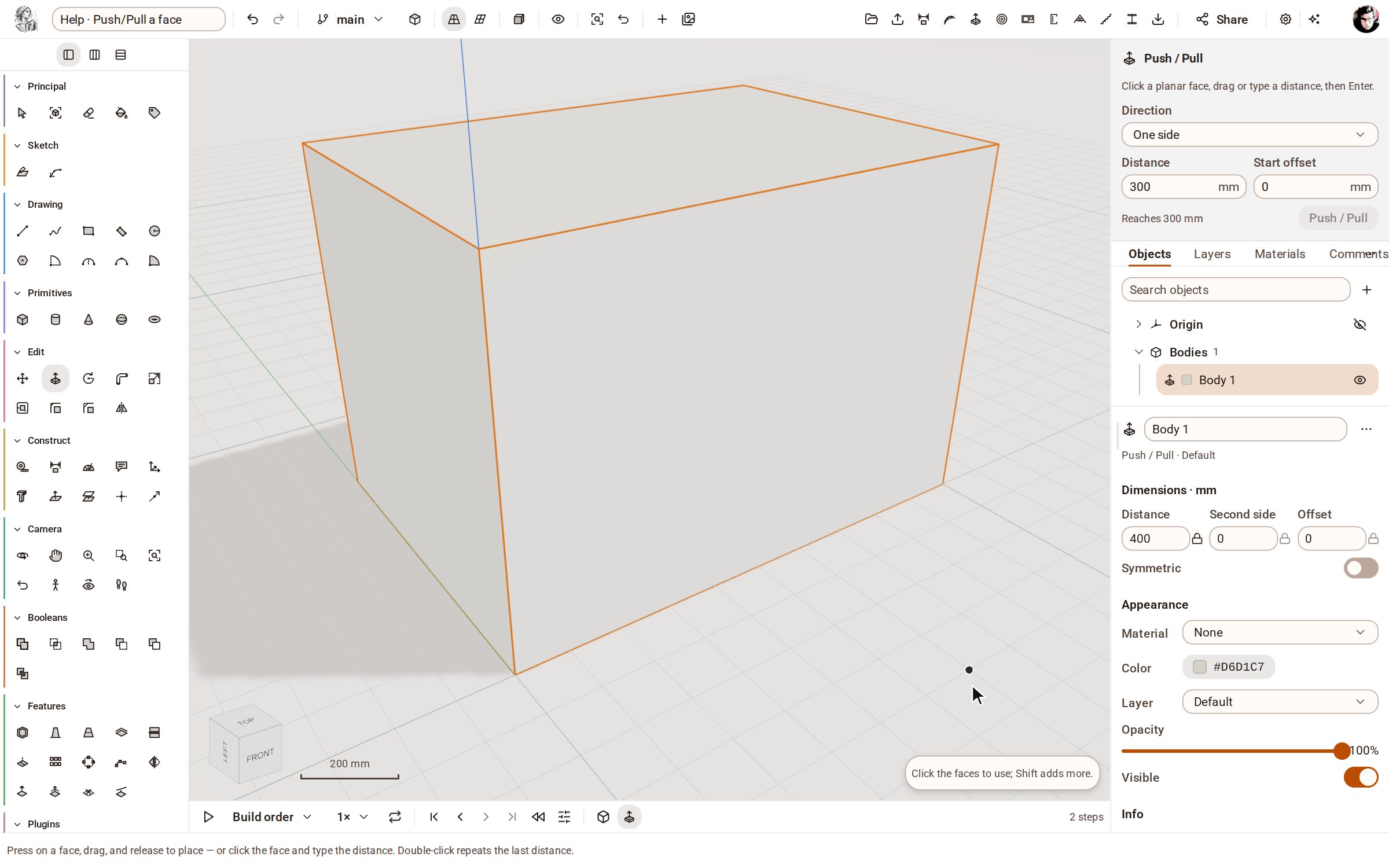 Push/Pull a facePush/Pull extrudes any flat face of a solid by a distance: raise a slab into a block, sink a pocket, or thicken a wall — and the solid stays a clean B-rep.
Recorded in Kozorosa by the help recorder, which checked that the result is in the model.