
Help centreWorkspace
Apply a material to a body
Materials give bodies their colour and finish — oak, steel, glass, brick and more. Add one from the library in the Materials panel, then paint it onto a body.
-
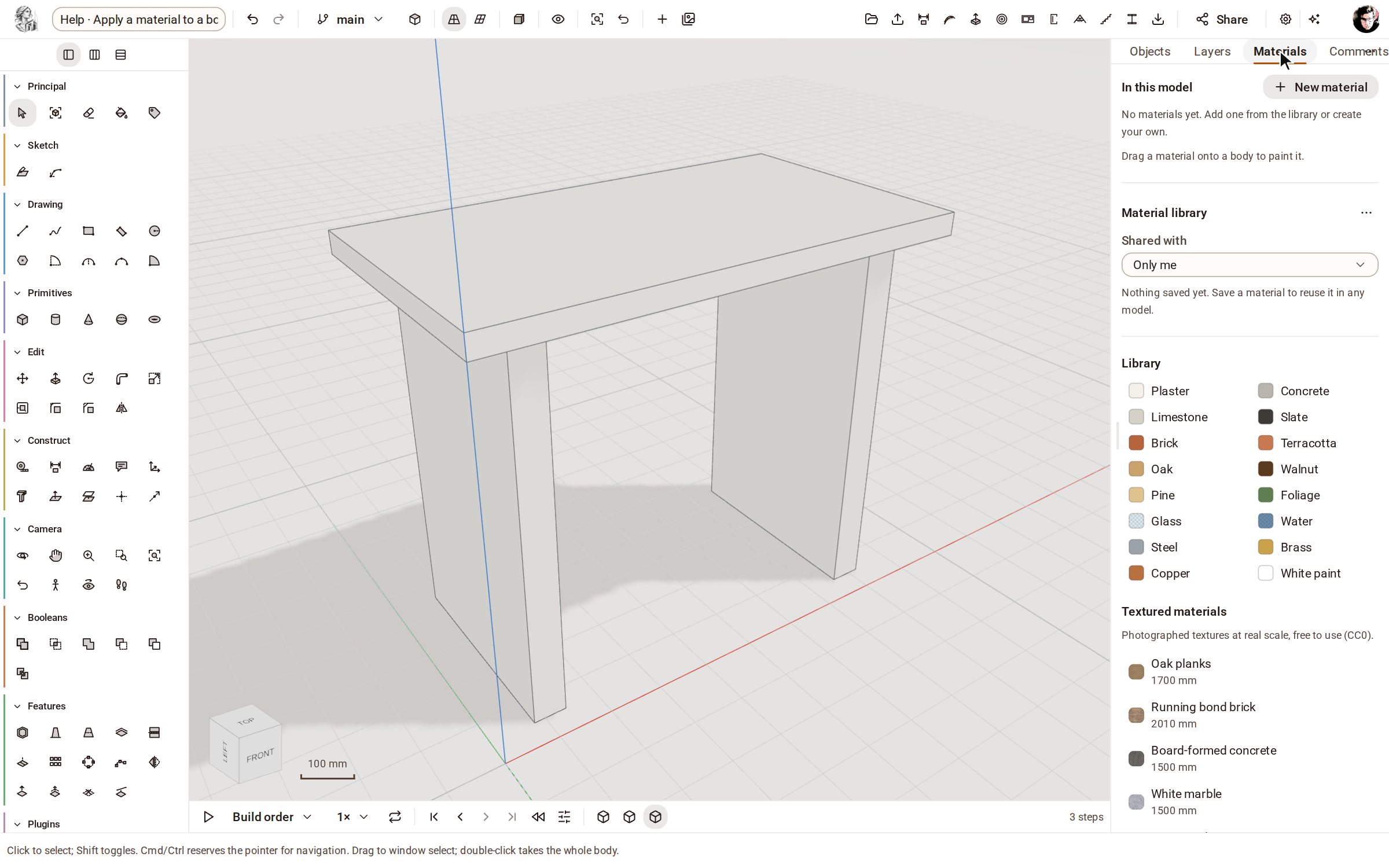
Open the Materials tab of the panel on the right. In this model lists the materials the model wears; the Library below has ready-made ones.
-
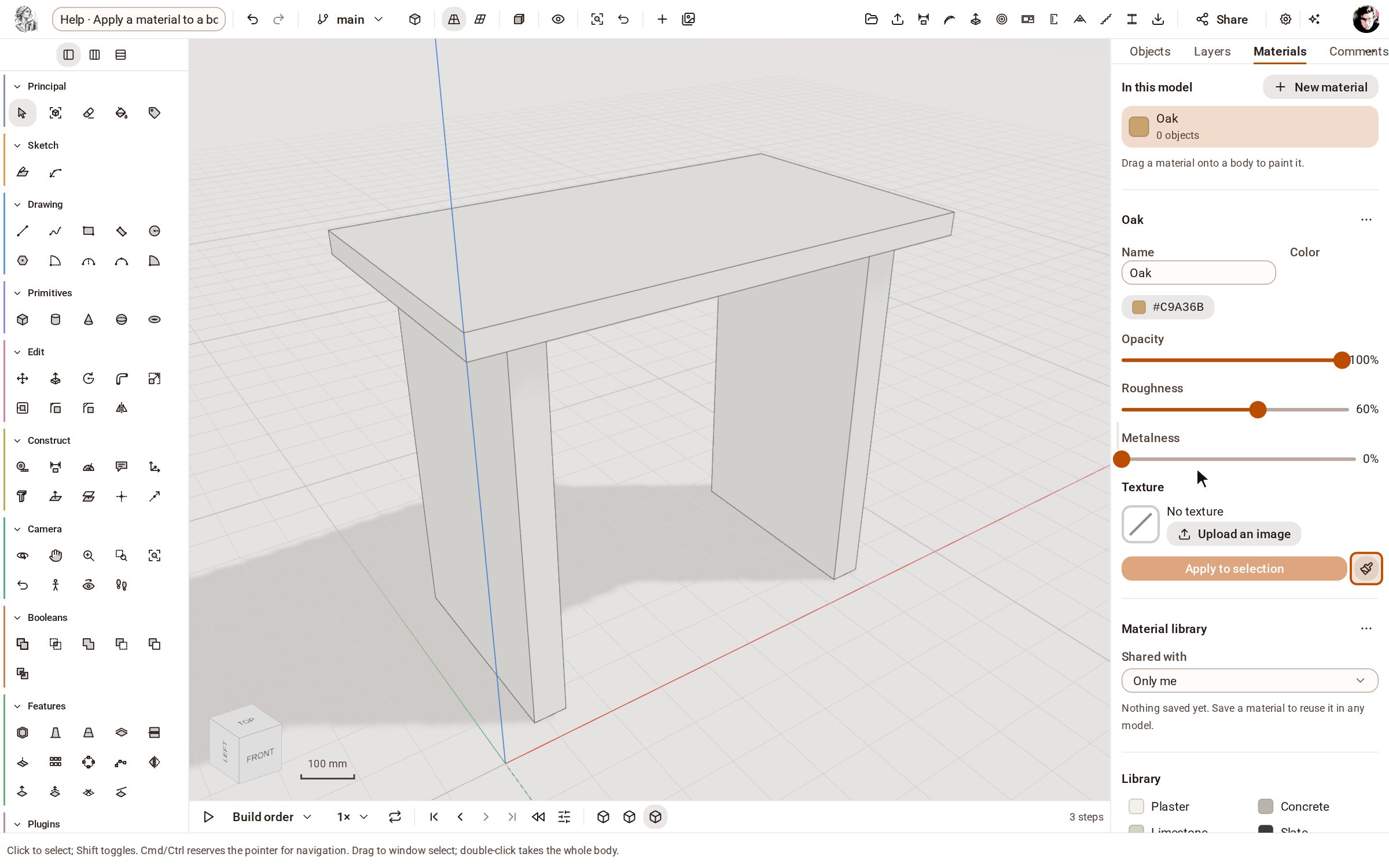
Click Oak in the Library. It is added to the model and opens in the editor, where you can change its colour, opacity, roughness and metalness.
-
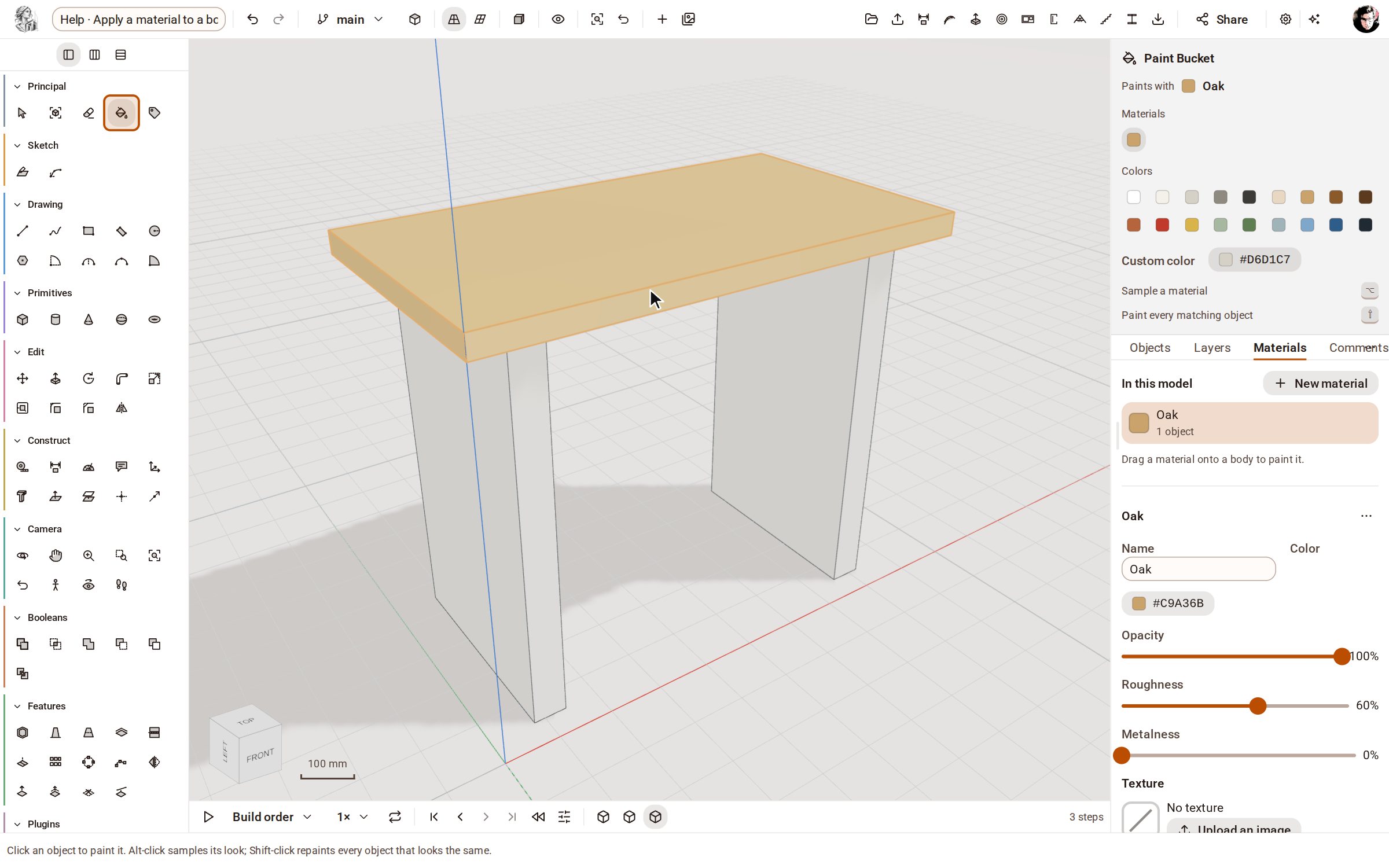
Click Paint with it (the brush): the Paint Bucket picks up oak. Click the table top to paint it.
Good to know
- You can also drag a material from the panel straight onto a body.
- With the Paint Bucket, Alt-click (Command-click on a Mac) a body to sample its look, and Shift-click to repaint every object that looks the same.
- Select bodies first and click Apply to selection in the material's editor to paint them all at once.
Recorded in Kozorosa by the help recorder.