
Help centreModeling
Offset a face's edges
Offset draws a copy of a flat face's outline a set distance inside or outside it, as a new face. Inset the top of a slab, then push the new face down to make a tray or up to make a plinth.
-
Pick Offset on the rail, or press F.
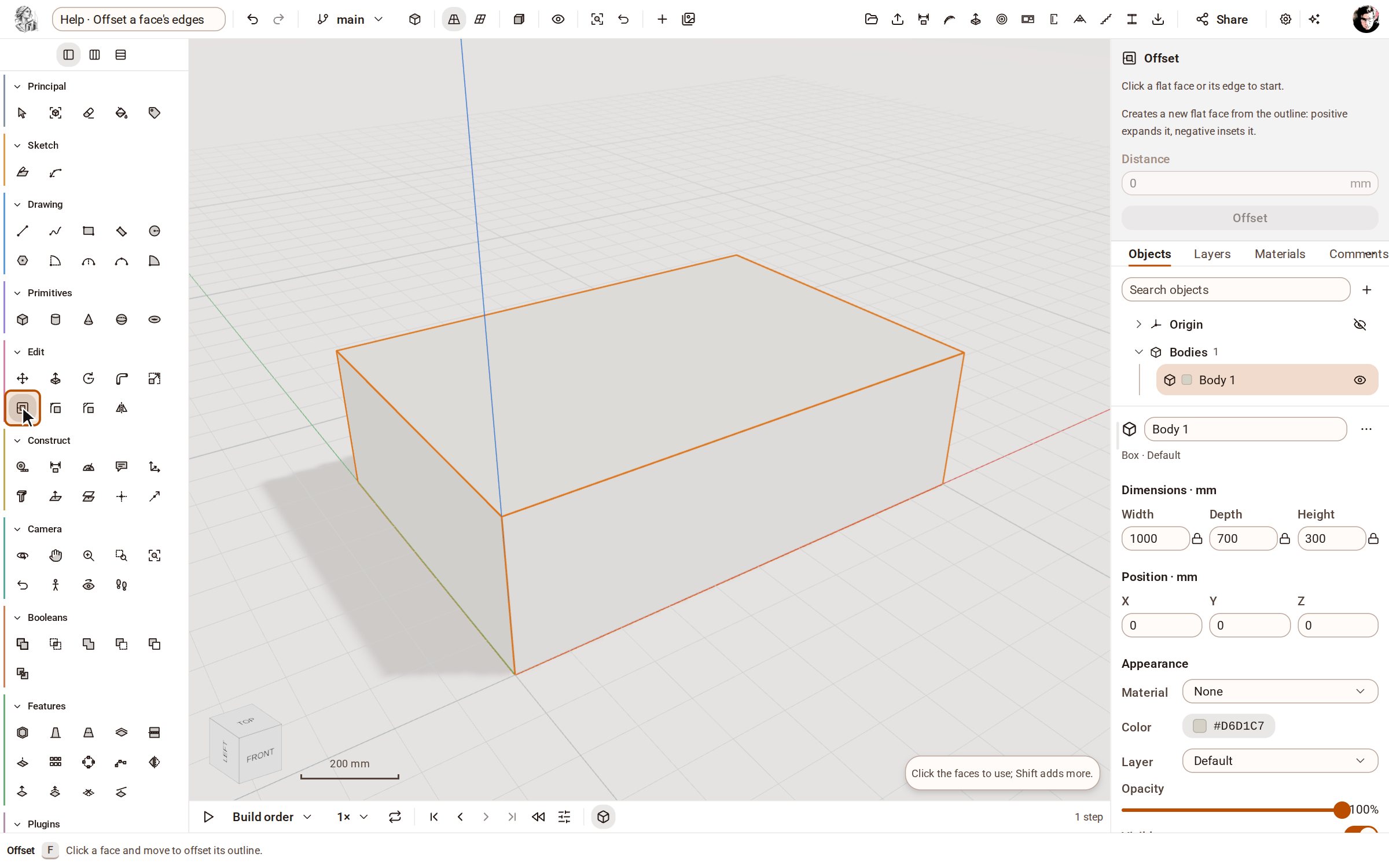
-
Click the flat face whose outline you want to offset — here the top of the slab — and move the pointer inward. A preview of the new outline follows the pointer.
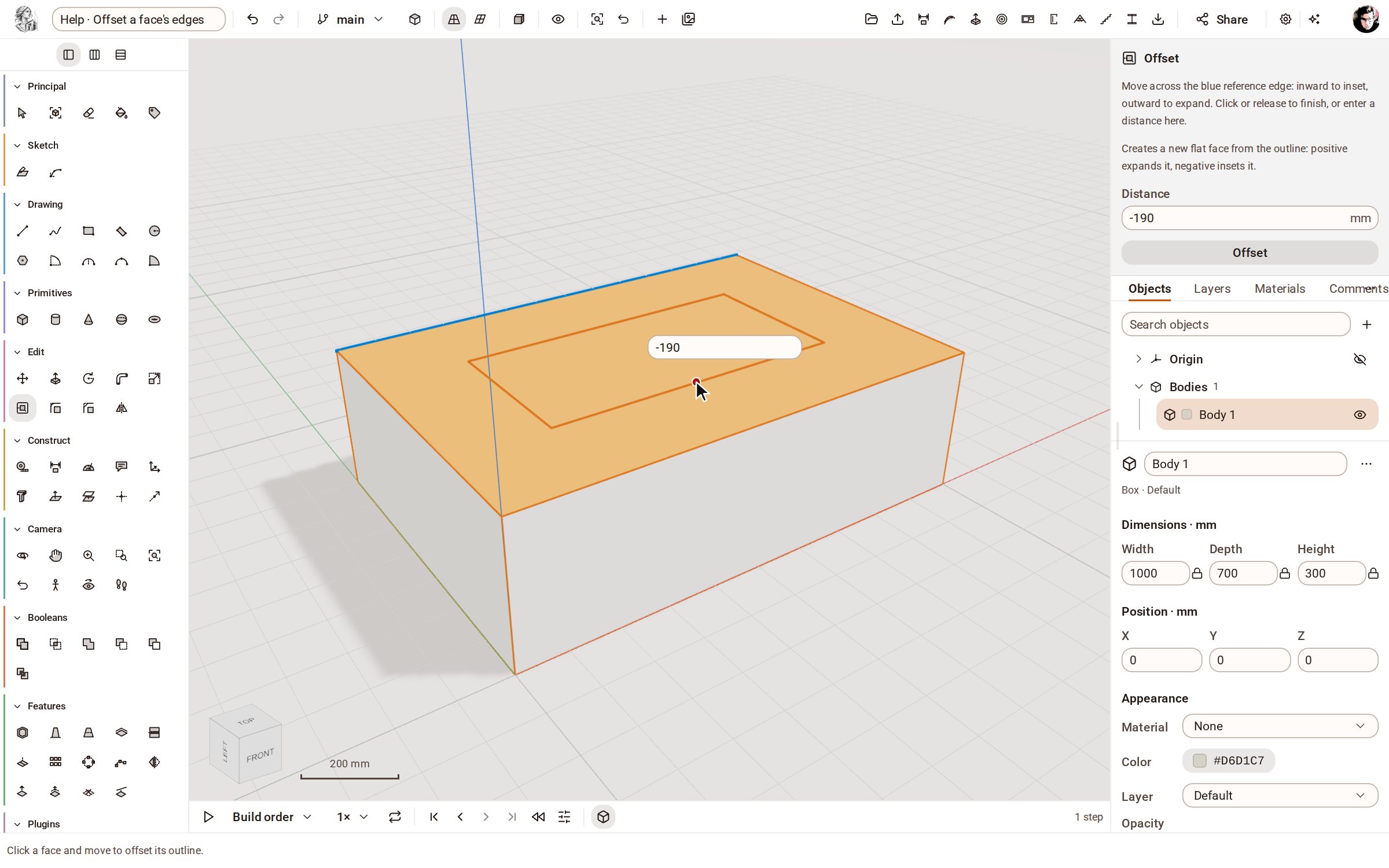
-
Type the distance, -100, and press Enter. A negative distance insets the outline, a positive one expands it. The new face sits inside the old one, ready to push or pull.
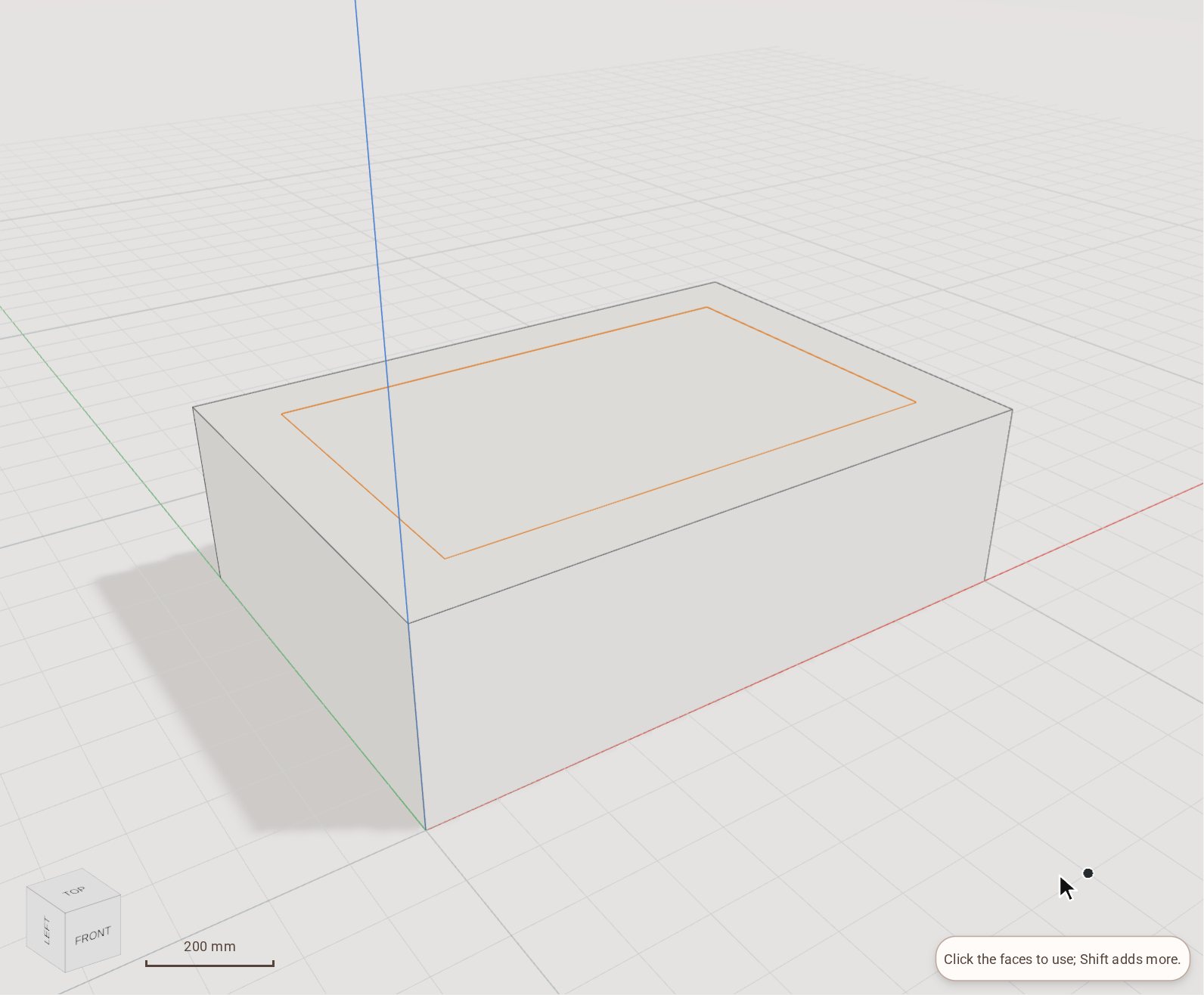
Good to know
- Instead of typing, click or release to finish at the distance the pointer shows, or enter the distance in the tray's Distance field and press the Offset button.
- Only flat faces can be offset; curved faces are refused.
Related
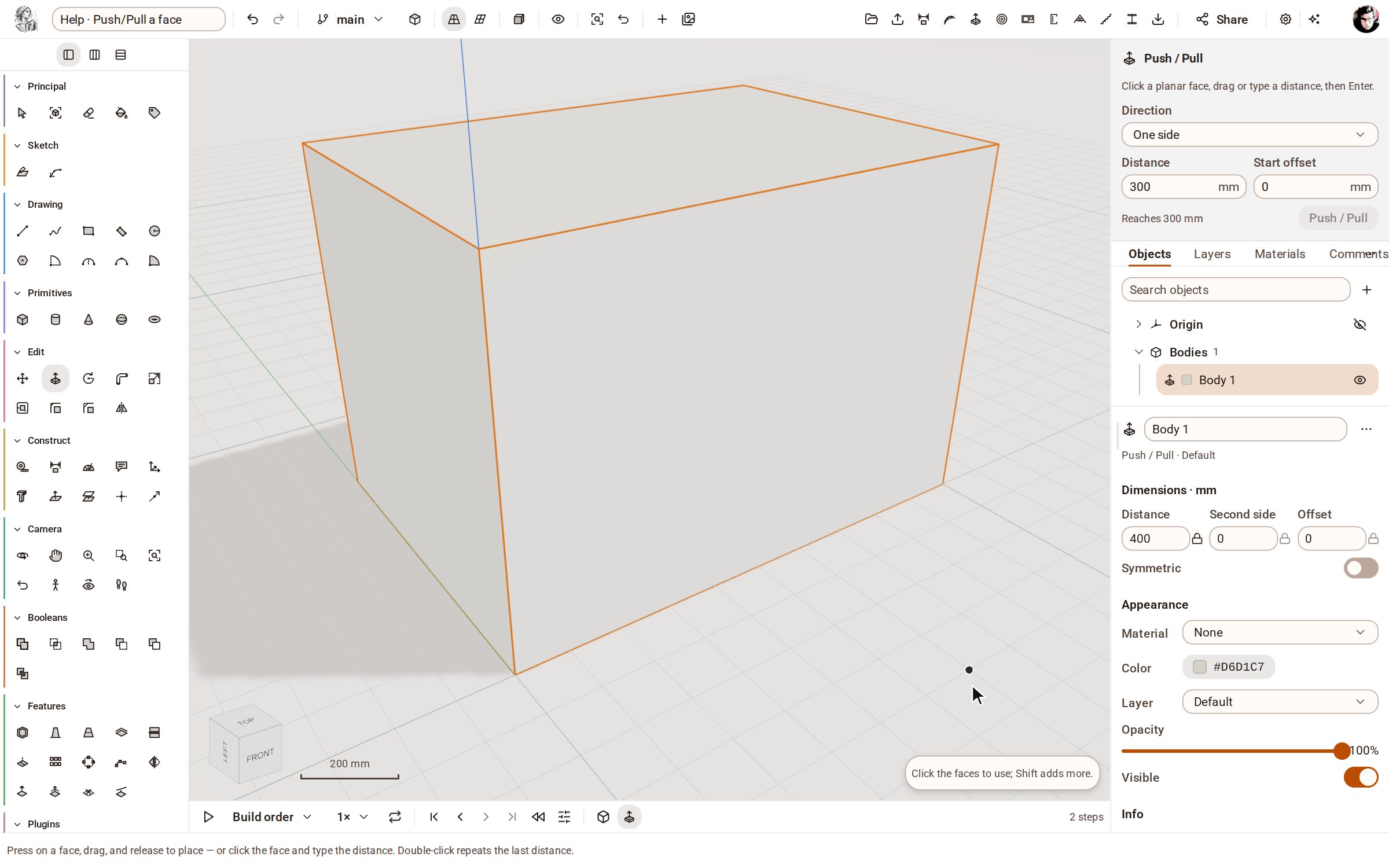 Push/Pull a facePush/Pull extrudes any flat face of a solid by a distance: raise a slab into a block, sink a pocket, or thicken a wall — and the solid stays a clean B-rep.
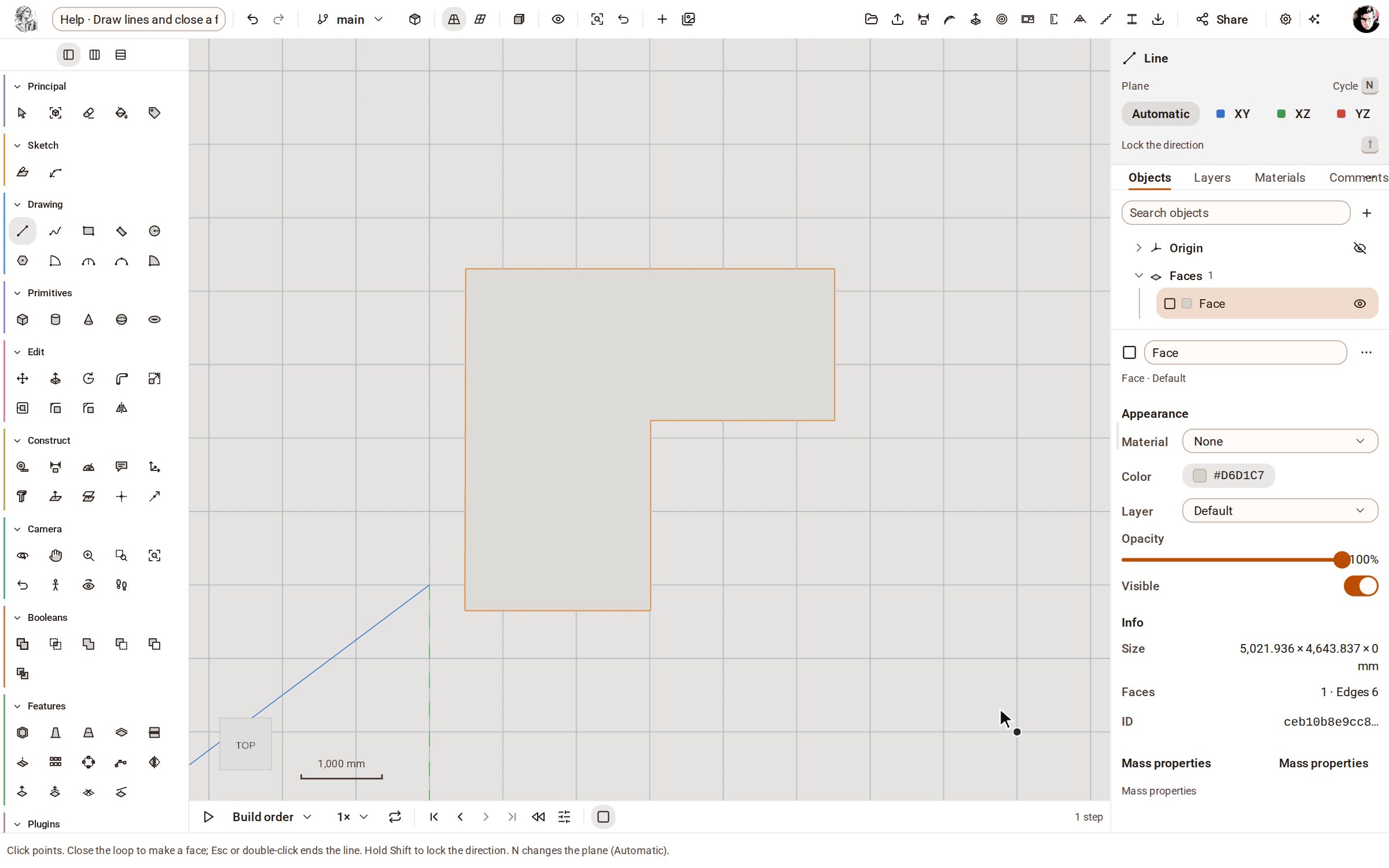 Draw lines and close a faceLine draws straight edges point by point on the ground or on a face. Bring the last point back to the first and the closed loop becomes a face you can push into a solid.
Recorded in Kozorosa by the help recorder, which checked that the result is in the model.