
Help centreModeling
Sweep a profile along a path with Follow Me
Follow Me drives a flat face along a path of lines or curves and leaves the solid it sweeps out: a pipe from a circle, a handrail, a moulding round a corner.
-
Draw the profile as a face standing across the start of the path — here a circle at the end of an L-shaped line. Then pick Follow Me on the rail.
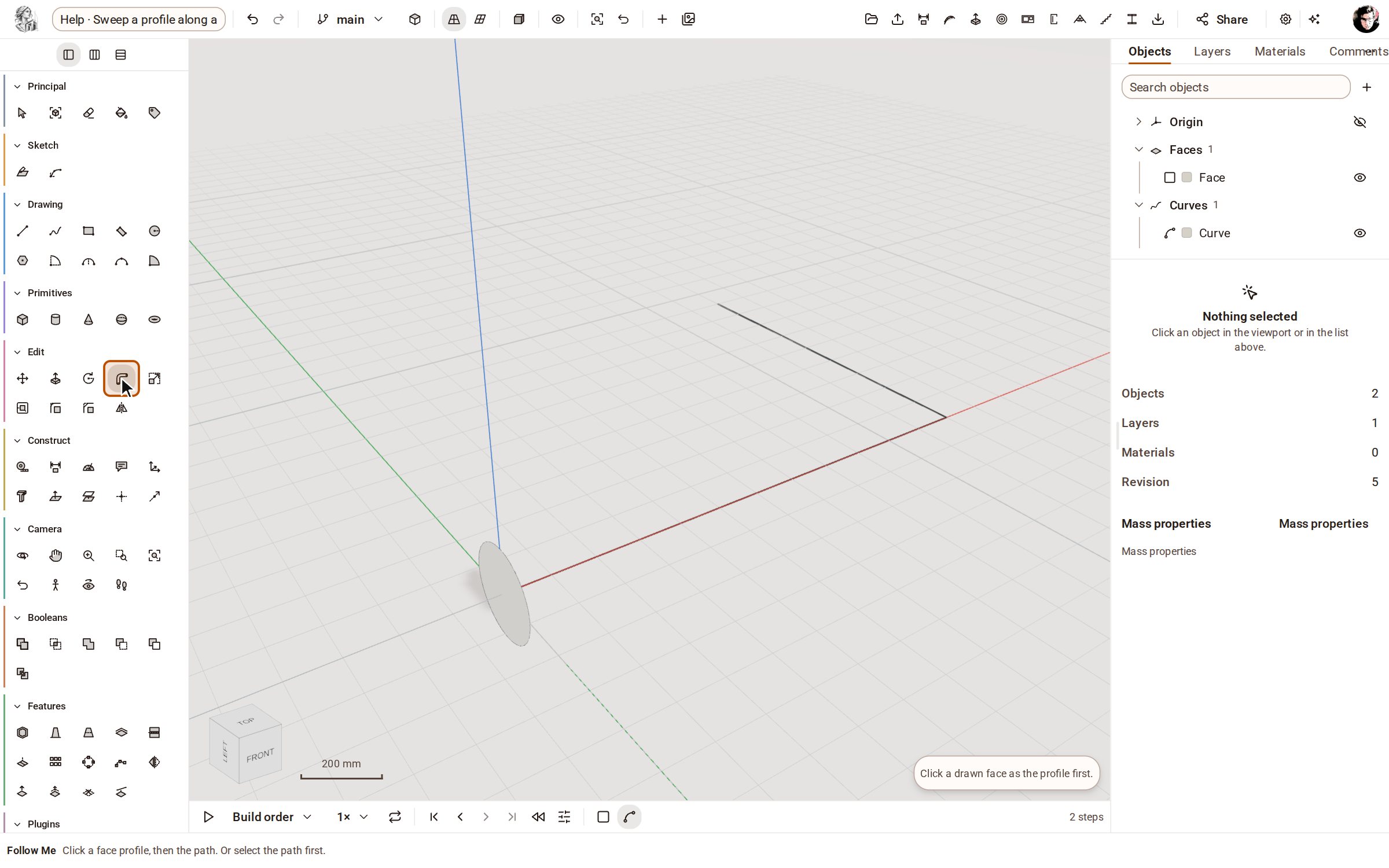
-
Click the profile face. It is picked, and Follow Me waits for the path.
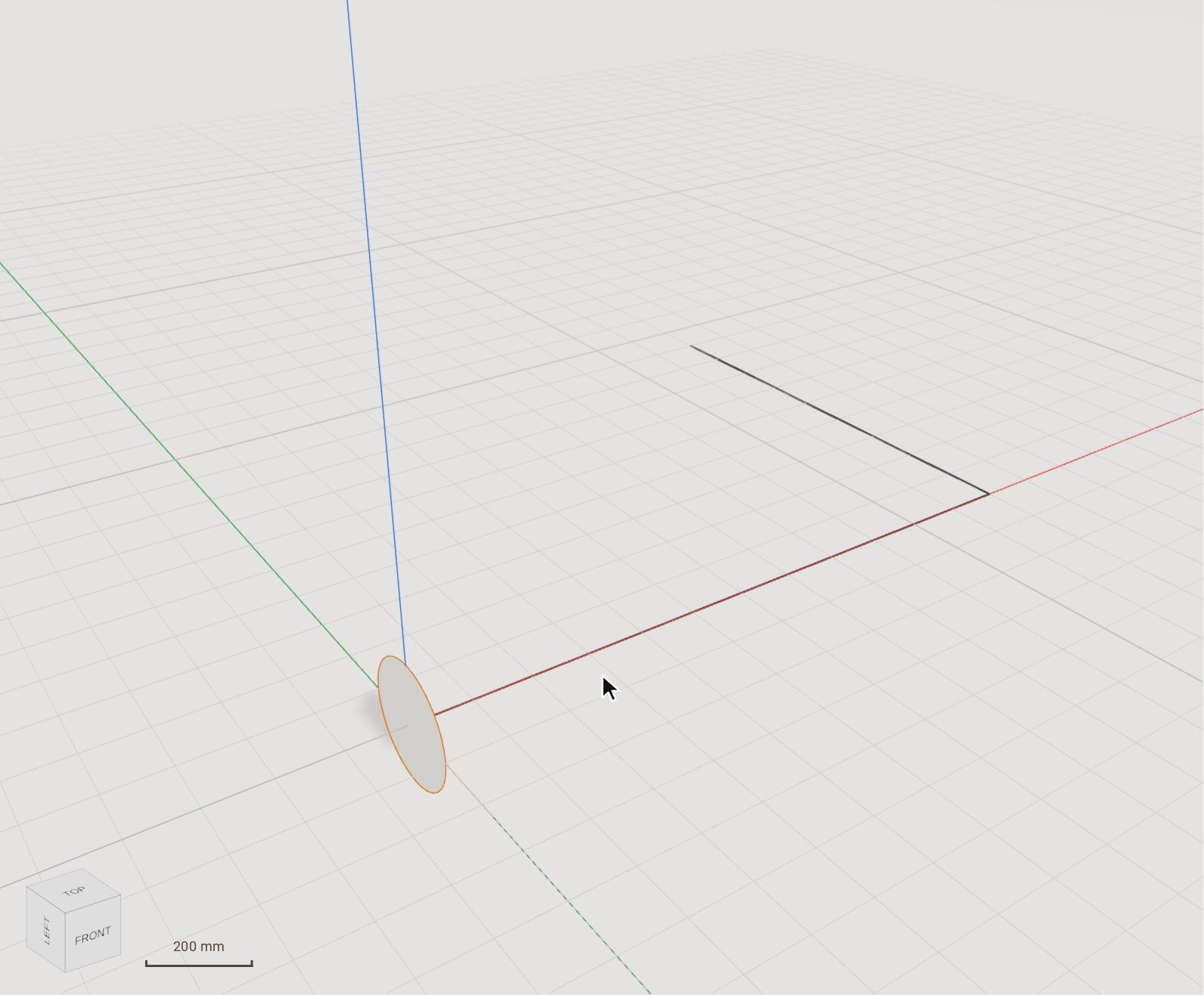
-
Click the path. The face is swept along all of it, round the corner too, and becomes a solid.
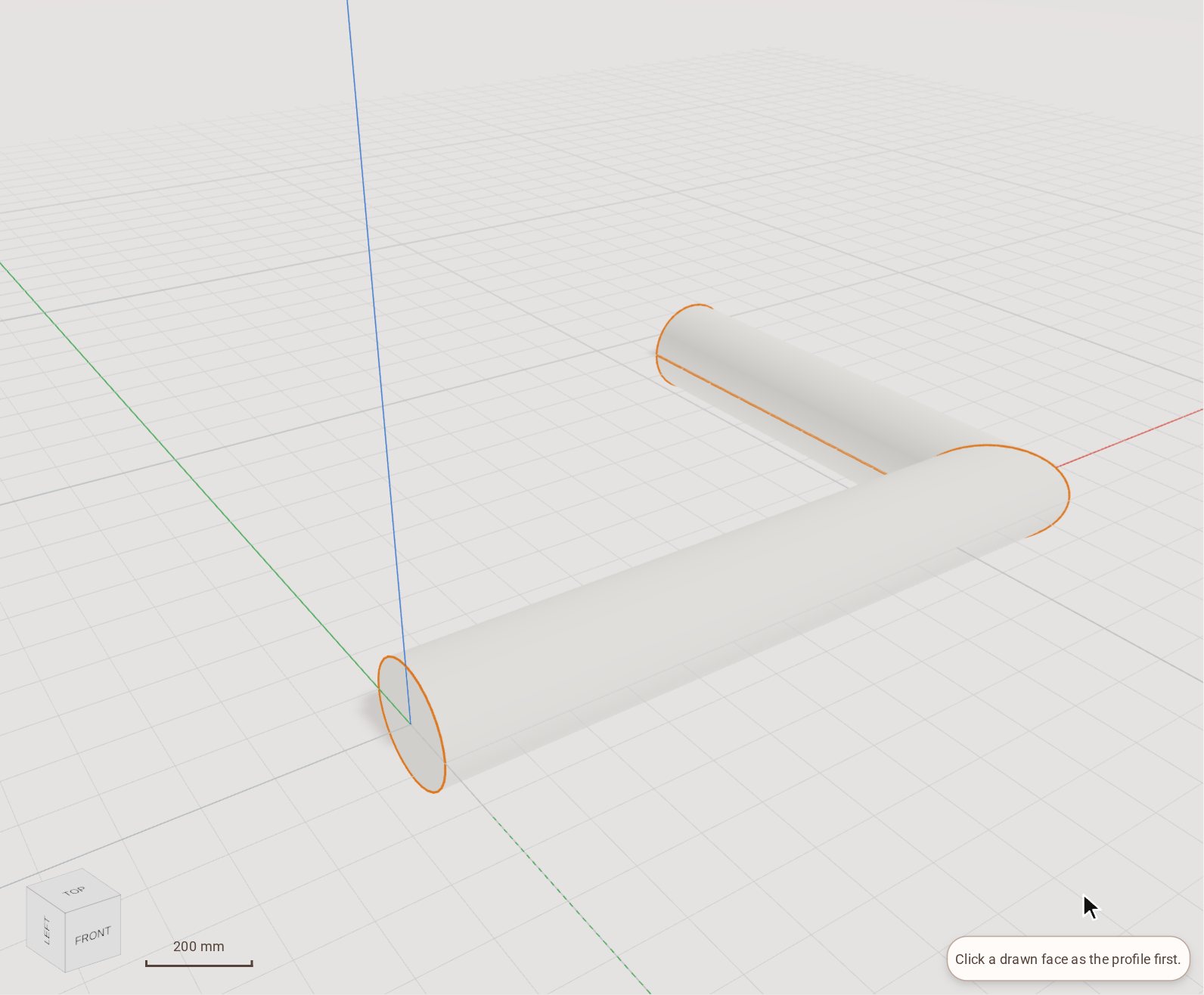
Good to know
- You can also select the path first with Select, then pick Follow Me and click the profile face: the sweep follows the selected path at once.
- The profile has to be a face; until you click one, Follow Me asks for it.
Related
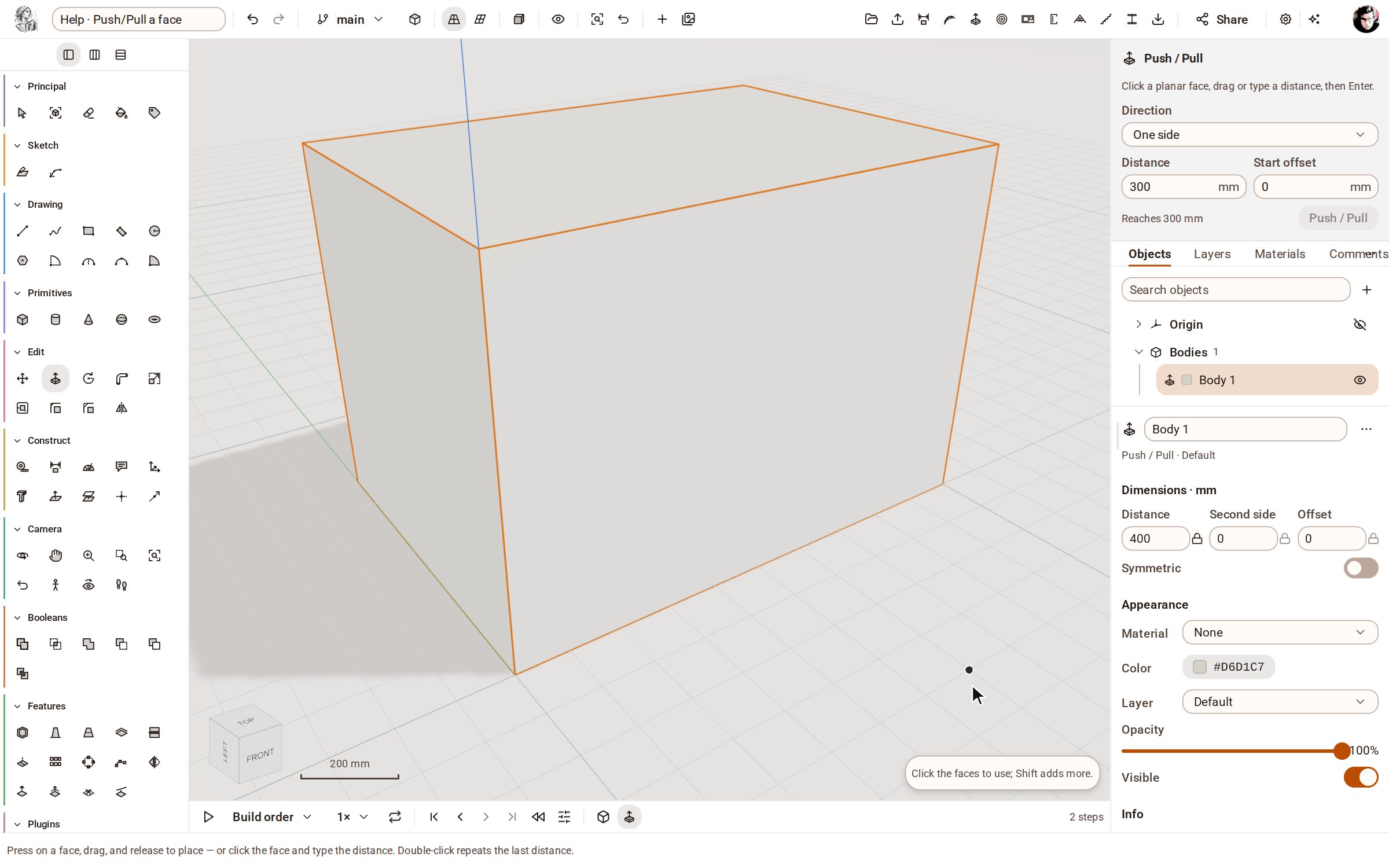 Push/Pull a facePush/Pull extrudes any flat face of a solid by a distance: raise a slab into a block, sink a pocket, or thicken a wall — and the solid stays a clean B-rep.
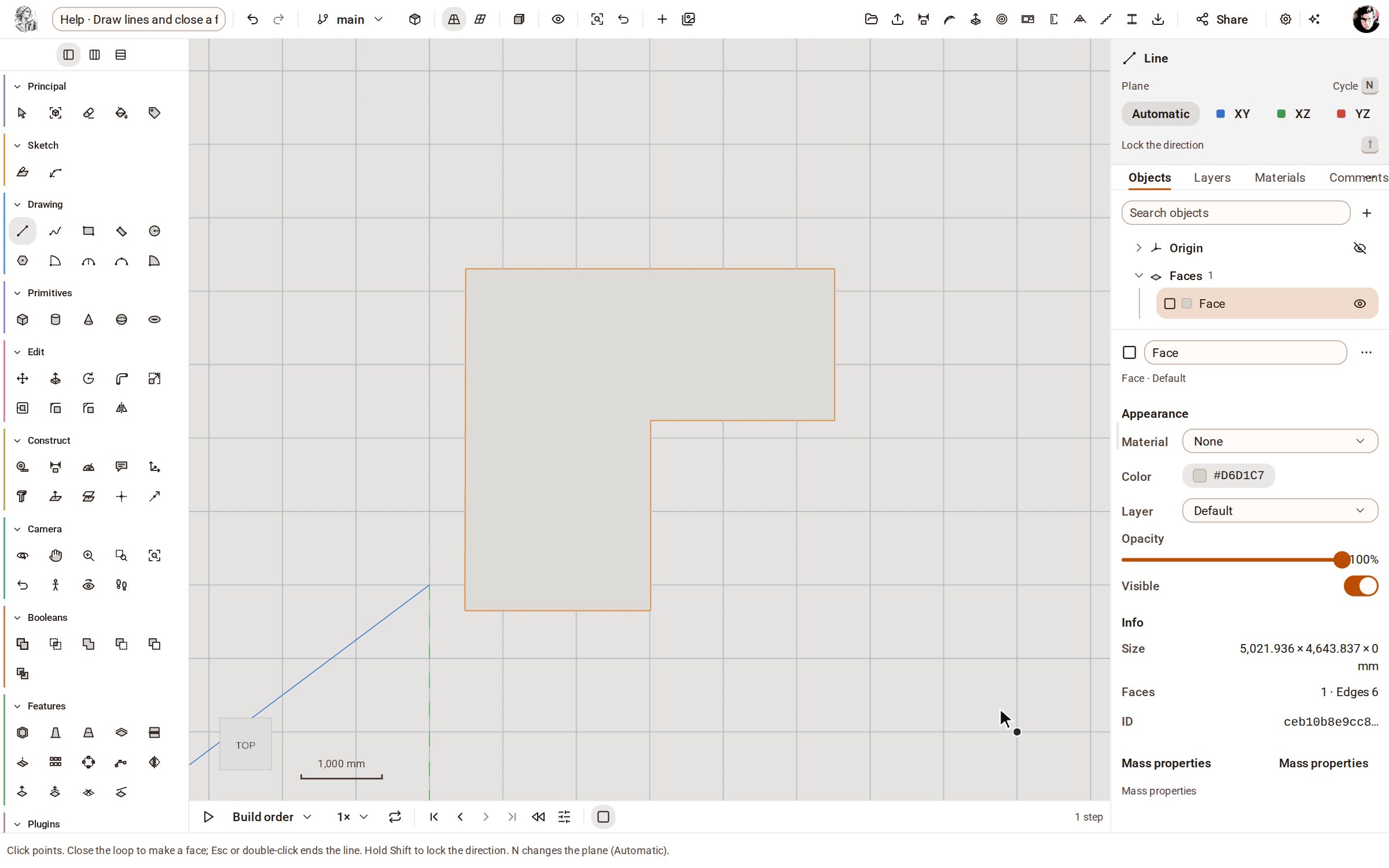 Draw lines and close a faceLine draws straight edges point by point on the ground or on a face. Bring the last point back to the first and the closed loop becomes a face you can push into a solid.
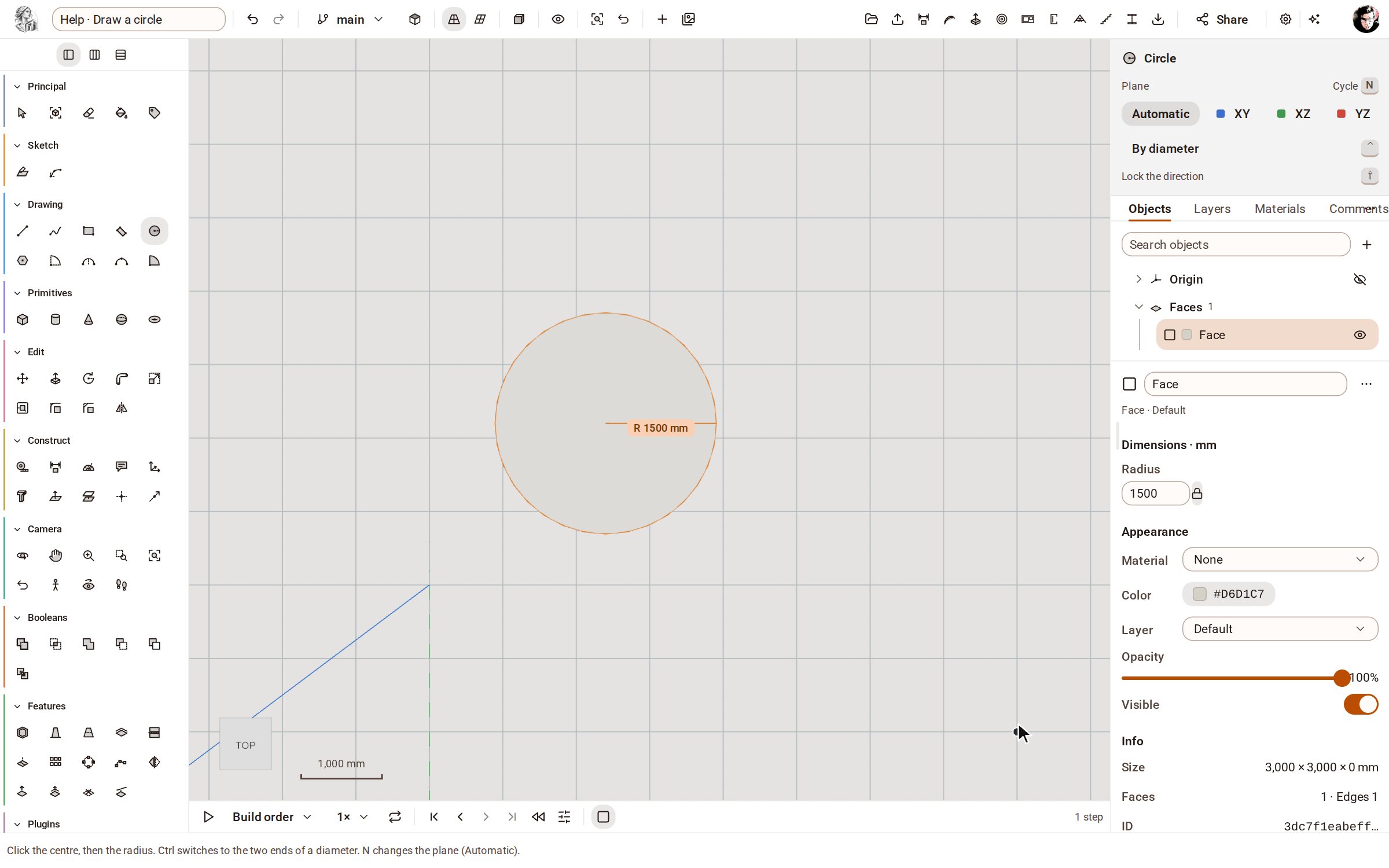 Draw a circleCircle draws a round face from its centre and radius, on the ground or on any flat face — ready to push into a cylinder or cut a hole.
Recorded in Kozorosa by the help recorder, which checked that the result is in the model.