
Help centreModules
Cut CLT walls into panels
The CLT module draws cross-laminated timber walls as a chain with their corners resolved, cuts each wall into panels the producer can press, and lays those panels out on master panels and trucks.
-
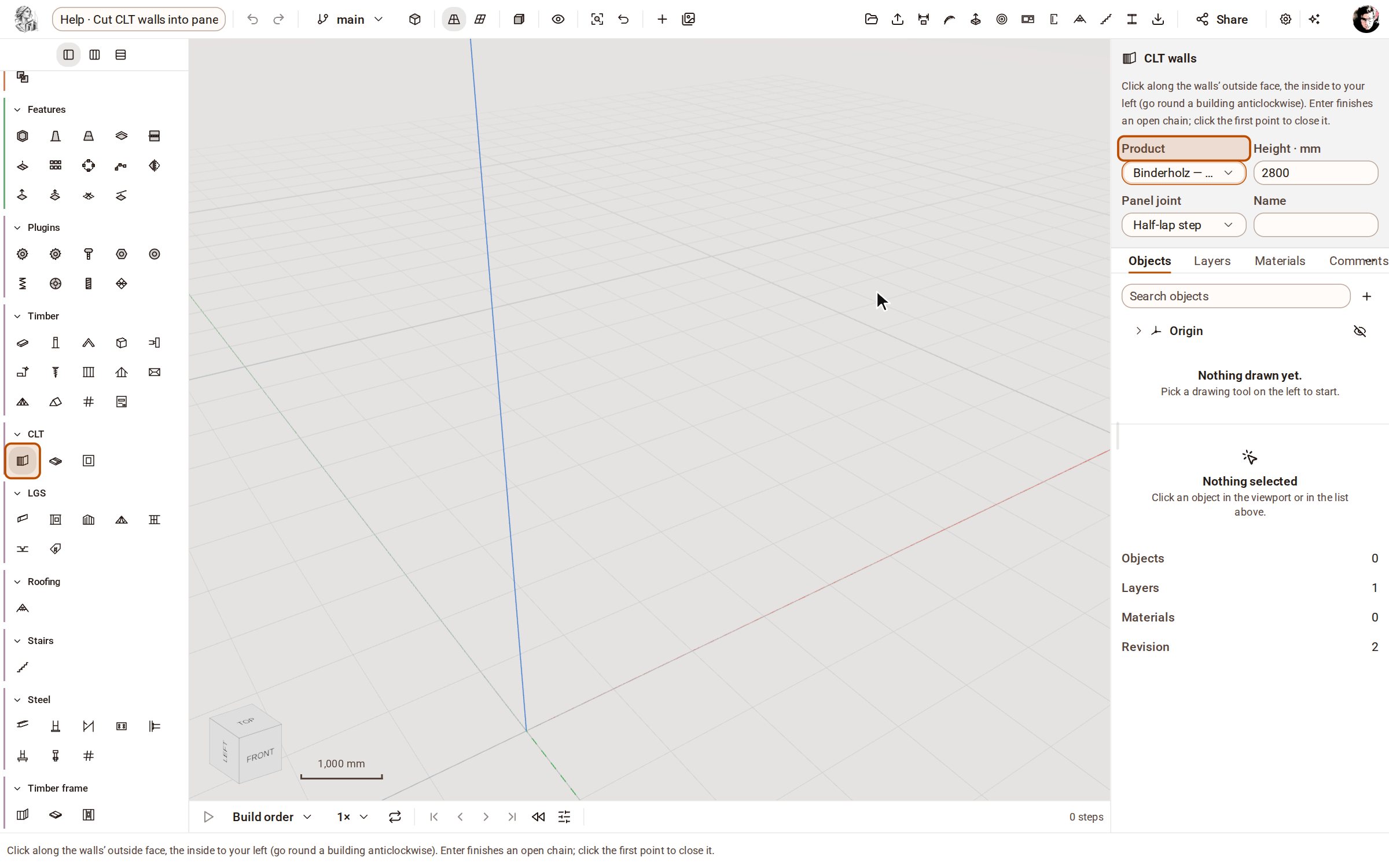
Open the CLT group on the rail and pick CLT walls. In the tray, choose the producer's Product, the wall Height and the Panel joint.
-
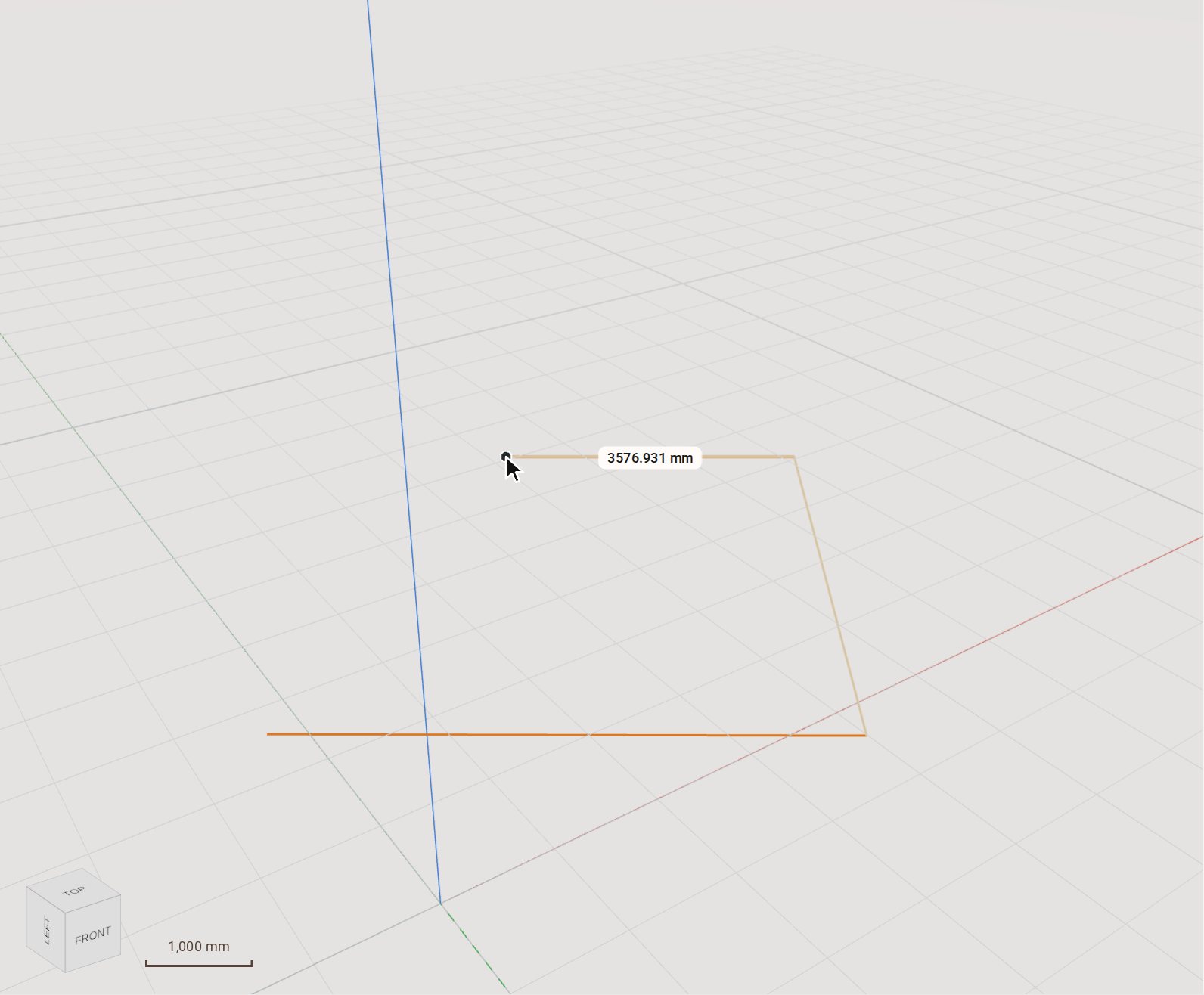
Click the corners of the building along the walls' outside face, going round anticlockwise so the inside is on your left.
-
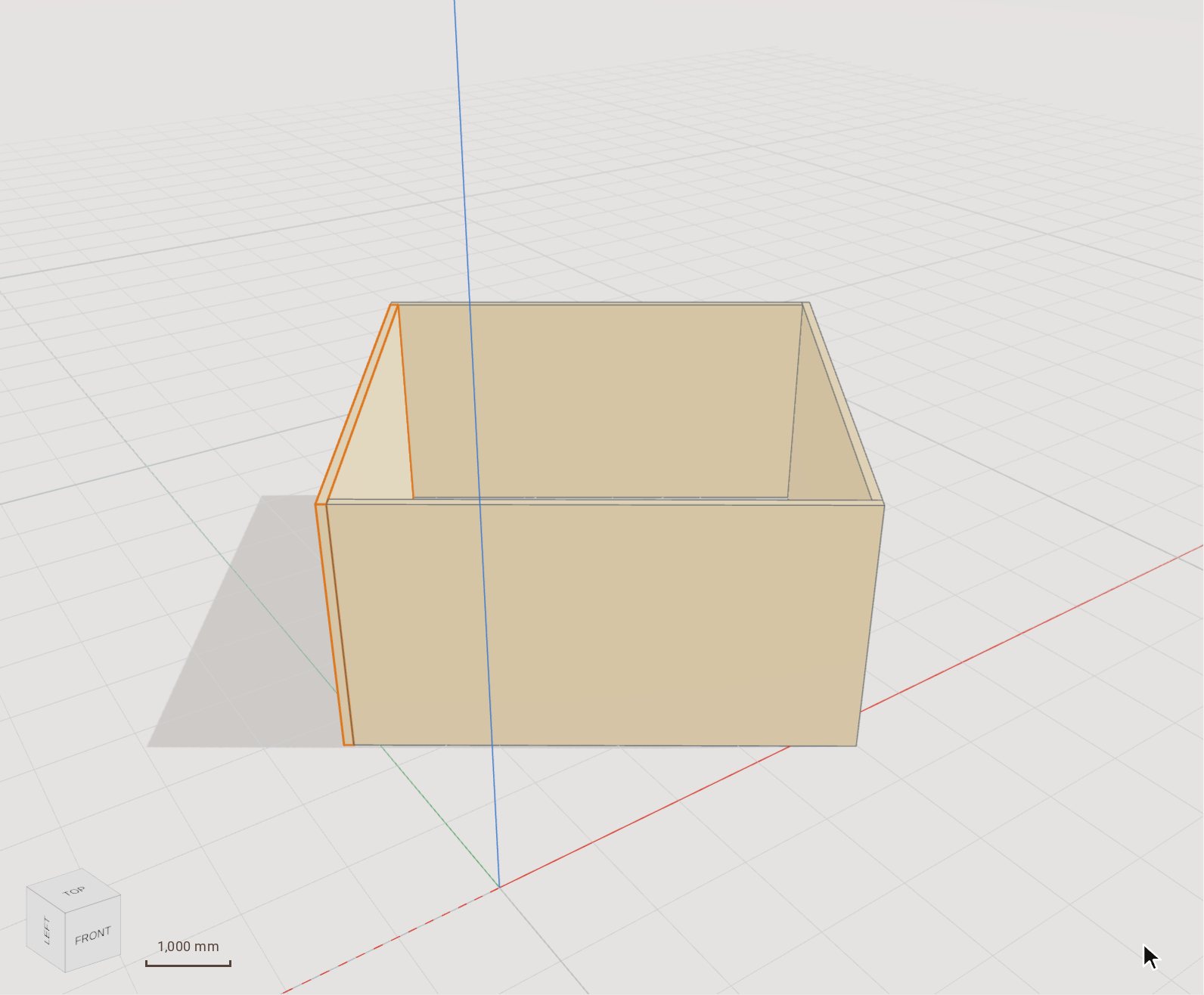
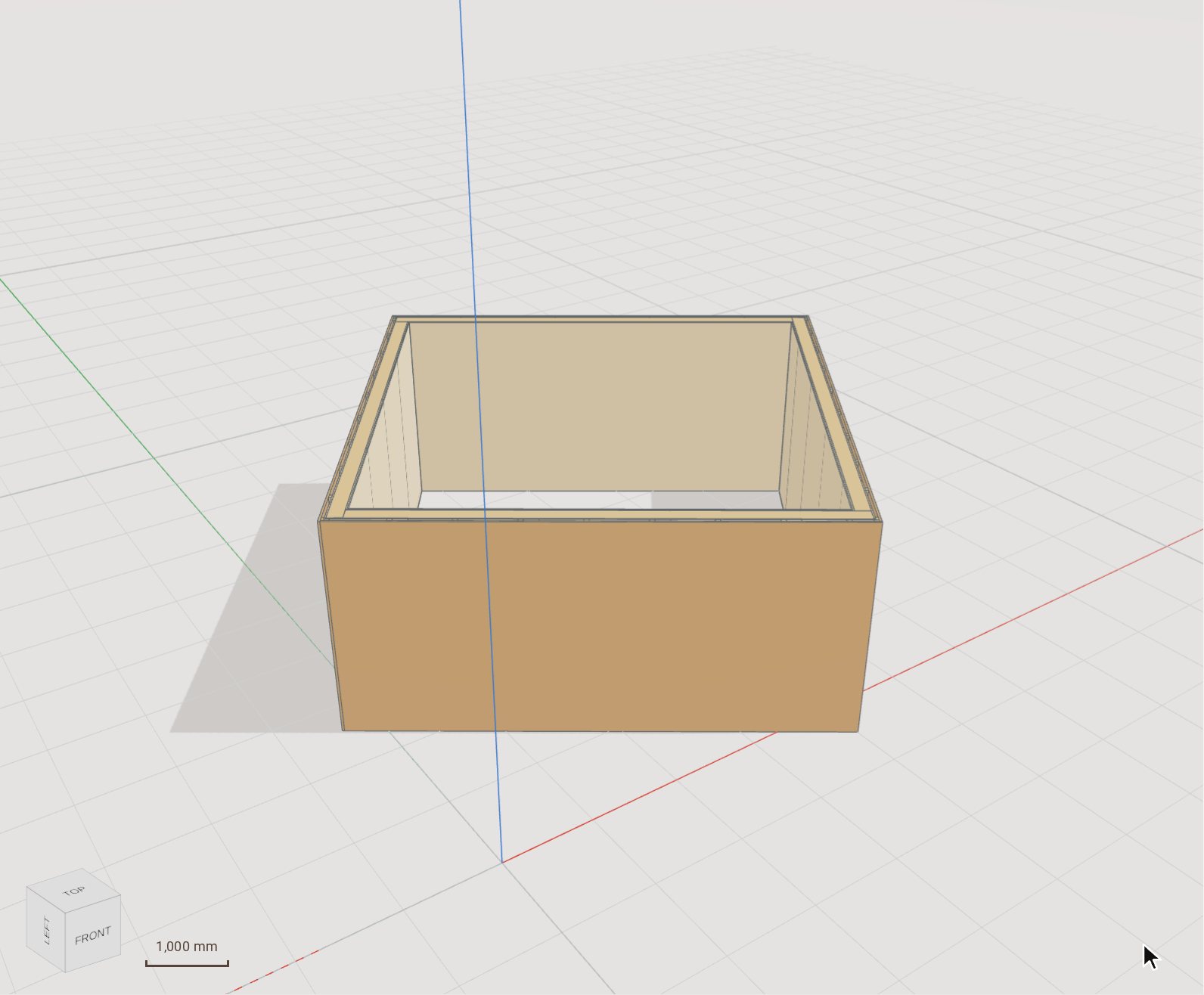
Click the last corner, then the first point again to close the chain. Each side becomes a wall, the corners are joined, and every wall is cut into panels no larger than the producer's master panel.
-
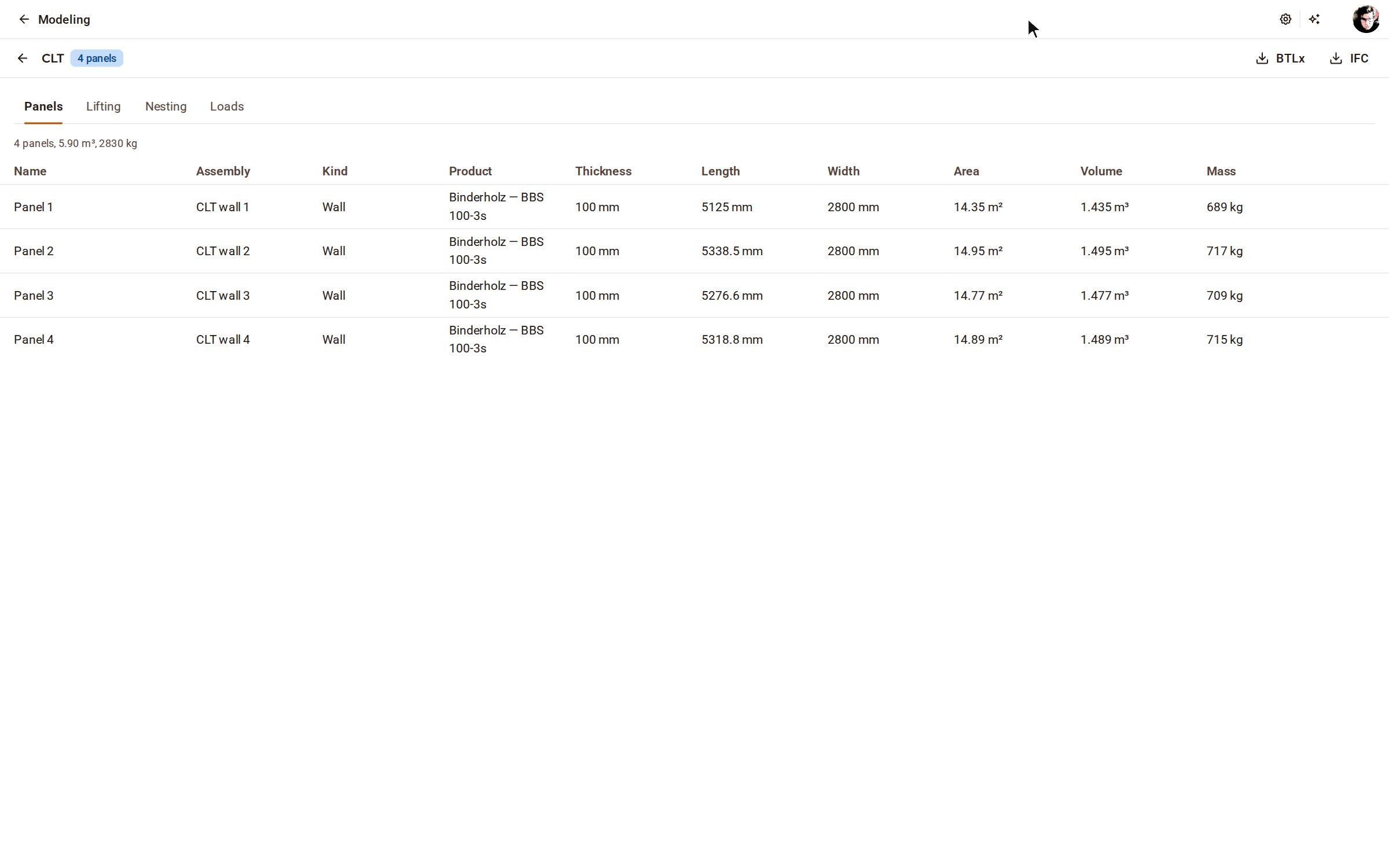
Open CLT panels on the top bar. Panels lists every panel with its product, size, area, volume and mass.
-
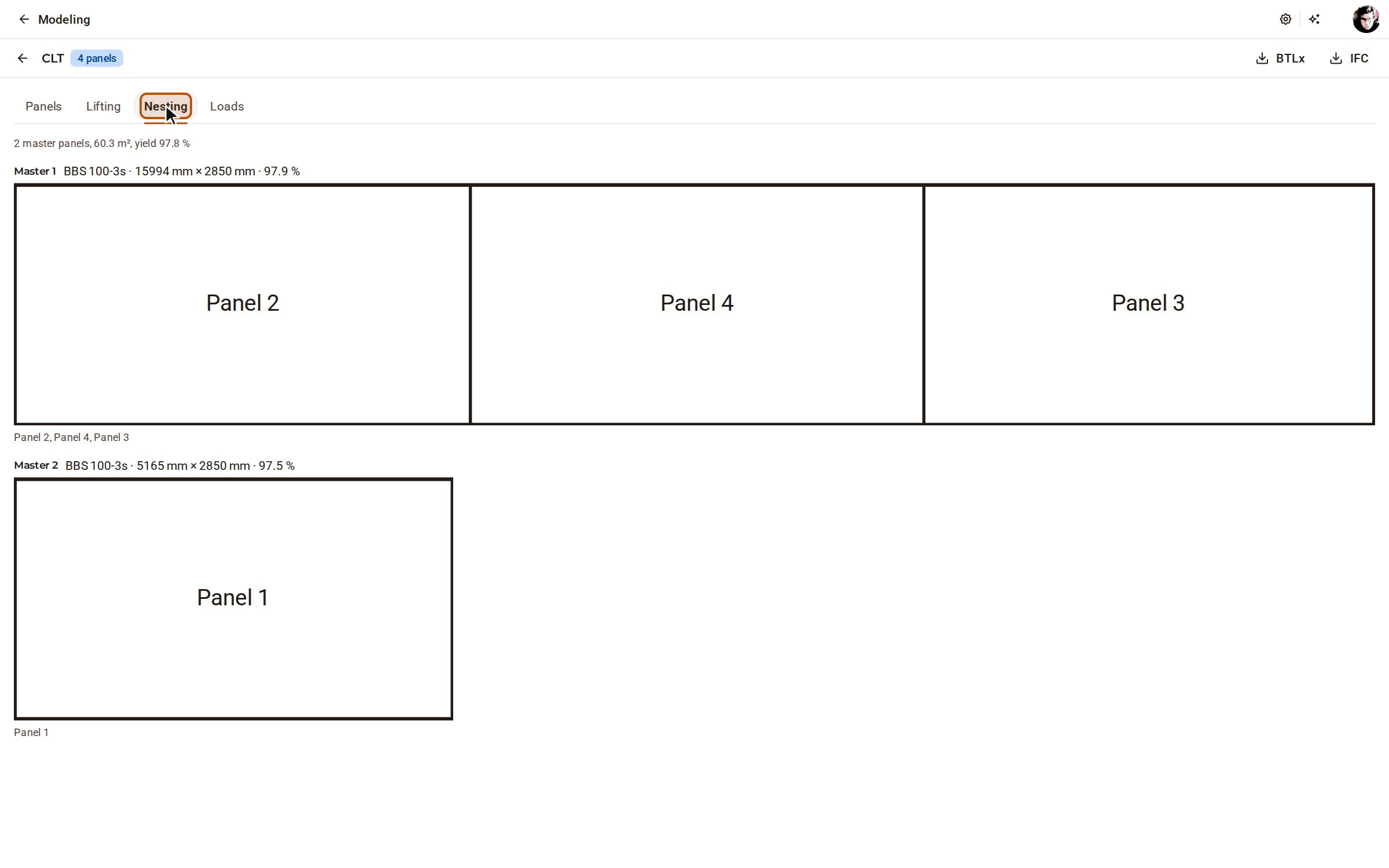
Nesting lays the panels out on the producer's master panels and gives the yield; Lifting and Loads give the lifting points and the truck loads in erection order.
Good to know
- Press Enter to finish an open chain of walls instead of closing it.
- CLT floor draws a floor over an outline, and Opening cuts a window or door into a wall: click one corner of it on the wall, then the opposite corner.
- The page exports the panels as BTLx and IFC.
Recorded in Kozorosa by the help recorder, which checked that the result is in the model.