
Help centreModules
Build prefabricated timber-frame walls
The Timber frame module draws a chain of framed walls from a build-up — studs, plates, boards laid in sheets, battens and lining — with the corners joined and each wall split into elements a truck can carry.
-
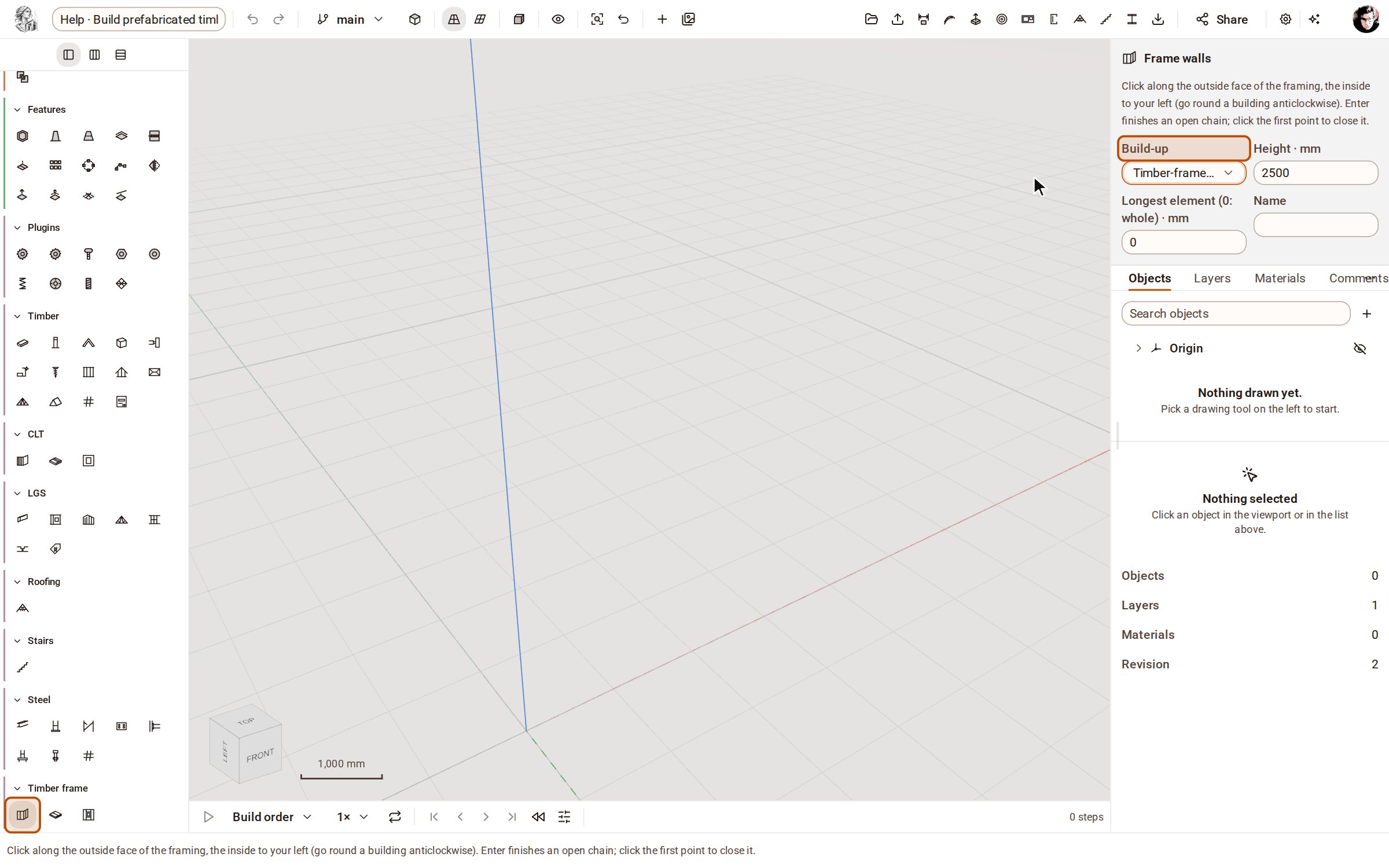
Open the Timber frame group on the rail and pick Frame walls. In the tray, choose the Build-up, the Height and the Longest element a truck can take (0 keeps each wall whole).
-
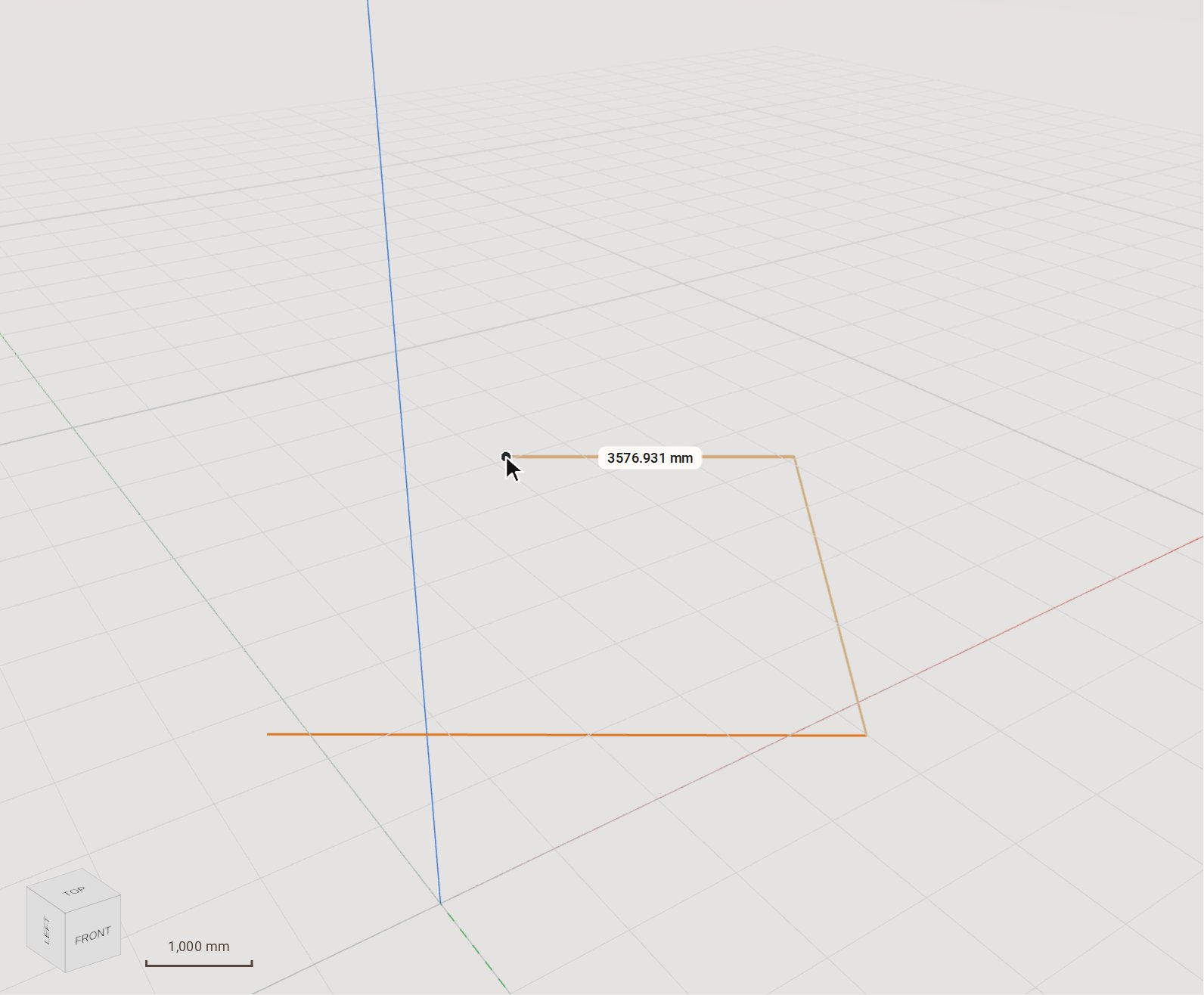
Click the corners along the outside face of the framing, going round anticlockwise so the inside is on your left.
-
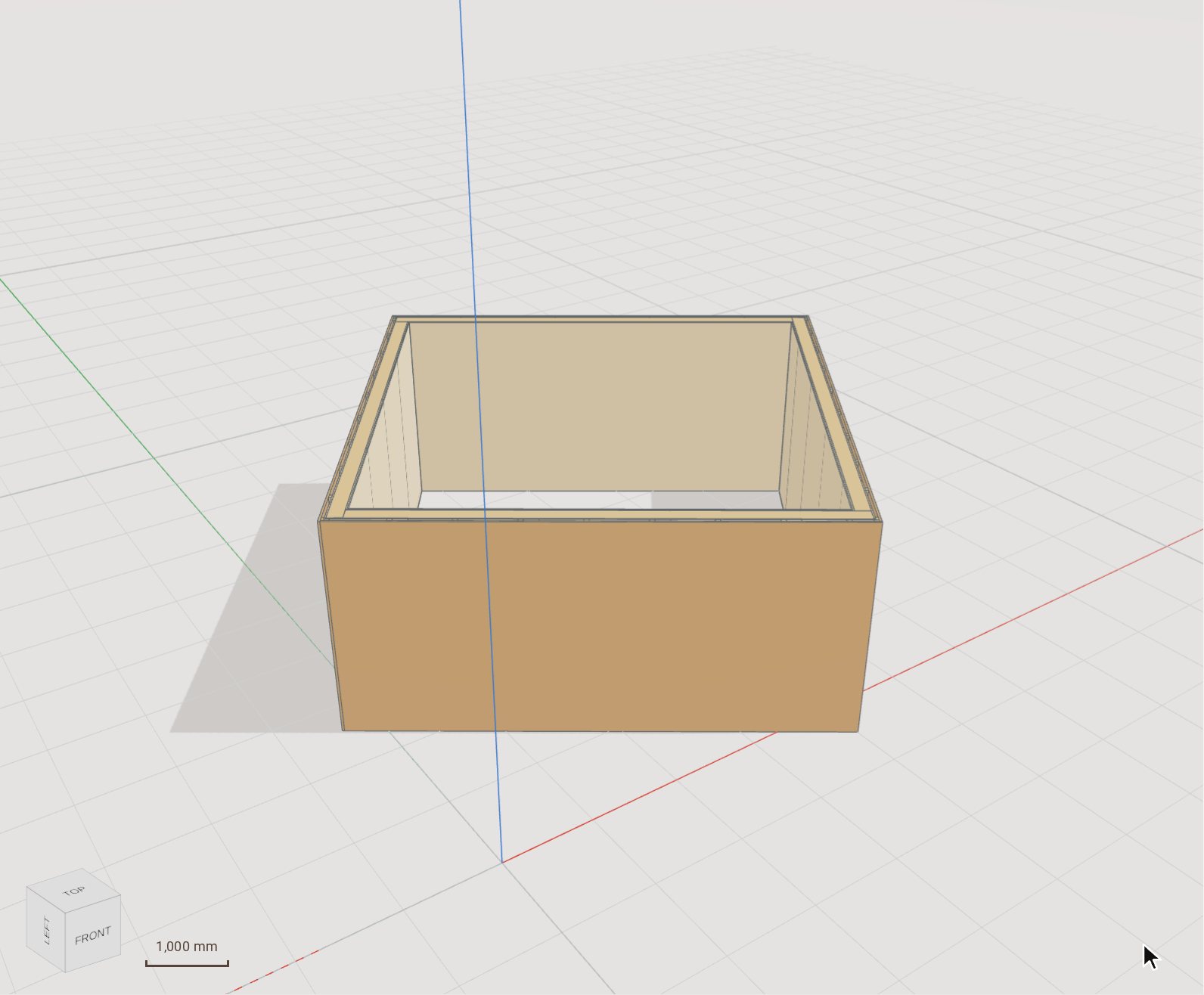
Click the last corner, then the first point again to close the chain. Every side becomes a framed wall with its studs, plates and boards, and the corners are joined.
-
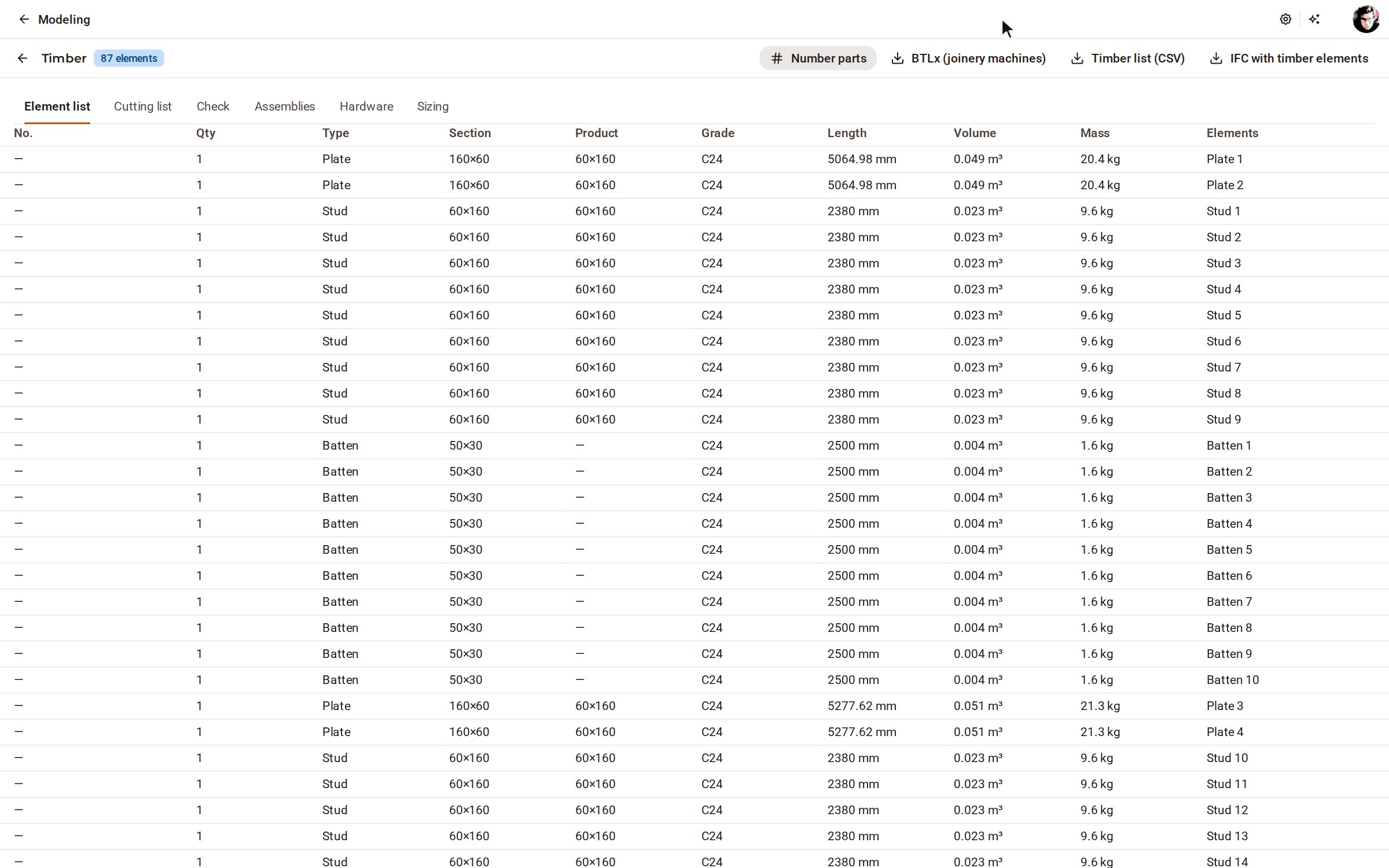
Open Timber lists on the top bar: every stud, plate and board of the walls is in the element list and the cutting list.
Good to know
- Press Enter to finish an open chain of walls instead of closing it.
- Opening, in the same group, cuts a window or door into a wall: click one corner of it on the wall, then the opposite corner.
- Frame floor draws a floor of joists and decking: click round its outline at the top of the deck, then the first point to close it.
Related
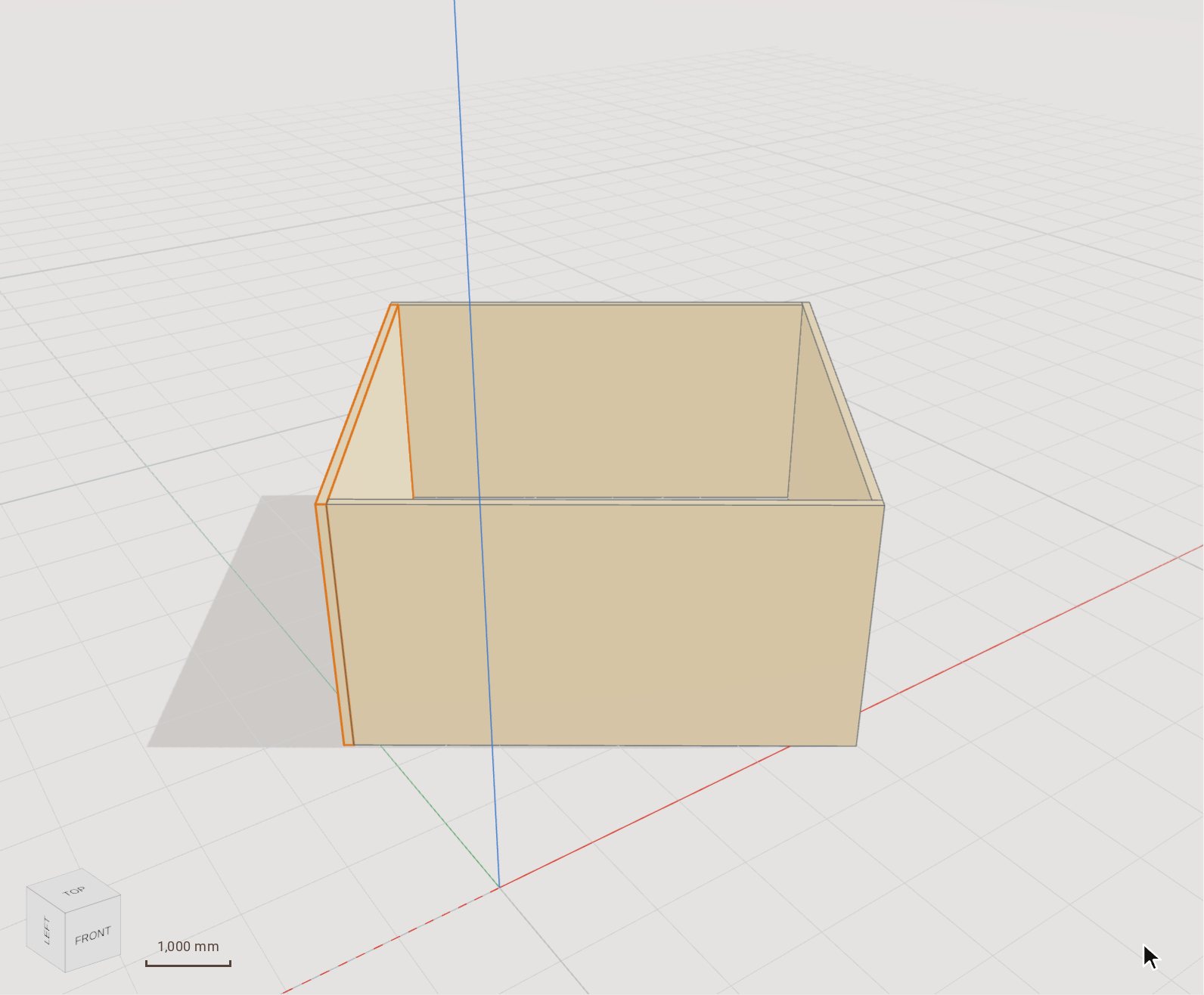 Cut CLT walls into panelsThe CLT module draws cross-laminated timber walls as a chain with their corners resolved, cuts each wall into panels the producer can press, and lays those panels out on master panels and trucks.
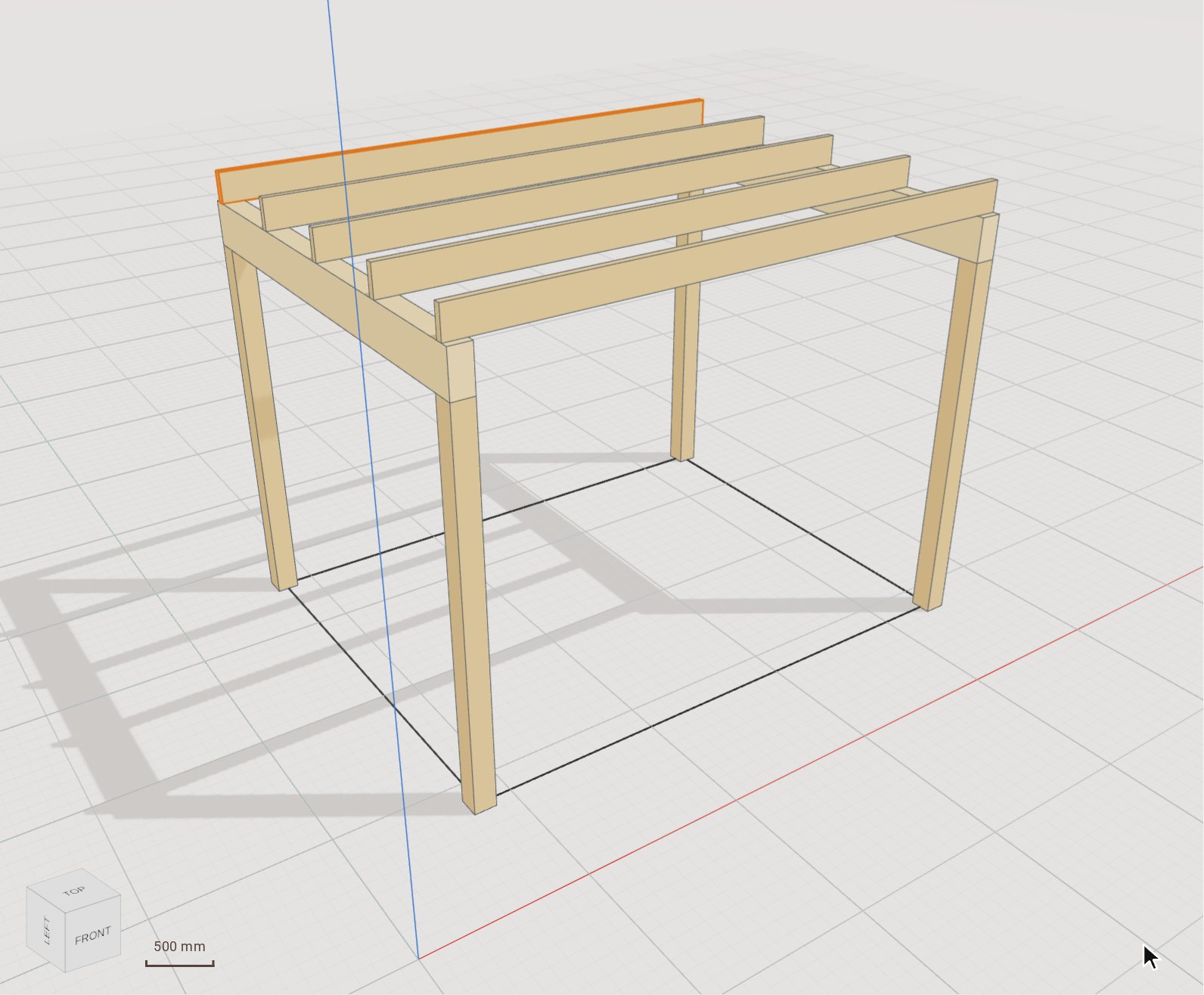 Place timber beams and columns from the catalogueThe Timber group's Column and Beam tools draw elements with real products from your market's catalogue — solid, KVH, Duo/Trio, glulam, LVL — so every element knows its section, grade and length for the lists. Here they frame a 3.6 × 2.8 m pergola: four posts, two glulam beams and five joists.
Recorded in Kozorosa by the help recorder, which checked that the result is in the model.