Help centreModules
Wire a flat: devices, circuits and the board
The Electrical module places sockets, switches, light points and the distribution board on the walls of a dwelling, makes its circuits and arranges the board by the market's rules — NF C 15-100 in France — lays the conduits and draws the single-line diagram.
-
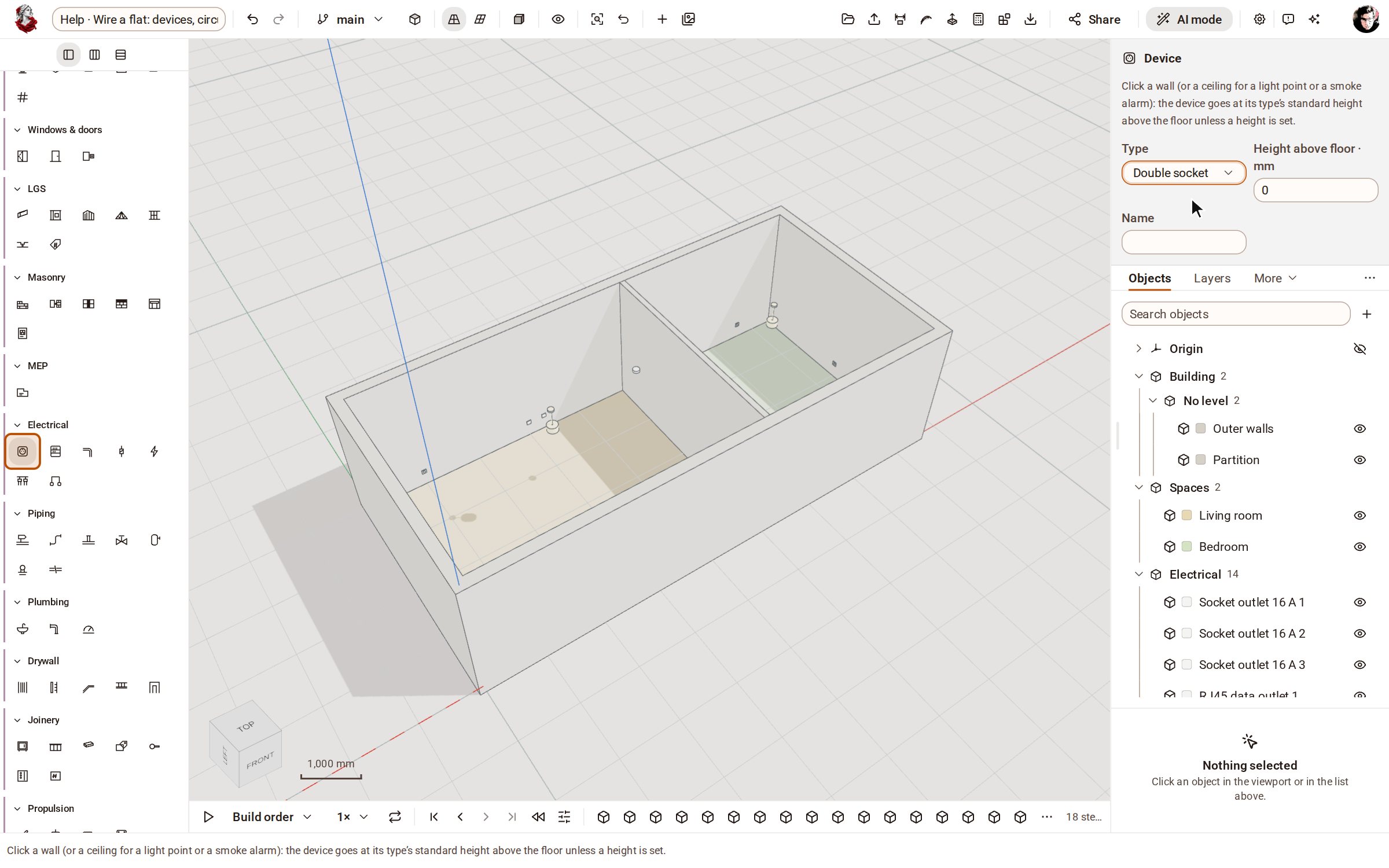
Start from a flat whose rooms are spaces, with its sockets, switches, light points, smoke alarm and distribution board already placed. Open the Electrical group on the rail, pick Device and choose Double socket in Type.
-
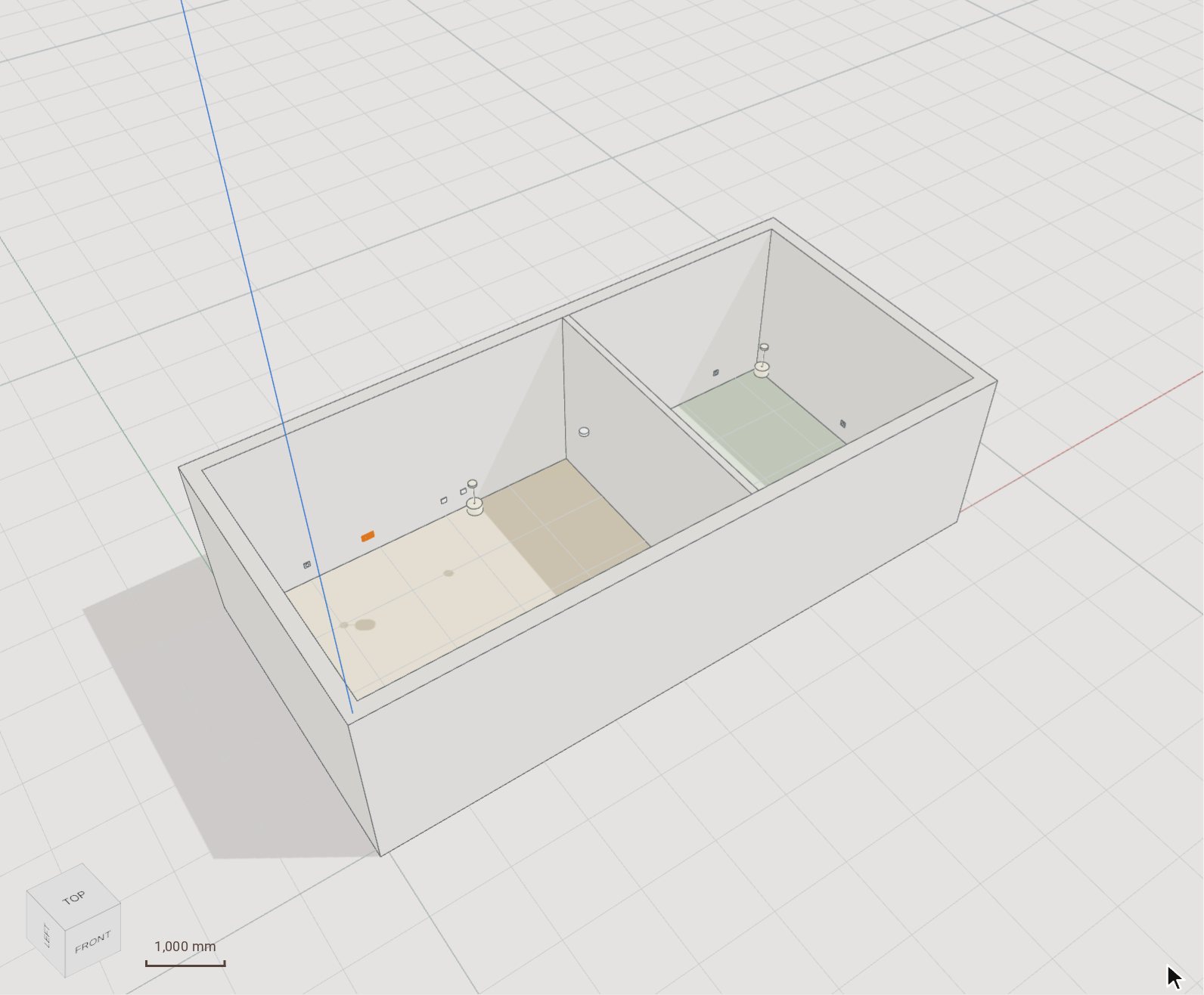
Click the living room's back wall. The double socket goes on that wall at its type's standard height above the floor — 300 mm for a socket in France — since Height above floor is left at 0.
-
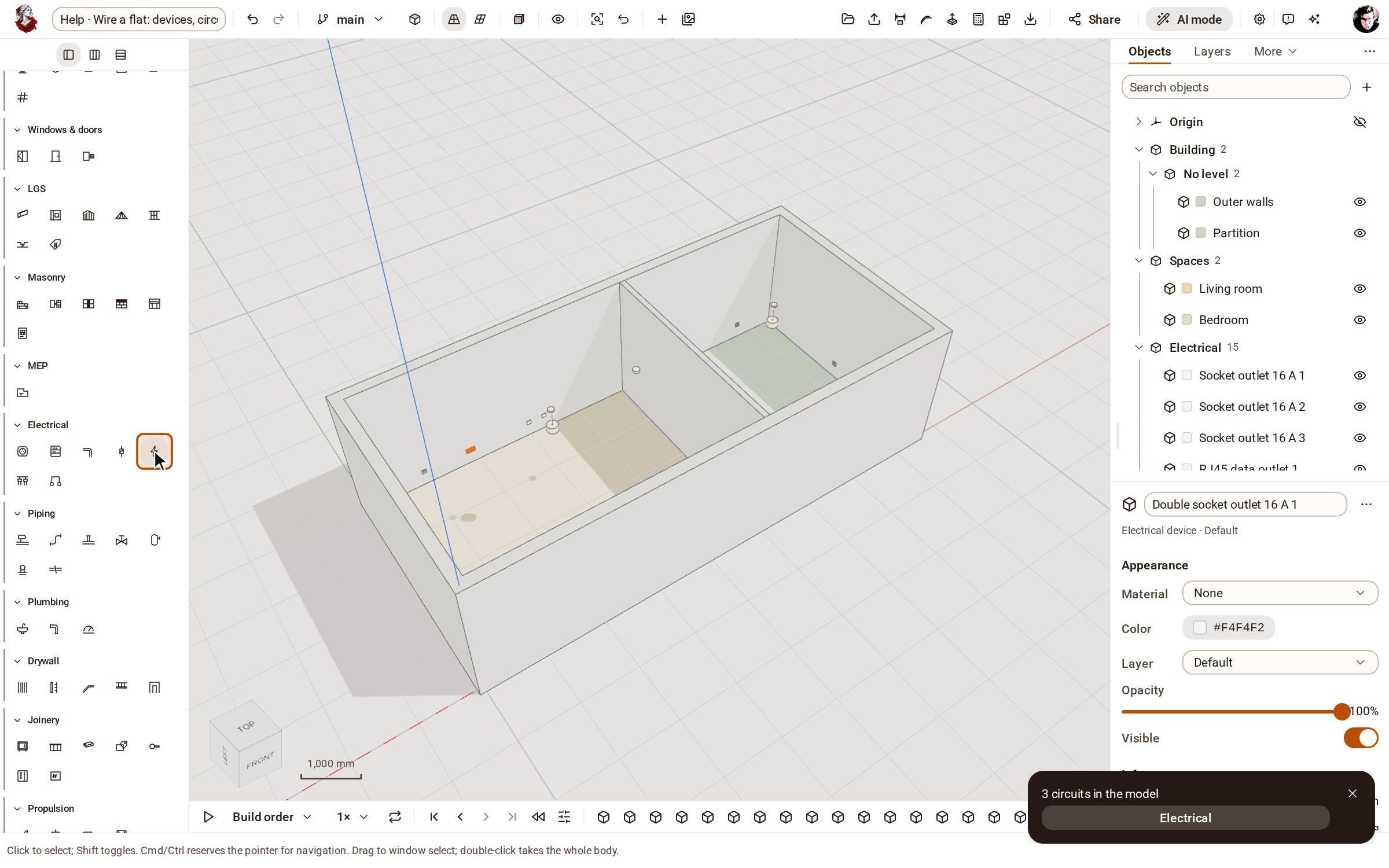
Pick Auto circuits: every device on no circuit goes onto a circuit as the rules ask — here two lighting circuits and one for the sockets — and the message says how many circuits the model has.
-
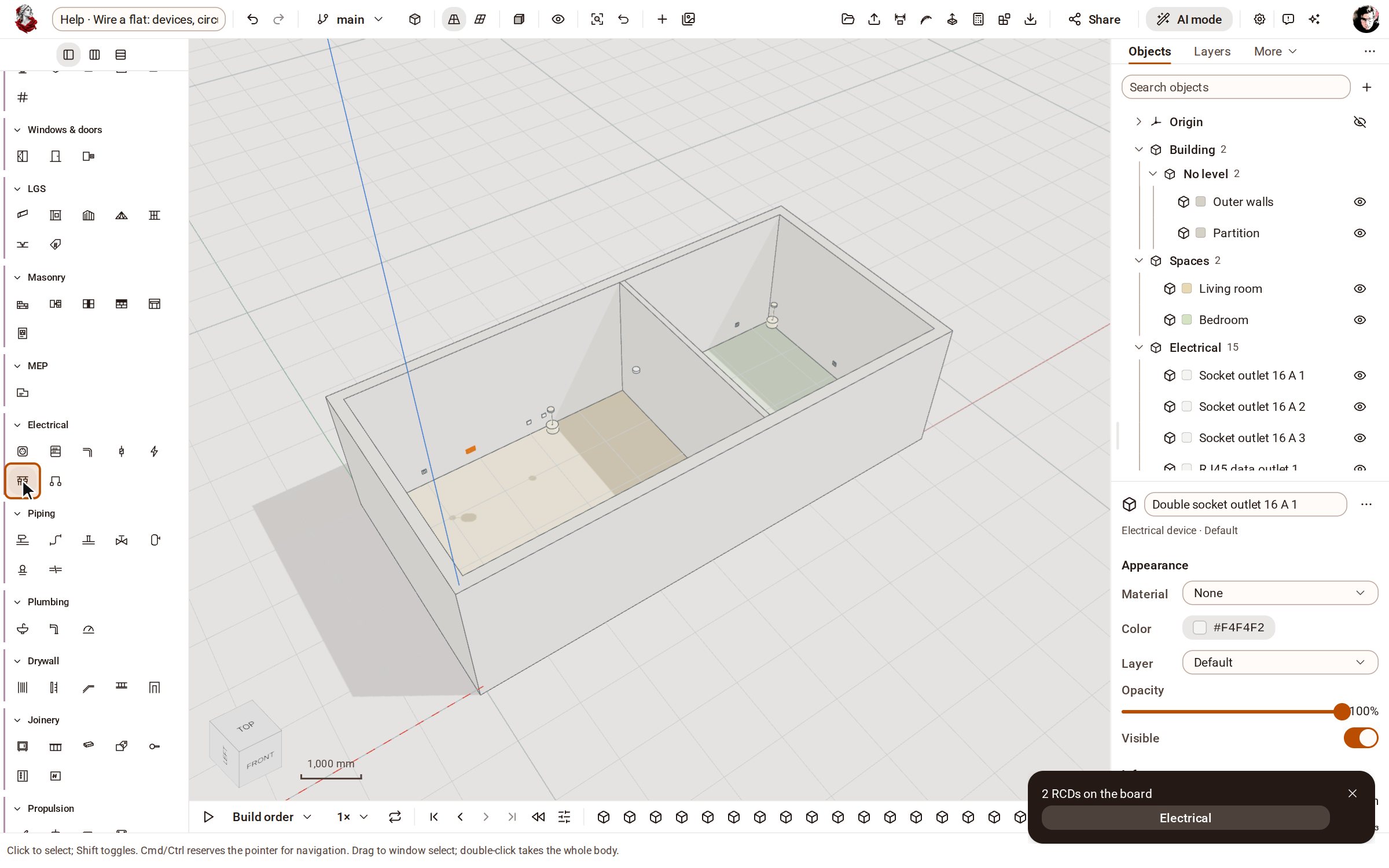
Pick Arrange board: the board's RCDs are chosen and its circuits spread over them.
-
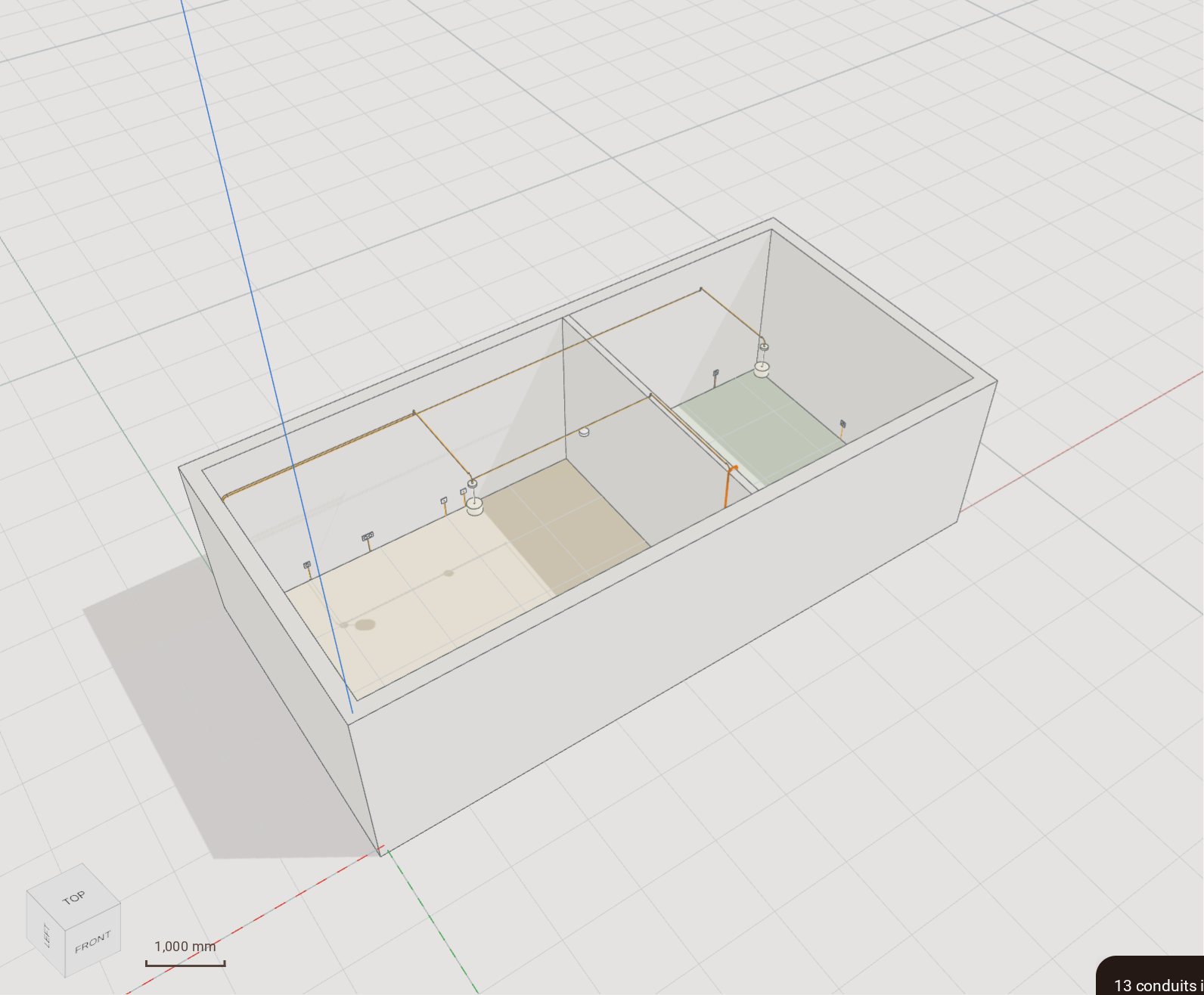
Pick Route conduits: each circuit's conduits are laid from box to box through the slab, and each data or TV outlet gets its own from the board.
-
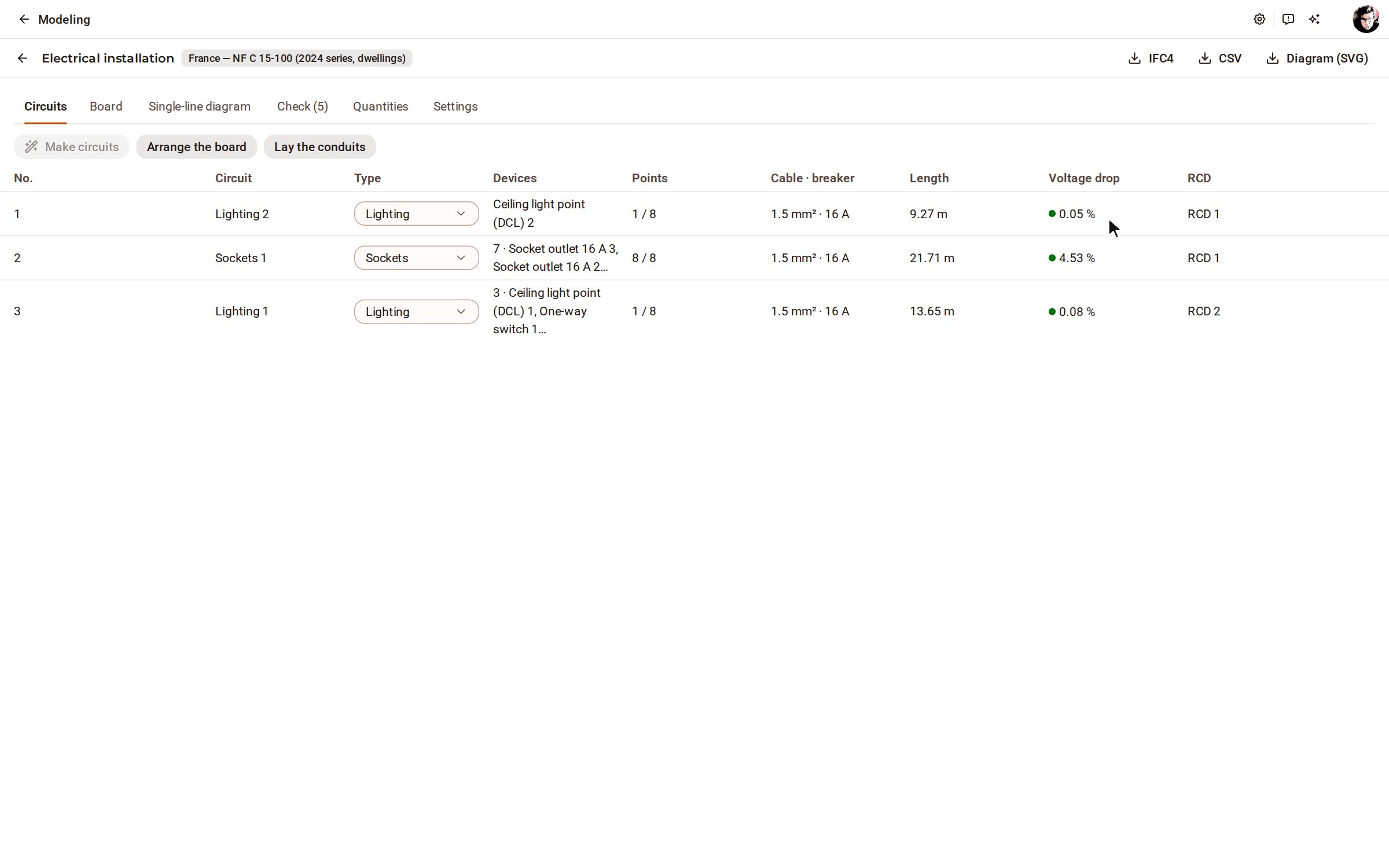
Pick Modules on the top bar, then Electrical installation. Circuits lists every circuit with its devices and points, its cable and breaker, its length, its voltage drop and its RCD.
-
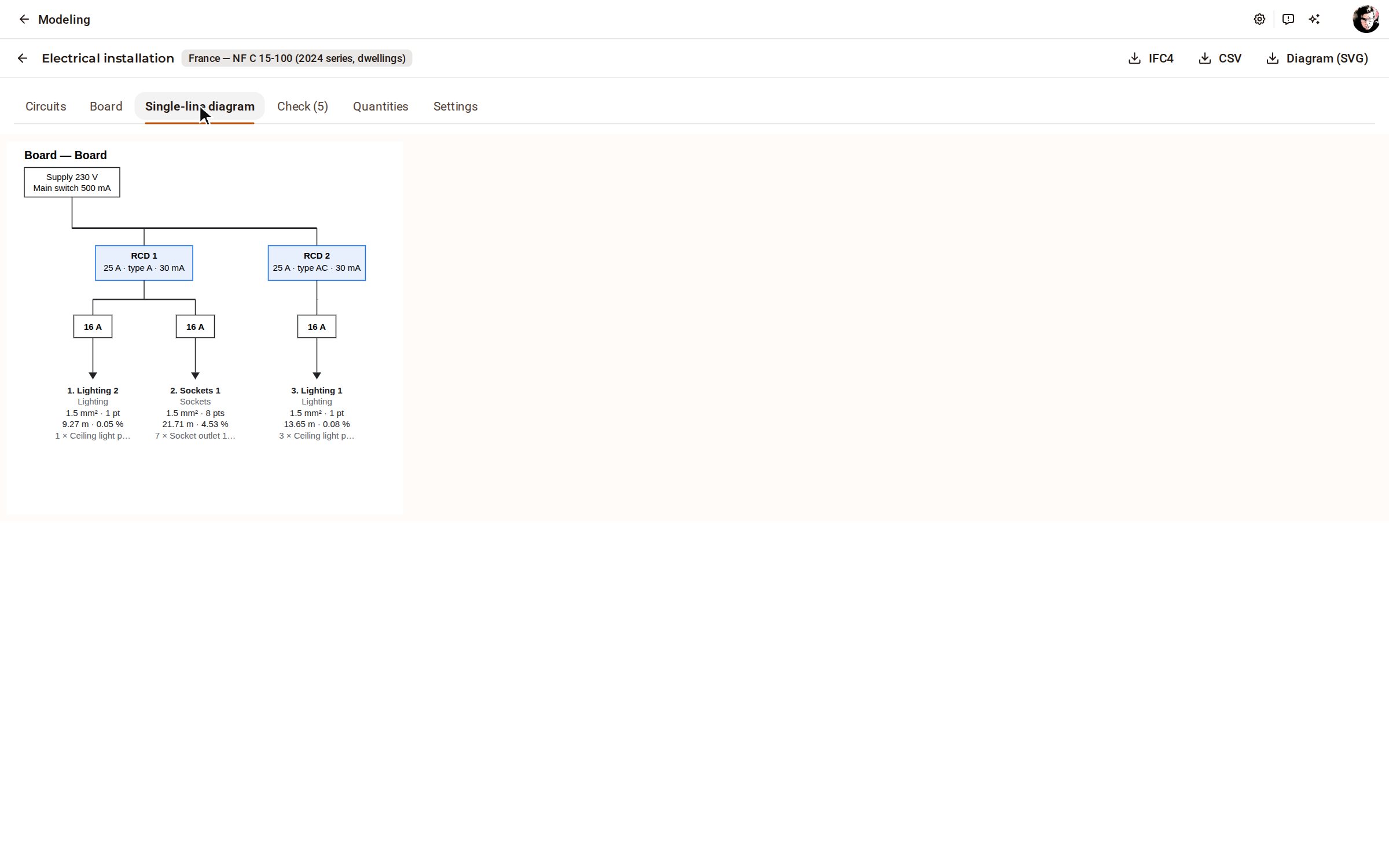
Open Single-line diagram: the board with its RCDs and breakers and every circuit they protect. Diagram (SVG), CSV and IFC4 export them.
Good to know
- Type a Height above floor in the tray to place a device at that height instead of its type's usual one.
- Circuit makes a circuit by hand: click its devices — Shift adds more — then Enter, with the circuit's Type chosen in the tray.
- Pick a ceiling for a Ceiling light point, a Recessed spotlight or a Smoke alarm: it faces down from it.
- The Check tab of the Electrical page lists what breaks the market's rules — per room sockets and lights, heights, bathroom volumes, RCDs, voltage drop — each with its source.
- The market a new model is checked by is the organisation's, in its Electrical settings; a model keeps its own, changed on its Electrical page.
Related
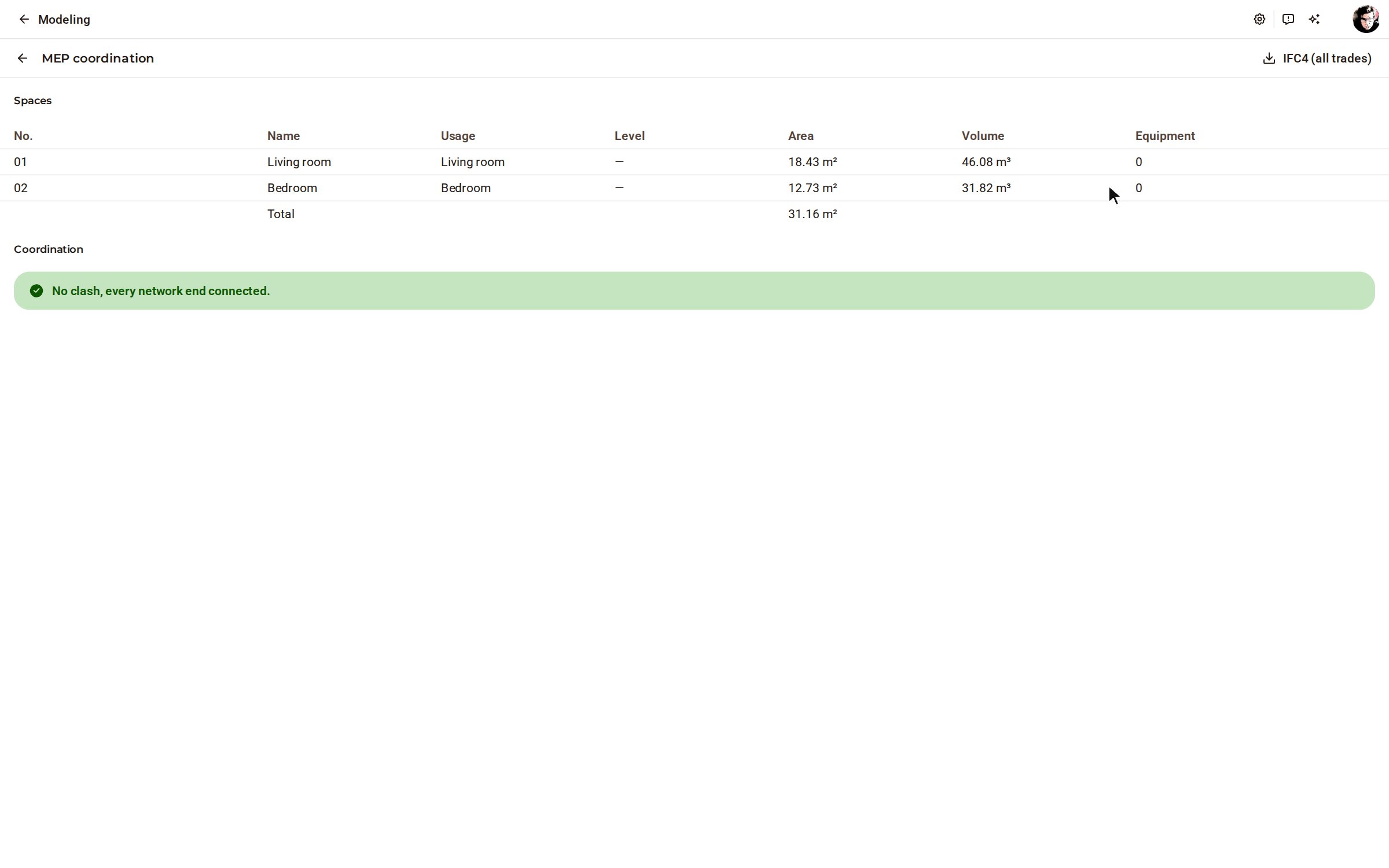 Draw the rooms of a flat as spacesThe MEP module draws the rooms of a building as spaces — outline, usage, height, name and number — that the electrical, plumbing, HVAC and thermal modules all work from, and lists them with their areas and volumes on the MEP page.
 Set a washbasin and size the pipesThe Plumbing module places sanitary fixtures with their connections, draws supply and drain pipes that join them, sizes every pipe by the market's rules — NF DTU 60.11 in France — and checks pressures, falls and ventilation.
Recorded in Kozorosa by the help recorder, which checked that the result is in the model.