Help centreModules
Turn modules on or off, and open their pages
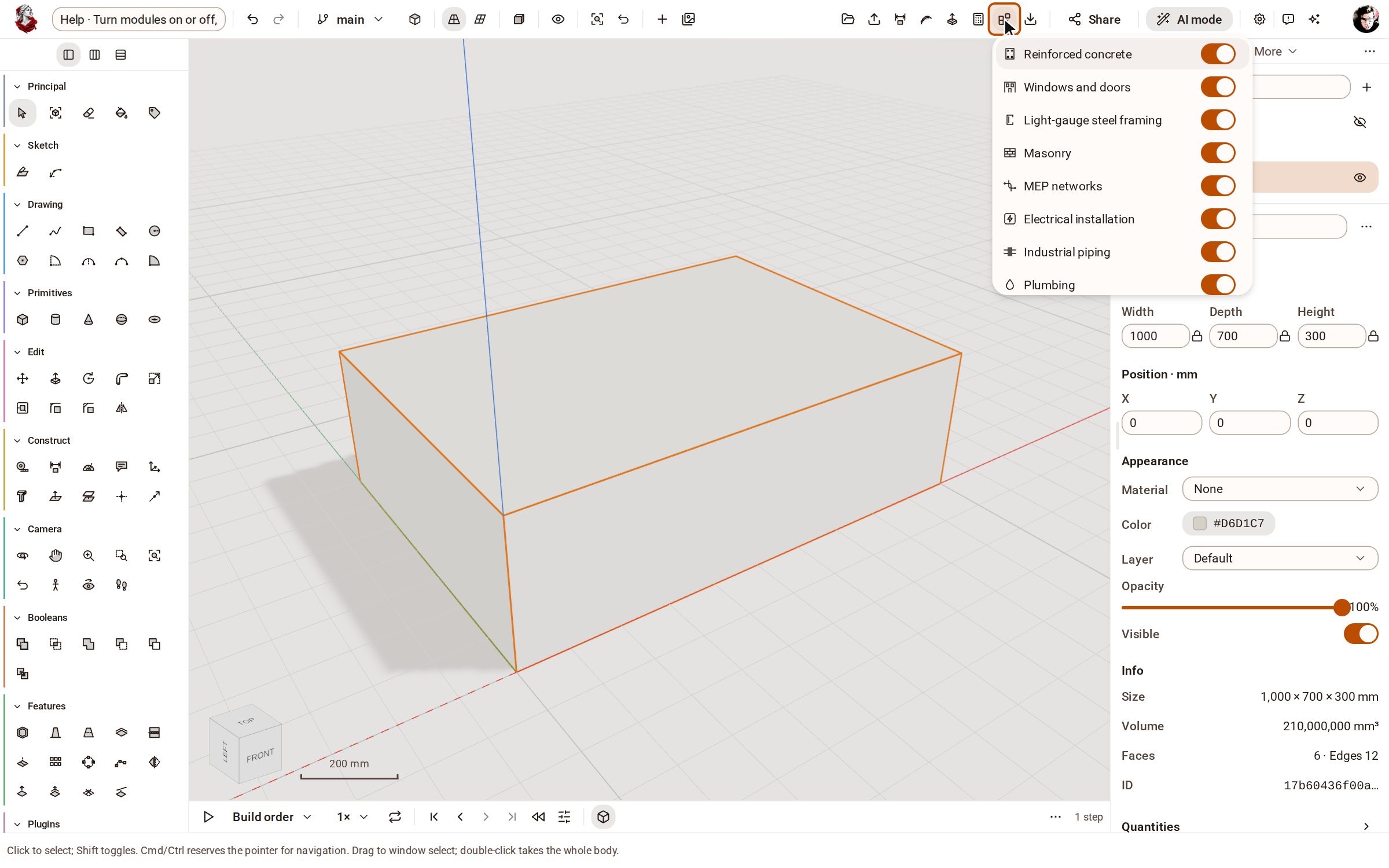
The Modules menu in the top bar lists every module your organisation has, one per line: its name opens its page, and the switch at the end of the line turns it off for you — its group leaves the rail, its tools and shortcuts with it.
-
Pick Modules in the top bar. Every module your organisation has is on one line: click its name to open its page (Concrete lists, LGS lists…) on the model you are in; the switch at the end of the line turns it on or off.
-
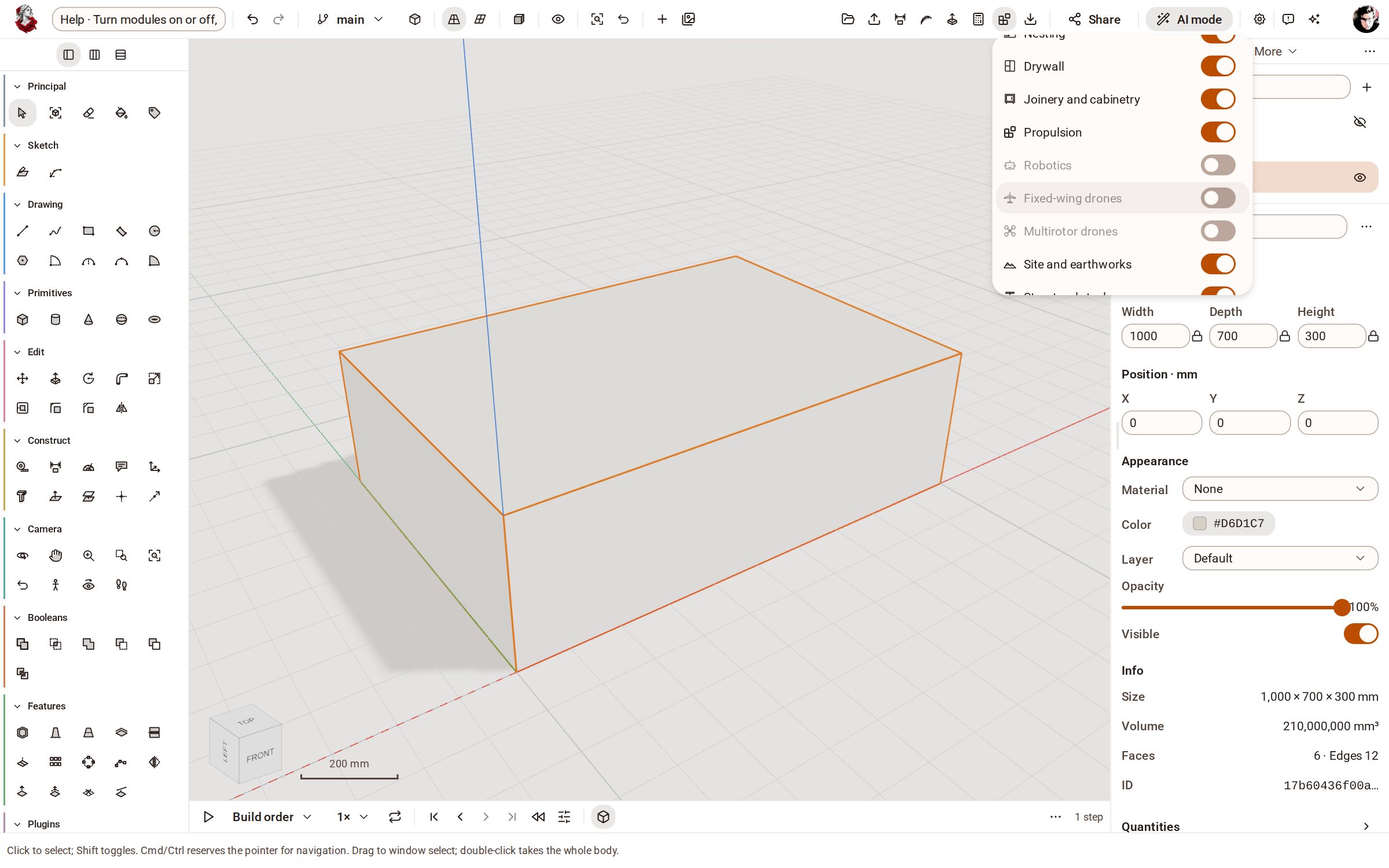
Turn off the modules you do not use — here Robotics, Multirotor drones and Fixed-wing drones. The menu stays open, their names go grey, and their groups leave the rail at once, with their tools, shortcuts and exports. The choice is yours alone and follows your account.
-
Close the menu: those groups are gone from the rail. To bring a module back, turn its switch on again in Modules.
-
Turn their switches on again to put them back.
Good to know
- A model that uses a module you turned off shows its elements read-only, with a Turn on button in the notice above the view.
- Modules your organisation does not have are not listed: an administrator turns them on in Settings → Modules.
- The Scan group appears on the rail only in a model that has a scan.
Related
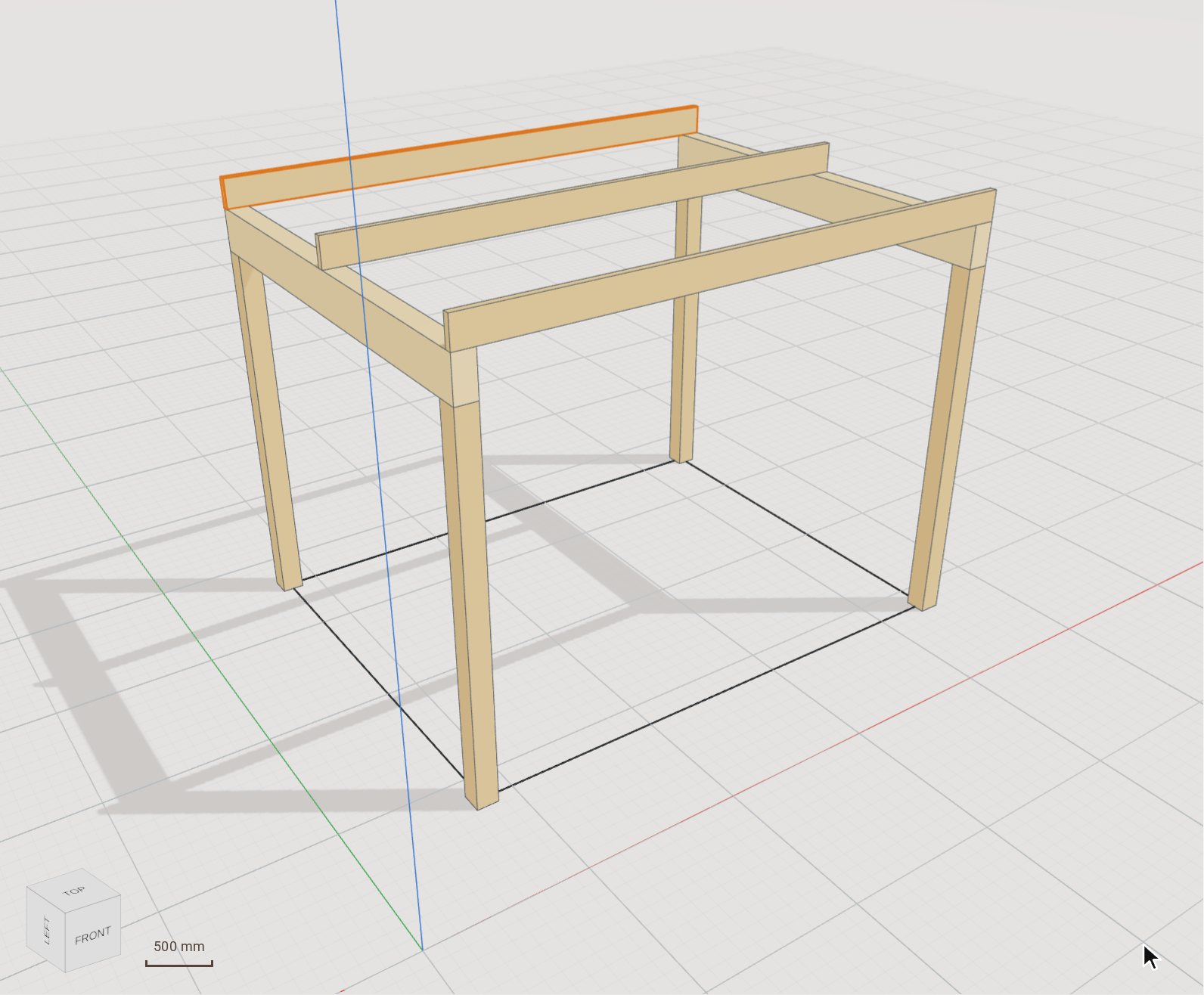 Place timber beams and columns from the catalogueThe Timber group's Column and Beam tools draw elements with real products from your market's catalogue — solid, KVH, Duo/Trio, glulam, LVL — so every element knows its section, grade and length for the lists. Here they frame a 3.6 × 2.8 m pergola: four posts, two glulam beams and three joists.
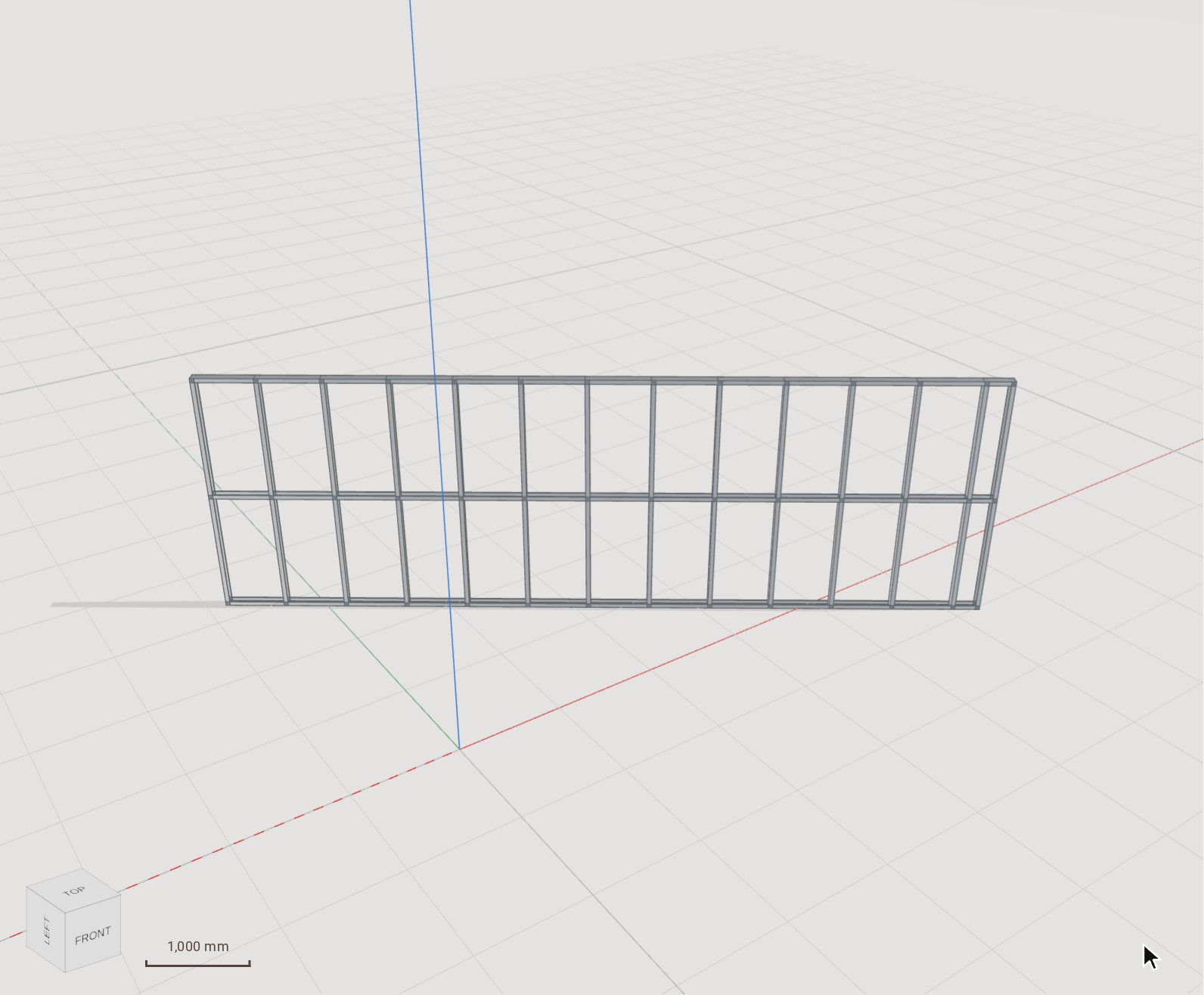 Lay out a light-gauge steel wallThe LGS module frames a cold-formed steel wall panel from two clicks — plates, studs, noggings and openings — computes the roll-former's dimples, notches and holes at every intersection, and writes the machine file.
Recorded in Kozorosa by the help recorder, which checked that the result is in the model.